


Industry Playbook · CRM · Updated 27 October 2026
Zoho CRM for Immigration Consultants: A Practical Pipeline for Cases, Documents and Follow-ups
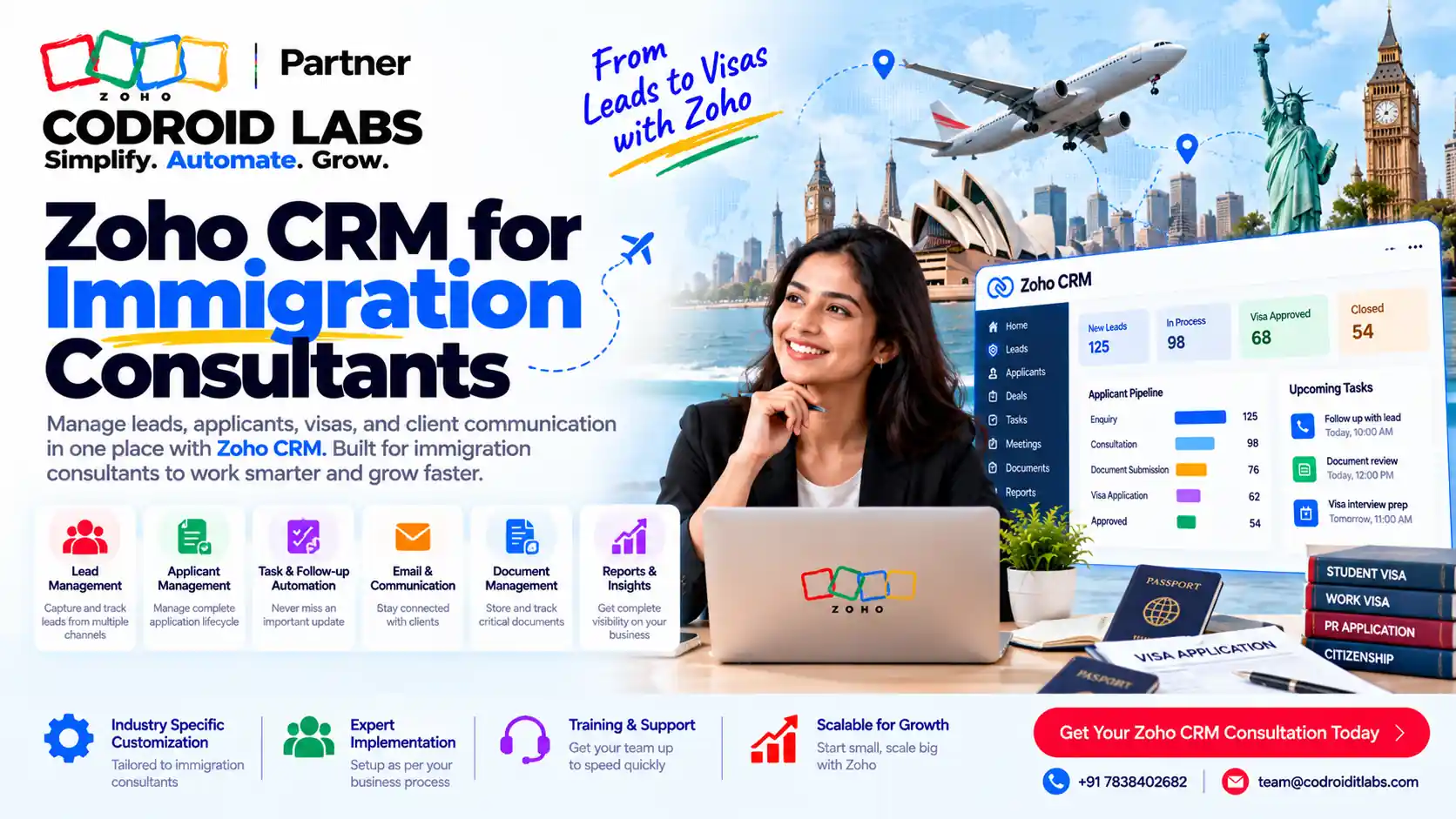
Zoho CRM for immigration consultants works best when leads, case stages, document collection and reminders live in one clear process, not in scattered chats and folders. This guide shows how to structure that process with web forms, Blueprint, Client Portal, workflow reminders and Zoho Books, using only features Zoho documents publicly. It is operational CRM guidance, not immigration or visa advice.

Short answer
Use Zoho CRM web forms to capture enquiries, assignment rules to send them to the right counsellor, and Blueprint to run visa case management as states with mandatory fields and files. Let clients upload through Client Portal, set workflow reminders for appointments and date checks, and connect Zoho Books through Zoho Finance Suite integration for invoices. Keep roles and privacy settings tight. For a wider module map, see Zoho for the immigration industry.
Where Immigration Consultancies Lose Track
In short: Missed leads, missing documents and late reminders are the usual cracks in a consultancy CRM.
Consultancies that raise this in online communities describe the same pattern: enquiries arrive from the website, ads and messaging apps, then sit in a shared inbox. Documents arrive by email and chat. Appointments live in personal calendars. Nobody can answer, in one place, which visa case is waiting on which file.
An immigration crm should fix that by giving every enquiry and every case a home, an owner and a next step. Zoho CRM for immigration consultants is a fit when you need that structure without building software from scratch. Many firms search for zoho crm for immigration consultants after a missed follow-up or a lost file forces a rethink. It will not replace advice from a qualified practitioner, and this post does not tell you how to file or advise on visas.
If you already use Zoho and the setup feels messy, start with a configuration audit before a full rebuild.
Lead Capture and Counsellor Assignment
In short: Capture enquiries into Zoho CRM with web forms, then route them with assignment rules.
Lead follow-up fails when enquiries never enter the CRM. That is the first gap zoho crm for immigration consultants should close. Zoho CRM supports web forms for Leads and Contacts, with edition limits listed on the feature list. Place a form on your site so each enquiry creates a record with the fields you need: destination, visa category, preferred contact time and source.
Then use assignment rules, also listed on the feature list, to route new leads by branch, language, destination or counsellor load. Example only: website enquiries for student visas go to counsellor A; family visa enquiries go to counsellor B. The rule is yours to write; Zoho only provides the routing tool.
| Channel | How it lands in Zoho CRM | Owner next step |
|---|---|---|
| Website form | Web form creates a Lead | Assignment rule picks counsellor |
| Ads landing page | Same web form or a separate form per campaign | Tag source, then assign |
| Messaging or chat apps | Staff create or update the Lead by hand, or via an approved connector you configure | Same assignment path |
| Referral phone call | Counsellor logs the Lead after the call | Set follow-up task at once |
Keep chat apps as a conversation layer, not as your case file. The CRM record should hold the status, the owner and the next date. More workflow ideas sit in our Zoho CRM workflow automation guide.
Visa Case Management with Blueprint
In short: Blueprint turns each visa type into states and transitions with mandatory fields and files.
Visa case management in Zoho CRM is usually a Deal or a custom module with a status field. This is the heart of zoho crm for immigration consultants once leads convert into active cases. Zoho Blueprint turns that status into a guided process. Per Zoho's Blueprint FAQ, Blueprint uses States for stages and Transitions for the conditions needed to move between them. You can mandate fields and attachments before a stage change, automate email notifications and tasks, and send alerts after a transition.
Blueprint is available from the Professional edition onwards, with higher limits on higher plans, per the same FAQ and the feature list. Example only pipeline for one visa type:
| State | Transition may require | After transition |
|---|---|---|
| Enquiry received | Source and visa category filled | Task: discovery call |
| Documents pending | Checklist fields and file uploads | Email to client with missing list |
| Review by counsellor | Internal notes completed | Task: quality check |
| Ready to submit | Final checklist signed off | Alert to case owner |
| Submitted / closed | Outcome fields | Archive rules you define |
Build a separate Blueprint, or a separate layout, per visa type when the steps differ. Zoho notes that Blueprint order decides which process runs when a record matches more than one (source). For a feature walkthrough, see our Zoho CRM Blueprint tutorial.
Document Collection and Client Portal
In short: Client Portal and file fields let clients upload documents; Blueprint can require them before the next stage.
Document collection is where most immigration pipelines stall, and it is a top reason teams look for zoho crm for immigration consultants instead of folders alone. Zoho CRM supports file upload fields and a document library, per the feature list. Blueprint can mandate attachments on a transition, so a case cannot move to "ready to submit" until the required files are present (Blueprint FAQ).
Client Portal, listed under Portals on the feature list for paid editions that include it, extends CRM access to customers so they can work with records you share. Use it so clients upload documents themselves instead of emailing scattered files. Setup steps and common traps are covered in our Client Portal setup guide.
Example only checklist fields: passport copy, photo, education proofs, employment letter. Your real list depends on the visa type and your practice rules. Do not store more personal data than you need for the case.
Reminders, Appointments and Lead Follow-up
In short: Workflow tasks and reminders cover appointments, follow-ups and date-based checks.
For zoho crm for immigration consultants, Zoho CRM Activities cover tasks, meetings and calls, with reminders available, and workflow rules can create tasks and send email notifications within the limits on the feature list. Use that for:
- First-response tasks when a Lead is assigned.
- Appointment reminders for counsel sessions.
- Date-based workflow checks for items you track as dates on the record, such as document due dates you enter yourself.
- Lead follow-up cadences so cold enquiries get a planned second and third touch.
Blueprint can also assign tasks during transitions (source). Keep passport or permit expiry dates as fields you maintain; Zoho does not invent those dates for you. This is reminder tooling, not a substitute for diary management by a qualified adviser.
Payments and Invoices with Zoho Books
In short: Zoho CRM links to Zoho Books through Zoho Finance Suite integration for invoices and payments.
Fee collection belongs next to the case, not in a separate spreadsheet. Zoho CRM for immigration consultants stays incomplete if invoices live outside the client record. The Zoho CRM feature list includes Zoho Finance Suite integration, which covers Zoho Books, Zoho Invoice and related finance apps. That is the official path to connect CRM customer records with invoicing.
Typical pattern, example only: when a case reaches a fee stage in Blueprint, the counsellor creates or syncs the invoice in Books, then marks the CRM stage once payment status is clear. Check current Books plans on Zoho Books pricing and CRM plans on Zoho CRM pricing. We do not quote rates here because they change; always read Zoho's pages on the day you buy.
Multi-branch and Counsellor Assignment
In short: Roles, territories and assignment rules keep multi-branch and counsellor ownership clear.
A zoho crm for immigration consultants setup for more than one branch needs clear ownership. Without it, the same immigration crm looks tidy in demos and chaotic in daily use. Zoho CRM provides Roles, Profiles, Groups and, on higher editions, Territory Management, all on the feature list. Combine those with assignment rules so each new Lead lands with the right counsellor.
| Need | Zoho tool | What to decide |
|---|---|---|
| Who sees which cases | Roles and sharing settings | Branch and seniority rules |
| Who can edit sensitive fields | Profiles and field-level security | What juniors may change |
| Who owns new leads | Assignment rules | By destination, language or load |
| Who owns a region | Territories, where available | City or country coverage |
Write the ownership rules before you go live. Tools only enforce what you define. Related setup mistakes to avoid are in common Zoho implementation mistakes. Workflow limits by edition are in workflow automation editions.
Data Privacy Basics for Client Records
In short: Use Zoho privacy and GDPR settings, roles and field security; this is not legal advice.
Immigration files hold sensitive personal data. Any zoho crm for immigration consultants project should treat privacy settings as part of go-live, not an afterthought. Zoho publishes its privacy policy, GDPR approach and data centre information. Zoho CRM also lists GDPR compliance settings, profiles, roles and data encryption options by edition on the feature list.
Practical CRM steps, not legal advice:
- Collect only the fields the case needs.
- Limit who can export or see sensitive fields.
- Prefer Client Portal uploads over open email threads where possible.
- Agree retention and deletion rules with your compliance adviser.
- Confirm which Zoho data centre serves your account.
Nothing in this section is immigration law, visa advice or a claim about any government process. For pricing context in India, see Zoho CRM pricing with GST, for a lean rollout, small business Zoho CRM implementation, and for what drives setup cost, Zoho CRM implementation cost factors.
How Codroid Labs Helps
Codroid Labs is a Zoho Partner and a Zoho AI Enabled Partner, recognised by Zoho after the AI Accelerator Series 2026. Based in New Delhi, we help firms that want zoho crm for immigration consultants set up Zoho CRM remotely across India: lead forms, Blueprint pipelines, portal document collection, reminders and Books connection. We scope only the CRM work you need and keep your account in your name. Call +91 7838402682 or email team@codroiditlabs.com.
Quick Answers
First CRM step?
Put every enquiry into Zoho CRM with a web form.
How do cases stay on track?
Blueprint states with mandatory fields and files.
How do clients send documents?
Client Portal and file upload fields.
Where do invoices go?
Zoho Books via Finance Suite integration.
Zoho CRM for Immigration Consultants: FAQs
Is Zoho CRM for immigration consultants a legal or visa tool?
No. Zoho CRM for immigration consultants is business software for leads, cases, documents and follow-ups. Visa advice stays with qualified practitioners.
What edition do I need for Blueprint?
Zoho states Blueprint is available from Professional onwards (source). Check current limits on the feature list.
Can clients upload documents themselves?
Yes, through Client Portal and file fields on editions that include Portals (feature list).
How does visa case management differ by visa type?
Use separate Blueprints or layouts when steps differ, and set Blueprint order if more than one could match (source).
Can we run multi-branch teams?
Yes, with roles, sharing, assignment rules and territories where your edition includes them.
How do we handle lead follow-up?
Assignment rules plus workflow tasks and reminders so every Lead has an owner and a next date.
Where should we read about Zoho privacy?
Start with Zoho's privacy policy, GDPR page and data centre page, then set CRM roles and field security.
Want a CRM pipeline that matches how your consultancy works?
Book a scoping call. We will map your visa types to Blueprint stages and a document checklist, in writing.
Related guides
Zoho references (checked 27 October 2026)
- Zoho CRM help: Blueprint FAQs
- Zoho CRM feature list
- Zoho CRM pricing
- Zoho Books
- Zoho Books pricing
- Zoho privacy policy
- Zoho GDPR
- Zoho data centres
This article is for CRM operations only. It is not immigration, visa, legal or compliance advice.