


Team Playbook · Updated October 2026
Zoho CRM Automation Guide: 10 Automations That Change How Your Team Works
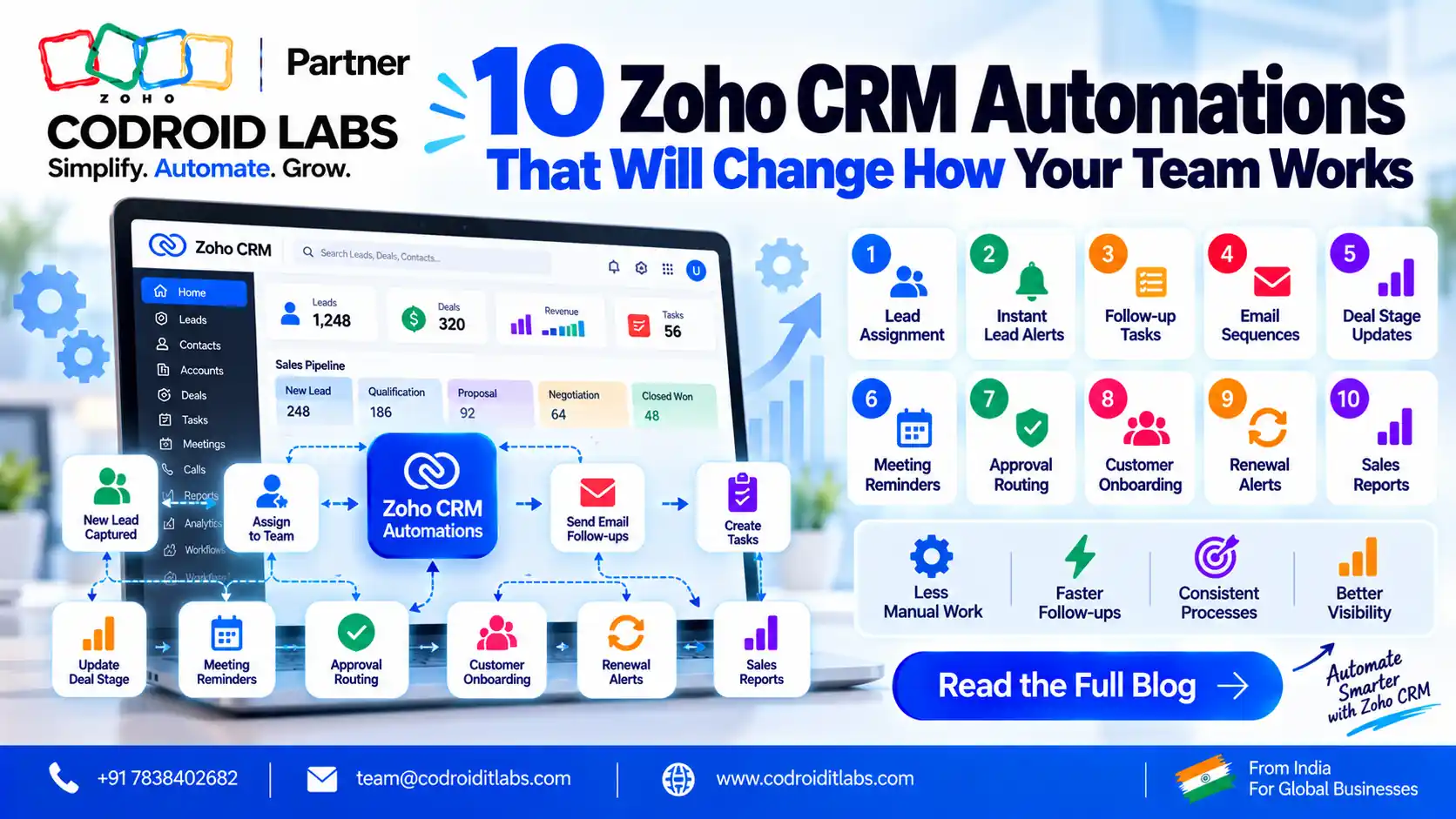
Zoho CRM automation guide pages usually list features. This one shows how ten automations change a normal working day for reps, managers, finance and support. For each, you get the Zoho feature, the lowest edition Zoho lists for it, one setup tip and a plain before-and-after picture.
Updated: 9 October 2026
Sources: Zoho's CRM edition comparison, CRM price list and Functions quota docs
Author: Codroid Labs (Zoho Partner, Zoho AI Enabled Partner)
Sources: Zoho's CRM edition comparison, CRM price list and Functions quota docs
Author: Codroid Labs (Zoho Partner, Zoho AI Enabled Partner)
Short answer
Start with automations that touch every lead: webform capture, assignment rules and a new-lead workflow (Free and Standard). Add cadences and macros for daily follow-up (Standard), Blueprint, Zia Scores and Books sync (Professional), then approvals and scheduled functions (Enterprise). Roll out one at a time and review results each month.
10
Automations with setup tips
4
Need only Free or Standard
US$14
Standard edition list price a user a month on yearly billing; ₹800 in India
4 phases
Recommended rollout order
How to Use This Zoho CRM Automation Guide
Read each automation as a small change to someone's day. Pick the ones that remove the most waiting in your own process, check the edition you need, then build them in the order shown later. Edition notes come from Zoho's CRM feature comparison; limits differ by edition, so confirm the numbers for your plan.
If you are still deciding whether automation is worth it, our guide to the gaps manual work creates covers the problems. This zoho crm automation guide focuses on the solutions and how they feel to the people using them.
10 Automations From This Zoho CRM Automation Guide
Each entry in this zoho crm automation guide follows the same pattern: what it does, the Zoho feature, the lowest edition, a setup tip and a before-and-after.
1. Website enquiry to owned lead in one step
Website enquiries land in Leads through Zoho CRM webforms, and an assignment rule gives each one an owner by region, source or product.
- Zoho feature: Webforms + assignment rules
- Lowest edition listed: Free (webforms); Standard (assignment rules)
- Setup tip: Map every form field to a CRM field before you publish, and add a hidden source field so assignment rules can route by channel.
- Before: Someone forwards enquiries from a shared inbox when they find time. After: Every enquiry has an owner the moment it arrives.
2. New-lead alert and first task
A workflow rule fires when a lead is created, emails the owner and creates a call task due the same day.
- Zoho feature: Workflow rules
- Lowest edition listed: Free
- Setup tip: Keep one rule per trigger and name it clearly, such as "New lead: alert and task", so anyone can find it later.
- Before: Reps check the CRM when they remember. After: Reps start the day with a clear list of new people to call.
3. Follow-up cadence that stops on reply
A cadence runs a set series of follow-ups (Zoho lists email, task, call and WhatsApp) and stops when the customer responds.
- Zoho feature: Cadences
- Lowest edition listed: Standard
- Setup tip: Start with three or four touches over two weeks. Write each message for a person, not a list.
- Before: Second and third touches depend on memory. After: Follow-ups happen on time, and reps spend effort on replies.
4. One-click meeting wrap-up
A macro sends a thank-you template, updates the stage and adds the next task in one click.
- Zoho feature: Macros
- Lowest edition listed: Standard
- Setup tip: Build macros only for actions reps repeat every week; ask two reps which clicks they would remove first.
- Before: Five manual steps after every meeting. After: One click, and the record is current.
5. Guided sales process
Blueprint turns your stages into required transitions, with fields and actions at each step.
- Zoho feature: Blueprint
- Lowest edition listed: Professional (3 Blueprints; 50 on Enterprise)
- Setup tip: Draw the process on paper with the team first; require only fields reps actually have at that stage.
- Before: Each rep sells a slightly different way. After: New and experienced reps follow the same path, and managers see where deals wait.
6. Lead and deal priority from Zia
Zia scores records and predicts outcomes from your data, so reps know where to look first.
- Zoho feature: Zia Scores, Prediction Analytics
- Lowest edition listed: Professional
- Setup tip: Clean key fields before turning on scores; AI works from the data you already have.
- Before: Priority is set by whoever shouts loudest. After: Lists are sorted by likely value, and reps spend time where it counts.
7. Won deal to invoice
When a deal is won, the Zoho Books integration lets finance raise the invoice from CRM data instead of retyping it.
- Zoho feature: Finance Suite integration (Zoho Books)
- Lowest edition listed: Professional
- Setup tip: Agree on one source of truth for customer names, tax details and addresses before you connect the two apps.
- Before: Finance retypes deal details into invoices. After: Invoices start from the same data sales already entered.
8. Discount approval before the quote
Records above a discount threshold go to an approver before they can move on.
- Zoho feature: Approval process
- Lowest edition listed: Enterprise
- Setup tip: Set one clear threshold and one backup approver so approvals never sit idle.
- Before: Large discounts are found after the quote is sent. After: Exceptions are approved first, with a record of who agreed.
9. Nightly renewal and stale-deal check
A scheduled function runs each night, finds renewals due soon and deals with no activity, and creates tasks for owners. Zoho publishes the run-time quotas in its Functions quota documentation.
- Zoho feature: Custom Schedules + Deluge function
- Lowest edition listed: Enterprise (30 schedules per org)
- Setup tip: Log what the function did each run, and send a short summary to one person who reviews it.
- Before: Renewals are noticed when the customer calls. After: Owners get a task well before the renewal date.
10. Smooth handoff to support and marketing
The Zoho Desk integration shows tickets beside CRM records, and the Campaigns integration keeps mailing lists in step with CRM contacts.
- Zoho feature: Zoho Desk and Zoho Campaigns integrations
- Lowest edition listed: Free
- Setup tip: Decide which CRM views or segments sync to Campaigns, so marketing only emails people who should hear from you.
- Before: Support and marketing work from separate lists. After: Everyone sees the same customer history.
For more ideas, see our Zoho CRM automation examples and lesser-known Zoho CRM automations.
Comparison Table: Zoho CRM Automation Guide at a Glance
Use this zoho crm automation guide table to compare the ten automations side by side:
| # | Automation | Zoho feature | Lowest edition | Who feels it most |
|---|---|---|---|---|
| 1 | Enquiry to owned lead | Webforms + assignment rules | Free / Standard | Sales reps |
| 2 | New-lead alert and task | Workflow rules | Free | Sales reps |
| 3 | Follow-up cadence | Cadences | Standard | Sales reps |
| 4 | One-click wrap-up | Macros | Standard | Sales reps |
| 5 | Guided sales process | Blueprint | Professional | Managers, new hires |
| 6 | Priority from Zia | Zia Scores, Prediction Analytics | Professional | Reps, managers |
| 7 | Won deal to invoice | Finance Suite (Books) integration | Professional | Finance |
| 8 | Discount approval | Approval process | Enterprise | Managers, finance |
| 9 | Nightly renewal check | Custom Schedules + function | Enterprise | Account managers |
| 10 | Support and marketing handoff | Desk and Campaigns integrations | Free | Support, marketing |
Recommended Rollout Order
Roll out the zoho crm automation guide in this order so each layer rests on the one before it:
- Phase 1, capture and ownership: automations 1 and 2. Every lead arrives and has an owner.
- Phase 2, daily rhythm: automations 3 and 4. Follow-up becomes consistent with fewer clicks.
- Phase 3, process and handoffs: automations 5, 7 and 10. Stages are clear and data flows to finance, support and marketing.
- Phase 4, control and insight: automations 6, 8 and 9. Zia, approvals and scheduled checks sit on clean data.
Give each phase a week or two. Before each new phase, open Zoho's workflow insight reports, which Zoho describes as a way to track rule performance and trace failed runs. Following this zoho crm automation guide in order keeps changes small enough for the team to absorb.
Over-Automation Caution
Every automation in this zoho crm automation guide should make work calmer, not noisier. Watch for these signs:
- A customer receives messages from two rules on the same day.
- Nobody can say which rule changed a field.
- Reps bypass Blueprint because a required field is not available yet.
- Rules exist for cases that happen once or twice a year.
- Failure reports go unread.
- Personal moments, such as bad news or complaints, are handled by templates.
A simple habit fixes most of this: one owner and one purpose per rule, a review every quarter, and a person in the loop for any moment that needs care. Treat this zoho crm automation guide as a menu, not a checklist you must finish.
Edition Prices for These Automations (USD and INR, October 2026)
Each item in this zoho crm automation guide depends on your edition. The figures below are per user per month, taken from the official Zoho CRM price list: Zoho's own US dollar rate and its India rupee rate. Add your local tax on top; buyers outside the US and India may be shown a regional price.
| Edition | Automations in this guide | Yearly billing (INR · USD) | Monthly billing (INR · USD) |
|---|---|---|---|
| Free | Up to 3 users; automations 1 (webforms), 2 and 10 | ₹0 · US$0 | ₹0 · US$0 |
| Standard | Adds assignment rules, cadences and macros (1, 3, 4) | ₹800 · US$14 | ₹1,300 · US$20 |
| Professional | Adds Blueprint, Zia Scores and Books integration (5, 6, 7) | ₹1,400 · US$23 | ₹2,100 · US$35 |
| Enterprise | Adds approvals and Custom Schedules (8, 9) | ₹2,400 · US$40 | ₹3,000 · US$50 |
| Ultimate | All ten, with the largest quotas | ₹2,600 · US$52 | ₹3,200 · US$65 |
Zoho says full Functions access starts at Enterprise; Standard and Professional reach Functions only through Extensions. Our Zoho CRM edition and pricing breakdown has more.
Working With Codroid Labs on This Zoho CRM Automation Guide
Codroid Labs is a Zoho Partner, recognised by Zoho as an AI Enabled Partner after completing the AI Accelerator Series 2026. Our team works from New Delhi and delivers remotely to clients around the world. Each project begins with a short process map; we then build the automations from this zoho crm automation guide that fit your team, test them on sample records and hand over documented rules. Reach us on +91 7838402682 or at team@codroiditlabs.com. Related: Zoho CRM workflow automation and Deluge scripts for CRM workflows.
Plan My AutomationsStart a Zoho CRM Trial
Quick Answers
What does this zoho crm automation guide cover?
Ten automations, their Zoho feature, edition, setup tip and before-and-after.
Which automations work on Free?
Webforms, workflow rules, and the Desk and Campaigns integrations.
Which edition has cadences?
Standard and above, per Zoho.
Where do approvals start?
Enterprise.
Zoho CRM Automation Guide FAQs
Who is this zoho crm automation guide for?
Sales leaders, CRM admins and owners who want to know which automations to build first and which edition they need.
What are good zoho crm workflow automation examples to start with?
A new-lead alert with a same-day task, and webform capture with assignment rules.
How do zoho crm cadences differ from workflow rules?
Cadences run a series of follow-ups and stop on a reply. Workflow rules run actions when conditions are met.
Is zoho crm blueprint automation available on Standard?
No. Zoho lists Blueprint from Professional, with 3 Blueprints, and 50 on Enterprise.
Can I follow this zoho crm automation guide without coding?
Yes for automations 1 to 8 and 10. Automation 9 uses a Deluge function on Enterprise.
How many automations should we build at once?
Two or three per phase of this zoho crm automation guide, then review results before adding more.
Will automation replace my sales team?
No. It removes repeat steps so people spend more time with customers.
Related guides
Pick your first three automations
Book a free consultation and get a rollout plan matched to your edition.
Official sources used (Zoho, accessed 9 October 2026)