


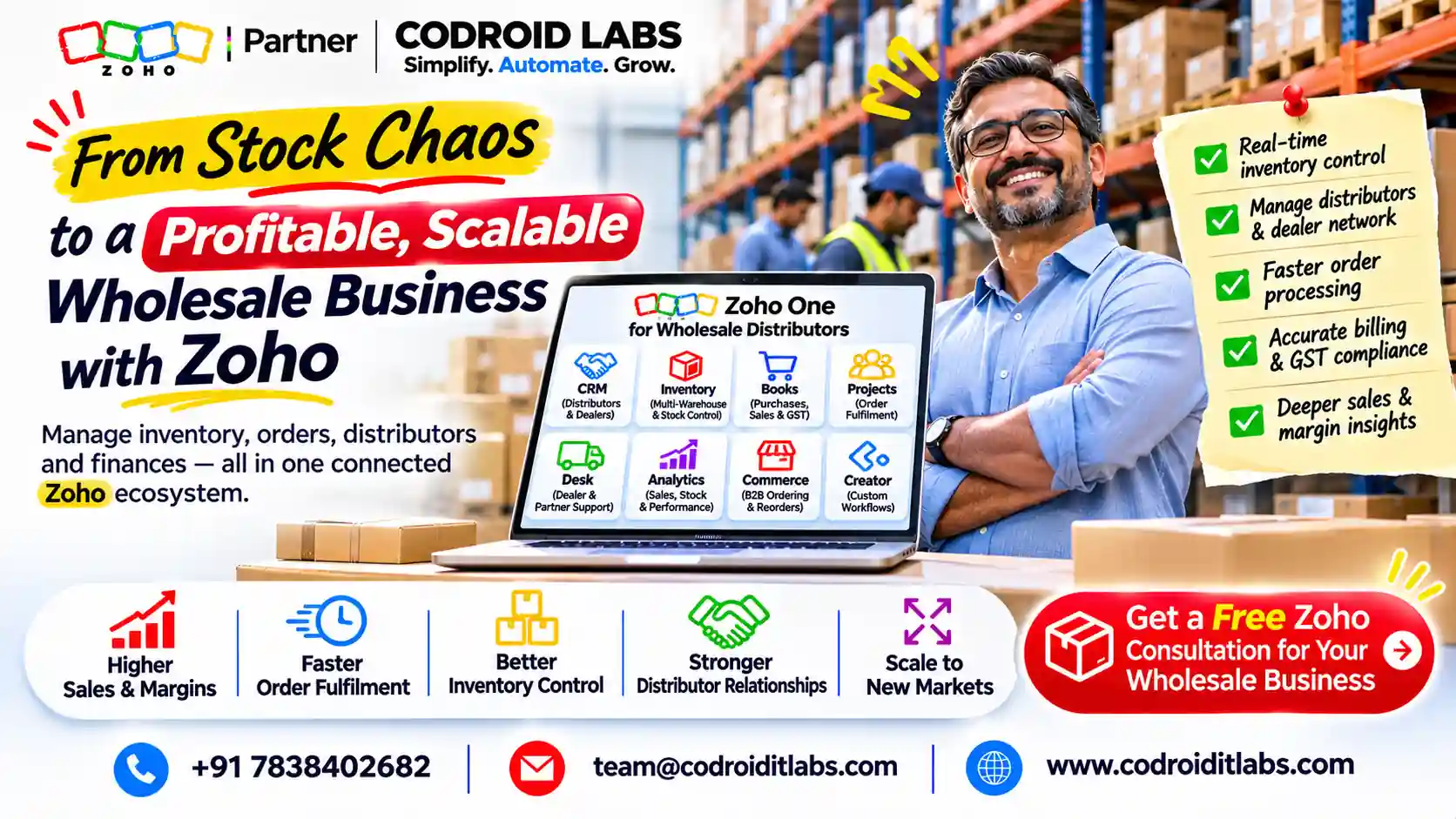
Zoho for Wholesale Distribution: 7 Costly Gaps Behind Lost Orders
Zoho for wholesale distribution needs to protect the promise between the salesperson, the warehouse and the customer’s invoice. A repeat order can still go wrong if the agreed rate, available quantity and dispatch plan live in different places.
Consider a familiar hypothetical: sales confirms a repeat order at an old rate, stock is already committed elsewhere and finance receives a different quantity to invoice. The following seven checks address those gaps, not a fabricated customer success story.

Zoho for Wholesale Distribution: Decide Which App Owns What
| Area | Proposed owner | Required boundary |
|---|---|---|
| B2B enquiry and account relationship | CRM | One agreed customer identity |
| Items, pricing and stock | Inventory | One operational item catalogue |
| Sales order and fulfilment | Inventory | Line-level quantities and statuses |
| Receivables and financial review | Books, where integrated | Shared invoices, not duplicate entry |
| Special dealer workflow | Optional Creator application | Separate scope, mapping and access design |
The query zoho erp for distributors now needs a precise answer: the official Zoho ERP for India presents Zoho ERP in India and includes distribution among its solution areas. Its existence is verified; suitability, detailed entitlements and delivery scope need a separate product evaluation.
This article examines a CRM, Inventory and Books workflow. It does not call that configuration a full ERP, claim that it is the same product, or promise manufacturing and complex planning capabilities. Start with the operational requirement rather than a convenient label.
For a broader app comparison, read Inventory versus Books and connected-app implementation planning. Neither replaces a product-specific requirements review.
1. The Repeat Enquiry Never Becomes One Reliable Order
B2B salespeople need account history, the customer’s reference and the agreed item quantities. Warehouse staff need a confirmed operational order. A copied quotation or informal message should not silently become the dispatch instruction.
The Inventory and CRM integration documents configured synchronisation of customers, vendors and items, plus transaction-module access. It distinguishes the Zoho Finance modules in CRM from ordinary transactions created elsewhere in CRM. Do not assume all existing CRM sales orders will automatically enter Inventory.
The same guide describes scheduled master-data sync and different behaviour for transaction modules. Therefore, do not promise universal two-way real-time synchronisation. Review selected modules, field mappings, contact handling and user permissions before relying on a handover.
A distributor crm zoho design can add repeat-order follow-up and commercial context, but Inventory should own the agreed fulfilment record in this proposed architecture. See CRM implementation planning and Inventory integration planning.
2. The Agreed Customer Price Is Not the Price on the Order
A customer-specific rate needs a reproducible rule, not a salesperson’s memory. A price list is useful only if the correct customer, item, transaction type and quantity are recognised when the order is entered.
The Inventory price-list guide supports sales and purchase lists, percentage adjustments and individually entered item rates. Lists can be associated with customers or vendors and applied to transactions. The documentation also describes quantity-based volume pricing; verify its applicability in the selected subscription and configuration.
A key limitation is easy to miss: items absent from the chosen list receive default rates. Test an omitted item deliberately. A purchase list also has a different purpose from a sales list; its existence does not establish the customer’s selling price.
| Example only: pricing test | Expected review |
|---|---|
| Repeat customer, listed item | Agreed list and rate appear |
| Item omitted from list | Default rate is identified and reviewed |
| Quantity crosses a configured break | Applicable volume rule is checked |
| Manual price override | Reason and approver follow company policy |
Zoho for wholesale distribution should not promise that every discount or credit rule is automatically enforced. This guide proposes an override review policy, not an unverified native approval feature. Implementation mistakes explains why exceptions deserve acceptance tests.
3. Stock on Hand Is Mistaken for Stock You Can Promise
A quantity can exist in the warehouse but already belong to another customer commitment. Availability checks must consider committed stock and the warehouse that will fulfil the order, not merely the item’s headline balance.
Zoho’s Item details and stock definitions separates accounting and physical stock. Accounting commitments relate to sales orders not yet invoiced; physical commitments relate to orders not yet shipped. Available-for-sale quantity subtracts commitments from stock on hand within the relevant tracking view.
That distinction matters in zoho for wholesale distribution because invoicing and dispatch can happen at different times. Train sales and warehouse teams to use the agreed view and investigate differences instead of treating either number as an error by default.
Example only: an item shows one hundred units on hand and eighty committed in the selected view. The remaining twenty is the starting availability check, not permission to ignore location, condition or another pending transaction.
Backordering is not the same as an unrestricted overselling policy. The Inventory backorder workflow describes a purchase order raised from an out-of-stock sales order and an On Hold state. In that state, new packages or invoices cannot be raised from the order until the relevant process is fulfilled.
4. Partial Fulfilment Loses Track of What Remains
Wholesale customers may accept a partial shipment, but the operational record must preserve ordered, packed, shipped and invoiced quantities separately. A single Complete flag hides the remaining obligation.
The Inventory order and partial-fulfilment FAQ confirms support for partial shipments and partial invoices. That capability is not evidence that every packing or invoicing sequence suits your terms. Decide whether the customer accepts split delivery and when each portion should be billed.
Picking, packing and shipment records should be reviewed against the sales-order lines. Do not equate a prepared package with goods delivered or an issued invoice with payment received. Test the intended sequence and warehouse practices before releasing live orders.
Zoho for wholesale distribution should retain a visible remaining-quantity queue. An optional Creator extension might support a specialised dealer approval or dispatch checklist, but that is custom work rather than a universal Inventory feature. See scoped custom automation.
5. Finance and Returns Create Duplicate Stock or Invoice Effects
The Books and Inventory shared data describes shared transactions between integrated Books and Inventory, including sales orders, invoices, payments, packages and returns. Decide where staff initiate each record. Do not recreate an invoice in Books merely because it was entered through Inventory.
For zoho for wholesale distribution, reconciliation should connect the order, quantities, invoice and outstanding balance. Finance owns collection follow-up; sales owns commercial disputes. Both need the same transaction reference rather than separate balances assembled from messages.
Returns require equal care. The Returns, receives and credit-note mapping distinguishes sales returns, physical receives and mapped credit notes. It specifically describes credit-only quantities that do not go back into stock, which matters for damaged goods.
Do not state that every credit note always restocks goods. The effect depends on the chosen return path, item tracking and whether physical receipt or credit-only treatment is recorded. Test the integrated workflow so a return does not adjust stock twice.
For setup and controls, read Books implementation planning and commercial workflow review. No tax or legal treatment is prescribed here.
6. Reorder Alerts Are Mistaken for Automatic Purchasing
A minimum level identifies a replenishment concern. It does not, by itself, establish an approved purchase quantity, supplier capacity, delivery date or purchasing commitment.
Zoho’s Reorder levels and item settings describes setting reorder levels and preferred vendors, with notification when stock reaches or falls below the level. That documented alert is not proof that an approved purchase order will always be created automatically.
Separate low-stock monitoring, purchasing review, purchase-order issue, receipt and fulfilment. If you want additional automatic purchasing rules, scope their trigger, approval and duplicate prevention separately. Include open purchase quantities and existing commitments in the review.
A zoho inventory wholesale rollout should test who acts on an alert when the usual buyer is absent. No system can replenish an item merely by sending a notification that nobody owns.
7. Warehouse and Dealer Features Are Assumed to Be Universal
Check the current Inventory plan comparison before promising warehouse counts, order capacity, serial or batch tracking, or other paid features. Availability and allowances vary by subscription. Do not infer expiry handling from a batch number without checking the exact tracking configuration.
This guide does not promise carton conversion, item-group behaviour or interchangeable units. If those are required, verify the intended item and unit model before importing a catalogue. Small differences in how a unit is defined can become large quantity errors downstream.
A wholesale portal or B2B storefront is also a separate requirement. Do not present customer self-service ordering, negotiated-rate visibility or external-user access as universally native, included or free. Evaluate the specific product route, plan and permission model.
Zoho for wholesale distribution needs role-based access as well as screens. Separate price changes, credit decisions, stock corrections and dispatch actions according to the company’s policy. This is a design recommendation, not a claim that all listed approval controls exist in every plan.
Test One Complete Order Before Migrating the Backlog
| Pilot checkpoint | Pass condition |
|---|---|
| Customer and price | Correct identity, list and exception handling |
| Stock promise | Selected tracking view and location checked |
| Order and partial shipment | Remaining quantities remain visible |
| Invoice and receivable | One shared financial record, no duplicate invoice |
| Return | Credit-only and physically received quantities differ correctly |
| Replenishment | Alert reviewed, purchase approved, receipt reconciled |
Use approved sample records and compare each result to the source documents. A successful happy-path demonstration is not enough: test an omitted price-list item, a delayed receipt, a damaged return and an order already partly invoiced.
Our Inventory implementation guide, role-based training and configuration documentation guide offer related preparation. Document which steps are native, manual or custom, and give exceptions a named owner.
Quick Answers
Is this stack the same as Zoho ERP? No. Zoho ERP is a separate official product; this article describes a connected CRM, Inventory and Books workflow.
Can customer prices differ? Yes, documented price lists support customer/vendor and transaction use, with percentage or individual item rates.
Is all stock on hand available? No. Commitments and the chosen stock-tracking view affect availability.
Does a reorder alert place a purchase order? Not automatically assumed here. Purchasing approval and order creation are separate controls.
Zoho for Wholesale Distribution: FAQs
Should repeat orders begin in CRM or Inventory?
Choose one operating process. CRM can retain account context, while Inventory holds the fulfilment order in the architecture proposed here. Configure the native integration before relying on shared records.
What if a price list does not contain an item?
The documented behaviour applies the default rate. Include that case in approval and order-entry testing rather than assuming every line uses negotiated pricing.
Can we ship an order in parts?
Yes, the official FAQ confirms partial shipment and invoicing support. Agree the commercial terms and test remaining quantities and invoice timing.
Does a backorder permit overselling without limits?
No. It is a defined procurement workflow for unavailable items, not a blanket policy allowing unrestricted customer promises.
Will a credit note always put stock back?
No such universal claim is made. Physical receives and credit-only quantities need the appropriate return and credit-note mapping.
Are batch and serial tracking available in every plan?
Do not assume so. Check the live plan comparison and configure the actual item-tracking requirement before migration.
Is a dealer portal included?
Not promised. Ordering access, customer-specific price visibility, external-user licensing and permissions require separate verification.
What should we bring to a discovery call?
One anonymised repeat order, price agreement, stock view, dispatch record and invoice, plus the exception that currently causes the most rework.
Show Us One Price, Stock or Dispatch Mismatch
Codroid Labs is a Zoho Partner and Zoho AI Enabled Partner, recognised by Zoho after the AI Accelerator Series 2026. Based in New Delhi, Codroid sells Zoho licences and provides implementation, customisation, migration and AMC support remotely across India and for international clients.
If repeat orders use the wrong rate, committed stock surprises sales or returns do not reconcile, start with that single flow. We can scope the mappings, ownership and exception checks around it. Fees are quoted after a free call, without promising an inventory or margin outcome.
Review one wholesale order mismatch on a free call
+91 7838402682 | team@codroiditlabs.com
Official Zoho References
Reviewed in November 2026. Regional help behaviour and selected subscription entitlements must be checked together. No third-party storefront, shipping or payment service is assumed, and no licence price table is reproduced.
Item details and stock definitions
Reorder levels and item settings
Books and Inventory shared data
Returns, receives and credit-note mapping