


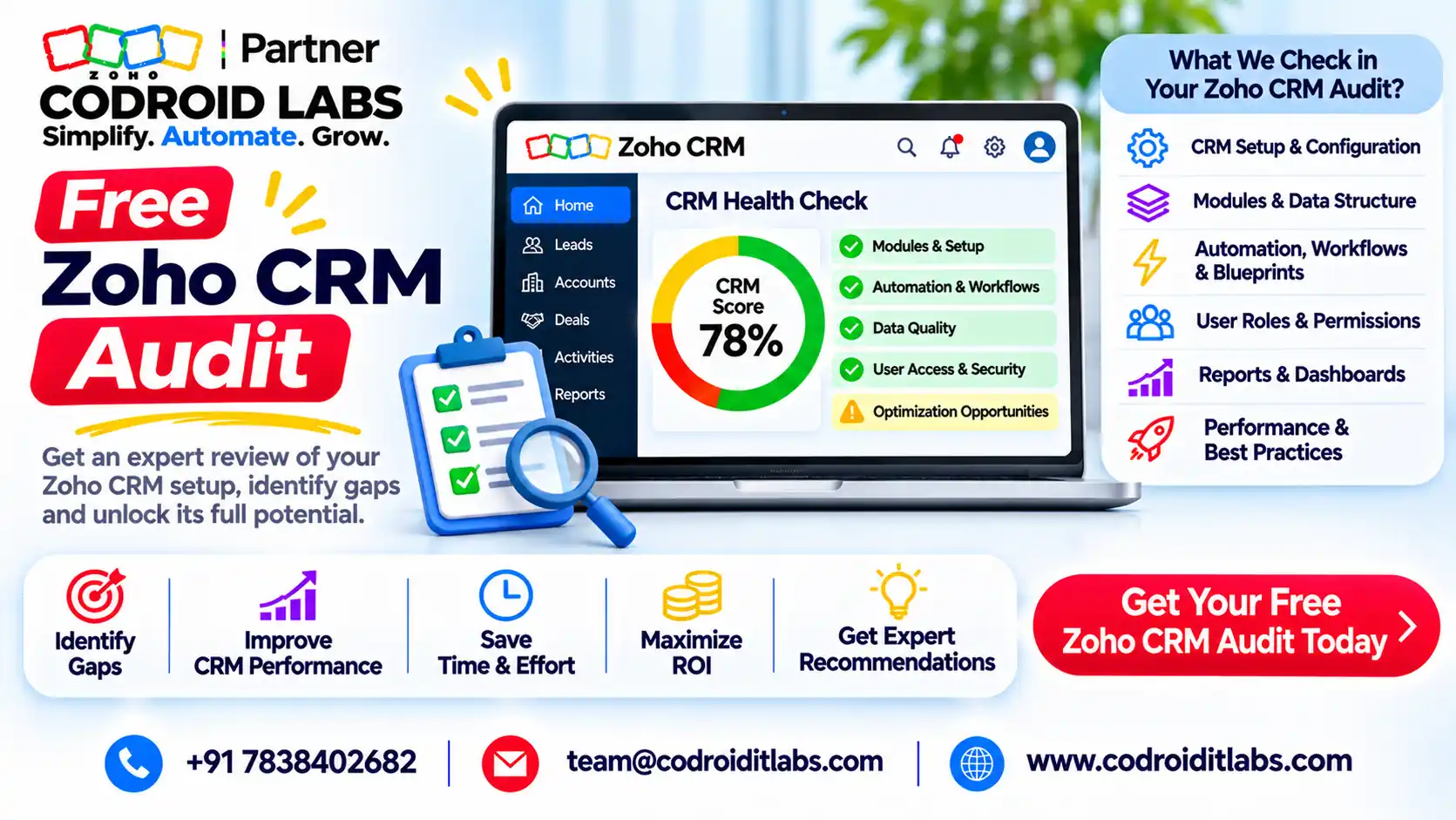
Free Offer · Workflows · Duplicates · Licences
Free Zoho CRM Audit: Find Broken Workflows, Duplicates and Unused Licences
A zoho crm audit is a structured review of your CRM setup that shows what is broken, what is wasted and what to fix first.
Codroid Labs offers this review free. We look at automation, duplicates, licences, permissions, integrations and data quality, then hand you a prioritised fix list.

Short answer
Our free Zoho CRM audit reviews eight areas of your account and gives you a findings report with a prioritised fix list. You can fix things yourself, with your team or with us.
The exact scope and duration are agreed on a free call before we start. Fixes after the audit are quoted after a free call.
Why a Zoho CRM Audit Pays Off
In short: Small problems pile up quietly in a CRM; a zoho crm audit finds them before they cost sales or money.
CRMs rarely break in one dramatic moment. A field gets renamed, a rule is copied, a staff member leaves, an integration token expires. Each change looks harmless. A year later, nobody trusts the reports.
A zoho crm audit pauses that drift. It compares what the CRM is supposed to do with what it actually does, and lists the gaps in plain language.
Think of it as a zoho crm health check rather than a rebuild. Most findings from a zoho crm audit are small, fixable items. The value is in seeing them together and in order of impact.
If you want to run a first pass yourself, our configuration audit guide and 12-step Zoho audit checklist walk through the basics.
What Our Free Zoho CRM Audit Covers
In short: Eight areas: automation, duplicates, licences, fields and layouts, permissions, integrations, data quality and Blueprint.
| Area | What we review |
|---|---|
| 1. Workflows and automation | Workflow rules, schedules, functions and their failures |
| 2. Duplicates | Duplicate leads, contacts, accounts and deals; dedupe settings |
| 3. Licences and users | Active, inactive and unused user licences |
| 4. Fields and layouts | Unused fields, crowded layouts, inconsistent picklists |
| 5. Permissions and profiles | Profiles, roles and sharing that give too much or too little access |
| 6. Integrations | Connected apps, webhooks and functions calling outside services |
| 7. Data quality | Blank key fields, stale records, inconsistent formats |
| 8. Blueprint | Process stages, transitions and where records get stuck |
Not every account needs every area of a zoho crm audit. On the free call we agree which areas matter for you and how deep to go.
Finding Broken Workflows in a Zoho CRM Audit
In short: We check failed functions, rules that never fire and rules that fight each other.
Broken automation is the most common finding in any zoho crm audit. Some rules never fire because their criteria no longer match your fields. Others fire twice because two rules do the same job.
Zoho keeps a list of failed custom functions. Its function failure and rerun guide explains the Failures tab under Setup, Developer Space, Functions, where failures stay listed for up to 30 days and can be rerun.
Zoho's automation troubleshooting article covers common workflow problems. Its audit log records workflow changes, including who changed which rule and when.
In the audit we read these sources, trace a handful of real records through your rules and note where the result differs from what the team expects. For Deluge-heavy setups, see Deluge scripts for CRM workflows.
Duplicates and Zoho CRM Cleanup
In short: We measure duplicates and show how Zoho's own merge tools can clean them safely.
Duplicates split history across records, inflate pipeline numbers and annoy customers who get two emails. They usually come from imports, web forms and integrations.
Zoho CRM has two built-in tools. Its de-duplicate tool searches a module on up to three fields and auto-merges exact copies, leaving conflicts for you to resolve. Its Find and Merge Duplicates option works from a single record.
Zoho notes that merged duplicates are deleted permanently and that up to three records merge at a time. That is why zoho crm cleanup needs a plan: which fields define a duplicate, which record wins, and who signs off.
The zoho crm audit estimates how many duplicates exist, finds their sources and recommends matching rules. We do not merge anything during the free audit.
Unused Licences: The Quiet Cost in a Zoho System Audit
In short: We list inactive users and paid licences that nobody uses, because deactivation alone does not cut the bill.
Licences are where a zoho system audit often finds money. Staff leave, accounts get deactivated, and the bill stays the same.
Zoho's activate and deactivate users guide states that deactivating a user does not cancel the licence. Its billing FAQ adds that you are charged for licences purchased, whether users are active or inactive.
We list inactive users, users who rarely log in and seats that could be reassigned. You decide what to change; licence reductions are made in your Zoho subscription settings.
If you use several Zoho apps, our Zoho One licensing and Zoho CRM pricing in India guides help compare options.
Fields, Layouts, Permissions and Integrations
In short: We look for unused fields, crowded layouts and profiles with more access than people need.
Fields and layouts: we flag fields nobody fills, duplicate fields with similar names and layouts so long that users skip them.
Permissions: profiles control what people can do, including whether they can find and merge records, as Zoho's profile permissions guide shows. We look for profiles with too much access and roles that hide data teams need.
Integrations: we list connected apps, webhooks and functions that call outside services, and check for signs of failure such as missing records or stale sync fields.
Blueprint: we look for stages where records pile up, transitions nobody uses and required fields that block progress. Our Blueprint tutorial explains the basics.
Zoho CRM Health Check Checklist
In short: The checklist table shows what we look at and the signal that something is wrong.
| Check | Warning sign | Typical fix direction |
|---|---|---|
| Function failures | Entries in the Failures tab | Fix code or inputs, then rerun with care |
| Rule overlap | Two rules updating the same field | Merge or retire one rule |
| Silent rules | Rules with criteria matching no records | Update criteria or deactivate |
| Duplicates | Same email or phone on several records | Agree matching fields, then dedupe |
| Inactive users | Deactivated users still on paid seats | Reassign seats or reduce licences |
| Unused fields | Fields empty on most records | Hide, merge or remove after review |
| Over-wide profiles | Many users with admin-level rights | Create narrower profiles |
| Stuck Blueprint stages | Records idle in one state | Simplify transitions or required fields |
| Integration gaps | Records missing from synced apps | Check connections and error logs |
| Data quality | Blank owner, source or stage fields | Add validation and clean history |
This zoho crm health check list is a starting point for each zoho crm audit. Your audit may add items specific to your industry or processes.
What You Get From the Zoho CRM Audit
In short: You get a written findings report and a prioritised fix list you can act on with anyone.
- Findings report: each issue described in plain language, with where we found it.
- Prioritised fix list: items ordered by impact and effort, so quick wins come first.
- Licence summary: seats in use, inactive users and possible savings to review.
- Walkthrough call: a session to go through the findings with your team.
The zoho crm audit report is yours. You can fix items in-house, hand them to another team or ask us to quote. There is no obligation to buy anything.
If many findings trace back to the original setup, our Zoho implementation mistakes and Zoho CRM not working fix guides show common root causes.
What Free Means for This Zoho CRM Audit
In short: The audit itself is free; its scope and duration are confirmed on a free call, and any fixes are quoted separately.
We want to be precise. The audit itself carries no fee. Its scope, depth and duration are confirmed on the free call, based on your account size and the areas you care about.
We do not invent limits on this page. Here is a sample timeline only; your actual plan is agreed on the call.
| Step | What happens | Example only timing |
|---|---|---|
| Free call | Agree goals, areas and access | 30 minutes |
| Access | You grant read access or a guided screen share | 1 to 2 days |
| Review | We review the agreed areas | 3 to 5 working days |
| Report | Findings and prioritised fix list shared | 1 day |
| Walkthrough | Go through the findings together | 45 minutes |
Fixes after the audit, such as zoho crm cleanup, rule rebuilds or licence changes, are quoted after a free call. We share the quote before any paid work starts.
For access, we prefer the least access needed. Zoho profiles let you grant read-focused rights, and you can remove our user after the audit.
Zoho CRM Audit by Codroid Labs
Codroid Labs is a Zoho Partner and a Zoho AI Enabled Partner, recognised by Zoho after the AI Accelerator Series 2026. We sell Zoho licences and provide implementation, customisation, migration and AMC support.
We are based in New Delhi and run audits for clients across India remotely and for international clients remotely. See also our Zoho CRM implementation services and Deluge development pages.
Call +91 7838402682, email team@codroiditlabs.com or book your free audit call.
Quick Answers
Is the audit really free?
Yes, the audit carries no fee. Scope is agreed on a free call.
Do you fix things during the audit?
No. We report; fixes are quoted separately.
What access do you need?
The least needed, agreed on the call.
Does deactivating a user cut my bill?
No. Zoho bills purchased licences until you reduce them.
Zoho CRM Audit FAQs
What is a Zoho CRM audit?
A structured review of your CRM setup covering automation, data, users, permissions and integrations, ending in a prioritised fix list.
How is a zoho crm health check different from an audit?
The terms overlap. We use health check for a lighter pass and audit for a deeper review; the call decides which fits.
Will you change anything in my CRM?
Not during the free audit. Any change happens only after you approve a quote.
Can you audit a CRM another partner set up?
Yes. The audit is independent of who built the setup.
Do you audit other Zoho apps too?
A wider zoho system audit can be discussed on the call; this page focuses on Zoho CRM.
How long does the audit take?
It depends on account size and scope. Timings on this page are Example only.
Will the audit reduce our licence costs?
It may find unused seats. Whether to reduce them is your decision.
What happens after the audit?
You keep the report. If you want help, fixes are quoted after a free call.
Book your free Zoho CRM audit
A short call to agree scope, then a clear report and fix list.