


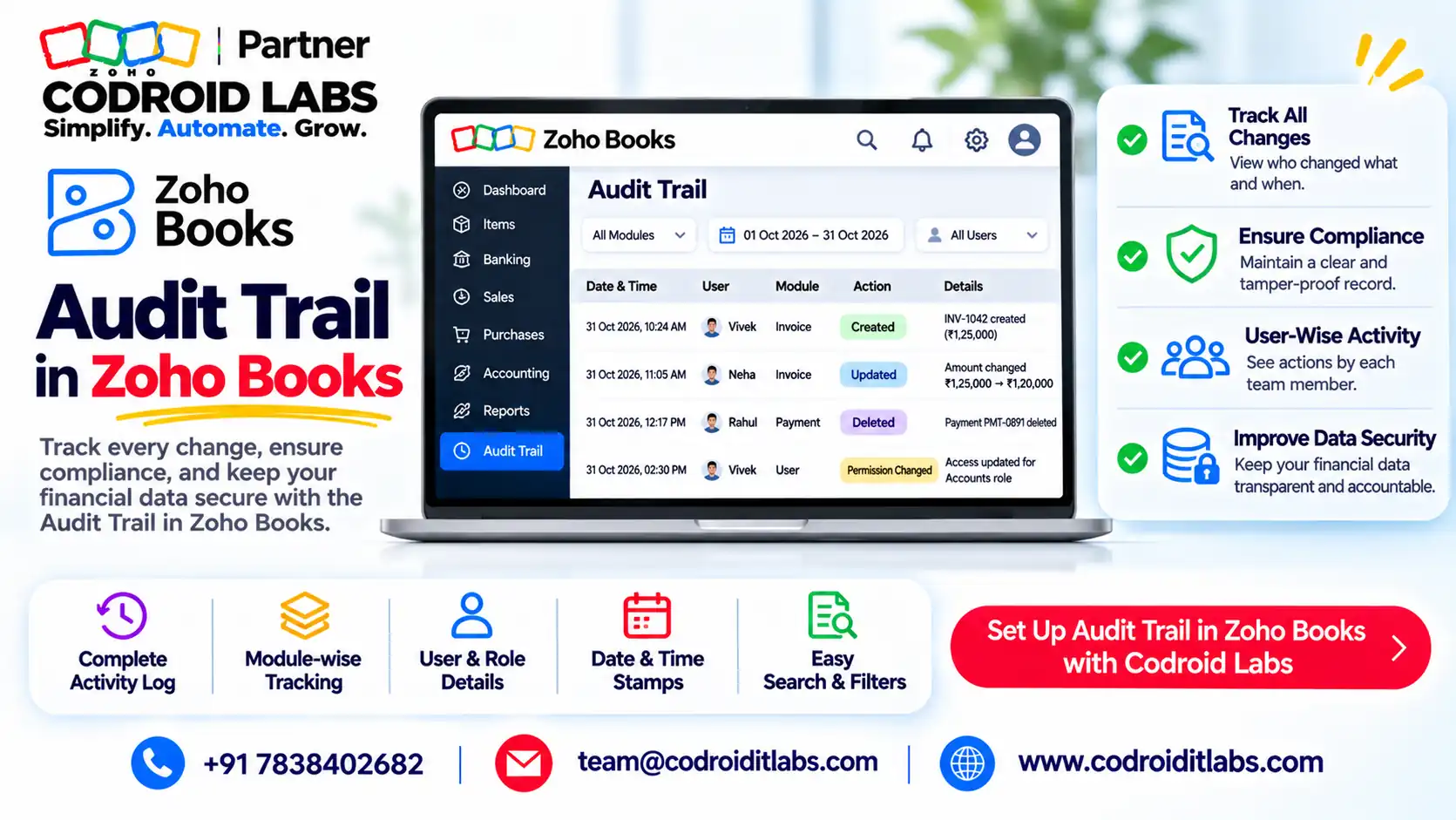
Compliance Guide · Edit Log · Zoho Books India
Zoho Books Audit Trail: What the Edit Log Rule Asks and How Zoho Books Meets It
The Zoho Books audit trail is the built-in edit log that records who created, changed or deleted each transaction, when, and what changed between versions.
This guide explains the audit trail rule for Indian companies in plain words, shows where to find the log in Zoho Books, and gives you a 7-point auditor checklist.

Short answer
Does Zoho Books have audit trail? Yes. Zoho says the Zoho Books audit trail is recorded automatically from the day an organisation is created, cannot be disabled, and is available on all plans, starting with Free.
Find it under Reports > Activity > Activity Logs. The software feature is only part of compliance; your company and auditor still check year-round operation and preservation.
Note: This is a plain-language summary, not legal advice. Confirm how the rules apply to your company with your CA or statutory auditor.
The Audit Trail (Edit Log) Rule in Plain Words
In short: Companies using accounting software must use software that logs every transaction and every edit with its date, with no way to switch the log off.
Company owners and accountants ask the same questions in public forums: does our software qualify, can anyone switch the log off, and what will the auditor want to see?
The rule sits in the proviso to Rule 3(1) of the Companies (Accounts) Rules, 2014. For financial years starting on or after 1 April 2023, a company that keeps its books in accounting software must use software that:
- records an audit trail of each and every transaction,
- creates an edit log of each change made in the books, with the date of the change, and
- ensures the audit trail cannot be disabled.
A matching clause, Rule 11(g) of the Companies (Audit and Auditors) Rules, 2014, asks the statutory auditor to report whether the feature existed, operated all year for all transactions, was not tampered with, and was preserved as required for record retention.
Retention is commonly read with Section 128(5) of the Companies Act, 2013, which sets an eight-year period for books of account. Audit trail compliance therefore means keeping the Zoho Books audit trail, or any other software's log, for that period too.
Confirm the exact position with your CA or auditor.
Does Zoho Books Have Audit Trail?
In short: Yes. Zoho says its audit trail starts when the organisation is created, cannot be disabled, and is on every plan including Free.
Yes. Zoho's audit trail page says Zoho Books captures all user and system-generated transactions and does not allow audit trails to be disabled. Its FAQ adds that the Zoho Books audit trail is available on all plans, starting from the Free plan.
Zoho's activity reports help says the organisation's activity is tracked automatically from creation, and no user or admin can modify the Activity Logs and Audit Trail report.
On the Zoho Books audit trail MCA question, Zoho's blog on audit trail compliance lists the same three software needs (log every transaction, edit log with date and user, cannot be disabled) and says Zoho Books provides the feature for users in India.
| Rule requirement | What Zoho Books does (per Zoho) |
|---|---|
| Audit trail of every transaction | Activity Logs record when, what, where (module) and who for each action |
| Edit log of each change with date | Every version of a changed transaction is kept and can be compared |
| Cannot be disabled | No setting to switch it off; logs cannot be modified by users or admins |
| Preserved for retention | Audit trail backup to a ZIP file; retention period inside Zoho not stated on the pages we read |
Where to Find the Zoho Books Audit Trail
In short: Reports > Activity > Activity Logs, then open any activity to see its versions and compare them.
No screenshots here, just the exact paths to the Zoho Books audit trail from Zoho's help pages. The box below is an illustration of the report layout, not a real screen.
Activity Logs report
- Go to Reports in the left sidebar.
- Under Activity, click Activity Logs.
- Pick a period; the report generates on its own.
- Click Customize Report to filter by date range, module or action type, customer or vendor, user, action (create, update, delete) or PII fields.
- Use Export As to download the report, or the Print icon.
ILLUSTRATION ONLY, NOT A SCREENSHOT
| Time | Activity Details | Description | |
|---|---|---|---|
| [Date, time] | [Module] · [Record] · [Contact] | [Action] by [User] | > |
Column names follow Zoho's help text: Time, Activity Details and Description.
Version history and compare (the edit log)
- In Activity Logs, click the > arrow on the right of an activity.
- Zoho shows the current version of the transaction with all earlier versions on the right.
- Click Compare, pick any two versions, and click Compare again.
- Read the colours: yellow for edited data, pink for removed data, green for added data.
Zoho's audit trail FAQ notes you need to be an Admin in the organisation to view the Zoho Books audit trail. Some screens also have their own history, for example the Payment History pane on a vendor payment.
Controls That Strengthen the Zoho Books Audit Trail
In short: Transaction locking, record locking and user roles stop late edits; backups give you your own copy of the log.
The Zoho Books audit trail shows what happened. These controls reduce what can happen after the books are closed, and give you copies to preserve.
| Control | Where | What it does (per Zoho) |
|---|---|---|
| Transaction Locking | Accountant > Transaction Locking | Lock by module or all at once, with a lock date and a reason; unlocking also asks for a reason |
| Partial unlock | Same screen | Opens a set period only; not allowed when inventory-tracked items are involved |
| Record Locking | Settings > module > Record Locking | Locks invoices, quotes, sales orders, credit notes, items or custom modules for chosen roles; specific plans only |
| Users and roles | Settings > Users & Roles | Admin, Staff, Timesheet Staff, Staff (Assigned Customers Only) and custom roles; one Super Admin |
| Audit trail backup | Settings > Data Management | Exports audit trail activity to a ZIP; once every 15 days; link valid 60 days |
| Import History | Settings > Data Management | Shows who imported which file, for which module, and when |
Sources: transaction locking, record locking, users and roles and data management help pages. Zoho says each audit trail backup covers activity since the previous backup, so keep every file.
Example only: lock all transactions up to 31 March once the year's books are signed off, and run an audit trail backup every fortnight into a folder only finance heads can reach. That habit makes the Zoho Books audit trail easy to preserve.
7-Point Zoho Books Audit Trail Checklist for Auditors
In short: Seven checks cover what auditors usually ask: coverage, continuity, access, locking, backups, other software and sign-off.
Copy this Zoho Books audit trail checklist into your year-end file. It follows the points the rules and auditors focus on, mapped to where the evidence sits in Zoho Books.
| # | Check | Evidence in Zoho Books | Owner | Done |
|---|---|---|---|---|
| 1 | All accounting runs in software with an edit log | Zoho page stating audit trail cannot be disabled | Finance head | ☐ |
| 2 | Log ran all year, from day one | Activity Logs for 1 April to 31 March, exported | Accountant | ☐ |
| 3 | Changes are traceable to a user | Activity Logs filtered by user and Update/Delete actions | Accountant | ☐ |
| 4 | Only the right people can change books | Users & Roles list, Admins named | Admin | ☐ |
| 5 | Closed periods are locked | Transaction Locking dates and reasons | Finance head | ☐ |
| 6 | Log is preserved | Audit trail backup ZIP files for the full year, stored safely | Admin | ☐ |
| 7 | Other software is covered | List of every other app that feeds the books, and its own log | Finance head | ☐ |
Point 7 matters: if billing, payroll or inventory runs in another app, your auditor may ask about that app's edit log as well. For a wider review, see our Zoho audit checklist in 12 steps.
If you moved to Zoho Books mid-year, keep the old system's logs for the earlier months too. Our migration to Zoho Books guide covers cut-over planning.
Zoho CRM Audit Trail: A Short Note
In short: Zoho CRM has a separate audit log under Setup > Security Control > Audit Log, kept for 3 years.
Zoho CRM keeps its own audit log under Setup > Security Control > Audit Log, per Zoho's CRM audit log help. It captures actions from the last 3 years; older entries are deleted, so Zoho recommends exporting the log to CSV from time to time.
Admins and the CEO role can see everyone's actions; other users see their own and their subordinates'. If CRM data feeds your books, keep these exports with your Zoho Books audit trail files. See also our Zoho CRM configuration audit.
How Codroid Labs Gets Your Zoho Books Audit Trail Audit-Ready
Codroid Labs is a Zoho Partner and a Zoho AI Enabled Partner, recognised by Zoho after the AI Accelerator Series 2026. As a Zoho Partner, Codroid Labs sells Zoho licences and provides implementation, customisation, migration and AMC support.
Based in New Delhi, we work with companies and CA firms across India remotely: role reviews, locking schedules, backup routines and a year-end evidence pack. Read Zoho Books for CA firms and Zoho Books data backup.
Book a call, phone +91 7838402682 or email team@codroiditlabs.com.
Quick Answers
Can an admin turn off the Zoho Books audit trail?
No. Zoho says it cannot be disabled and logs cannot be modified.
Which plan has it?
All plans, starting from Free, per Zoho.
Where is the edit log?
Reports > Activity > Activity Logs, then open an activity.
Can I export it?
Yes: export the report, or back up the audit trail as a ZIP.
Zoho Books Audit Trail: FAQs
Does using Zoho Books make my company compliant?
The software side is covered per Zoho. Your company still has to run it all year, control access and preserve the log; your auditor reports on all of that.
Who can view the Zoho Books audit trail?
Zoho's FAQ says you need to be an Admin in the organisation.
How long is the Zoho Books audit trail kept?
The Zoho pages we read do not state an in-app retention period. Take regular audit trail backups and keep them for the period your auditor advises.
How often can I back up the audit trail?
Once every 15 days. The download link expires after 60 days, so save each file promptly.
Does the rule apply to LLPs or partnership firms?
The rule sits in the Companies (Accounts) Rules. Ask your CA whether and how it applies to your entity type.
Can I see what changed on an invoice?
Yes. Open the activity in Activity Logs and compare any two versions.
Can locked periods still be edited?
Only after an unlock or partial unlock, and Zoho asks for a reason each time.
Is there an audit log in Zoho CRM too?
Yes, under Setup > Security Control > Audit Log, covering the last 3 years.
Get your Zoho Books audit-ready
We review roles, locking, backups and your audit trail evidence before your auditor asks.
Related guides
Zoho references (checked 1 November 2026)
- Zoho Books: audit trail
- Zoho blog: audit trail compliance in Zoho Books
- Zoho Books: activity reports and audit trail
- Zoho Books: audit trail FAQ
- Zoho Books: data management and backups
- Zoho Books: transaction locking
- Zoho Books: record locking
- Zoho Books: users and roles
- Zoho CRM: audit log
Legal references are cited by name only: proviso to Rule 3(1) of the Companies (Accounts) Rules, 2014; Rule 11(g) of the Companies (Audit and Auditors) Rules, 2014; Section 128(5) of the Companies Act, 2013.