


SMB AI Playbook · Updated October 2026
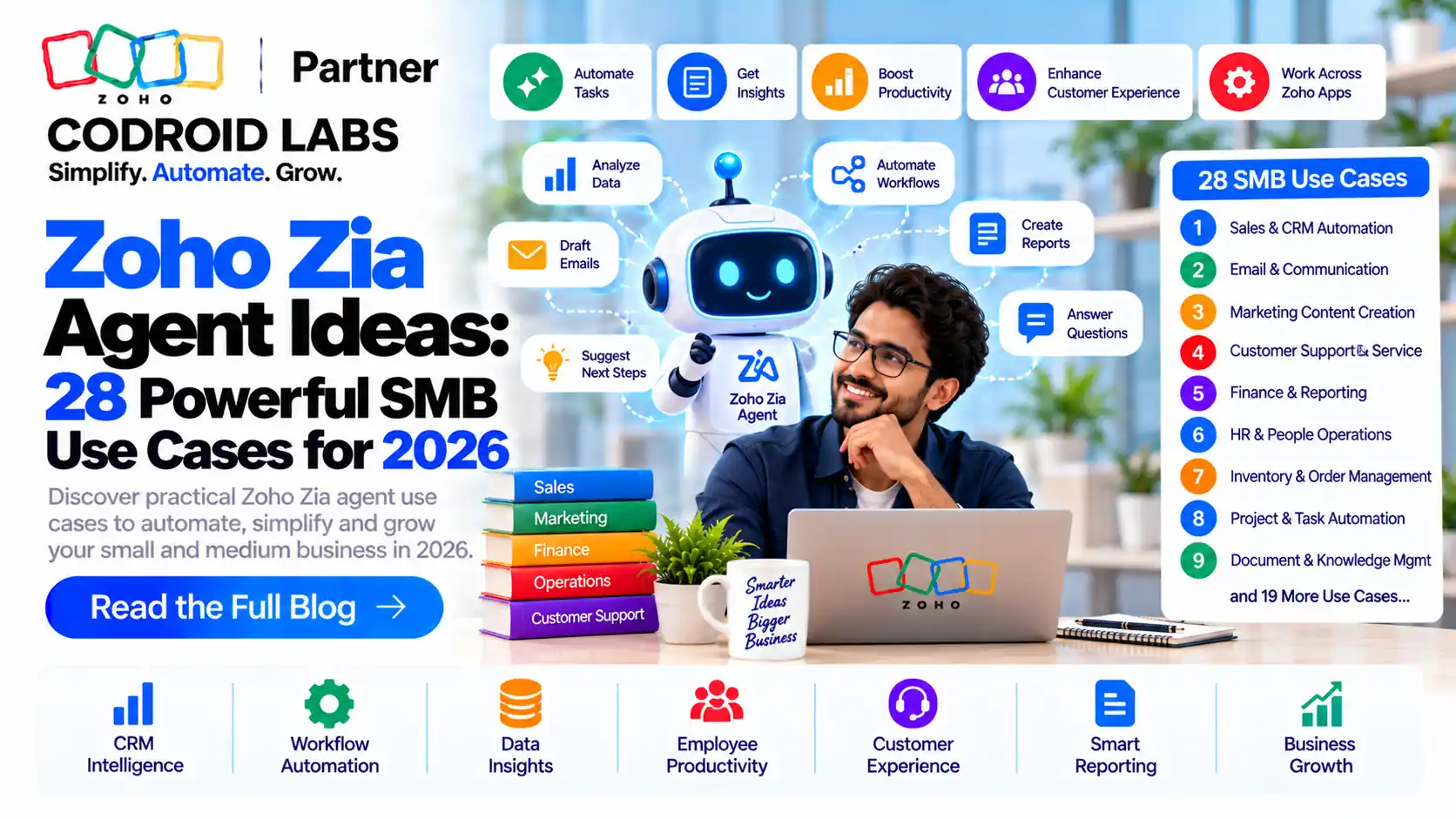
Zoho Zia Agent Ideas: 28 Practical Use Cases for Small Businesses
Zoho Zia agent ideas work best when each agent has one clear job, the right Zoho app and only the tools it needs. This guide lists 28 use cases by team, each mapped to a Zoho app, plus how agents are built in Agent Studio, what the Agent Store offers and what usage costs.
Updated: 7 October 2026
Reviewed against: Zoho Zia Agents pages, Agent Studio help and Zoho CRM help
From: Codroid Labs, Zoho Partner, New Delhi
Reviewed against: Zoho Zia Agents pages, Agent Studio help and Zoho CRM help
From: Codroid Labs, Zoho Partner, New Delhi
Short answer
The best first agents for small businesses are narrow and repetitive: lead follow-up, ticket routing, deal summaries, invoice reminders and policy questions. Build them in Zia Agent Studio, or hire a prebuilt agent from the Agent Store. Zoho says building agents is free, with 30 million free tokens a month on Zoho-hosted models.
28
SMB agent use cases in six teams
Free
Building and deploying agents, per Zoho
30M
Free tokens per month on Zoho-hosted models
4
Agent types, by knowledge base and tools
Zoho Zia Agent Ideas Start With How Agents Work
Zoho's Creating Agents help page describes a Zia agent as an AI assistant that understands natural language, performs tasks through API tools and pulls context from a knowledge base. You build agents in Zia Agent Studio.
Each agent has four building blocks:
- Instructions: the role, behaviour and limits you write.
- Knowledge base: your documents, such as FAQs, policies and product guides.
- Tools: API actions. Zoho's Tools reference lists prebuilt System Tools by service, such as CRM, Desk, Campaigns and Books, plus Custom Tools defined in OpenAPI 3.0 YAML.
- Connections: authenticated access to Zoho apps.
Keep these blocks in mind as you read the Zoho Zia agent ideas below. Each idea names the Zoho app and the job; the tools and documents follow from that.
The Four Agent Types Behind Zia Agent Studio Use Cases
Zoho's agent type guide groups agents by whether they have a knowledge base, tools or both. Every one of these zia agent studio use cases fits one type:
| Type | Knowledge base | Tools | Good for |
|---|---|---|---|
| Assistant only | No | No | Drafting and brainstorming within set rules |
| Knowledge agent | Yes | No | Answers from your own documents |
| Action agent | No | Yes | Fetching, updating and routing records |
| Full agent | Yes | Yes | Acting with business context |
Start with knowledge agents or read-only tools, then allow write actions once you trust the output. That order makes Zoho Zia agent ideas safe to try.
Zoho Zia Agent Ideas for Sales
Sales is where most SMBs start, because the data already sits in Zoho CRM. These Zoho Zia agent ideas use CRM System Tools.
| # | Idea | Zoho app | What the agent does |
|---|---|---|---|
| 1 | Lead follow-up agent | Zoho CRM | Watches new leads, scores them on your criteria, assigns a rep and sends an intro email |
| 2 | Deal insights summary | Zoho CRM | Pulls key deal and contact data into a short readable brief |
| 3 | Stage history summariser | Zoho CRM | Reads a deal's stage history and writes a timeline of how it moved |
| 4 | Meeting prep agent | Zoho CRM, Calendar | Collects account notes and open deals before each scheduled meeting |
| 5 | Stale deal nudger | Zoho CRM | Finds deals with no recent activity and creates follow-up tasks |
| 6 | Discount guard | Zoho CRM | Drafts quote notes while a guardrail caps the discount it may offer |
Ideas 2 and 3 match real examples in Zoho's Explore Real Examples page. Our Zia Agent Studio guide covers sales setup in depth.
Zoho Zia Agent Ideas for Customer Support
Support agents can read tickets in Zoho Desk and answer from your help articles. These Zoho Zia agent ideas cut repeat work for small teams.
| # | Idea | Zoho app | What the agent does |
|---|---|---|---|
| 7 | Ticket router | Zoho Desk | Reads new tickets, sets urgency and routes them to the right team |
| 8 | Email responder | Zoho Desk | Drafts replies to customer emails for an agent to review |
| 9 | Help centre answer bot | Zoho Desk, knowledge base | Answers common questions only from your published articles |
| 10 | Refund tracker | Zoho Desk | Tracks refund requests and their status |
| 11 | WhatsApp FAQ agent | Knowledge base, WhatsApp channel | Answers product questions on WhatsApp using your FAQ documents |
Zoho lists Email Responder and Refund Tracker among its agents on the Zia Agents home page. See also our Zoho Desk Zia guide. Try Zoho Desk free.
Zoho AI Agents for Small Business Finance
Finance work is rule-heavy, which suits zoho ai agents for small business teams with clear limits. Treat these Zoho Zia agent ideas as helpers, not approvers.
| # | Idea | Zoho app | What the agent does |
|---|---|---|---|
| 12 | Overdue invoice reminder | Zoho Books | Lists overdue invoices and drafts polite reminder emails |
| 13 | Customer balance summary | Zoho Books, Zoho CRM | Shows a sales rep a customer's outstanding amount before a call |
| 14 | Expense question bot | Knowledge base | Answers staff questions from your expense policy document |
| 15 | Sheet data retriever | Zoho Sheet | Fetches and filters figures from a connected sheet on plain-language requests |
Keep finance agents read-only at first. Payments and credit notes should stay with a person.
Zoho Zia Agent Ideas for HR
HR agents are mostly knowledge agents that answer from your policies, in a chat channel staff already use. Most HR Zoho Zia agent ideas need no write access at all.
| # | Idea | Zoho app | What the agent does |
|---|---|---|---|
| 16 | Leave policy bot | Knowledge base, Zoho Cliq | Answers leave and holiday questions from your HR policy |
| 17 | New-joiner guide | Knowledge base, Zoho Cliq | Walks new staff through first-week steps and documents |
| 18 | Payroll sentiment agent | Agent Store | A prebuilt agent Zoho lists as Payroll Sentiment; review its scope before you hire it |
| 19 | HR system lookup | Custom tool (Zoho People API) | Fetches employee details through a custom OpenAPI tool you define |
Idea 19 needs a Custom Tool, because HR apps are not in the System Tools examples Zoho lists.
Zoho Zia Agent Ideas for Marketing
Marketing agents draft content inside your brand rules and read campaign data. These Zoho Zia agent ideas keep tone consistent.
| # | Idea | Zoho app | What the agent does |
|---|---|---|---|
| 20 | Brand-safe writer | Assistant agent | Drafts emails and posts in your tone, with banned claims set as guardrails |
| 21 | Campaign idea generator | Assistant agent | Brainstorms campaign ideas within your brand guidelines |
| 22 | Campaign report agent | Zoho Campaigns | Summarises campaign results in plain language |
| 23 | Meeting scheduler | Zoho CRM, Calendar | Books meetings with interested leads |
| 24 | Demo data creator | Zoho CRM | Writes realistic sample records for testing a new campaign flow |
Ideas 20 and 21 come straight from Zoho's examples for agents without tools or a knowledge base.
Zoho Zia Agent Ideas for Operations
Operations ideas often join more than one app or agent, so these Zoho Zia agent ideas suit teams that already run several Zoho apps.
| # | Idea | Zoho app | What the agent does |
|---|---|---|---|
| 25 | Daily brief in Cliq | Zoho CRM, Desk, Cliq | Posts a morning summary of new deals and open tickets |
| 26 | SOP answer agent | Knowledge base | Answers how-to questions from your standard operating procedures |
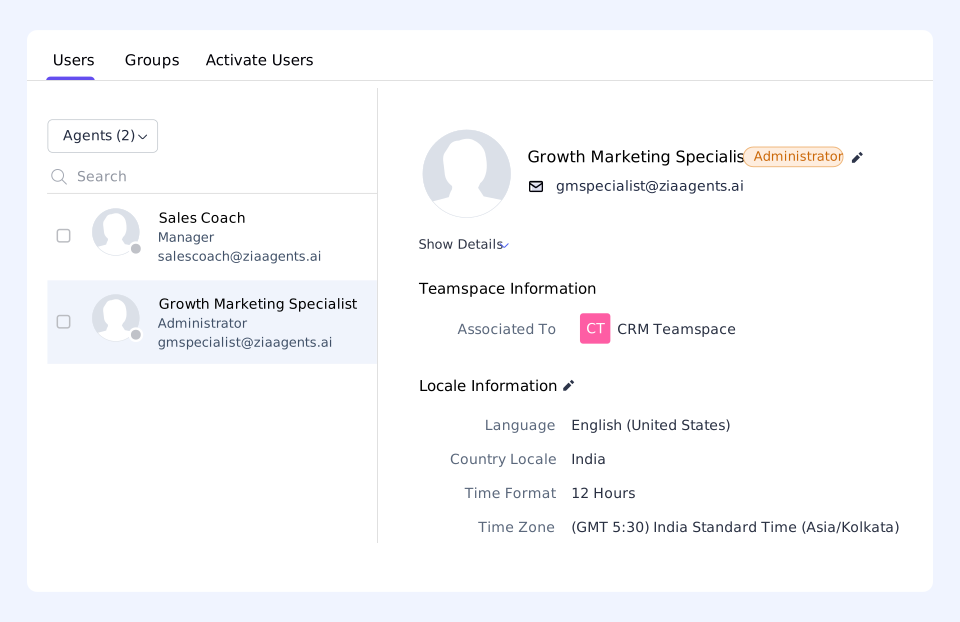
| 27 | CRM digital employee | Zoho CRM | Runs as its own CRM user with a role, so every action is logged under the agent |
| 28 | Multi-agent hand-off | Agent Studio | A lead agent passes work to focused agents for checking and notifying |
Idea 27 uses the Digital Employee option. Zoho's CRM help on setting up agents says it gets its own identity, role and profile, so audit logs show what the agent did.
Prebuilt Zoho Zia Agent Ideas in the Agent Store
You do not have to build every agent. Zoho's Agent Store page describes a marketplace of prebuilt agents for sales, marketing, support and operations. Agents come with preconfigured instructions; you click Hire Agent, deploy it into supported Zoho apps and refine some settings.
Zoho says you are not charged per agent hired, and you can hire several agents in one app. Check each agent's description and version before using it with live data. Hiring first, then building, is often the quickest way to test Zoho Zia agent ideas.
How to Build Zoho Zia Agent Ideas: Step by Step
These steps follow Zoho's creation guide and deployment guide:
- Pick one job. Choose a narrow idea from the lists above.
- Open Agent Studio. Choose Create From Scratch, or Create with Zia AI and describe the agent in a prompt.
- Set basic information. Name, description, vendor, model, role and detailed instructions.
- Add a knowledge base. Select only the documents the agent needs.
- Add tools. Pick System Tools by service, or Custom Tools from your own YAML.
- Set guardrails. Fairness and toxicity checks are built in; add your own Do's and Don'ts.
- Test with sample data from your Zoho app.
- Deploy using a connection, or as a digital employee where available.
- Activate in the app. In Zoho CRM, add it to Ask Zia or a custom button.
- Monitor. Use the Observability and Versions tabs, and roll back if needed.
For a full walk-through, read our guide to building a Zia agent.
Gotcha: digital employee is rolling out
Zoho says Deploy as a digital employee is being rolled out in phases and may not be available for every service yet. Plan a standard connection as the fallback.
Pricing and Tokens for Zoho AI Agents for Small Business
Zoho's Zia Agents pricing page says agents are free to create, deploy and manage. You pay only for model usage:
| Item | What Zoho states |
|---|---|
| Building and hiring agents | Free |
| Zoho-hosted models | 30 million free tokens per month on standard models, reset on the 1st |
| Credits | 1 credit = 1,000 tokens on standard Zoho-hosted models |
| Bring Your Own Key | Use your own key; the vendor bills you directly |
| Zoho Key System | Managed connection, currently OpenAI, billed at vendor rates via Agent Wallet |
| App APIs | Limited by your Zoho app subscription |
Zoho does not publish INR rates for over-limit usage on that page, so none are given here. For the apps themselves, see our Zoho CRM pricing in India guide.
Turn these ideas into working agents
Codroid Labs is a Zoho Partner in New Delhi. We handle Zoho CRM customisation, API integrations using Deluge, data migration and training, and can help you pick and set up your first agents. Call +91 7838402682 or email team@codroiditlabs.com.
Quick Answers
What is the best first Zia agent?
A narrow, repeatable job such as lead follow-up or ticket routing.
Do I need to code?
No. Zoho says Agent Studio suits non-technical users; Custom Tools need YAML.
Are prebuilt agents available?
Yes. The Agent Store has ready agents you can hire and refine.
Is it free?
Building is free. Zoho-hosted models include 30 million free tokens a month.
Can agents use ChatGPT?
Yes, through your own OpenAI key or the Zoho Key System.
Zoho Zia Agent Ideas FAQs
What are good zoho zia agent ideas for a small business?
Lead follow-up, deal summaries, ticket routing, help centre answers, overdue invoice reminders, policy bots and a daily brief in Cliq are strong starting points.
What are common zia agent studio use cases?
Summarising records, routing tickets, drafting emails, answering from documents, and creating or updating records through tools.
How do I build a Zia agent?
In Agent Studio, add basic information and instructions, a knowledge base, tools and guardrails, then test and deploy into your Zoho app.
What is the Zia Agent Store?
A marketplace of prebuilt Zoho agents with preconfigured instructions that you can hire, deploy and refine.
How much do Zia Agents cost?
Zoho says agents are free to build and deploy. Zoho-hosted models include 30 million free tokens a month; external models are billed at vendor rates.
Can a Zia agent work outside Zoho apps?
Yes. Custom Tools in OpenAPI 3.0 YAML let an agent call other APIs, and agents can connect to channels like WhatsApp and Cliq.
What is a digital employee in Zoho CRM?
An agent deployed with its own CRM identity, role and profile, so its actions are logged separately from human users.
Related guides
Pick your first three agents
Book a free consultation and leave with a short list of agents, the apps they need and the guardrails to set.
References (official Zoho sources, checked 7 October 2026)