


Developer Guide · Zoho Social · Updated 28 October 2026
Zoho Social API: What It Can Do, What It Can't, and the No-Code Routes Worth Trying First
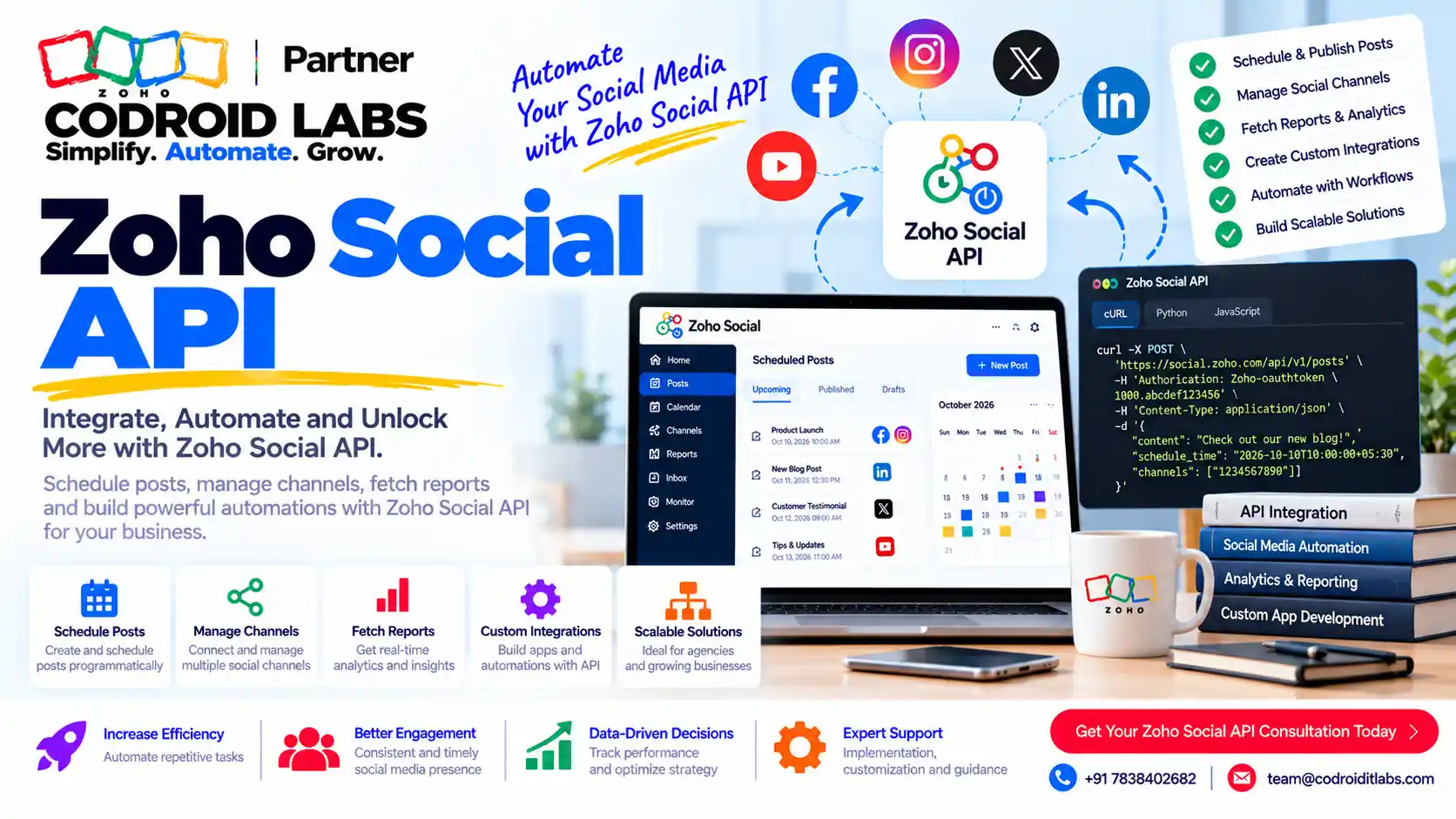
The Zoho Social API is a documented REST API (v2) that lets your own systems draft, schedule and publish posts, manage media, run approvals and read published posts. It is not switched on by default, and it does not list endpoints for everything the Zoho Social app does. This guide sets out exactly what Zoho's developer docs say, how authentication works, and when Zoho Flow or the Zoho CRM integration is the simpler answer. Examples are labelled Example only.

Short answer
Yes, Zoho Social has a public REST API. Zoho's API v2 introduction lists portals, brands, users and channels; media upload; drafts; scheduling; immediate publishing; published posts with engagement metrics; approval workflow; and post validation. Every request uses an OAuth 2.0 token. Zoho's error reference says API access is restricted by default and has to be enabled by Zoho Social support, and some actions can be blocked by your plan. If you only need to create posts from another app, Zoho Flow can draft, schedule and publish without code.
Is There a Zoho Social API?
In short: Yes. Zoho documents a REST API v2 for Zoho Social, but access is restricted by default and must be enabled.
Marketing and IT teams often ask this when they want to push product launches, blog posts or event updates from another system straight into their social calendar. Older forum answers said there was no public API, which is why the question keeps coming up.
Today the answer is yes. Zoho publishes a Zoho Social API reference, describing it as the Zoho Social REST API v2 that provides programmatic access to Zoho Social data and features, so you can automate publishing, scheduling and media management. All endpoints follow REST conventions and return JSON (source).
There is one catch. Zoho's status code reference lists an API_NOT_ALLOWED error with the message that API access is restricted by default, and says to contact Zoho Social support to enable it for your portal. Plan for that step before any Zoho Social integration build. For an overview of the product itself, see our Zoho Social guide and top Zoho Social functions.
What the Zoho Social API Can Do, per Zoho's Docs
In short: It covers setup data, media, drafts, scheduling, publishing, published posts with engagement counts, approvals and validation.
| Area | What Zoho documents | Example use (Example only) |
|---|---|---|
| Organisation and setup | Get portals, brands, users and connected channels | Look up IDs before posting |
| Post composition | Network validation rules, taggable accounts, geolocations, boards | Build network-aware posts |
| Media | Upload images directly or from a URL; browse the media library | Attach a product image |
| Drafts | Create, update, list, delete; convert to scheduled | Prepare posts for review |
| Scheduling | Schedule future posts with optional repetition; update or cancel | Schedule posts via API from a content calendar |
| Publishing | Publish immediately to one or more networks in one request | Announce a release |
| Published posts | Read published posts with reactions, comments and shares | Feed engagement counts to a dashboard |
| Approvals | Submit for approval, comment, approve or reject | Keep a review step in automation |
| Validation | Check content against network limits before posting | Catch errors early |
These rows come from Zoho's API introduction. The Create Schedules page adds that one request can carry per-network mentions, geolocations, media, link previews, first comments, polls and repetition, and recommends running Post Validation first. That makes the Zoho Social API a solid base for social media automation that starts in another system.
Which networks? The Get Channels reference lists network identifiers including Facebook pages, X, Instagram, LinkedIn pages and profiles, YouTube, Pinterest, Google Business Profile listings and several others. Availability for any one feature still depends on the network.
What the Zoho Social API Does Not List
In short: If an endpoint is not in the v2 reference, do not plan around it; listening, inbox and full reports are not listed.
Be careful here: we can only report what the v2 reference shows. On the date we checked, the reference menu did not list endpoints for:
- Social listening or monitoring columns.
- The shared inbox or replying to messages and comments.
- Full analytics reports beyond published-post metrics and a posts count.
- Outgoing webhooks or event triggers from Zoho Social.
- Published rate limits. We did not find a limits page in the v2 reference, so do not assume a number.
If one of these is central to your plan, confirm with Zoho before you design around it. Zoho also notes that a 403 PLAN_NOT_SUPPORTED error means your current plan restricts the action, without listing which plan allows which call (source). Check your plan before you promise a feature to anyone.
Authentication, Scopes and Data Centres
In short: Every call uses an OAuth 2.0 token, the right data-centre domain, and portal and brand IDs.
Zoho says every Zoho Social API request must carry an OAuth 2.0 access token in the header Authorization: Zoho-oauthtoken followed by the token. Missing, invalid or expired tokens return 401 (Zoho Social OAuth guide, Zoho OAuth protocol).
| Scope (per Zoho) | Access |
|---|---|
| ZohoSocial.Organization.READ | Portals, brands and users |
| ZohoSocial.Integration.READ | Channels and network connections |
| ZohoSocial.Publish.ALL | All publish operations |
| ZohoSocial.Media.ALL | Full media operations |
Individual endpoint pages also show narrower options, such as ZohoSocial.Publish.CREATE for scheduling and ZohoSocial.Publish.READ for reading published posts. Request only what you need. Most endpoints also need portal_id and brand_id headers, which you fetch first.
The base URL is https://{api_domain}/social/v2, and the domain depends on where your account is hosted. Zoho lists social.zoho.in for India and separate domains for the US, Europe, Australia, Japan, Canada, Saudi Arabia and the UAE (source). Using the wrong data centre is a common first error.
Official No-Code Alternatives: Zoho Flow and Zoho CRM
In short: Zoho Flow can draft, schedule and publish posts without code, and the CRM integration turns social actions into leads.
Zoho Flow
Zoho Flow's Zoho Social page lists three actions: Draft post, Schedule post and Publish post, each for one or more channels. It does not list Zoho Social triggers, so Flow is for sending posts into Zoho Social, triggered by another app or a webhook. For most teams that want to schedule posts via API-like automation without code, this is the first thing to try. Learn more in our Zoho Flow integration guide and Flow vs custom Deluge.
Zoho Social and Zoho CRM integration
The Zoho Social Zoho CRM integration works inside the apps, not through the API. Zoho's help says:
- CRM integration is available for a Facebook Page and an X (Twitter) profile, and the same ones must be connected in both apps (source).
- You can add a Connection to CRM manually as a Lead or Contact with +Add to CRM.
- Automatic lead generation rules turn social actions such as likes, comments, mentions and messages into CRM Leads or Contacts, with optional keywords.
- Only Facebook and X work with lead generation; Zoho says LinkedIn and Instagram are not yet available due to API limitations.
- Only Brand Admins and Portal Admins can set up automatic lead generation (source).
Zoho also notes that the Lead Forms module was deprecated for users signing up from April 19, 2024. For CRM-side automation after leads arrive, see Zoho CRM workflow automation.
Which Route Should You Pick?
In short: Use the no-code route first and the API only for what it cannot do.
Every Zoho Social integration starts with the same question: does the event start inside Zoho Social, or outside it? Use this table as a first pass.
| Need | Route | Why |
|---|---|---|
| Post from another app when something happens | Zoho Flow | Draft, schedule and publish actions, no code |
| Turn social engagement into CRM leads | Zoho Social Zoho CRM integration | Built-in rules, Facebook and X only |
| Bulk or custom scheduling from your own system | Zoho Social API | Full schedule, media and validation control |
| Approval steps inside your own tool | Zoho Social API | Approval endpoints are documented |
| Engagement numbers in your own dashboard | Zoho Social API | Published posts include engagement counts |
| Something not listed in the reference | Ask Zoho first | Do not build on an undocumented call |
Example only: a retailer uses Flow to draft a post whenever a new product goes live, keeps human approval in Zoho Social, and later uses the Zoho Social API to pull engagement counts into its reporting. If the wider stack includes Zoho Marketing Plus, read our Zoho Marketing Plus guide, and for how apps connect across Zoho One, see Zoho One app integration.
Common Zoho Social API Errors
In short: Most failures are access, scope, plan or ID problems, and Zoho lists the error codes for each.
| Error (per Zoho) | Meaning | What to check |
|---|---|---|
| 401 INVALID_OAUTHTOKEN | Token missing, invalid or expired | Refresh the token; check the data centre |
| 401 INVALID_OAUTHSCOPE | Token lacks the scope | Regenerate with the right scope |
| 401 PORTAL_NOT_FOUND / USER_INACTIVE_IN_PORTAL | Wrong portal or no access | Fetch portals with the same user |
| 401 CHANNEL_NOT_ALLOWED | User cannot act on that channel | Brand and channel permissions |
| 403 API_NOT_ALLOWED | API not enabled for the portal | Ask Zoho Social support to enable it |
| 403 PLAN_NOT_SUPPORTED | Plan restricts the action | Check your Zoho Social plan |
| 400 INVALID_PARAM / REQUIRED_PARAM_MISSING | Bad or missing input | Validate the post first |
All of these come from Zoho's status code page and OAuth guide. For general patterns in Zoho API integration work, including token handling and retries, see how a Zoho API integration project runs. If you also write records into Zoho CRM, its own rules apply; see Zoho CRM API limits.
How Codroid Labs Helps
Codroid Labs is a Zoho Partner and a Zoho AI Enabled Partner, recognised by Zoho after the AI Accelerator Series 2026. Based in New Delhi, we serve businesses across India remotely. We can map your social media automation needs to the right route, set up Zoho Flow and the Zoho Social Zoho CRM integration, and build a custom Zoho Social API integration where the no-code routes stop. Your accounts stay in your name. Call +91 7838402682 or email team@codroiditlabs.com.
Quick Answers
Does Zoho Social have an API?
Yes, a documented REST API v2.
Is it on by default?
No. Zoho says access is restricted by default.
Can I schedule posts via API?
Yes. Create Schedules is documented.
No-code option?
Zoho Flow can draft, schedule and publish.
Zoho Social API FAQs
Is the Zoho Social API free to use?
Zoho's API pages do not list a separate API price. They do say some actions return PLAN_NOT_SUPPORTED on certain plans, so check your plan.
How do I get access?
Zoho's error reference says API access is restricted by default and is enabled by Zoho Social support for your portal.
Which authentication does it use?
OAuth 2.0, with the token sent as Authorization: Zoho-oauthtoken.
Can I read comments or messages through the API?
The v2 reference lists comment counts on published posts but no inbox or reply endpoints.
Does Zoho Flow have Zoho Social triggers?
Zoho Flow's page lists only actions: draft, schedule and publish post.
Which networks work with the CRM lead generation?
Facebook and X only, per Zoho's help.
Are there rate limits?
We did not find published rate limits in the v2 reference. Ask Zoho before high-volume work.
Planning to automate your social calendar?
Tell us what should trigger a post. We will tell you whether Flow, the CRM integration or the API fits, in writing.
Zoho references (checked 28 October 2026)
- Zoho Social API v2: introduction
- Zoho Social API: OAuth authentication
- Zoho Social API: channels
- Zoho Social API: create schedules
- Zoho Social API: post validation
- Zoho Social API: status codes
- Zoho Flow: Zoho Social
- Zoho Social help: Zoho CRM integration
- Zoho Social help: lead generation
- Zoho OAuth protocol