


India Guide · CA Firms · Zoho Practice
Zoho Practice for Chartered Accountants: Features, Pricing and Setup
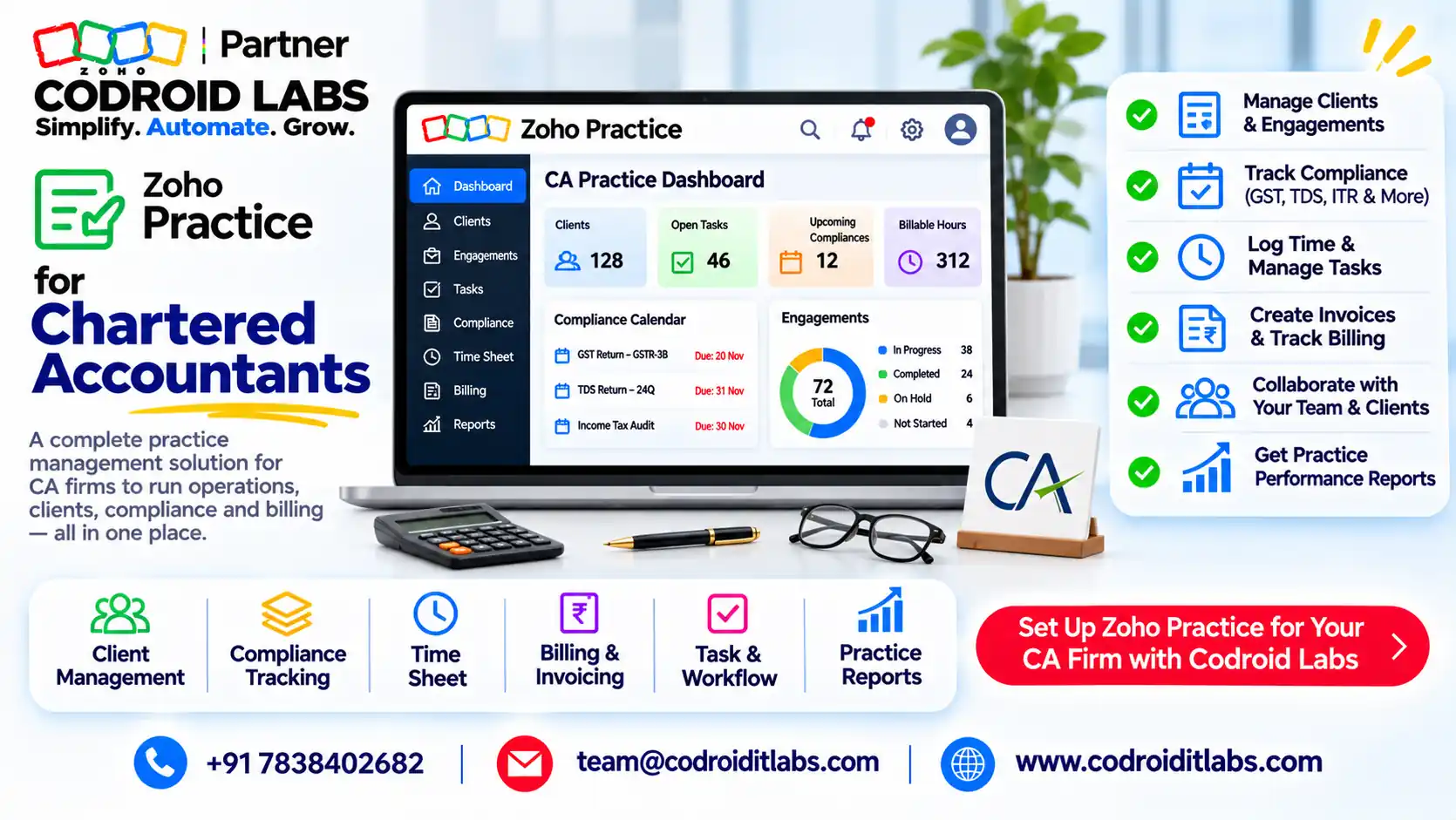
Zoho Practice for chartered accountants brings client records, compliance tasks, timesheets, billing, documents and client chats into one workspace that connects directly to your clients' Zoho Books organisations.
This guide covers 7 features that matter to CA firms, how the Zoho Books link works, India pricing as checked November 2026, a spreadsheet comparison and an onboarding checklist.

Short answer
Zoho Practice for chartered accountants costs ₹2,950 (Standard) or ₹8,950 (Premium) per organisation per month on yearly billing, each with 5 users, per Zoho's pricing page as checked November 2026. Both have a 14-day trial.
Standard manages clients on Zoho Finance apps such as Zoho Books. Premium adds a self-service client portal for clients on other software, custom modules and ledgers.
What Is Zoho Practice for Chartered Accountants?
In short: Zoho Practice is Zoho's practice management app for accounting firms: clients, tasks, time, billing, documents and client communication in one place.
CA firm owners in public forums describe the same month-end: GST and TDS deadlines tracked in a shared sheet, client documents scattered across email and chat apps, and fee bills raised from memory.
Zoho Practice is Zoho's practice management software for accounting firms. Zoho Practice for chartered accountants gives each client one profile with contacts, assigned staff, tasks, requests, documents, emails and an activity history, per Zoho's client profiles help.
Zoho Practice for chartered accountants sits on top of Zoho's finance apps, so a firm can open a client's Zoho Books organisation from the client profile instead of logging in separately.
Zoho Practice Management Software: 7 Features CA Firms Use
In short: Seven features carry the load: client hub, client requests, tasks, time tracking and billing, documents, workpapers and automation.
These are the parts of the zoho practice management software that matter most for Indian CA firms, each from Zoho's help pages.
| # | Feature | What it does for a CA firm |
|---|---|---|
| 1 | Client management | One profile per client with contacts, assigned users, activity history and one-click access to their Zoho Finance organisations |
| 2 | Client requests | Ask for documents or information with an owner, due date and priority; clients reply and upload files |
| 3 | Tasks and recurring tasks | Create tasks per client, assign staff, set reminders and repeat monthly or quarterly work |
| 4 | Time tracking and billing | Log time manually or with a timer, mark it billable, and invoice it through Zoho Books |
| 5 | Document management | Upload up to 25 files at a time (5 MB each) to a client profile; all files sit in the Documents module |
| 6 | Workpapers | Link tasks, client requests and adjustment journals to line accounts during books review |
| 7 | Workflow and messaging | Event or date based rules for email alerts, in-app notifications, field updates and webhooks, plus a chat-app integration for client request notifications |
Sources: client requests, time tracking, workpapers, automation and tasks preferences help. The chat-app integration starts with approved message templates until the client replies.
For Zoho Practice for chartered accountants, the client request is the quiet hero: every document you chase gets an owner and a due date, and the reply lands on the client record instead of a personal inbox.
Zoho Practice for Chartered Accountants: Zoho Books Integration
In short: Practice imports or creates client organisations in Zoho Books and adds your team to them, so you open any client's books in one click.
Most of the value of Zoho Practice for chartered accountants comes from this link, so set it up before anything else.
The zoho practice and zoho books integration is what makes Practice more than a task list. Per Zoho's create and import clients FAQ:
- Existing Books clients: use Import Zoho Clients to bring their Zoho Books organisations into Practice. You must already be a user in that organisation; any role works.
- New clients: creating a client in Practice creates a matching client organisation in Zoho Books, and the client is added as a user there.
- Team access: assign users on the client profile and tick the option to add them to the client's organisation with a chosen role.
- Billing: connect Zoho Books under Settings > Integrations > Accounting, then enable task billing to invoice billable timesheets from Zoho Books, per the tasks preferences help.
Two practical rules: the client keeps ownership of their organisation (they are made Super Admin), and your Practice organisation must be in the same Zoho data centre as your clients.
Inside the client's books, your team still uses normal Zoho Books controls. See our guides on the Zoho Books audit trail and Zoho Books bank reconciliation.
Zoho Practice Pricing in India
In short: Standard is ₹2,950 and Premium ₹8,950 per organisation per month on yearly billing, each with 5 users.
Zoho practice pricing below is from Zoho's Zoho Practice pricing page (India), as checked November 2026. The page does not state GST; Zoho India prices are generally shown before tax, so confirm on your invoice.
| Plan (checked November 2026) | Billed yearly (per org per month) | Billed monthly | Users included | Key extras |
|---|---|---|---|---|
| Standard | ₹2,950 | ₹3,540 | Up to 5 | Clients on Zoho apps only; tasks, timesheets and billing, workpapers, workflow, chat-app integration, custom reports |
| Premium | ₹8,950 | ₹10,740 | Up to 5 | Everything in Standard plus self-service client portal, up to 10 custom modules, up to 3 ledgers |
| Extra user | ₹400 per user per month | ₹480 | Add-on | Any plan |
| Extra ledger | ₹500 per ledger per month | ₹600 | Add-on | Each ledger covers one business entity |
| Free plan | ₹0 | ₹0 | Partners only | Zoho says the free plan is exclusively for Zoho Finance partners |
Both paid plans have a 14-day free trial. Your clients' own Zoho Books subscriptions are separate from Practice.
Example only, yearly billing, before GST:
| Firm size (Example only) | Plan | Calculation | Yearly cost |
|---|---|---|---|
| 3 people | Standard | ₹2,950 x 12 | ₹35,400 |
| 8 people | Standard | ₹35,400 + (3 users x ₹400 x 12) | ₹49,800 |
| 8 people, mixed clients | Premium | ₹1,07,400 + (3 users x ₹400 x 12) | ₹1,21,800 |
Pick Premium only if you serve many clients who will not move to Zoho Books and need the portal. Otherwise, Zoho Practice for chartered accountants on Standard covers most firms.
Which plan suits which firm
Zoho Practice for chartered accountants on Standard suits firms whose clients already keep books in Zoho Books, or are willing to move. Your team works inside each client organisation and bills time from one place.
Premium suits firms with a mixed base, where some clients stay on other accounting software. The self-service portal gives those clients a place to answer requests and upload files without a Zoho Books login.
Start small: trial Zoho Practice for chartered accountants with ten clients for two weeks, then decide on the plan and the number of extra users.
Zoho Practice for CA Firms vs Spreadsheets
In short: Spreadsheets hold data; Zoho Practice runs the work, with owners, deadlines, time and client history on one record.
| Job | Spreadsheets and email | Zoho Practice for CA firms |
|---|---|---|
| Deadline tracking | Shared sheet, manual colour codes | Tasks with owners, due dates, reminders and recurring schedules |
| Document chasing | Emails and chat messages | Client requests with due date, priority and client uploads |
| Client history | Spread across inboxes | Activity history and emails on one client profile |
| Fee billing | Hours estimated at month-end | Billable timesheets invoiced through Zoho Books |
| Access to client books | Separate logins per client | One-click Go to Organisation from the profile |
| Review evidence | Folders of files | Workpapers linking tasks, requests and journals to accounts |
| Reminders | Someone remembers | Workflow rules with email and in-app alerts |
Spreadsheets still help for one-off analysis. The difference is that Zoho Practice for chartered accountants records who did what and when, which matters during peer review and staff changes.
Client Onboarding Checklist in Zoho Practice for Chartered Accountants
In short: Onboard each client the same way: profile, Books organisation, team access, recurring tasks and a first document request.
Copy this table into your firm SOP. Codroid can share it as an import-ready file on request through a Bookings call; there is no download on this page.
| Step | Action in Zoho Practice | Done when |
|---|---|---|
| 1 | Create the client, or import their existing Zoho Books organisation | Client profile shows the linked organisation |
| 2 | Add contacts with phone numbers in + country code format | Chat-app notifications can be enabled |
| 3 | Assign a partner and staff, and add them to the client organisation | Team can open the client's books |
| 4 | Set up recurring tasks for monthly, quarterly and annual work | Next due dates appear in Tasks |
| 5 | Send a client request for opening documents | Client uploads land on the request |
| 6 | Agree billable or fixed fees and mark time entries accordingly | First timesheet logged |
| 7 | Turn on workflow alerts for overdue tasks and requests | Test alert received |
| 8 | Review the books once with a workpaper | Open queries linked to line accounts |
Step 2 follows Zoho's prerequisite for the chat-app integration. Steps 4 to 8 use the features in the table above.
Run this checklist for every new engagement. Using Zoho Practice for chartered accountants this way means any partner can open a client and see what is pending, who owns it and what was billed.
How Codroid Labs Sets Up Zoho Practice for Chartered Accountants
Codroid Labs is a Zoho Partner and a Zoho AI Enabled Partner, recognised by Zoho after the AI Accelerator Series 2026. As a Zoho Partner, Codroid Labs sells Zoho licences and provides implementation, customisation, migration and AMC support.
Based in New Delhi, we work with CA firms across India remotely: client imports, roles, recurring compliance tasks, client requests, billing and Zoho Books links for Zoho Practice for chartered accountants.
Related: Zoho Books for CA firms, TDS in Zoho Books, GST filing in Zoho Books and Zoho audit checklist. Book a call, phone +91 7838402682 or email team@codroiditlabs.com.
Quick Answers
What does Zoho Practice cost?
₹2,950 (Standard) or ₹8,950 (Premium) per org per month, billed yearly.
How many users are included?
Up to 5 on both plans; extra users ₹400 per month each, billed yearly.
Is there a trial?
Yes, 14 days on Standard and Premium.
Does it need Zoho Books?
Standard works with clients on Zoho apps; Premium adds a portal for other clients.
Zoho Practice for Chartered Accountants: FAQs
Is Zoho Practice free for CA firms?
Zoho says its free plan is only for Zoho Finance partners. Other firms use Standard or Premium after the 14-day trial.
Can I manage clients who use other accounting software?
Yes, on Premium, through the self-service client portal for document exchange and requests.
Who owns the client's Zoho Books organisation?
The client. When Practice creates an organisation for a client, the client user becomes Super Admin.
Can my staff bill time to clients?
Yes. Log billable time in Practice and raise invoices through Zoho Books once task billing is enabled.
Can clients sign documents through Practice?
Zoho's help lists Sign requests alongside client requests. Check your plan and setup with us.
What is the file limit per upload?
Up to 25 files per upload, each 5 MB or smaller, on a client profile.
Can I use clients in another Zoho data centre?
Not in one Practice organisation. Zoho says firm and clients must be in the same data centre.
Does Codroid offer support after setup?
Yes. We provide AMC support for Zoho Practice and Zoho Books as your firm grows.
Get Zoho Practice set up for your firm
We import your clients, set recurring compliance tasks, connect Zoho Books and train your team.