


India Guide · Online Payments · Zoho Books
Zoho Books Razorpay Integration: Setup, Fees and Reconciliation
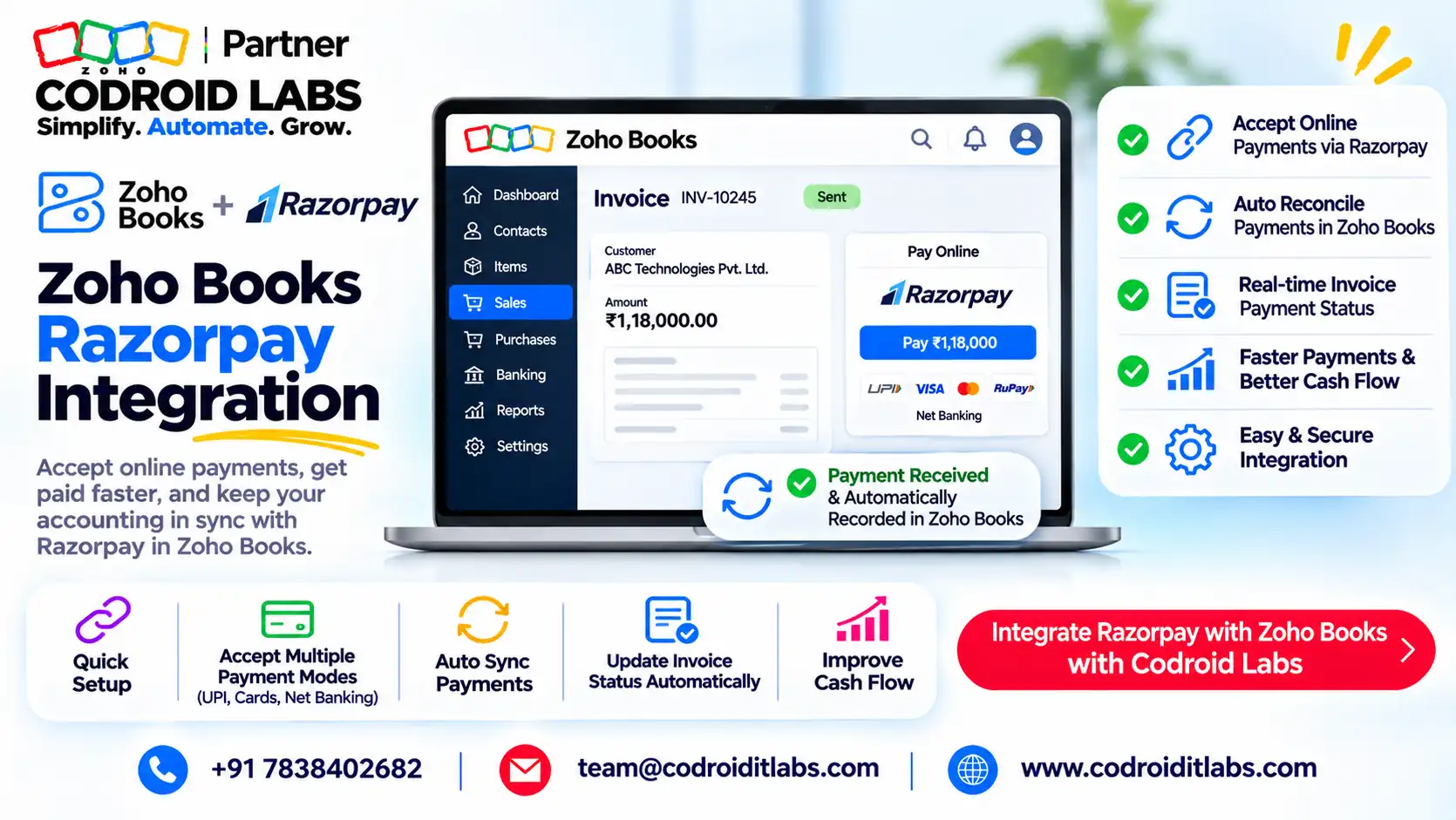
Zoho Books Razorpay integration adds a Pay Now button to your invoices, records each online payment automatically, and tracks Razorpay's fees in a clearing account.
This guide covers the 7 setup steps, how fees and GST are recorded, how to reconcile settlements, the Zoho CRM route, and what Zoho Payments vs Razorpay costs on ₹10 lakh of monthly sales.

Short answer
Zoho Books has a built-in Razorpay integration under Settings > Online Payments > Customer Payments. Zoho charges no extra fee for it; Razorpay's standard fee is 2% plus GST per transaction (Razorpay's published pricing, checked 1 November 2026).
Zoho Payments, Zoho's own option, lists 0.5% on UPI and 2% on domestic cards and net banking, plus GST. On UPI-heavy sales it usually costs less.
What Does the Zoho Books Razorpay Integration Do?
In short: Zoho Books connects to your Razorpay account so invoices get a Pay Now button and paid invoices are recorded automatically.
Finance teams in public forums describe the same pain: payments land in the gateway, but invoices stay unpaid in the books until someone matches them by hand at month-end.
The Zoho Books Razorpay integration fixes that link. In this guide, zoho razorpay integration means this built-in connection, not a third-party connector. Per Zoho's Razorpay help page, it lets you:
- Add Razorpay as a payment option on invoices, so customers see a Pay Now button in the email and customer portal.
- Accept cards, net banking, UPI and wallets, plus one-time and recurring payments.
- Mark invoices as paid automatically once the payment succeeds, including partial payments.
- Track every sale and the fee Razorpay charged in an auto-created Razorpay Clearing account.
- Collect ad hoc amounts through payment links, recorded in Payments Received.
Zoho states that transaction charges follow Razorpay's pricing and that Zoho does not charge any additional fee. Domestic payments are settled within two working days, per the same page.
Because the Zoho Books Razorpay integration is built in, there is no app to install and no extra licence. You need a Zoho Books organisation and an active Razorpay account.
Zoho Books Razorpay Integration: 7 Setup Steps
In short: Connect Razorpay in Settings, add a webhook, tick Razorpay on invoices, and customers pay from the email or portal.
- Connect. Go to Settings > Online Payments > Customer Payments and click Set Up Now next to Razorpay. Log in to Razorpay and approve the connection.
- Copy the webhook URL. In the same screen, click Create a webhook to sync payment details with Zoho Books and copy the URL.
- Create the webhook in Razorpay. In the Razorpay dashboard, open Webhooks, add a new webhook, paste the URL, and tick the two payment events named in Zoho's Razorpay help (the capture event and the one before it).
- Enable on invoices. On each invoice (or your defaults), tick Razorpay under payment options and save.
- Check the email template. Make sure the invoice notification includes the Online payment placeholder, so the Pay Now link appears.
- Let customers pay. They click Pay Now, pick a method and finish on Razorpay's payment page.
- Track and record. Watch the Razorpay Clearing account the Zoho Books Razorpay integration creates, and record the monthly fee invoice for input tax credit.
The whole razorpay zoho books integration usually takes under an hour once your Razorpay account is active. Do not skip step 3. Zoho's webhook article explains that UPI, wallet and late net banking payments can stay unrecorded if the customer never returns to the payment screen.
Two extras need a request: international payments (Razorpay enables them first, then Zoho Books support activates them, settled in INR) and auto-charging saved cards on recurring invoices.
Zoho Books Razorpay Fees, GST and Who Pays
In short: Zoho charges nothing extra for Razorpay; Razorpay deducts its fee plus GST before settlement, and you can record it for input tax credit.
With the Zoho Books Razorpay integration, by default you bear the fee. Razorpay deducts its fee and GST from each payment and settles the balance, per Razorpay's published pricing, checked 1 November 2026. Zoho Books adds nothing on top.
For GST, Zoho's input tax credit guide says Razorpay sends a consolidated invoice of charges. Record it as an expense under Bank Fees and Charges, paid through the Razorpay Clearing account, marked tax inclusive.
If bank charges were also entered while recording payments, Zoho suggests a journal entry so the fee is not counted twice. The same guide notes 18% GST applies to fees except on domestic card payments up to ₹2,000.
Can the customer pay the fee?
Zoho Payments offers an optional convenience fee, switched on by the Zoho Payments team on request, per its convenience fee FAQ. It cannot apply to recurring payments or bank transfers, and you must issue the GST invoice for it.
Zoho's Razorpay help page does not describe a convenience-fee setting inside Zoho Books. If you want customers to bear Razorpay's fee, confirm with Razorpay what your account allows and check how it shows on the invoice.
Reconciling Razorpay Settlements in Zoho Books
In short: A Razorpay Clearing account is created automatically and shows sales and fees, so you match settlements against it.
Once the Zoho Books Razorpay integration is live, Zoho creates a Razorpay Clearing account in Banking. Its Transaction tab lists consolidated sales and the fees Razorpay charged.
| Step | Where in Zoho Books | What you check |
|---|---|---|
| 1 | Banking > Razorpay Clearing > Overview | Payment clearing summary and recent payments |
| 2 | Razorpay Clearing > Transactions | Sales and fees per settlement |
| 3 | Your bank account feed | Each settlement credit matches a transfer out of clearing |
| 4 | Reports > Account Transactions, filtered to Razorpay Clearing | Balance should trend to zero after settlements |
| 5 | Purchases > Expenses | Monthly fee invoice recorded for input tax credit |
If a settlement does not match after the Zoho Books Razorpay integration goes live, the usual suspects are refunds, a missed webhook, or fees not yet posted. Our Zoho Books bank reconciliation guide walks through matching bank feeds step by step.
Zoho CRM and Razorpay Integration: The Practical Route
In short: Zoho CRM collects through Zoho Books: sync invoices via the Zoho Finance integration and the Pay Now link does the rest.
Zoho CRM does not take Razorpay payments on its own in Zoho's documentation. The supported route runs through Zoho Books, so a working Zoho Books Razorpay integration comes first.
- Turn on the Zoho Finance Suite integration in Zoho CRM.
- In Zoho Books, enable Sync Transaction Modules, per Zoho's CRM integration help.
- Optionally, auto-create a Zoho Books invoice when a deal is won.
- The invoice carries the Razorpay Pay Now link; payment status flows back to the Zoho Finance module in CRM.
Invoices made in CRM's native Invoices module do not sync to Zoho Books directly; Zoho points to a custom function for that. For the Zoho Books Razorpay integration, that keeps CRM and accounts in step. Teams with special flows use webhooks or Deluge custom functions.
Razorpay vs Zoho Payments: Fee Comparison
In short: On standard published rates, Zoho Payments costs less on UPI-heavy sales; on cards and net banking both list 2%.
Choosing between the Zoho Books Razorpay integration and Zoho Payments? Both options plug into Zoho Books the same way, from the same Customer Payments screen. The real difference is fees and settlement. Rates below are standard published rates, before GST, checked 1 November 2026.
| Payment method | Zoho Payments | Razorpay (standard) |
|---|---|---|
| UPI (bank account) | 0.5% | 2% |
| UPI via RuPay credit card | 2.15% | 2.15% |
| Domestic debit and credit cards | 2.0% | 2% |
| Net banking | 2.0% | 2% |
| Wallets | 2.0% | 2% |
| Corporate credit cards | 2.75% | Not separately confirmed |
| Bank transfer (NEFT/RTGS/IMPS) | 1% or ₹10, whichever is lower | Not confirmed |
| International cards | 3.0% (3.5% on one card network's international cards) | Not confirmed on the public page |
| Setup or maintenance fee | None | None |
| GST on fee | 18%, except domestic cards up to ₹2,000 | 18% |
Sources: Zoho's Zoho Payments India pricing and Razorpay's published pricing, checked 1 November 2026 (not linked). Razorpay also shows a limited-period 0% offer for new sign-ups and custom pricing above ₹5 lakh a month; we excluded both.
Zoho Payments also needs business verification (up to 2 days, per Zoho's Zoho Payments setup help) and offers daily payouts at no extra cost. See our Zoho Payments India guide for its setup.
Fee Calculator: Razorpay vs Zoho Payments on ₹10 Lakh
In short: Fee = sales by method x rate; add 18% GST on the fee; compare the totals.
Monthly fee = (UPI sales x UPI rate) + (card sales x card rate) + (net banking sales x net banking rate)
GST on fee = monthly fee x 18%
Total cost = monthly fee + GST on fee
Effective rate = total cost / total sales x 100
GST on fee = monthly fee x 18%
Total cost = monthly fee + GST on fee
Effective rate = total cost / total sales x 100
Example only: ₹10,00,000 of monthly sales, with 60% UPI, 30% domestic cards (all above ₹2,000) and 10% net banking.
| Method (Example only) | Sales | Zoho Payments fee | Razorpay fee |
|---|---|---|---|
| UPI | ₹6,00,000 | ₹3,000 (0.5%) | ₹12,000 (2%) |
| Domestic cards | ₹3,00,000 | ₹6,000 (2%) | ₹6,000 (2%) |
| Net banking | ₹1,00,000 | ₹2,000 (2%) | ₹2,000 (2%) |
| Fee before GST | ₹10,00,000 | ₹11,000 | ₹20,000 |
| GST at 18% | ₹1,980 | ₹3,600 | |
| Total monthly cost | ₹12,980 (1.30%) | ₹23,600 (2.36%) |
In this example the gap is ₹10,620 a month, almost all from UPI. If most of your sales are cards, the two cost nearly the same. GST paid on fees may be claimable as input tax credit if you are registered.
Swap in your own mix to see whether the Zoho Books Razorpay integration or Zoho Payments suits you. A business above ₹5 lakh a month should also ask Razorpay for a custom quote before deciding, and keep fee behaviour on refunds in mind.
How Codroid Labs Sets Up Zoho Books Razorpay Integration
Codroid Labs is a Zoho Partner and a Zoho AI Enabled Partner, recognised by Zoho after the AI Accelerator Series 2026. As a Zoho Partner, Codroid Labs sells Zoho licences and provides implementation, customisation, migration and AMC support.
Based in New Delhi, we work with businesses across India remotely: gateway setup, webhooks, clearing accounts, CRM sync and fee recording for the Zoho Books Razorpay integration or Zoho Payments.
Related: Zoho Payments setup, Zoho Payments overview, top Zoho Books features and Zoho One India setup guide. Book a call, phone +91 7838402682 or email team@codroiditlabs.com.
Quick Answers
Does Zoho charge for the Zoho Books Razorpay integration?
No. Zoho says it charges no additional fee; Razorpay's pricing applies.
Is a webhook required?
Strongly advised, so UPI and late payments still get recorded.
Which is cheaper, Razorpay vs Zoho Payments?
On standard rates, Zoho Payments on UPI; equal on cards and net banking.
Can Zoho CRM collect via Razorpay?
Yes, through Zoho Books invoices synced by the Zoho Finance integration.
Zoho Books Razorpay Integration: FAQs
Can I use Razorpay and Zoho Payments together in Zoho Books?
You can set up more than one gateway. If several are ticked on an invoice, Zoho says the last configured gateway is used by default.
Does the Zoho Books Razorpay integration work in Zoho Invoice and Zoho Billing too?
Zoho says Razorpay is enabled across Zoho Finance apps, and deleting it in one removes it in all.
How long does Razorpay settlement take?
Zoho's help says domestic payments settle within two working days of the transaction.
Can customers save cards for recurring invoices?
Yes, through the customer portal, but auto-charge is enabled only on request to Zoho Books support.
Can I accept foreign currency through the Zoho Books Razorpay integration?
Yes, once Razorpay enables international payments and Zoho Books support activates it. Settlement is in INR.
Are Razorpay fees refunded when I refund a customer?
Check with Razorpay. For Zoho Payments, Zoho says the platform fee is not returned on refunds.
Where do I see the fees Razorpay charged?
With the Zoho Books Razorpay integration, in the Transaction tab of the Razorpay Clearing account in Banking.
Can I claim GST on Razorpay fees?
Usually yes if GST registered, using Razorpay's consolidated invoice. Confirm with your CA.
Get online payments switched on in your Zoho Books
We connect your gateway, set up webhooks and clearing accounts, and check your first settlement with you.
Zoho references (checked 1 November 2026)
- Zoho Books: integrate Razorpay
- Zoho Books: why configure webhooks for Razorpay
- Zoho Books: input tax credit on Razorpay fees
- Zoho Books: payment links
- Zoho Books: set up Zoho Payments
- Zoho Payments: India pricing
- Zoho Payments: convenience fee
- Zoho Books: Zoho CRM integration
- Zoho CRM: Zoho Finance Suite integration
Razorpay fees are from Razorpay's published pricing, checked 1 November 2026, cited without a link.