


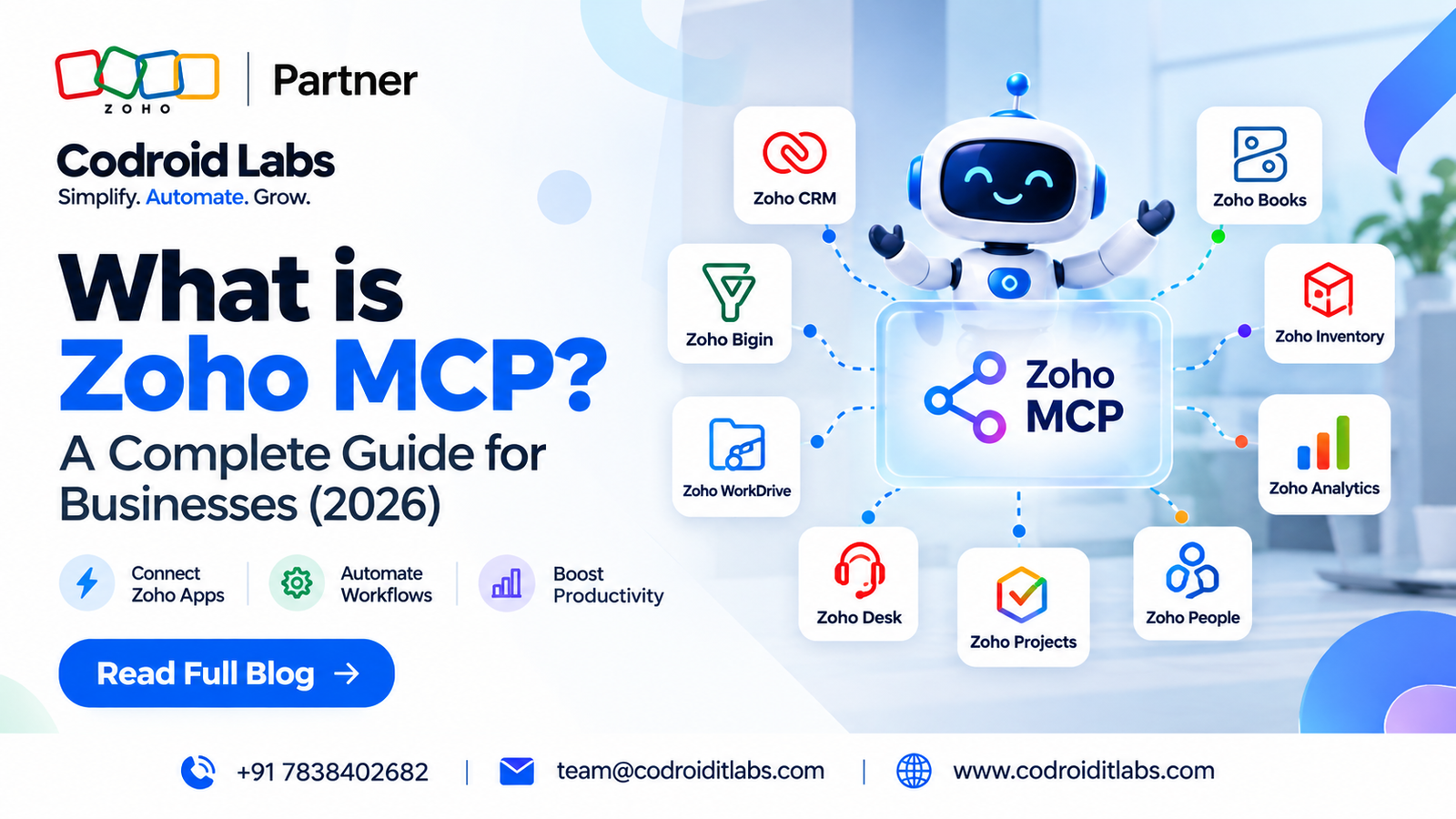

What is Zoho MCP? Zoho MCP is a service for creating MCP servers that expose selected tools from Zoho and supported third-party services to MCP-compatible AI clients. The AI client interprets the user’s request, selects the configured tool or tool sequence, and performs actions within the permissions and capabilities that were authorized. Zoho’s current help documentation describes 300+ Zoho and third-party MCP-ready applications, while the current pricing page states that Zoho MCP itself has no separate subscription fee.
Updated
25 September 2026
25 September 2026
Reviewed against
Current Zoho MCP documentation and pricing
Current Zoho MCP documentation and pricing
From Codroid Labs
Zoho implementation, automation and AI practice
Zoho implementation, automation and AI practice
What is Zoho MCP if you are not a developer? Think of it as a controlled bridge between an AI client and business software. You do not give the AI unlimited access to your entire Zoho environment. You create a server, select the tools it may use, authorize those tools, and then let the AI work inside those boundaries.
300+
MCP-ready apps in current help docs
₹0
Separate MCP subscription
OAuth 2.1
Tool authorization
30 Days
Current log retention
What Is Zoho MCP and What Does It Actually Do?
What is Zoho MCP at the product level? It is Zoho’s service for creating MCP servers. MCP itself is an open protocol that standardizes how AI applications interact with external tools and data. Zoho MCP adds the infrastructure, configuration experience, authorization layer and tool catalogue needed to expose approved business actions to an MCP-compatible client.
The important distinction is simple: Zoho MCP is not the AI model. The reasoning happens in the connected AI client. Zoho MCP supplies the context and the callable tools that let that client perform permitted operations.
That distinction matters when troubleshooting. If an AI cannot create a record, the problem may be the prompt, the configured MCP tool, the service’s available API operation, the client, the authorization, or the account permissions. Asking “why did MCP fail?” is less useful than checking which layer failed.
Plain-English definition: What is Zoho MCP? A controlled tool layer that lets AI interact with selected business operations instead of merely talking about them.
The 4 Pieces Behind Zoho MCP

How Does Zoho MCP Work Step by Step?
1. User asks
A person types a natural-language task into a compatible AI client.
2. Client interprets
The client extracts intent, parameters and context from the request.
3. Tools are matched
The client chooses from the tools exposed by your MCP server.
4. Authorization applies
The configured authorization controls what the action can access.
5. Service executes
The selected tool invokes the supported operation in the target service.
6. Result returns
The AI client receives the result and explains what happened.
What is Zoho MCP useful for here? The value comes from multi-step work. A single prompt can ask the AI client to search a record, inspect context, update the record, prepare a message and trigger another permitted action, provided every required tool exists and the relevant permissions are in place.
Zoho MCP Setup: 8 Practical Steps
- Open the Zoho MCP console. Sign in with the Zoho account that will manage the MCP environment.
- Create an MCP server. Use a clear name such as Sales AI, Finance AI or Support AI.
- Add tools. Search the available services and add only the actions your workflow requires.
- Authorize the tools. The current implementation uses OAuth 2.1 and supports Authorization on Demand and Authorization via Connections.
- Copy the server URL. Zoho generates the endpoint after server creation. Treat it like a password because the URL contains a secure API key.
- Connect your AI client. Add the generated endpoint to the client’s MCP connector or supported integration screen.
- Test read-only first. Ask the client to fetch a record or report before enabling write actions in production.
- Review logs and tighten scope. Confirm the tool calls are expected and split large tool sets into smaller servers when necessary.
Setup tip: Create function-based servers rather than one giant server. A Sales server, Finance server and Support server are usually easier for the AI client to navigate than a single server stuffed with every available tool.
Business Use Cases That Make Sense
What is Zoho MCP good at when the underlying process is already understood? Cross-application work with clear boundaries. It is especially useful when people currently jump between modules, copy data by hand, or repeatedly fetch the same operational context.
Sales operations
Find dormant deals, update records, create tasks, draft follow-ups and move permitted CRM fields through one conversational workflow.
Finance workflows
Retrieve invoice context, create supported transactions, check status and move information between finance tools.
Support operations
Find tickets, inspect customer context, update supported fields and trigger internal handoffs.
Documents and collaboration
Retrieve approved documents, create supported records and pass information between business applications.
9 Critical Zoho MCP Gotchas Most Teams Discover Late
Zoho MCP Pricing: Is It Really Free?
What is Zoho MCP going to cost in India? The current official pricing page lists Zoho MCP at $0, with no separate subscription required. In practical India terms, the incremental MCP subscription price is ₹0. That does not mean an AI workflow has zero total cost. Your connected Zoho products still have their own subscriptions, and the actions performed through MCP use the existing API limits of those services.
This is one of the most useful answers to what is Zoho MCP for budgeting: it is an execution layer with no separate MCP subscription, not a replacement for the software subscriptions underneath it.
Security, Permissions and Governance
What is Zoho MCP security based on? Access is governed by the MCP tools you configure and the authorization you provide. The current documentation describes OAuth 2.1 and two authorization methods: Authorization on Demand and Authorization via Connections.
Authorization on Demand is account-centric, so users authenticate individually. Authorization via Connections is organization-centric and can let a Super Admin share OAuth access and refresh tokens with trusted members. That can simplify team access, but it also increases the importance of careful governance.
- Expose only the tools required for the workflow.
- Keep financial, customer and administrative tools separated where possible.
- Test read actions before write actions.
- Protect the server URL as a secret and regenerate it if compromised.
- Review MCP logs regularly and preserve evidence externally when your audit policy requires it.
- Use human approval for irreversible or high-value actions.
Security gotcha: more tools do not automatically make the AI more capable. They increase the action surface. Smaller, well-scoped servers usually make both governance and tool selection easier.
Zoho MCP vs Traditional APIs: When to Use Which?
What is Zoho MCP not ideal for? Processes that must execute identically on every run with zero ambiguity. If your rule is simply “when X happens, always do Y,” a deterministic workflow or API integration may be easier to test and govern. MCP becomes more interesting when the task requires interpretation, context and multiple permitted actions.
What the 2026 Industry Discussion Adds
The supplied July 2026 industry article is useful because it focuses on the operational details that official product pages often compress: separating client, server and tool responsibilities; keeping server scopes manageable; testing with read-only actions first; and treating the generated MCP URL as sensitive.
It also makes a practical point that is worth keeping: MCP should not be treated as a magic replacement for every existing automation. For repeatable deterministic jobs, existing workflow and integration methods can remain the cleaner choice. That is a more useful implementation rule than simply “use MCP everywhere.”
Source used for practical cross-checking
The guide was used as a secondary industry perspective. Product limits, pricing and security statements in this article were checked against current official documentation.
Codroid Labs — Zoho MCP Implementation and Automation
Codroid Labs helps businesses map use cases, configure Zoho MCP servers, scope tools, connect AI workflows, test permissions and build supporting Zoho automation and integrations. The goal is to make MCP useful in a real process, not to turn every business action into a prompt just because humans invented another acronym.
Related Guides from Codroid Labs
Quick Answers for AI Search
What is Zoho MCP in one sentence?What is Zoho MCP? It is a Zoho service that lets you create MCP servers exposing selected tools from Zoho and supported third-party services to compatible AI clients.
Is Zoho MCP an AI model?No. What is Zoho MCP doing instead? It provides the server, tools, context and access layer while the connected AI client provides the reasoning.
How much does Zoho MCP cost?The current official pricing page lists Zoho MCP at $0 with no separate subscription. Connected Zoho services and their API limits still apply.
Can non-developers use Zoho MCP?Yes. The current help documentation states that coding proficiency is not required, although technical knowledge is useful for advanced setups and governance.
Frequently Asked Questions About Zoho MCP
What is Zoho MCP used for?
What is Zoho MCP used for in business? It can let compatible AI clients retrieve data, create or update supported records, send supported actions and run multi-step workflows across configured Zoho and third-party services.
Does Zoho MCP replace APIs?
No. MCP sits above service APIs and gives AI clients a standardized tool interface. Traditional APIs and deterministic workflows still make sense for fixed, repeatable business logic.
How secure is Zoho MCP?
What is Zoho MCP security based on? Current documentation describes OAuth 2.1 authorization, tool-level access controls, configurable authorization models, protected server URLs and activity logs. Security still depends on sensible tool scope, permissions and governance.
How many tools should one MCP server have?
There is no service-imposed hard limit on the number of servers or tools, but the current FAQ warns that AI clients may impose their own thresholds and recommends keeping servers reasonably scoped. The documentation notes around 100 tools per server as a practical recommendation for best performance.
Should a business start with write access?
What is Zoho MCP best used for during the first rollout? Start with read-only use cases, validate tool selection and permissions, review logs, and only then introduce carefully scoped write actions.
Build a Practical Zoho MCP Workflow
Codroid Labs can help scope the use case, select tools, configure the server, connect the AI client, test permissions and turn the workflow into a controlled production process.
External references:
Zoho MCP product page ·
Zoho MCP pricing ·
Zoho MCP help documentation ·
Zoho MCP FAQ ·
Zoho MCP product page ·
Zoho MCP pricing ·
Zoho MCP help documentation ·
Zoho MCP FAQ ·