


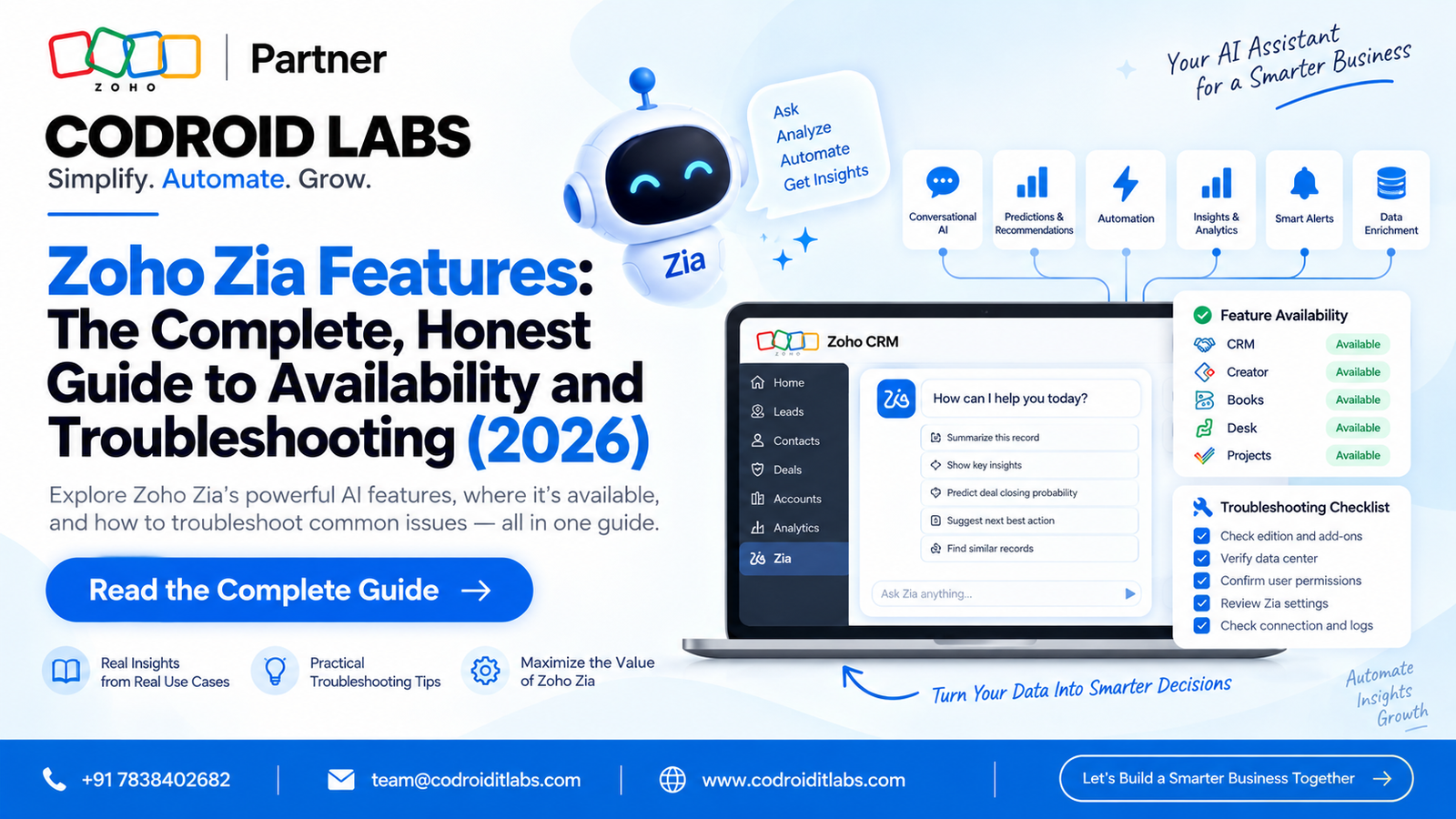
Zoho Zia — Availability Guide 2026
Zoho Zia Features: The Complete, Honest Guide to Availability and Troubleshooting
If Zoho Zia features seem to be missing from your account, that’s not necessarily wrong — Zia is genuinely gated by edition, data center, and language, and Zoho even publishes an official reference specifically to help you check. This guide covers exactly what to verify, product by product, before assuming something’s broken.

3
Gating Factors: Edition, DC, Language
1
Default: On, Not Off
5+
Different Zia Surfaces Across Products
9
Common Errors Fixed Below
A genuinely common complaint is that Zoho Zia features feel almost invisible in day-to-day use — and the honest answer isn’t that Zia doesn’t exist, it’s that Zia’s availability depends on more variables than most people check. Zoho’s own documentation confirms this is common enough that they maintain a dedicated “Ready Reckoner” reference specifically to answer edition, language, and data center availability for Zia. This guide walks through exactly what to verify before assuming something’s broken, and covers a real, documented case where something genuinely was.
The Three Real Gates on Zia
Zoho’s own Zia Ready Reckoner exists as a quick-reference specifically covering the editions, data centers, and languages supported by Zia’s individual features, since global availability genuinely varies feature by feature rather than being a single on-off switch. Before assuming a specific Zoho Zia feature is missing or broken, check all three: your CRM edition may not include that specific capability, your organization’s data center may not have it rolled out yet, and some features are restricted to specific supported languages.
Zia Is On by Default — Check the Admin Panel
All Zia-related features are enabled by default in Zoho CRM, which means if something’s missing, it’s worth checking whether an admin has explicitly turned it off rather than assuming it never existed. Go to Setup, General, Zia, then the Admin Panel tab, where individual Zia features can be toggled on or off for the whole organization. A separate Zia Notification tab controls anomaly notifications specifically. If a feature was disabled here, that alone explains its apparent disappearance — no bug involved.
Zia Means Something Different in Every Product
A genuinely underappreciated reason Zoho Zia features feel inconsistent is that “Zia” isn’t one unified feature set living in one place — it’s implemented separately, with different capabilities, inside each Zoho product. Zia in Zoho CRM covers sales predictions, anomaly detection, and record scoring. Zia in Zoho Creator has its own documented feature set for app builders, distinct from CRM’s. Zia inside Zoho SalesIQ powers Answer Bot retrieval and can hand off generation to ChatGPT or other models entirely. If you experienced Zia working well in one Zoho product and assume the same capabilities exist in another, that expectation mismatch alone can make Zia feel absent somewhere it was simply never built the same way.
Zia Agents Has Its Own Data-Center Rules
Zia Agents — Zoho’s newer agent-building platform, distinct from the classic in-product Zia assistant — has its own explicit availability documentation. If a specific AI model doesn’t show up in the agent creation screen, Zoho’s own docs state plainly that it’s likely not available for your organization’s data center, and the reference table’s blank cells specifically mean a vendor or model isn’t offered in that data center yet. Zia Agents supports two configuration types: ZKS (Zoho-hosted models, no API key needed, with a monthly free token allowance) and BYOK (bring your own API key from a supported vendor, billed directly by that vendor).
When It’s Actually Broken, Not Just Gated
To be fair and honest about this rather than assuming every case is a configuration issue: real, documented cases exist of Zia genuinely malfunctioning for extended periods. One Zoho community thread title describes exactly that — Zia not working, with customer support still working the issue two straight months later. If you’ve already ruled out edition, data center, language, admin toggles, and product-specific scope, and Zia still isn’t behaving as documented, that’s a legitimate support ticket, not something to keep troubleshooting configuration for indefinitely.
9 Common Errors With Zoho Zia Feature Availability — Fixed
1. Assuming your edition includes every Zia feature
Check the Ready Reckoner against your specific edition before assuming a feature was removed.
2. Not checking data center rollout status
Some features roll out to data centers at different times — a feature genuinely may not be live yet where your org’s data is stored.
3. Never checking the Admin Panel toggle
Zia is on by default, but an admin may have turned a specific feature off for the whole org.
4. Expecting CRM’s Zia in Creator or Desk
Each product implements Zia separately with a different feature set — they’re not interchangeable.
5. A model missing from the Zia Agents builder
Almost always a data center availability gap, not a bug — check the official model configuration table.
6. Language not supported for a specific feature
Some Zia capabilities are limited to specific supported languages — confirm this against the Ready Reckoner too.
7. Not enough historical data for predictions
Some Zia capabilities, like forecasting and anomaly detection, need a minimum volume of historical data before they activate meaningfully.
8. Giving up troubleshooting too early
Most “missing Zia” reports resolve to one of the gating factors above — work through them systematically before escalating.
9. Assuming a real outage is a configuration issue
If every gating factor checks out and Zia still doesn’t behave as documented, escalate to support rather than continuing to troubleshoot settings.
Best Practices for Working With Zia
- Check the Ready Reckoner against your specific edition before assuming a feature is unavailable.
- Document which Zia features your organization has intentionally disabled, so it isn’t mistaken for a bug later.
- Treat each Zoho product’s Zia implementation as its own feature set rather than expecting parity across products.
- For Zia Agents specifically, check the current model-by-data-center table before building an agent around a specific model.
- Escalate to Zoho support with specifics once you’ve ruled out every gating factor, rather than assuming it will self-resolve.
More Guides from Codroid Labs
Get Zia Working the Way It’s Actually Documented
Codroid Labs is a Certified Zoho Authorized Partner auditing Zia availability, edition planning, and full AI feature rollouts across India, with GSTIN invoicing for 18% ITC recovery.
Start Zoho CRM via Codroid Labs
Book Free Consultation – +91 78384 02682
Frequently Asked Questions
Why can’t I find a specific Zoho Zia feature in my account?
Most commonly, it’s not included in your edition, not yet rolled out to your data center, or restricted to specific supported languages. Zoho’s own Zia Ready Reckoner exists specifically to check this.
Is Zia enabled by default in Zoho CRM?
Yes, all Zia-related features are enabled by default. An admin can disable specific features individually through Setup, General, Zia, Admin Panel.
Is Zia the same across every Zoho product?
No. Zia is implemented separately in each product — CRM, Creator, Desk, SalesIQ, and the newer Zia Agents platform all have distinct, non-interchangeable feature sets.
Why is a specific AI model missing from the Zia Agents builder?
If a model doesn’t appear in the agent creation screen, it’s most likely not yet available for your organization’s data center — check the official model configuration reference table.
External references:
Zoho CRM — Zia Ready Reckoner (Official) ·
Zoho CRM — Enabling and Disabling Zia Features (Official) ·
Zia Agents — Model Configuration and Data Center Availability (Official)
Zoho CRM — Zia Ready Reckoner (Official) ·
Zoho CRM — Enabling and Disabling Zia Features (Official) ·
Zia Agents — Model Configuration and Data Center Availability (Official)
Codroid Labs (GSTIN 07AAWFC0815B1ZP) is a Certified Zoho Authorized Partner helping businesses understand Zoho Zia features availability, edition planning, and full AI-powered CRM rollouts across India and global markets.
Phone: +91 78384 02682 | Email: team@codroiditlabs.com | codroiditlabs.com