


Industry Guide · Solar EPC and Installers · Zoho CRM
Zoho CRM for Solar Companies in India: Lead-to-Install Setup
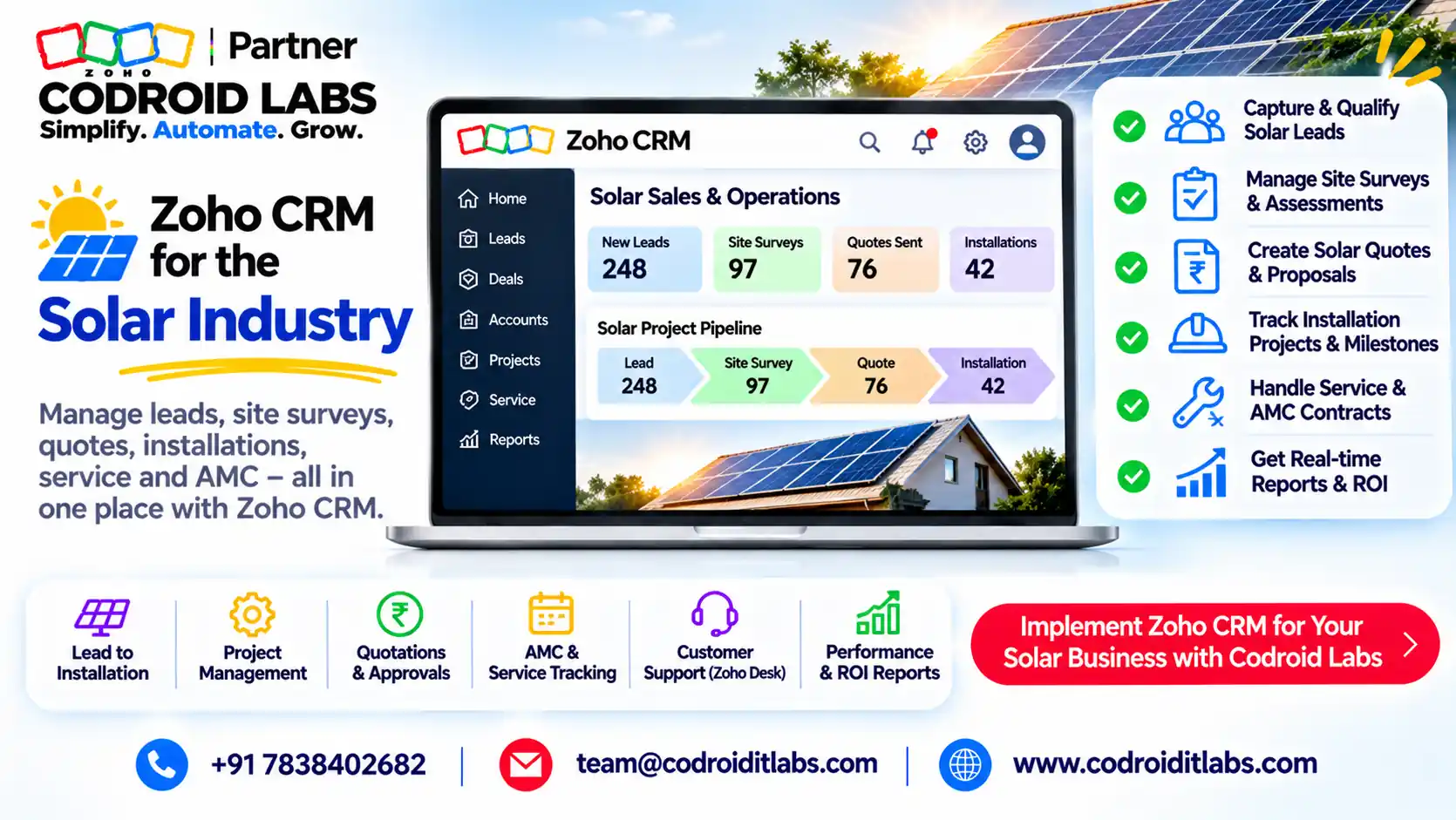
Zoho CRM for solar gives EPC companies and rooftop installers one pipeline from enquiry to site survey, quote, subsidy paperwork, installation, net metering and AMC.
This guide maps 8 stages, the custom modules and fields to add, a PM Surya Ghar document checklist, and the Zoho features that run each step.

Short answer
Zoho CRM for solar works by adding custom modules for site surveys, subsidy applications, installations and AMC, then using Blueprint to enforce the order of stages. Blueprint and quotes start at the Professional edition.
For residential jobs under PM Surya Ghar: Muft Bijli Yojana, track each portal step and document in CRM so subsidy release never stalls on a missing file.
Why a CRM for Solar Business Teams Pays Off
In short: Solar leads stall between survey, quote, subsidy paperwork and DISCOM steps; one CRM pipeline makes every stage visible.
Installers in public forums describe the same leaks: survey photos on one phone, quotes in a spreadsheet, subsidy status known only to the person who logged into the portal, and AMC visits forgotten.
A crm for solar business teams fixes this by putting each customer, roof and application on one record. Sales sees the quote, operations sees the install date, and accounts sees when the subsidy is pending.
Zoho CRM for solar is not a separate product. It is Zoho CRM shaped to your lead flow with modules, fields and automation, which is why it adapts to both small rooftop installers and larger EPC firms.
Zoho CRM for Solar: The 8-Stage Pipeline
In short: Model eight stages from lead to AMC, and let each stage gate the next with required fields and documents.
STAGE 1
Lead
Enquiry from ads, referrals or walk-ins
STAGE 2
Site survey
Roof, shade, load, photos
STAGE 3
Quote
System size, panels, inverter
STAGE 4
Subsidy application
National portal, feasibility
STAGE 5
Install
Work order and crew
STAGE 6
Net metering and inspection
DISCOM inspection, commissioning
STAGE 7
Subsidy disbursal
Bank details, release tracked
STAGE 8
AMC
Cleaning and service visits
Pipeline flows left to right, top to bottom: each stage unlocks only when the previous one is complete.
Each box becomes a Blueprint state or a deal stage in Zoho CRM for solar. In Zoho CRM for solar setups we gate stages with required data: no quote without survey photos, no install without feasibility approval, no AMC without a commissioning date.
Zoho's Blueprint help explains how states and transitions enforce a process. Per Zoho's feature list, Blueprint is in Professional (3 blueprints), Enterprise (50) and Ultimate (100).
PM Surya Ghar: What Solar CRM Software in India Must Track
In short: PM Surya Ghar gives residential consumers central support of up to ₹78,000 for 3 kW, through the national portal and the local DISCOM.
Anyone comparing solar crm software india options should check how well it tracks this scheme.
PM Surya Ghar: Muft Bijli Yojana is the central rooftop solar scheme for homes. The figures below are from the scheme guidelines and official releases, as checked November 2026. Confirm on the official national portal before quoting a customer.
| Point (as checked November 2026) | What the scheme says |
|---|---|
| Central support, first 2 kW | ₹30,000 per kW (₹33,000 in special category states) |
| Central support, 3rd kW | ₹18,000 per kW (₹19,800 in special category states) |
| Cap | ₹78,000 for 3 kW or more; no extra support beyond 3 kW |
| Housing societies (common facilities) | ₹18,000 per kW, up to 500 kW at 3 kW per house |
| Who is eligible | Residential consumers with a grid-connected DISCOM connection, a suitable roof and no earlier solar subsidy |
| Not covered | Commercial, industrial and government connections |
| Vendor maintenance | Vendors maintain the system for the first five years |
| Scheme period | Planned to run until FY 2026-27, with a successor scheme under consultation |
Application steps, in plain words: the consumer registers on the national portal with state, DISCOM and consumer number, applies, gets feasibility approval, and picks a registered vendor.
After installation, plant details are submitted and a net meter is applied for. The DISCOM inspects and installs the net meter, the portal issues a commissioning certificate, and the consumer submits bank details for the subsidy.
States may add their own top-up, and a collateral-free loan option is available through the portal. Treat all amounts as subject to change; your CRM should store the figure that applied on the application date.
Custom Modules and Fields for a CRM for Solar Company Setup
In short: Add Site Surveys, Subsidy Applications, Installations and AMC Contracts as custom modules linked to the deal.
Zoho's custom modules help covers creating modules. The feature list allows 10 custom modules in Standard, 25 in Professional and 200 in Enterprise. Copy this structure as a starting point.
| Module | Key fields | Linked to |
|---|---|---|
| Leads (standard) | Source, city, monthly bill, roof type, consumer number, sanctioned load | Converted to Deal |
| Site Surveys (custom) | Survey date, surveyor, roof area, shade notes, structure type, photos, recommended kW | Deal |
| Quotes (standard) | System kW, panel and inverter line items, GST, subsidy estimate, net payable | Deal |
| Subsidy Applications (custom) | Portal application number, DISCOM, feasibility date, vendor agreement date, commissioning date, subsidy status | Deal, Contact |
| Installations (custom) | Work order number, crew, start and finish dates, panel serial numbers, inverter serial | Deal |
| Net Metering (custom or fields) | Net meter application date, inspection date, meter number | Subsidy Application |
| AMC Contracts (custom) | Start date, visits per year, next visit, warranty end, five-year maintenance flag | Account, Installation |
Codroid can share this structure as an import file on request; just ask on a Bookings call. There is no download on this page.
Subsidy Document Checklist for Zoho CRM for Solar
In short: Track every scheme document as a field or attachment so no file blocks the subsidy.
This is the checklist we load into every Zoho CRM for solar build. Track each item as a checkbox, date or attachment on the Subsidy Applications record. The list follows the scheme's published application flow; your DISCOM may ask for more.
| Stage | Document or data | CRM field type |
|---|---|---|
| Registration | State, DISCOM, consumer number, mobile, email | Picklists and text |
| Application | Latest electricity bill, proposed capacity in kW | Attachment, number |
| Feasibility | Feasibility approval and date | Checkbox, date |
| Vendor | Signed vendor agreement uploaded on the portal | Attachment, date |
| Installation | Plant details, including location coordinates | Text, attachment |
| Net metering | Net meter application, DISCOM inspection | Date, checkbox |
| Commissioning | Commissioning certificate from the portal | Attachment, date |
| Subsidy | Bank account details and cancelled cheque | Attachment, checkbox |
| Release | Subsidy received date and amount | Date, currency |
In Zoho CRM for solar, Blueprint can require these fields before a transition. For example, the Install state cannot start until Feasibility approval is ticked. That single rule removes most stuck applications.
Zoho Features by Stage in CRM Software for Solar Companies
In short: Blueprint, quotes, WhatsApp, field service, e-signatures, portals and analytics cover the whole solar journey.
| Stage | Zoho feature | Edition or note (Zoho pages) |
|---|---|---|
| Lead capture | Web forms, ad lead sync, WhatsApp | WhatsApp Business in paid editions; credits needed |
| Process control | Blueprint | Professional and above |
| Quote | Quotes with line items and tax | Professional and above |
| Agreement | Zoho Sign for e-signatures | Separate Zoho Sign plan |
| Install and AMC visits | Zoho FSM work orders, job sheets, maintenance plans | Separate Zoho FSM plan; free plan has 30 appointments |
| Customer updates | CRM Portals | Professional and above, 1,000 free invites |
| Reports | Zoho Analytics integration | All editions; Ultimate includes Zoho Analytics |
Zoho's FSM and CRM integration syncs Accounts, Contacts and Products, and lets you create work orders and assets from CRM. Zoho FSM's plans list job sheets, asset management and maintenance plans from Professional.
WhatsApp templates can run inside workflows, per Zoho's WhatsApp integration help. Customers can check status through Zoho CRM Portals. Edition prices are on Zoho's CRM pricing page and our Zoho CRM pricing India guide.
For a crm software for solar companies shortlist, this mix matters more than any single feature: one record from enquiry to AMC, with field work and signatures attached.
AMC After Install: Keep Zoho CRM for Solar Working for Years
In short: Scheme vendors maintain systems for five years, so plan AMC visits from day one.
Under the scheme, vendors maintain systems for the first five years. Zoho CRM for solar should therefore create an AMC record the day commissioning is logged.
- Workflow on commissioning date creates an AMC Contract with next visit due.
- Zoho FSM maintenance plans schedule recurring cleaning or inspection visits.
- Job sheets record readings and photos on site.
- A WhatsApp template reminds the customer before each visit.
- Renewal reminders start before the five-year period ends.
This turns one-time installs into recurring revenue, and keeps Zoho CRM for solar useful long after the sale. See our Zoho FSM guide and recurring service CRM guide.
How Codroid Labs Builds Zoho CRM for Solar
Codroid Labs is a Zoho Partner and a Zoho AI Enabled Partner, recognised by Zoho after the AI Accelerator Series 2026. As a Zoho Partner, Codroid Labs sells Zoho licences and provides implementation, customisation, migration and AMC support.
Based in New Delhi, we work with solar EPC companies and installers across India remotely: modules, Blueprint, quotes, WhatsApp, FSM and subsidy tracking for Zoho CRM for solar, plus ongoing AMC support after go-live.
Related: Zoho CRM setup for service businesses, Zoho CRM quote templates, Zoho CRM with Zoho Sign and Zoho CRM Facebook lead ads. Book a call, phone +91 7838402682 or email team@codroiditlabs.com.
Quick Answers
Which edition suits Zoho CRM for solar?
Professional, for Blueprint, quotes and portals; Enterprise for more blueprints.
Does Zoho CRM include field service?
Zoho FSM is a separate app that integrates with Zoho CRM.
Can CRM track PM Surya Ghar status?
Yes, through a custom Subsidy Applications module you update.
Does the scheme cover commercial rooftops?
No. Central support is for residential consumers.
Zoho CRM for Solar: FAQs
Can Zoho CRM for solar connect to the national subsidy portal?
We found no Zoho integration with the scheme portal. Staff update the portal and record status in CRM.
Can I run Zoho CRM for solar on the Standard edition?
Yes for custom modules, but Blueprint and quotes need Professional or above per Zoho's feature list.
How do I handle commercial and industrial projects?
Use a separate layout or pipeline without subsidy stages, since the scheme's central support is residential only.
Can survey photos be stored in CRM?
Yes, as attachments or image fields on the Site Surveys record, within your storage limits.
Can customers sign quotes online?
Yes, with Zoho Sign connected to Zoho CRM.
Can we track panel and inverter serial numbers?
Yes, as fields on the Installations module or as assets in Zoho FSM.
Are subsidy amounts fixed?
They are as checked November 2026. Benchmarks can be revised, so confirm on the official portal.
Do you offer support after go-live?
Yes. Codroid provides AMC support for Zoho, including changes as your process grows.
Get a solar CRM demo built on your own lead flow
Share your current steps and we will show them running in Zoho CRM, from enquiry to subsidy and AMC.
Related guides
Zoho references (checked November 2026)
- Zoho CRM: complete feature list
- Zoho CRM: Blueprint
- Zoho CRM: custom modules
- Zoho CRM: Portals
- Zoho CRM: WhatsApp Business integration
- Zoho FSM: Zoho CRM integration
- Zoho FSM: plans
- Zoho CRM: pricing
Scheme details are from PM Surya Ghar: Muft Bijli Yojana guidelines and official releases, cited by name only. Confirm current figures on the official national portal.