


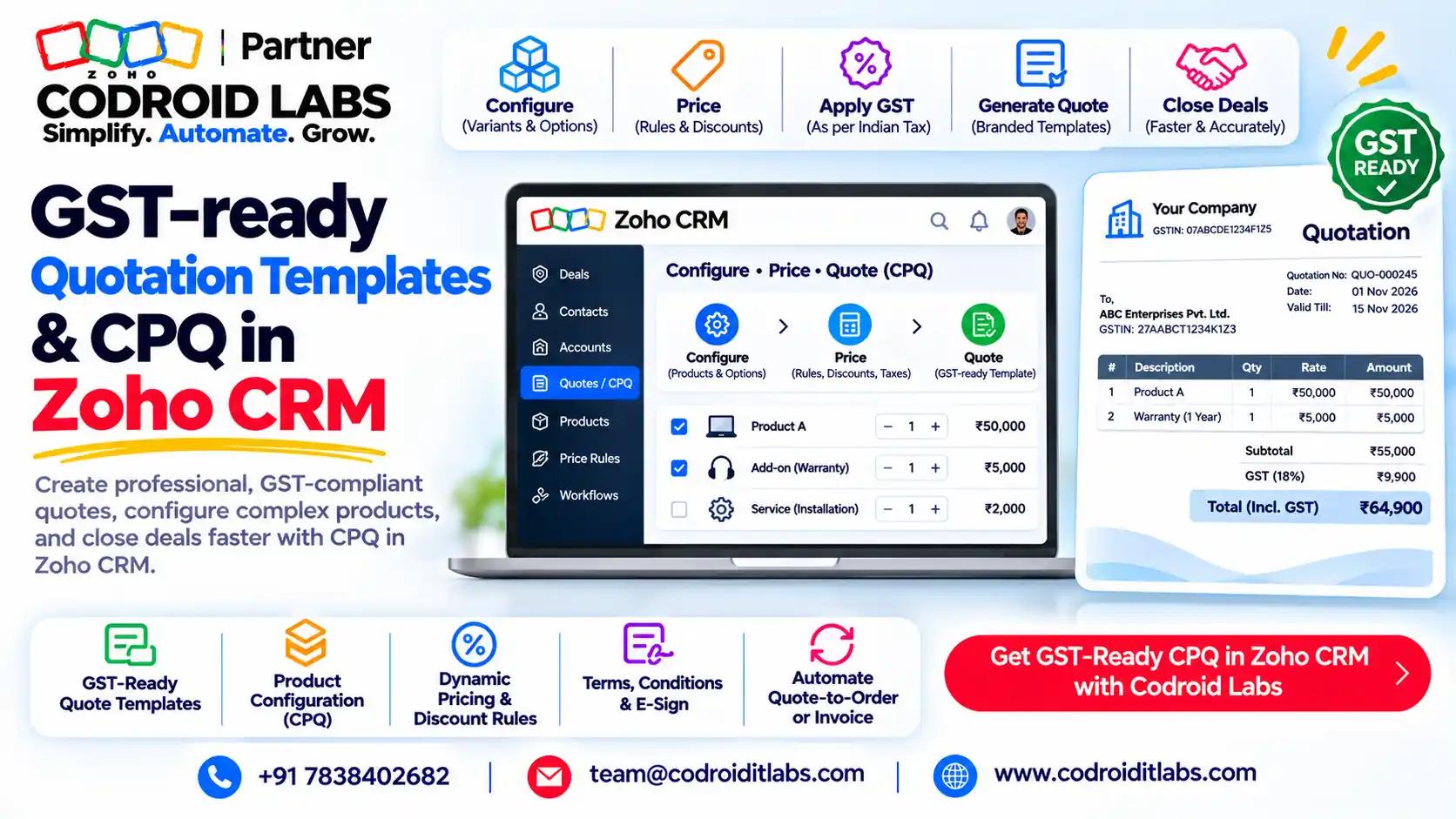
Template Gallery · GST Quotations · CPQ
Zoho CRM Quote Template: 5 GST-Ready Quotation Formats and CPQ Setup
A Zoho CRM quote template is the inventory template that controls how a quote from the Quotes module looks when you print it, export it as PDF or email it.
This guide gives you five GST-ready quotation formats to copy, shows how to build them in Zoho CRM, and explains CPQ price rules and approvals.

Short answer
Build a Zoho CRM quote template under Setup > Customization > Templates > Inventory, choose the Quotes module, and add merge fields for your company, customer, products and taxes. Add GSTIN, place of supply and HSN or SAC as custom fields first.
Per Zoho's feature comparison (checked 1 November 2026), Quotes and inventory templates are in the Professional, Enterprise and Ultimate editions. CPQ is marked Early Access.
Note: The formats below are layout ideas, not legal or tax advice. Confirm the fields and tax treatment for your business with your chartered accountant.
What Is a Zoho CRM Quote Template?
In short: It is an inventory template for the Quotes module that sets the layout, fields and line items of the PDF your customer receives.
Sales teams in India share the same complaints in public forums: quotes built in spreadsheets, wrong tax splits, missing GSTIN, and managers approving discounts over chat.
In the Zoho CRM quotes module, a quote record holds the customer, products, discounts and taxes. The Zoho CRM quote template decides how that record looks as a document: logo position, fields shown, line-item columns and terms.
Zoho says inventory templates are used in three places: print preview, export to PDF and send mail, per its inventory templates help. One good Zoho CRM quote template therefore fixes every quote your team sends.
5 GST-Ready Zoho CRM Quote Templates (Copyable Formats)
In short: Five layouts cover most Indian B2B quotes: intra-state, inter-state, services, products with discount, and export or foreign currency.
Each mock below is a Zoho CRM quote template layout you can copy. Values in square brackets are merge-field placeholders. Use these Zoho CRM quote templates as a field checklist when you build your own.
Zoho's comparison page lists Multiple Currencies from the Standard edition (5 active currencies) upward, which supports format 5. Want any of these as a ready Zoho CRM quotation template for your account? Ask Codroid for the template file and we will share it on the call.
Fields to Set Up Before Your Zoho CRM Quote Template
In short: GSTIN, place of supply and HSN or SAC are custom fields you add once; tax rates are set on the Products module.
A GST-ready Zoho CRM quote template needs data to merge. In the help pages we read, Zoho CRM has no India-specific GST fields, so plan these as custom fields.
| Field | Where to add it | Type (Example only) | Used in format |
|---|---|---|---|
| Customer GSTIN | Accounts module | Single line, with a validation rule | 1, 2, 3, 4 |
| Place of supply | Quotes module | Picklist of states | 1, 2, 3, 4 |
| HSN code | Products module | Single line | 1, 2, 4, 5 |
| SAC code | Products module (services) | Single line | 3 |
| Tax rates | Products > Price Information > Tax | CGST, SGST, IGST labels with % | All |
| LUT reference, IEC | Quotes or Organization | Single line | 5 |
| Terms and conditions | Quotes module | Text area | All |
Tax rates: Zoho lets an admin define tax labels and percentages from Products > Price Information > Customize Tax Rates, and optionally auto-populate them on line items, per its tax rate help. Example only: CGST 9%, SGST 9% and IGST 18% as three labels.
Zoho's comparison page shows Tax Rates, Price Books and Validation Rules from the Professional edition up. Product fields such as HSN can be merged into a quote because Products is a linked module for Quotes templates.
How to Build a Zoho CRM Quote Template
In short: Setup > Customization > Templates > Inventory, pick Quotes, start from the gallery or from scratch, then add merge fields.
- Go to Setup > Customization > Templates > Inventory and click + New Template.
- Select Quotes as the module and click Next to open the template gallery.
- Pick a predefined template and edit it with the drag-and-drop editor, or start from scratch.
- Insert merge fields from Quotes, Products, Users, Organization, Accounts, Contacts, Potentials or custom modules.
- Add the company logo merge field; Zoho lists a maximum of 188 x 80 px for the logo.
- Lay out the line-item table with HSN or SAC, quantity, rate, discount and tax columns.
- Preview the Zoho CRM quote template, save it, and mark the one your team should use by default.
Steps 1 to 4 follow Zoho's inventory templates help. The logo size and field tags come from the standard merge fields list. Zoho also notes templates can be cloned across inventory modules.
Tip from Zoho's troubleshooting notes: for line-item text, use the Quotes Product Description merge field, not the quote's main Description field.
An inline option also exists: mail merge templates in Zoho Writer can use Quotes data and be sent inline in the email body or as an attachment. Most teams still use the Zoho CRM quote template for the PDF.
Send a Quote from the Zoho CRM Quotes Module
In short: Create the quote, add products, save, then send it by email or export it as PDF using your template.
- In the Quotes module, click Create Quote and fill in the quote details.
- Under Quoted Items, search and pick products from the drop-down; Zoho allows up to 200 line items per quote.
- Click Add Products. Taxes, price book discounts and descriptions fill in automatically.
- Use the price book lookup if this customer has agreed prices, then click Save.
- Open the quote, use Print Preview or export to PDF with your Zoho CRM quote template, or send it by email.
Steps 1 to 4 follow Zoho's creating quotes help. Zoho also notes that print with custom templates is for paid accounts; free and trial accounts get the default print option only.
With the fields ready, a rep can usually send a Zoho CRM quotation in a couple of minutes, because the Zoho CRM quote template does the formatting.
Zoho CRM CPQ: Price Rules, Product Rules and Approvals
In short: Zoho CRM CPQ adds product rules and price rules on top of quotes; Zoho lists it as Early Access and limits it by edition.
Zoho CRM CPQ (configure, price, quote) automates the line items on a quote. Zoho lists two building blocks: Product Configurator and Price Rules, per its CPQ how-it-works guide.
| CPQ feature | What it does (per Zoho) | Use in Indian B2B (Example only) |
|---|---|---|
| Product Configurator | Add a product, suggest a product, or update a quoted-item field when rules match | Add installation when a machine is quoted |
| Price Rules | Direct discount, direct list price, volume-based discount or volume-based list price | Quantity slabs for distributors |
| Rule order | If several price rules match, only the first in the list applies | Put special-customer rules on top |
| Guided Selling | Question flows that guide reps to the right products | New reps choosing a product mix |
| Zia suggestions | Zia suggests rules from past quotes (Q1 2026 update) | Review frequent combinations |
| CPQ permissions | Separate profile permissions for viewing, creating and editing rules | Only sales ops edit price rules |
Zoho's CPQ page says the feature is in Early Access mode, so confirm availability on your account before you plan around it.
Which editions include Zoho CRM CPQ and approvals?
| Feature (checked 1 November 2026) | Professional | Enterprise | Ultimate |
|---|---|---|---|
| Quotes and inventory templates | Yes | Yes | Yes |
| Price rules (total per org) | 10 | 50 | 100 |
| Product configurations (total) | 10 | 50 | 100 |
| Guided selling flows | 25 | 50 | 100 |
| Approval Process | No | Up to 10 active per module | Up to 50 active per module |
Source: Zoho's CRM feature comparison. The Free and Standard editions show no Quotes module there. For edition costs, see our Zoho CRM pricing India guide.
Discount approvals
Example only: an Approval Process on the Quotes module sends any quote with a discount above your limit to a sales manager. CPQ price rules set the standard price; the approval catches exceptions. Per the comparison page, Approval Process needs Enterprise or Ultimate.
From Zoho CRM Quotation to GST Invoice
In short: Quotes stay in CRM; formal GST invoices, e-invoicing and GST filing belong in Zoho Books.
A quotation is a pre-sale document. For formal GST invoices, use Zoho Books: its India help centre covers GST filing, e-invoicing, e-way bills and HSN and SAC codes for items, and lists Zoho CRM among its integrations.
Zoho Inventory chooses between intra-state and inter-state tax rates based on the place of supply, per its GST guide. Very small teams can look at Zoho Invoice, which Zoho describes as GST invoicing software.
Related reading: Zoho Books GST setup, GST in Zoho Books, Zoho Books GST filing and free Zoho Invoice software.
How Codroid Labs Sets Up Your Zoho CRM Quote Template
Codroid Labs is a Zoho Partner and a Zoho AI Enabled Partner, recognised by Zoho after the AI Accelerator Series 2026. As a Zoho Partner, Codroid Labs sells Zoho licences and provides implementation, customisation, migration and AMC support.
Based in New Delhi, we work with teams across India remotely: GST fields, tax labels, a Zoho CRM quote template per format, CPQ rules and discount approvals. Start with our Zoho CRM setup checklist for growing companies.
See also Zoho CRM implementation partner India and Zoho CRM setup for service businesses. Book a call, phone +91 7838402682 or email team@codroiditlabs.com.
Quick Answers
Where is the Zoho CRM quote template setting?
Setup > Customization > Templates > Inventory, then choose Quotes.
Does Zoho CRM have built-in GST fields?
Not in the help pages we read; add GSTIN, place of supply and HSN or SAC as custom fields.
Which edition has the Quotes module?
Professional, Enterprise and Ultimate, per Zoho's comparison page.
Is Zoho CRM CPQ generally available?
Zoho's CPQ page marks it Early Access.
Zoho CRM Quote Template: FAQs
Can I download these Zoho CRM quote templates?
There is no download file on this page. Copy the HTML layouts, or ask Codroid for the template file on a call.
Can one Zoho CRM quote template handle both CGST+SGST and IGST?
Yes, if the layout shows whichever tax lines the quote carries. Many teams still keep separate intra-state and inter-state templates for clarity.
Can I show HSN codes on each line?
Yes. Add HSN as a Products field and merge it into the line-item table.
Can a Zoho CRM quote template show the company logo?
Yes, through the company logo merge field. Zoho lists a maximum size of 188 x 80 px.
Can I send the quote as a PDF?
Yes. Inventory templates are used for print preview, export to PDF and send mail.
Do I need CPQ for discounts?
No. Price books and line discounts work without CPQ. CPQ adds rule-based pricing and product suggestions.
Who can edit CPQ rules?
Only profiles given CPQ permissions, which Zoho manages separately from other CRM permissions.
Is a quotation a GST invoice?
No. Issue formal GST invoices from Zoho Books or Zoho Invoice, and check requirements with your CA.
Want your quotes to pull prices and approvals automatically? Book a CPQ setup
Bring one real quote. We will map it to a Zoho CRM quote template, price rules and an approval flow.
Zoho references (checked 1 November 2026)