


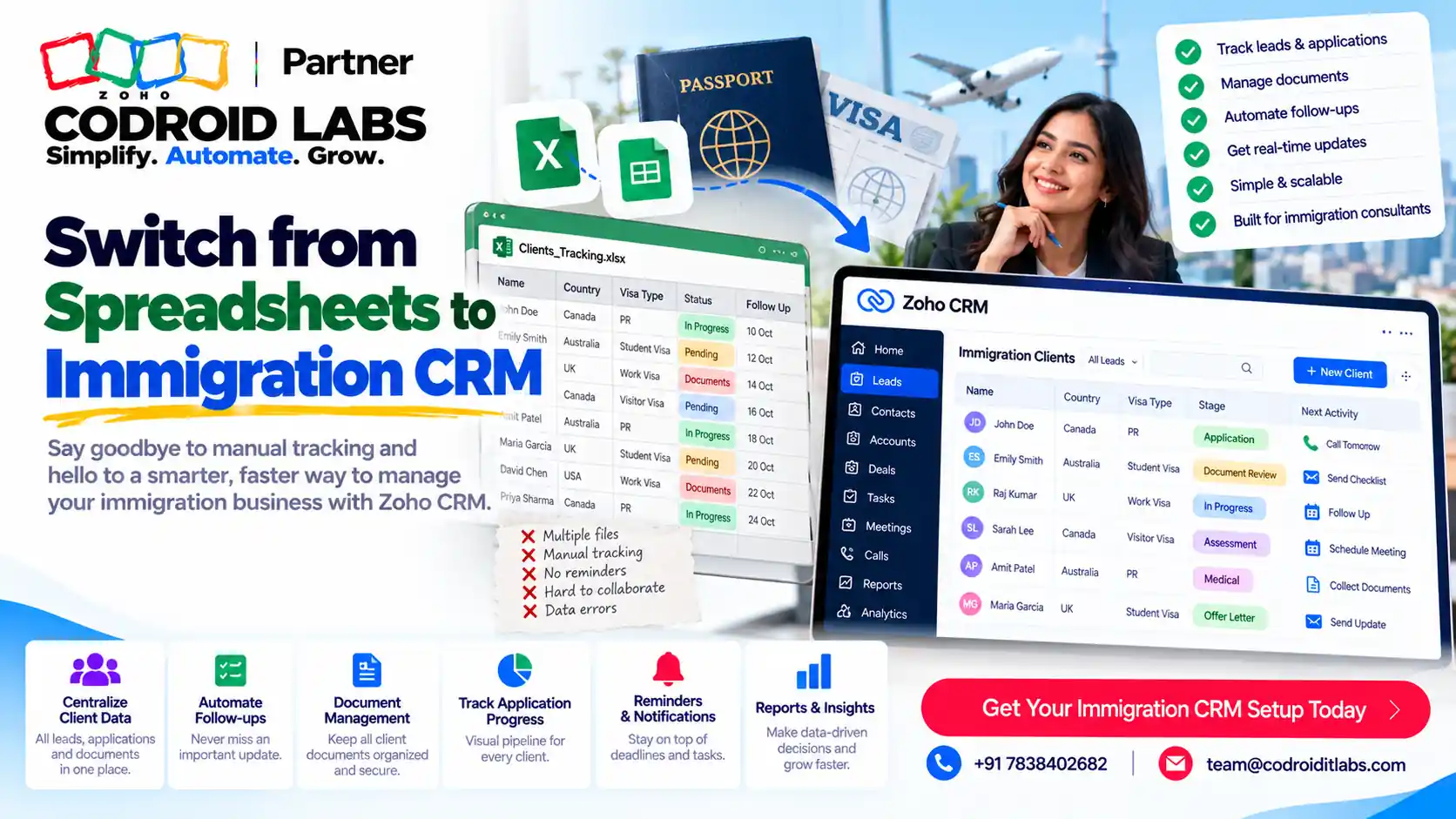
Migration Guide · Immigration Firms · Updated 29 October 2026
How to Switch from Spreadsheets to Immigration CRM Without Losing a Single Case
To switch from spreadsheets to immigration CRM safely, clean your client and case sheets first, map every column to a CRM field, import in the right order, and only then retire the old files. This guide is for immigration and visa consultancies that already run on spreadsheets and want to move into Zoho CRM. It covers the warning signs, what breaks, a nine-step move of client, case and document data, cleanup, field mapping, go-live and training. Examples are labelled Example only.

Short answer
Make a frozen copy of every sheet, remove duplicates inside the files yourself, standardise dates and phone formats, and write a field map. Mark identifying fields such as email or passport number as unique so Zoho CRM blocks new duplicates. Import clients first, then cases, then notes and documents, testing with a small file before the full run. Zoho's own record management FAQ warns that duplicates inside your import sheet are not removed for you, so cleanup comes before the import, not after.
Signs It Is Time to Switch from Spreadsheets to Immigration CRM
In short: If two people keep different versions of the same client, you have already outgrown the sheet.
Most consultancies start with a spreadsheet because it is free and familiar. It works until the client list, the team and the number of open visa files grow at the same time. These are the usual signs:
- Two counsellors keep their own copies of the same sheet, and nobody knows which one is current.
- A deadline was missed because the reminder lived in someone's head or personal calendar.
- You cannot answer “how many student visa files are waiting for documents?” without filtering three tabs.
- Client documents sit in email threads, chat apps and desktop folders, with no link to the case.
- A new counsellor needs days to understand the sheet's colour codes and hidden columns.
- The sheet is shared so widely that you are no longer sure who can see passport details.
If three or more of these sound familiar, it is time to switch from spreadsheets to immigration CRM. Waiting rarely makes the move easier, because every month adds more rows to clean. If you are still choosing which CRM setup suits your firm, read our Zoho for the immigration industry overview first; this page is only about the move itself.
What Breaks When an Immigration Firm Runs on Sheets
In short: Spreadsheets store rows; a CRM stores relationships, owners, history and reminders.
| In a spreadsheet | What goes wrong | In Zoho CRM (Example only) |
|---|---|---|
| One row per client | Repeat applicants get a second row | One contact, many cases linked to it |
| Status typed by hand | Spelling varies, filters miss files | A pick-list stage everyone uses |
| Dates in a column | No reminder fires | Tasks and reminders tied to the case |
| Owner in a text cell | Hand-overs get lost | A record owner with history |
| Documents elsewhere | No proof of what was received | Attachments on the record |
| Whole-sheet sharing | Everyone sees everything | Role-based access |
None of this is a criticism of spreadsheets. They are good at lists. A CRM is built for relationships, ownership and follow-up, which is what visa work really is. That is the real reason to switch from spreadsheets to immigration CRM: not new screens, but fewer things falling through the gaps. For how a full immigration setup looks once you are live, see Zoho CRM for immigration consultants.
Plan the New Structure Before You Import
In short: Decide where clients, cases, documents and payments will live before you touch an import file.
Before anyone opens an import screen, agree where each type of information will live. A simple plan for most consultancies looks like this (Example only):
| Information | Where it lives | Why |
|---|---|---|
| New enquiries | Leads | Not yet clients; easy to qualify or discard |
| Clients | Contacts | One record per person, reused for every case |
| Visa cases | Deals, or a separate cases module your admin sets up | Each application has its own stage and dates |
| Documents | Attachments on the client or case | Proof sits with the record |
| Call and meeting notes | Notes | History stays with the record |
Write this plan on one page and share it with the team. It is the foundation of the whole switch from spreadsheets to immigration CRM. If you want a second pair of eyes on it, a short CRM configuration review is a good use of time before the import.
9 Steps to Switch from Spreadsheets to Immigration CRM
In short: Copy, clean, standardise, map, protect against duplicates, test, import in order, then go live.
- Freeze a copy. Save a dated, read-only copy of every sheet. You will import from a working copy, never the original.
- List every column. For each tab, write what each column means, who fills it and whether it is still used. Drop the dead ones.
- Remove duplicates inside the file. Zoho says it does not prevent duplicates that exist within your import spreadsheet, so sort by email, phone and passport number and merge rows yourself (Zoho FAQ).
- Standardise formats. One date format, one phone format with country code, one spelling for each country and visa type.
- Write the field map. One sheet column to one CRM field, as in the table below. Create custom fields for anything immigration-specific.
- Protect against new duplicates. Mark fields such as email or passport number as unique. Zoho gives passport numbers as an example and says unique fields apply to imports, APIs and manual entry (source).
- Test with a small file. Import a few rows, check every field on the record, fix the map, then delete the test records.
- Import in order. Clients first, then cases linked to them, then notes, then documents. Zoho notes that related accounts and contacts must exist before notes are imported (source).
- Go live and retire the sheet. Pick a cutover point, make the old sheets read-only, and train each role.
Zoho's import guide lets you add new records, update existing ones only, or do both, matched on Record ID or a unique field such as email, with an option to skip empty values when updating. Choosing the right option for each file is what makes the switch from spreadsheets to immigration CRM repeatable rather than risky.
Field Mapping Table for Immigration Data
In short: One spreadsheet column maps to one CRM field; anything that does not fit gets a decision, not a guess.
| Spreadsheet column | Zoho CRM field | Notes (Example only) |
|---|---|---|
| Full name | First Name, Last Name | Split before import |
| Email (unique) | Main duplicate check for contacts | |
| Mobile | Mobile | Include country code |
| Passport no. | Custom field, marked unique | Restrict who can see it |
| Destination country | Pick-list | Fixed values only |
| Visa type | Pick-list | One spelling per type |
| Case status | Stage pick-list | Map old labels to new stages |
| Counsellor | Record owner | Match to user names in CRM |
| Next deadline | Date field plus a task | Dates drive reminders |
| Remarks | Notes | Import as notes, not a long text field |
Zoho's import FAQs list the default match field for each module, such as Email for Leads and Contacts, Deal Name for Deals, and Product Name for Products. If your sheet does not have a clean unique column, add one before you import. A tidy field map is the single document that makes a switch from spreadsheets to immigration CRM easy to repeat for the next batch of files.
Cleanup Before and After Import
In short: Zoho CRM checks imports against existing records, not duplicates inside your own file, so clean first.
Cleanup happens twice. Before import, you fix the sheet. After import, Zoho CRM gives you tools for anything that slipped through:
- Deduplicate: Zoho can scan a module on up to three fields and auto-merge records with identical values; conflicting values need you to resolve them (source).
- Merge limit: you can merge a maximum of three records at a time, and only admins or users at the top of the hierarchy can run the tool.
- Careful: Zoho says merged duplicates are deleted permanently, so check before you merge.
- Edition note: Zoho's FAQ lists the Deduplicate tool for Professional, Enterprise and higher editions (source).
Documents need their own decision. Zoho's data migration guide describes uploading a ZIP with a data folder, including a CSV that maps attachments to records, and an attachments folder with the files; its migration FAQ repeats that the attachments CSV and folder must be zipped together. Some firms move every file; others move only open cases and keep closed files archived. Either is fine if it is written down. When firms switch from spreadsheets to immigration CRM, documents are usually the slowest part, so plan them early.
Go-Live and Training
In short: Pick a cutover point, make the old sheets read-only, and train each role on its own tasks.
The day you switch from spreadsheets to immigration CRM should be boring. A simple plan:
| Step | What happens | Owner |
|---|---|---|
| Cutover point | Last changes in the sheet, final import of new rows | Project owner |
| Read-only sheets | Old files locked, kept for reference | Admin |
| Counsellor training | Finding a client, updating a case, adding notes and files | Team lead |
| Manager training | Views, reports and overdue tasks | Owner or manager |
| First-week check | Daily review of missing data and questions | Admin |
Train by role, not by feature list. Counsellors need five actions done well; managers need two or three reports they trust. For automation once the data is clean, see Zoho CRM workflow automation. For plan choice and costs, check Zoho CRM pricing in India and Zoho's Zoho CRM page.
Mistakes to Avoid When You Switch from Spreadsheets to Immigration CRM
In short: Most failed moves skip the cleanup, import in the wrong order, or keep the old sheet alive.
- Importing the live sheet instead of a cleaned copy.
- Leaving duplicates in the file and hoping the CRM will remove them.
- Importing notes or documents before the clients they belong to.
- Copying every old column across “just in case”.
- Keeping the spreadsheet open for edits after go-live, so two systems drift apart.
- Skipping training because “the CRM is easy”.
Our list of common Zoho implementation mistakes covers the wider project. If you want help, see how to hire a Zoho partner or our Zoho CRM implementation steps for India.
How Codroid Labs Helps
Codroid Labs is a Zoho Partner and a Zoho AI Enabled Partner, recognised by Zoho after the AI Accelerator Series 2026. Based in New Delhi, we work with immigration and visa consultancies across India remotely. We clean and map your sheets, set up unique fields and stages, run test and full imports, move documents to the agreed plan, and train counsellors and managers. Your data and Zoho account stay in your name. Learn more about us as a Zoho partner in India, call +91 7838402682 or email team@codroiditlabs.com.
Quick Answers
Will Zoho CRM remove duplicates in my sheet?
No. Clean duplicates inside the file before you import.
What do I import first?
Clients, then cases, then notes and documents.
Can documents move too?
Yes, using a ZIP with an attachments CSV and folder, per Zoho.
What happens to the old sheet?
Make it read-only and keep it for reference.
Switch from Spreadsheets to Immigration CRM: FAQs
Is it hard to switch from spreadsheets to immigration CRM?
Not if you clean and map first. The import itself is the quick part; preparing the data takes most of the effort.
Should I import everything from my old sheets?
No. Import active clients and cases fully, and decide separately whether closed files are imported or archived.
How do I stop duplicate clients after the move?
Mark identifying fields such as email or passport number as unique, which Zoho applies to imports, APIs and manual entry.
Can I update records later from a spreadsheet?
Yes. Export records with their Record IDs, edit, and import with the update option, matched on Record ID.
Can Zoho CRM hold client documents?
Yes, as attachments on records. Zoho documents a ZIP-based migration for attachments.
How is this different from your other immigration guides?
This page covers only the move from sheets. Our other guides cover module setup and choosing a CRM.
Do I need a partner to switch?
Not always. A small, clean sheet can be moved in-house. Partners help when data is messy or spread across many files, or when you want to switch from spreadsheets to immigration CRM while staff keep working on live cases.
Still running visa files from a spreadsheet?
Send us a sample sheet with personal details removed. We will return a field map and a move plan, in writing.
Related guides
Zoho references (checked 29 October 2026)