


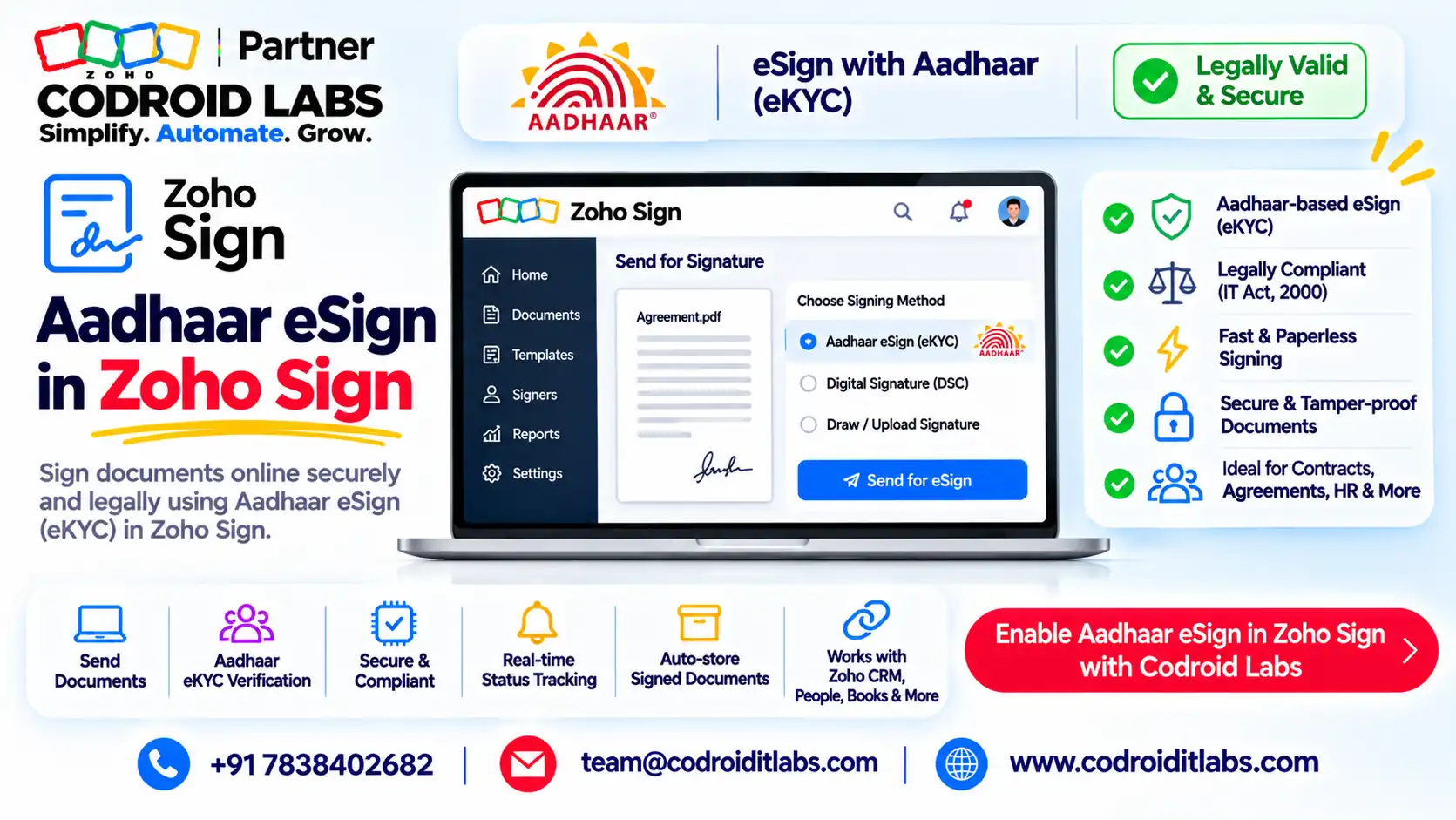
India Guide · eSignatures · Zoho Sign
Zoho Sign Aadhaar eSign: Legal Validity, Cost per Signature and Setup
Zoho Sign Aadhaar eSign lets a signer in India sign a document with an Aadhaar-based certificate after an OTP sent to the phone number linked to their Aadhaar.
This guide covers what the law allows, which documents qualify, what each signature costs in INR, how to set it up, and what to do when it fails.

Short answer
Zoho Sign Aadhaar eSign is available on all paid Zoho Sign plans for organisations on Zoho's India data centre. Each signing uses 2 Zoho Sign credits, and credits cost ₹6 each (checked 1 November 2026, taxes extra).
Aadhaar-based e-authentication is recognised under the Information Technology Act, 2000, but wills, trusts, most powers of attorney and negotiable instruments other than cheques fall outside that Act.
Note: This is a plain-language summary, not legal advice. Confirm with your lawyer before you rely on Aadhaar eSign for any specific document.
How Does Aadhaar eSign Work in Zoho Sign?
In short: The signer picks Aadhaar eSign, enters an Aadhaar number or Virtual ID, gets an OTP on the Aadhaar-linked phone, and the document is signed with an Aadhaar-based certificate.
HR and legal teams ask the same questions in public forums: is an Aadhaar signature as good as ink, what does each one cost, and why did the OTP never arrive?
The Aadhaar eSign process in Zoho Sign has four steps, per Zoho's Aadhaar eSign page:
- The signer opens the signing link and fills in the fields as usual.
- From the Sign via dropdown, the signer picks Aadhaar eSign and clicks Proceed to move to the licensed eSign provider's page.
- The signer enters an Aadhaar number or Virtual ID and clicks Get OTP; the OTP goes to the phone registered with that Aadhaar.
- The signer enters the OTP and clicks Perform eSign to finish.
Zoho says the integration is provided with a licensed eSign service provider, that Aadhaar number, Virtual ID and OTP are not stored, and that signed documents carry an embedded timestamp. Zoho Sign Aadhaar eSign is ideal for external signers, per its Aadhaar eSign help.
To verify a signed file, open the signature properties, click Show Signer's Certificate, then check Name under Details. It shows the name registered with Aadhaar.
Is Zoho Sign Aadhaar eSign Legally Valid?
In short: The IT Act recognises Aadhaar-based e-authentication, but some documents are outside the Act and others need stamping or registration.
In plain words, three parts of the Information Technology Act, 2000 matter here:
- Section 3A lets a person authenticate an electronic record with a reliable electronic signature technique listed in the Second Schedule.
- The Second Schedule lists e-authentication using Aadhaar or other e-KYC services, leading to a Digital Signature Certificate from a licensed certifying body. Zoho Sign Aadhaar eSign follows this route.
- The First Schedule lists documents to which the Act does not apply at all, so no electronic signature works for them.
Zoho's release notes say documents signed this way carry a recognised form of signature under Section 3A. The same Zoho page calls it legally equivalent to a handwritten signature.
Legal validity is not the whole story. Many agreements also need stamp duty, and some need registration. Zoho Sign offers stamp duty payment (eStamping) for several states, per its eStamping page.
Documents You Can and Cannot Sign Using Aadhaar Based eSign
In short: Most business contracts work; negotiable instruments (other than cheques), powers of attorney, trusts and wills are excluded, with narrow exceptions.
Zoho Sign Aadhaar eSign is only as valid as the document allows. Use this table as a first filter, then confirm with your lawyer. We can also share it as a file on a short call; there is no download on this page.
| Document type | Aadhaar eSign? | Why (plain words) |
|---|---|---|
| Offer letters, NDAs, HR policy acknowledgements | Generally yes | Ordinary electronic records under the IT Act |
| Vendor, service and sales agreements, POs, quotations | Generally yes | Check if the agreement needs stamp duty first |
| Account opening, loan and insurance forms | Generally yes | Zoho lists these among Aadhaar eSign use cases |
| Negotiable instruments other than cheques | No (narrow exceptions) | First Schedule; exception for certain notes and bills involving entities regulated by RBI, SEBI, IRDAI, NHB or PFRDA |
| Powers of attorney | No (narrow exception) | First Schedule; exception for PoAs that empower such regulated entities |
| Trusts | No | First Schedule |
| Wills and other testamentary dispositions | No | First Schedule |
| Sale or conveyance of immovable property | Check carefully | Removed from the First Schedule in 2022, but stamping and registration laws still apply |
| Documents needing registration or physical stamping | Check carefully | Other laws decide; e-stamping may help in some states |
The 2022 change came through a central government notification amending the First Schedule; we cite it by description only. Your lawyer can confirm the current position for your state and document.
Zoho Sign Aadhaar eSign Cost per Signature (INR)
In short: Each Aadhaar eSign uses 2 Zoho Sign credits; credits cost ₹6 each in packs of 500, on top of a paid plan.
Zoho's credits page lists signing via Aadhaar eSign at 2 credits per signing activity. Zoho's pricing page sells credits in packs of 500 at ₹6 per credit. GST is extra.
| Item (checked 1 November 2026) | INR | Notes |
|---|---|---|
| One Zoho Sign credit | ₹6 | Bought in packs of 500 (₹3,000 per pack); no expiry |
| One Aadhaar eSign signing | ₹12 | 2 credits per signing activity |
| Standard plan | ₹650 / user / month (yearly) or ₹800 (monthly) | Paid plan needed for Aadhaar eSign |
| Professional plan | ₹1,000 (yearly) or ₹1,200 (monthly) | Per user per month |
| Enterprise plan | ₹1,300 (yearly) or ₹1,600 (monthly) | Per user per month |
Example only, credits alone, before GST:
| Signings per month | Credits used | Credit cost | Packs to keep in stock |
|---|---|---|---|
| 50 | 100 | ₹600 | 1 pack lasts 5 months |
| 250 | 500 | ₹3,000 | 1 pack per month |
| 1,000 | 2,000 | ₹12,000 | 4 packs per month |
Enterprise plans get complimentary credits (50 per user per month, up to 2,500), but Zoho's complimentary credits chart covers bulk send, SignForms and automations, and does not list Aadhaar eSign. Budget paid credits for Zoho Sign Aadhaar eSign.
Tip: a simple rule of thumb is credits needed = Zoho Sign Aadhaar eSign signings per month x 2. Add a buffer for re-sends.
Aadhaar eSign Process: Setup for Senders and Signers
In short: An admin turns on Aadhaar eSign under Settings > Integrations; senders can make it the only allowed method per recipient.
For the admin (one time)
- Make sure the organisation is on a paid Zoho Sign plan in Zoho's India data centre.
- Go to Settings > Integrations and toggle Aadhaar eSign to ON (admins only).
- Buy credits under Settings > Admin > Subscription details, and set low and critical credit reminders.
For the sender (each document)
- Upload the document or pick a template, and add recipients.
- Click Customize on a recipient and choose the allowed digital signature providers; select only Aadhaar eSign to make it mandatory.
- Place the signature and other fields, then send.
Zoho's release notes confirm senders can enable or disable signature providers for each recipient. That is how you make Zoho Sign Aadhaar eSign compulsory for one signer and optional for another.
For the signer
For Zoho Sign Aadhaar eSign, the signer needs an Aadhaar number or Virtual ID and the phone registered with Aadhaar at hand. Zoho says residents of India and non-resident Indian citizens can use it.
Aadhaar eSign Not Working? 6 Fixes in Zoho Sign
In short: Most failures come from a disabled integration, an OTP phone the signer cannot reach, a non-Aadhaar signer or empty credits.
| # | Symptom | Likely cause | Fix |
|---|---|---|---|
| 1 | Aadhaar eSign missing from Sign via | Integration off, free plan, or not on the India data centre | Admin turns it on in Settings > Integrations on a paid plan |
| 2 | OTP never arrives | OTP goes only to the phone registered with Aadhaar | Signer uses that phone, or the sender allows another method |
| 3 | Signer has no Aadhaar | Foreign signer or no Aadhaar | Allow Zoho Sign's default signature for that recipient |
| 4 | Signing blocked for credits | Credit balance is zero | Buy a 500-credit pack; set low-balance reminders |
| 5 | Name on certificate differs | Certificate uses the Aadhaar-registered name | Match names in the document to Aadhaar records |
| 6 | Signer used the wrong method | All providers were allowed | Restrict that recipient to Aadhaar eSign only |
When Zoho Sign Aadhaar eSign fails, causes 1, 2, 4 and 5 come straight from Zoho's help and credits pages. If none of these fit, keep the document ID and contact Zoho support or your Zoho partner.
What to Compare in Any E-Signature Tool for India
In short: Compare any e-signature tool on Indian signing methods, stamping, cost per signature, audit trail and integrations.
Evaluating options? Use this vendor-neutral checklist rather than brand comparisons. It is the same list we use before setting up Zoho Sign Aadhaar eSign for a client.
| Check | Why it matters in India |
|---|---|
| Aadhaar eSign and DSC support | Covers both OTP signers and certificate holders |
| Stamp duty payment | Many agreements need stamping before signing |
| Cost per signature in INR | Credits or per-envelope fees add up at volume |
| India data residency | Aadhaar eSign in Zoho Sign needs the India data centre |
| Audit trail and certificate of completion | Evidence if a signature is disputed |
| Per-recipient signing rules | Force Aadhaar eSign only where needed |
| Integrations with CRM, HR and finance apps | Removes manual uploads |
For CRM workflows see Zoho CRM integration with Zoho Sign; for contract management see top Zoho Contracts features.
Whichever tool you pick, test it with a real signer, a real phone and a real contract before rollout. For Zoho Sign Aadhaar eSign, one test signing costs just 2 credits.
How Codroid Labs Sets Up Zoho Sign Aadhaar eSign for Teams
Codroid Labs is a Zoho Partner and a Zoho AI Enabled Partner, recognised by Zoho after the AI Accelerator Series 2026. As a Zoho Partner, Codroid Labs sells Zoho licences and provides implementation, customisation, migration and AMC support.
Based in New Delhi, we work with businesses across India remotely: templates, recipient rules, credit planning and CRM or HR integrations for Zoho Sign Aadhaar eSign. Start with our Zoho Sign guide.
Related: Zoho Sign blockchain timestamping, PAN, GST and Aadhaar verification and HR automation. Book a call, phone +91 7838402682 or email team@codroiditlabs.com.
Quick Answers
How many credits does Zoho Sign Aadhaar eSign use?
2 Zoho Sign credits per signing activity.
Which plans include it?
All paid plans, for organisations on the India data centre.
Can I sign a will with it?
No. Wills are in the IT Act's First Schedule.
Does Zoho store Aadhaar numbers?
Zoho says Aadhaar number, Virtual ID and OTP are not stored.
Zoho Sign Aadhaar eSign: FAQs
Is Zoho Sign Aadhaar eSign the same as a handwritten signature?
Zoho describes it as legally equivalent for documents covered by the IT Act. Excluded documents and stamping rules still apply.
Can signers use a Virtual ID instead of the Aadhaar number?
Yes. Zoho's help says the signer can enter the Aadhaar number or Virtual ID.
Do my own staff need credits to sign?
Credits are used per signing activity, whoever signs. Zoho calls Zoho Sign Aadhaar eSign ideal for external signers.
Is Aadhaar eSign available on the free plan or trial?
Zoho lists it for paid plans. Trial documents carry a watermark, per the pricing FAQ.
Can I force a signer to use Aadhaar eSign?
Yes. Restrict that recipient to Aadhaar eSign in the recipient settings.
Do credits expire?
Purchased credits do not expire, per Zoho. Complimentary credits expire monthly.
Can I pay stamp duty in Zoho Sign?
Zoho Sign offers eStamping for several Indian states, using credits.
How do I prove a document was Aadhaar-signed?
Open the signer's certificate in the signed PDF and check the name under Details.
Get Zoho Sign templates set up for your contracts
We build your templates, recipient rules and Aadhaar eSign settings, and plan your credit use.
Related guides
Zoho references (checked 1 November 2026)
- Zoho Sign: Aadhaar eSign for Indian businesses
- Zoho Sign + Aadhaar eSign
- Zoho Sign: credits
- Zoho Sign: pricing
- Zoho Sign: complimentary credits
- Zoho Sign: release notes
- Zoho Sign: eStamping
Legal references are cited by name only: Information Technology Act, 2000 (Section 3A, First Schedule and Second Schedule).