


Implementation Guide · Zoho CRM Plus · 2026
Zoho CRM Plus Implementation: Apps, Pricing and a Phased Rollout
Zoho CRM Plus implementation works well app by app: set up the CRM core first, then chat and marketing, then the help desk, projects and analytics, all under one admin panel.
This guide lists the apps in each edition, prices in INR with key international figures, an honest review, and a six-phase plan. Facts were checked on official Zoho pages in November 2026.

Short answer
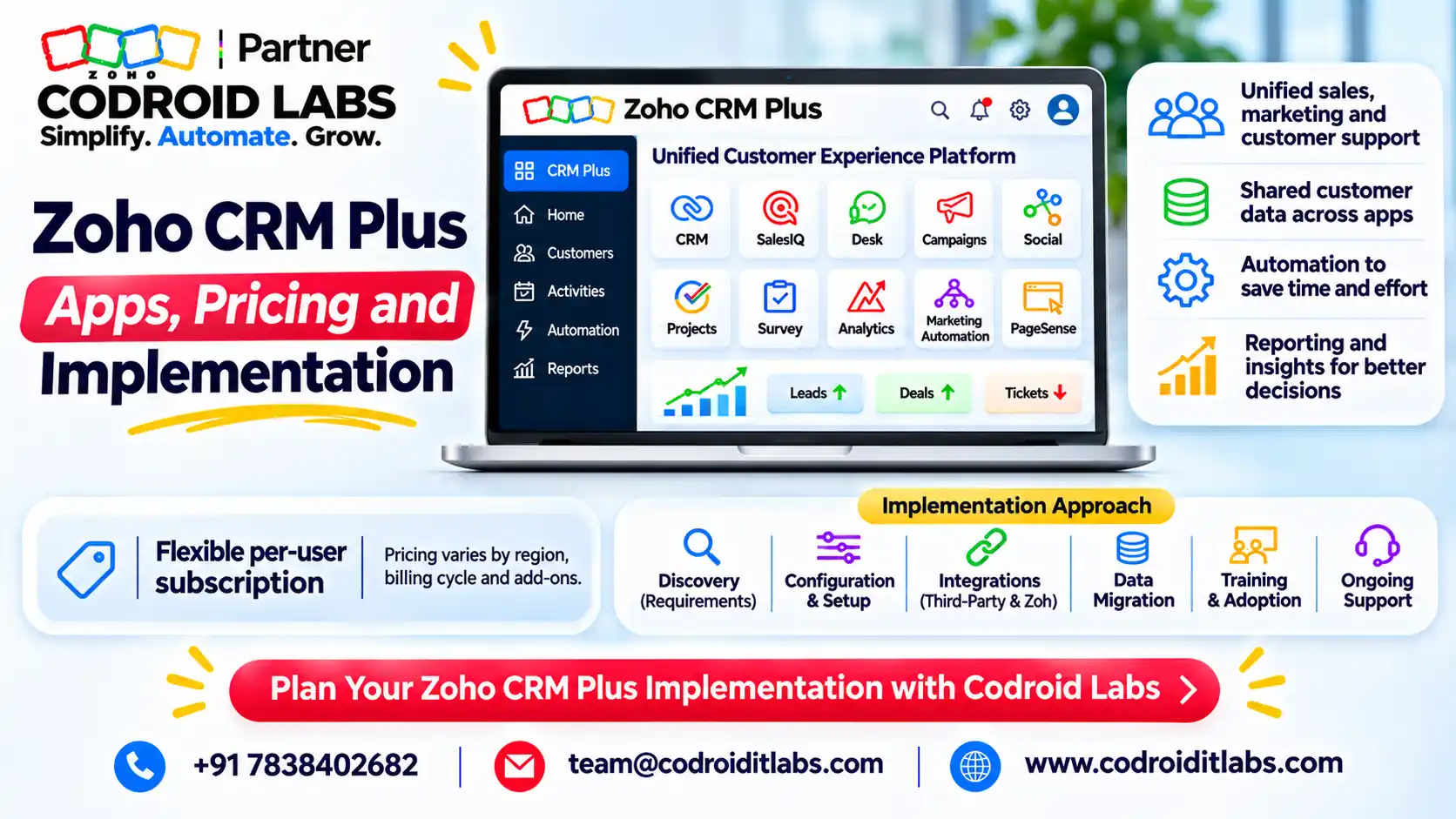
Zoho CRM Plus bundles CRM, Desk, SalesIQ, Campaigns, Social, Survey, Projects and Analytics in Starter (₹1,200 per user per month, billed annually), with more apps in Enterprise (₹2,900). Prices exclude GST.
Implement it in six phases, one app group at a time, so each team goes live on a tested setup. Codroid Labs' fees are quoted after a free discovery call.
Zoho CRM Plus Apps by Edition
In short: Starter bundles 8 apps; Enterprise adds Marketing Automation, Backstage, PageSense, Meeting, Cliq and SalesInbox.
Zoho's pricing page FAQ lists the services in Zoho CRM Plus. The Starter page shows the eight apps in the smaller plan. Zoho CRM plus apps by edition, as checked November 2026:
| App | What it does | Starter | Enterprise |
|---|---|---|---|
| Zoho CRM | Sales automation and pipeline | Yes | Yes (Ultimate edition) |
| Zoho Desk | Help desk and tickets | Yes | Yes (Enterprise edition) |
| Zoho SalesIQ | Live chat, chatbots, visitor tracking | Yes | Yes |
| Zoho Campaigns | Email marketing | Yes | Yes |
| Zoho Social | Social media management | Yes | Yes |
| Zoho Survey | Customer feedback | Yes | Yes |
| Zoho Projects | Project management | Yes | Yes (Enterprise edition) |
| Zoho Analytics | Reports and dashboards across teams | Yes | Yes |
| Marketing Automation | Multi-step marketing journeys | No | Yes |
| Zoho Backstage | Events and webinars | No | Yes |
| PageSense | Website optimisation | No | Yes |
| Zoho Meeting and Cliq | Online meetings and team chat | No | Yes |
| SalesInbox | Sales-focused email | Not listed | Yes |
Edition levels for Enterprise come from Zoho's pricing calculator, which describes single-user access to the Ultimate edition of Zoho CRM and the Enterprise editions of Desk and Projects.
Zoho CRM Plus Pricing (INR and International)
In short: Starter is ₹1,200 and Enterprise ₹2,900 per user per month billed annually, plus GST.
Prices are per user per month, before GST or local taxes, from Zoho's pricing page and its published price data, checked November 2026. Zoho offers a 30-day free trial.
| Currency | Starter (annual) | Starter (monthly) | Enterprise (annual) | Enterprise (monthly) |
|---|---|---|---|---|
| INR | ₹1,200 | ₹1,500 | ₹2,900 | ₹3,500 |
| USD | $20 | $25 | $57 | $69 |
| GBP | £16 | £20 | £47 | £55 |
| EUR | €20 | €25 | €57 | €69 |
| AUD | A$28.20 | A$35.25 | A$88 | A$106.70 |
| CAD | C$25 | C$31.25 | C$71 | C$86 |
Licence cost is only part of a Zoho CRM Plus implementation budget. Zoho shows prices by region, so confirm on the page in your country before you budget. For a full cost comparison against Zoho One, read our Zoho One vs Zoho CRM Plus comparison.
Example only: 10 users on Enterprise, billed annually in India, cost ₹2,900 x 10 x 12 = ₹3,48,000 a year before GST.
Zoho CRM Plus Review: Strengths and Limits
In short: Strong on one customer record and one admin panel; limited by no finance or HR apps and per-user pricing across the bundle.
This zoho crm plus review sticks to what Zoho publishes and what we see in a typical Zoho CRM Plus implementation. No invented scores.
| Strengths | Limits |
|---|---|
| One customer record across sales, marketing and support, with unified search | No finance, accounting or HR apps; those need separate apps or Zoho One |
| One admin panel and single sign-on for all apps | Priced per user licence, so plan who really needs access |
| Enterprise includes CRM Ultimate and Desk and Projects Enterprise editions | Starter lists 5 Marketplace extensions, 1 chatbot and 50,000 tracked visitors a month |
| Pre-integrated apps, so less integration work than separate products | Free support is eight hours per workday; 24/5 and 24/7 cover are paid support plans |
| 30-day free trial with instant access | More apps mean more setup decisions; a phased plan is essential |
Plan add-ons into your Zoho CRM Plus implementation too. Add-ons such as Zoho LeadChain for Meta lead ads are billed separately. See our Zoho CRM Facebook lead ads guide.
CRM Plus vs Zoho CRM Alone vs Zoho One
In short: CRM alone for sales-only teams, CRM Plus for sales plus marketing and support, Zoho One when finance and HR join in.
| Choose | When | Price reference (annual, per month) |
|---|---|---|
| Zoho CRM alone | Only the sales team needs software | ₹800 to ₹2,600 per user |
| Zoho CRM Plus | Sales, marketing and support share customers | ₹1,200 or ₹2,900 per user |
| Zoho One | Finance, HR and operations also move to Zoho | ₹1,250 per employee (all-employee) or ₹3,500 per user |
CRM prices are from Zoho's CRM edition comparison and Zoho One from its pricing page. Your choice shapes the Zoho CRM Plus implementation scope.
We do not repeat the break-even maths here; our licensing comparison covers it. See also Zoho CRM pricing India and Zoho One pricing India.
Unified Admin and Data Flow in a Zoho CRM Plus Implementation
In short: One admin panel manages users, roles and subscriptions, and single sign-on links every app.
Zoho's unified administration page describes one admin panel for users, roles and permissions, single sign-on across the tools, a central user panel for subscriptions, and unified search across customer data.
Visitor
SalesIQ chat
→
Lead
Zoho CRM
→
Nurture
Campaigns, Social
Customer
CRM deal won
→
Delivery
Projects, Desk
→
Insight
Survey, Analytics
In a Zoho CRM Plus implementation, decide early which app owns each field. The CRM contact should stay the master record; Desk, Campaigns and Projects read from it rather than keeping their own copies.
Zoho CRM Plus Implementation Plan by App
In short: Six phases: admin, CRM core, lead capture and marketing, help desk, projects and analytics, then go-live and AMC.
Each Zoho CRM Plus implementation phase gives one team a working tool before the next starts. Timelines are Example only and depend on users, data and channels.
| Phase | Apps | Key work | Timeline (Example only) |
|---|---|---|---|
| 1. Admin and design | Unified admin | Users, roles, profiles, single sign-on, data ownership map | Week 1 |
| 2. CRM core | Zoho CRM | Modules, fields, pipelines, Blueprint, assignment rules, data migration | Weeks 1 to 3 |
| 3. Capture and marketing | SalesIQ, Campaigns, Social | Chat widget and bot, email lists synced from CRM, social channels | Weeks 3 to 4 |
| 4. Help desk | Zoho Desk | Departments, channels, ticket rules, customer portal, CRM link | Weeks 4 to 5 |
| 5. Delivery and insight | Projects, Survey, Analytics | Project templates, feedback surveys, cross-app dashboards | Weeks 5 to 6 |
| 6. Go-live and AMC | Enterprise extras as needed | Marketing Automation, Backstage, Cliq; training; hypercare; AMC | Week 6 onward |
Do not switch on every app in week one. A Zoho CRM Plus implementation that starts with the CRM core gives every later app clean data to use.
For CRM-heavy projects, see our Zoho CRM implementation services. For bigger suites, see Zoho One implementation partner.
Zoho CRM Plus Implementation Deliverables
In short: Each phase ends with a working, tested app and a short sign-off.
| Deliverable | Phase | What you receive |
|---|---|---|
| Design document | 1 | Users, roles, data ownership and app scope |
| Configured CRM | 2 | Modules, pipelines, Blueprint and automation, tested |
| Migrated data | 2 | Leads, contacts, accounts and deals with a reconciliation report |
| Chat and marketing setup | 3 | Live chat widget, chatbot, email templates and lists |
| Help desk setup | 4 | Channels, ticket rules and portal linked to CRM contacts |
| Dashboards | 5 | Sales, marketing and support dashboards in Analytics |
| Training and handover | 6 | Role-based sessions, admin guide and AMC plan |
Every Zoho CRM Plus implementation deliverable is signed off before the next phase. Custom functions and integrations beyond the bundle are scoped separately; see hire a Zoho developer.
Zoho CRM Plus Implementation Checklist
In short: Confirm users, data, channels and owners per app before configuration starts.
| # | Check | Owner |
|---|---|---|
| 1 | Count users per app and choose Starter or Enterprise | Business owner |
| 2 | Name an owner for sales, marketing and support processes | Business owner |
| 3 | Export and clean customer data; remove duplicates | Sales operations |
| 4 | List chat, email, phone and social channels to connect | Marketing and support |
| 5 | Agree pipeline stages and ticket priorities | Sales and support heads |
| 6 | Confirm email domain and sender addresses for Campaigns | IT or admin |
| 7 | Define the five dashboards leaders will review weekly | Leadership |
| 8 | Book training slots per team before go-live | Project lead |
Run this list before any Zoho CRM Plus implementation starts, and avoid the usual traps in our Zoho implementation mistakes guide. For marketing setup, see the Zoho Campaigns 2026 guide.
How Codroid Labs Handles Zoho CRM Plus Implementation
Codroid Labs is a Zoho Partner and a Zoho AI Enabled Partner, recognised by Zoho after the AI Accelerator Series 2026. Codroid Labs sells Zoho licences and provides implementation, customisation, migration and AMC support.
Every Zoho CRM Plus implementation we run follows the six phases above.
We are based in New Delhi and work with clients across India remotely, and with international clients remotely. Zoho CRM Plus implementation fees are quoted after a free discovery call. Call +91 7838402682, email team@codroiditlabs.com or book a call.
Quick Answers
How many apps are in CRM Plus Starter?
Eight: CRM, Desk, SalesIQ, Campaigns, Social, Survey, Projects and Analytics.
What does CRM Plus cost in India?
₹1,200 (Starter) or ₹2,900 (Enterprise) per user per month, billed annually, plus GST.
Does CRM Plus include Zoho Books?
No. Finance and HR apps are not part of CRM Plus.
Where should implementation start?
With admin setup and the CRM core, before other apps.
Zoho CRM Plus Implementation FAQs
What is included in a Zoho CRM Plus implementation?
Admin setup, CRM configuration, data migration, chat, marketing, help desk, projects, dashboards, training and go-live support.
Should we choose Starter or Enterprise?
Starter suits small teams needing the eight core apps. Enterprise adds Marketing Automation, events, meetings and higher app editions.
Can we move from Zoho CRM to CRM Plus?
Yes. Zoho's pricing FAQ covers trials for existing CRM users. Your CRM data stays as the base.
Is there a free trial?
Yes, Zoho offers a 30-day free trial of CRM Plus.
Can we add apps later?
Yes. Many teams start with the CRM core and switch on Desk, Campaigns or Projects in later phases.
Can CRM Plus replace separate marketing and help desk tools?
Often yes, since Campaigns, Social and Desk are included. Check your channel needs first.
How long does implementation take?
It depends on users, apps and data. Our phase timelines are Example only.
Do you support us after go-live?
Yes, through AMC support for changes, new users and new automations.
Plan your Zoho CRM Plus rollout
Book a free discovery call. We map your teams and apps, then send a phased plan and quote.