


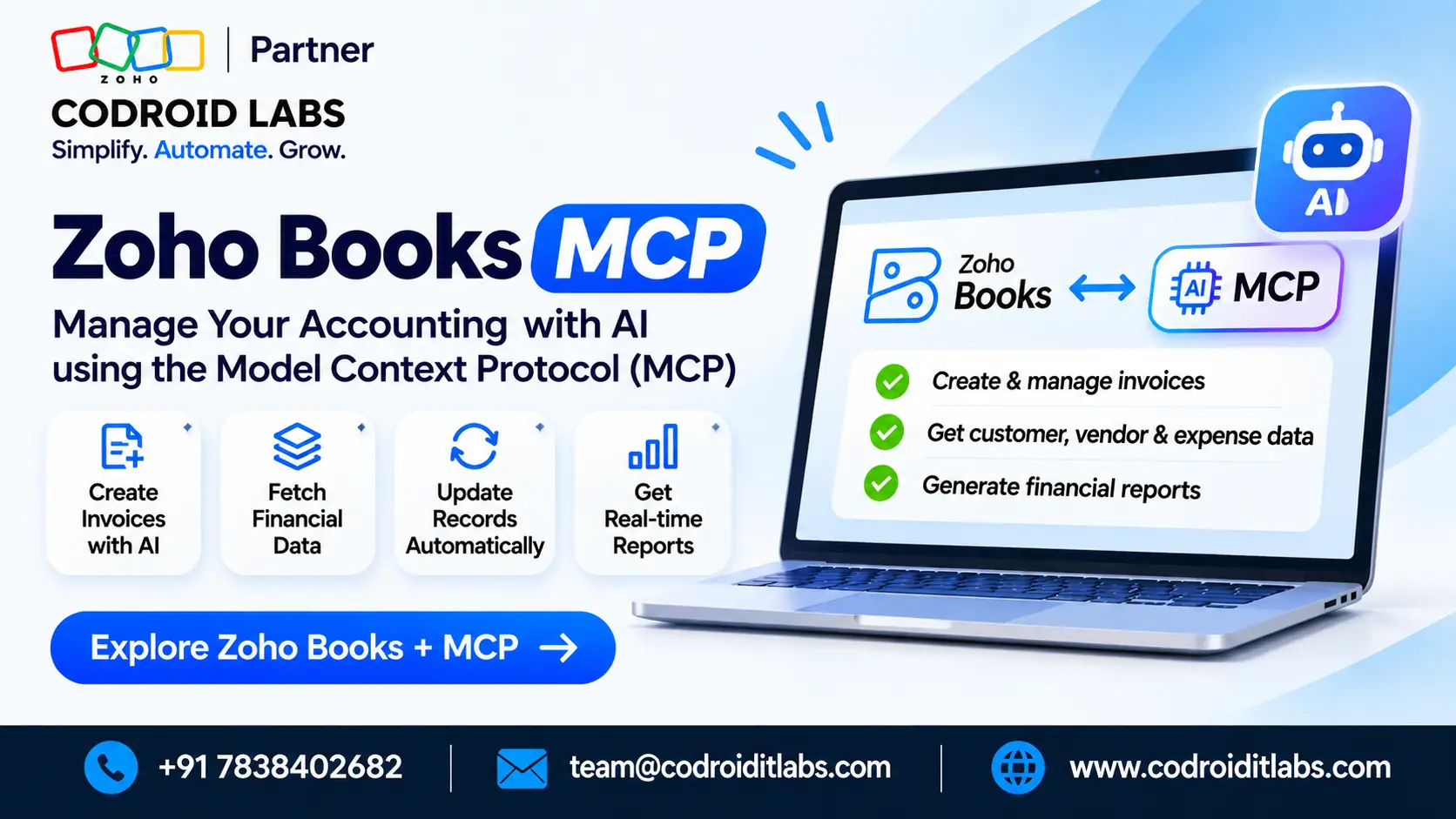
A zoho books mcp connection lets an AI client create invoices, record expenses, reconcile bank lines and pull reports through official Zoho paths. It is not a pre-built CRM-style server pack. You can use the Claude default connector or a server you set up in the Zoho MCP console.
Official Books MCP paths · Last updated: November 2026
Zoho Books MCP: 7 Things to Know About AI-Powered Accounting
The seven points below cover what the protocol is, the two official connection paths, the four official action groups, cross-app CRM cases, admin tool control, and how this differs from in-product Zoho Books AI.
Codroid Labs is based in New Delhi. Every proposal lists Zoho Partner, Partner ID: PI1471004, and Zoho AI Enabled Partner. After a free call, we quote for licences plus implementation, customisation, migration and AMC.
In short
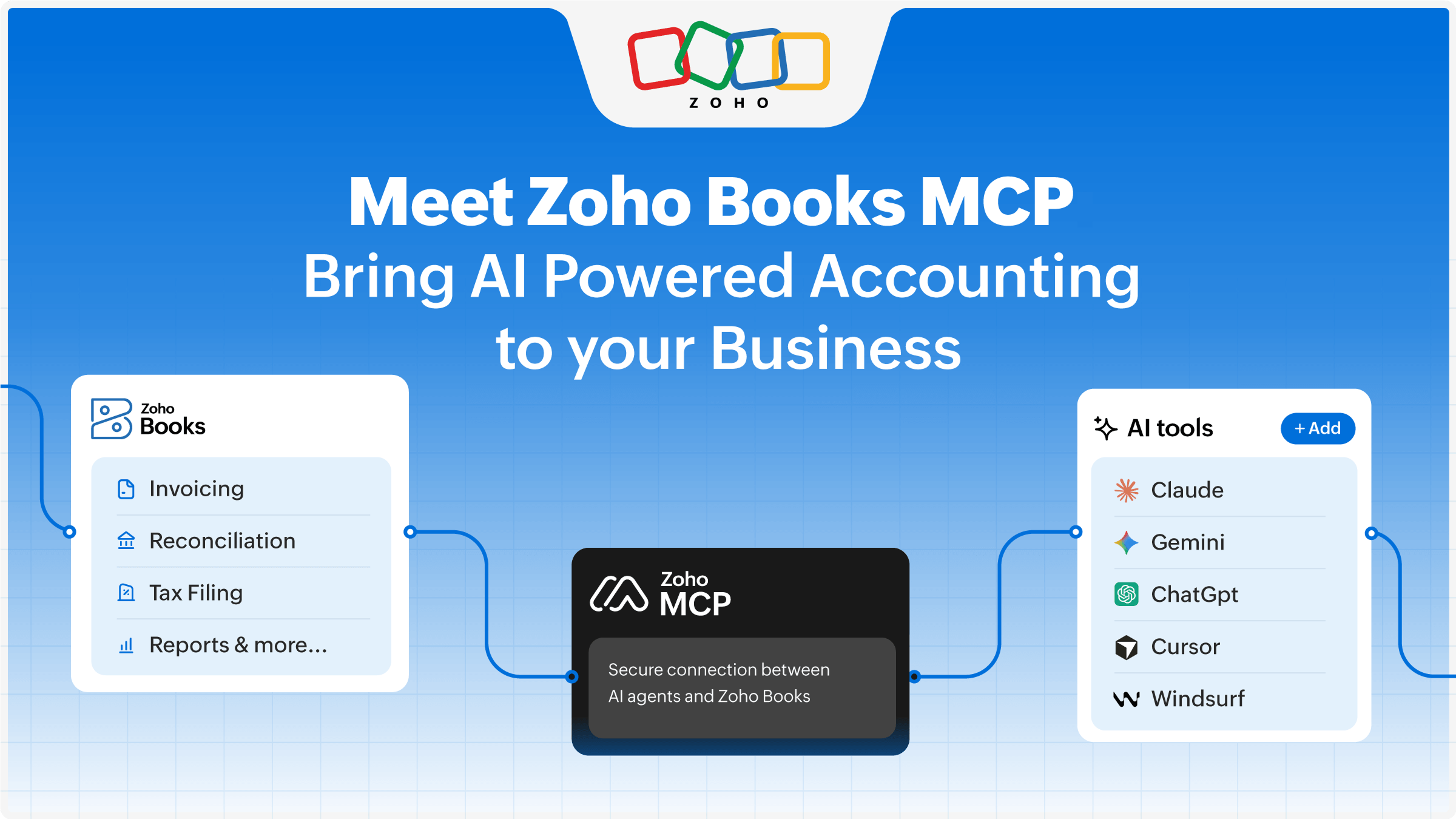
Zoho Books MCP is Zoho’s official way to let an AI client call accounting tools in your Books organisation. Official help groups those tools into invoice work, expense work, financial reports and bank reconciliation.
Unlike Zoho CRM MCP, Books does not ship a pre-built pack of named servers. Official connection paths are the Claude default connector, and a server you configure in the Zoho MCP console for other MCP-supported AI clients.
In-product Zoho Books AI, including Ask Zia, CoCreate Agent, report forecasts and anomaly detection, stays inside the Books interface. Some of those features are labelled Early Access on Zoho’s help pages.
Contents
- 1. What Zoho Books MCP is, and what it is not
- 2. Official path one: the Claude default connector
- 3. Official path two: the Zoho MCP console
- 4. The four official action groups
- 5. Cross-app CRM examples need CRM tools
- 6. Admin approval and tool control
- 7. How in-product Zoho Books AI differs
- Ways Codroid Labs supports Books teams
- Quick Answers
- FAQs
1. What Zoho Books MCP is, and what it is not
On the official Zoho Books MCP help page, Model Context Protocol is the open standard that lets an AI client talk to your Books organisation. After a connection is approved, the client can run supported accounting actions from a prompt instead of clicking through every screen.
That is the core idea. It is a protocol connection to official Books tools. It is not a new edition of Zoho Books, and it should not be confused with the assistants that already live inside the product.
It is also not a pre-built CRM-style server pack. Zoho CRM MCP ships named, Zoho-hosted servers you install as a set. Books does not publish that same pack model. You connect through the official paths in the next two sections.
Zoho’s Books blog post on Model Context Protocol frames this as a way to keep accounts closer to the questions finance teams already ask. The facts below stay with what official Zoho pages document.
2. Official path one: the Claude default connector
The first official path is the Claude default connector for Zoho Books. Official help describes opening Claude settings, choosing the Connectors area, and selecting Zoho Books, or searching for it in the connector marketplace.
You can browse the available tools before you connect. The sign-in uses Zoho’s own authentication. A Books administrator must then approve the request inside Zoho Books. Until that approval is granted, the client cannot call the tools.
If you need the click-by-click walkthrough for this path, use the existing setup article, Zoho Books Claude AI MCP setup. The sections below explain what the connection can do, not every toggle in the client.
3. Official path two: the Zoho MCP console
The second official path starts in the Zoho MCP console. You add a server, add Zoho Books as a source, pick the tools you want to expose, and then attach other MCP-supported AI clients.
Those clients are not named here because official Books help treats them as a general class, not a fixed product list.
This console path is useful when finance work has to sit beside tools from other Zoho apps on the same server. It is also the official route when the AI client you already use is not the Claude default connector.
A short comparison of the two official paths is below. Neither path is a third-party wrapper. Both stay on official Zoho connection options.
| Official path | Where you start | What it is for |
|---|---|---|
| Claude default connector | Claude settings, Connectors, then Zoho Books or the marketplace search | A direct Books connection for that documented client |
| Zoho MCP console | zoho.com/mcp, where you add a server, add Books and choose tools | Other MCP-supported AI clients, including mixed Zoho app tools |
4. The four official action groups
Official help groups the tools into four capability areas. These are action groups, not a list of eight separately named actions, and not four pre-built CRM-style servers. The table restates those groups in plain language.
| Official action group | What the tools can do | Example prompt style |
|---|---|---|
| Invoice management | Create invoices, record payments and check invoice status | Raise an invoice for a named customer and confirm if it is paid |
| Expense tracking | Log expenses, categorise spend and review what has gone out | Record a vendor bill against the right category and period |
| Financial reporting | Retrieve official reports and financial figures from Books | Pull this month’s profit and loss or outstanding receivables |
| Bank reconciliation | Match bank lines and help close a reconciliation | Match recent bank transactions to the open books entries |
Those four groups are the official scope for a Books-only connection. If your finance process also needs GST configuration or e-invoice rules inside Books itself, treat that as product setup, not an MCP tool. See Zoho Books GST setup and Zoho Books e-invoicing for those organisation settings.
Teams comparing ai accounting zoho options should start with these four groups, then decide whether an external client is even needed. Many daily questions can still be answered inside Books, which the last section covers.
5. Cross-app CRM examples need CRM tools
Official Books material also shows examples that cross into CRM, such as checking overdue invoices and then creating a follow-up task for a sales owner. Those examples are easy to misread as default Books tools. They are not.
A prompt that writes a CRM task, updates a deal, or looks up a CRM contact needs a Zoho MCP server that also includes CRM tools. The Claude default Books connector, used on its own, only covers the Books action groups above.
If you want both finance and CRM actions in one conversation, configure that mix in the Zoho MCP console. For a wider view of console work across apps, see Zoho MCP integration.
Keep Books tools and CRM tools on the same server only when the team has a clear reason to do so.
6. Admin approval and tool control
The connected client does not get a free pass into the organisation. Official help is clear that a Books administrator has to approve the connection. Finance leads should treat that approval as a control step, not a formality.
Official help also describes a Tools and Privacy area where you can select all available tools or pick only the ones the client may call. That is the right place to leave payment or reconciliation tools off a client that should only read reports.
Tool control does not replace user permissions inside Books. If a person cannot create an invoice in the product, do not expect the connected client to create one on their behalf. Review who can approve connectors, and review the selected tools after any change in roles.
If other systems must move data without an AI client in the middle, Zoho Flow integration remains a separate automation path. MCP is for prompt-driven tool calls, not a replacement for every integration.
7. How in-product Zoho Books AI differs
In-product zoho books ai features live inside the Books screens. They do not require an external MCP client. Official help for Zoho Books AI features is the source for the items below. Treat them as a different product surface from zoho books mcp.
| Feature | Where it runs | What official help describes |
|---|---|---|
| Zoho Books MCP | An external MCP client, after official connection and admin approval | Invoice, expense, report and reconciliation tools the client can call |
| Ask Zia | Inside Books, on the current page | Context-aware questions, report insights and in-product answers. Official help notes it may not have access to all data, and it is not a sales assistant. |
| CoCreate Agent | Inside Books | An in-product agent for assisted work in the Books interface |
| Report forecast and anomaly detection | Inside Books reports | Forecast and anomaly insights on reports, as described on the AI features page |
| AI-powered custom fields (Early Access) | Inside Books customisation | Official field types include Text, Number, Date, Dropdown, Multiselect Dropdown and Lookup. See custom field data types. |
| Generate Blueprints Using Zia (Early Access) | Inside Books | An Early Access way to draft Blueprints with Zia, not an MCP tool |
| Bank statement AI-suggested values (Early Access) | Inside Books bank work | Suggested values while you work on bank statements, labelled Early Access |
If you want a broader comparison of protocol connections and Zia-style agents, read Zoho MCP vs Zia Agents. For a product-wide look at Ask Zia, see Ask Zia.
Use in-product zoho books ai when the person is already working in a Books screen and needs a forecast, an anomaly flag, or a short answer. Use a zoho books mcp connection when the work starts in an AI client and must call official Books tools from there.
Need help choosing a Books MCP path?
Codroid Labs can review which official path fits your finance team and which tools should stay off the client. Implementation fees are quoted after a free call.
Reserve a free accounting AI call
Open official Zoho Books seats
Ways Codroid Labs supports Books teams
Codroid Labs is a Zoho Partner, Partner ID: PI1471004, and a Zoho AI Enabled Partner, working from New Delhi. We help finance teams decide whether they need an official Books connection, in-product AI, or both, then we implement the work we agree on.
Our Zoho services cover licences, implementation, customisation, migration and AMC. Licence advice stays inside official Zoho plans. Customisation can include which MCP tools an admin should leave on, and how Books records should be structured before a client is connected.
Migration and go-live checks matter when historic invoices, items or tax settings are still messy. If you also run custom apps beside Books, the Zoho Creator app deployment checklist is a useful pre-live review. AMC can include periodic reviews of connector approvals and tool lists.
If you are still choosing a partner, start with how to find a Zoho Partner, then contact Codroid Labs. Call +91 7838402682 or email team@codroiditlabs.com. More Zoho reading is on our Codroid Labs blogs.



Quick Answers
| Question | Short answer |
|---|---|
| What is zoho books mcp? | An official protocol connection that lets an AI client call Books tools for invoices, expenses, reports and bank reconciliation. |
| Is it a pre-built CRM-style server pack? | No. Official paths are the Claude default connector and a server you set up in the Zoho MCP console. |
| What can the official tools do? | Official help groups them into four action groups: invoice management, expense tracking, financial reporting and bank reconciliation. |
| How is this different from Zoho Books AI? | Ask Zia, CoCreate Agent, report forecasts and anomaly detection run inside Books. Some of those features are labelled Early Access. |
FAQs
Do I need the Zoho MCP console if I only use the Claude default connector?
No. Official help presents the Claude default connector as its own path. Use the Zoho MCP console when you need other MCP-supported AI clients, or when Books tools must sit beside tools from another Zoho app.
Can a Books MCP connection create a CRM follow-up task on its own?
Not from a Books-only connection. Official cross-app examples that create CRM tasks need a Zoho MCP server that also includes CRM tools.
Who approves the connection and chooses the tools?
A Zoho Books administrator must approve the request. Official help also describes a Tools and Privacy area where you can select all tools or only a subset.
Are Ask Zia and CoCreate Agent part of MCP?
No. They are in-product Zoho Books AI features. They run inside the Books interface and do not replace the official MCP connection paths.
Which in-product AI features are Early Access?
On official help, Generate Blueprints Using Zia, AI-powered custom fields, and bank statement AI-suggested values are labelled Early Access. Always check the live help page, because Early Access labels can change.
Does Zoho charge a separate fee for Books MCP?
Official Books MCP help does not list a separate MCP fee. Codroid Labs does not quote one. Our implementation, customisation, migration and AMC fees are quoted after a free call.
Where should I go for the click-by-click Claude setup?
Use the dedicated setup article at Zoho Books Claude AI MCP setup. Keep this URL for the explanation of what the connection is and how it differs from in-product AI.
Can other MCP-supported AI clients connect to Books?
Yes, through a server you configure in the Zoho MCP console. Official Books help does not treat that as a closed list of product names, so the wording here refers to them only as other MCP-supported AI clients.
Ready to plan official Books MCP work?
Start official Zoho Books trial seats, or book a free call with Codroid Labs in New Delhi. Each written proposal lists Zoho Partner, Partner ID: PI1471004.
Begin official Zoho Books trial seats
Schedule a free Books MCP call