


Buyer Strategy · Checked 22 October 2026
Zoho AI Agents vs AI-Native CRM: Put Zia Agents on Zoho First, and Know When Not to Switch
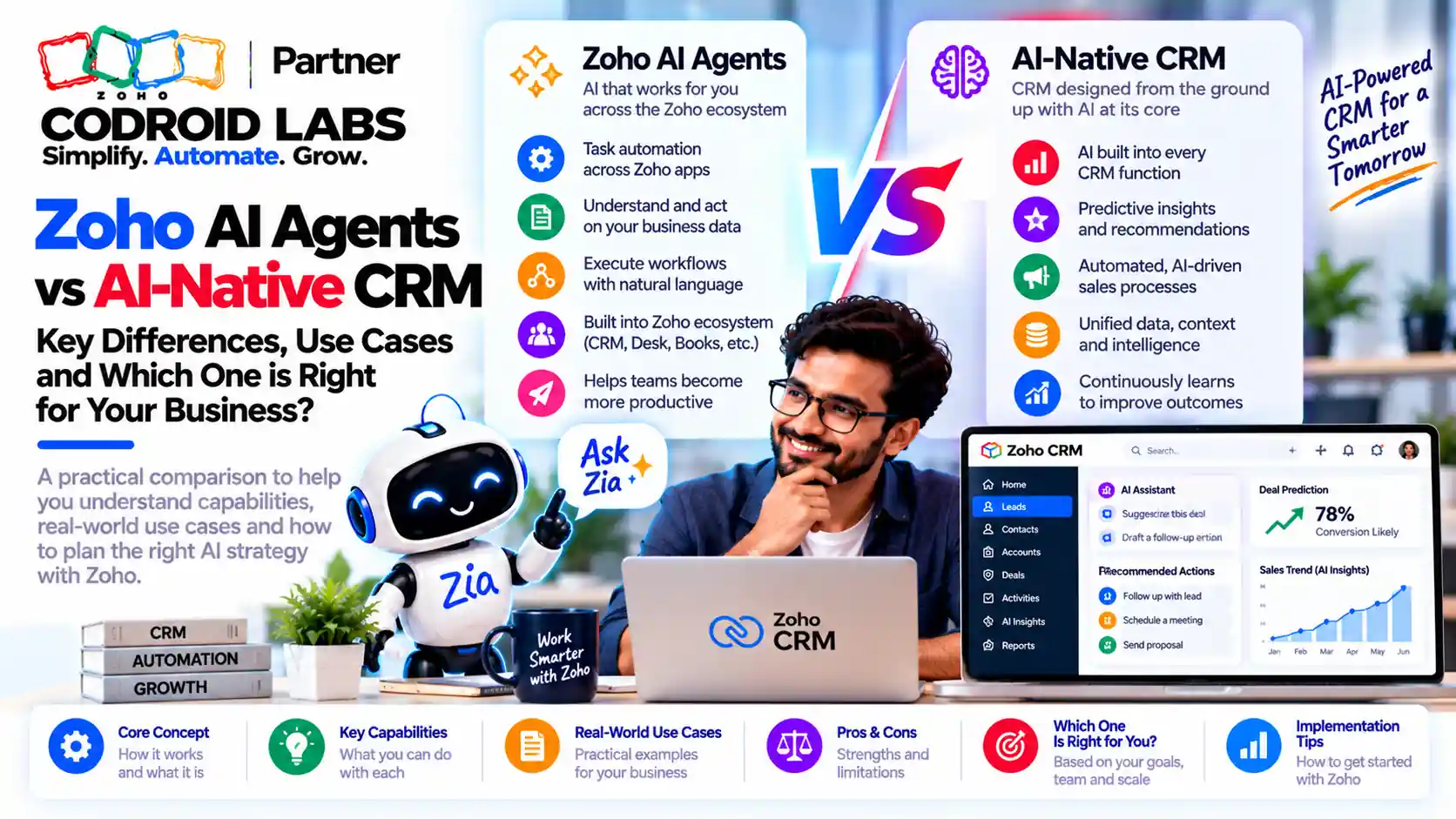
Zoho AI agents vs AI-native CRM is the real choice behind most rip-and-replace pitches: add agents to the CRM you already run, or move everything to a new platform built around AI. This buyer guide gives sales and ops leaders a decision framework, the write-back and audit questions to ask, and a pilot plan to run before signing anything.

Checked: 22 October 2026
Sources: Zoho Zia Agents, Zoho MCP and Zoho CRM help pages
By: Codroid Labs, a Zoho Partner and Zoho AI Enabled Partner
Sources: Zoho Zia Agents, Zoho MCP and Zoho CRM help pages
By: Codroid Labs, a Zoho Partner and Zoho AI Enabled Partner
Short answer
If your team already runs sales on Zoho CRM with years of data, workflows and integrations, do not buy an AI-native CRM to get agents. Zia Agents can be deployed into Zoho CRM, act through a connection or as a digital employee with its own role and profile, and log what they do. Zoho MCP lets outside AI clients act on Zoho data within your permissions. Pilot one workflow for 30 days first. Consider a new CRM only if your current one is barely used or the pilot shows a gap Zoho cannot close.
Zoho AI Agents vs AI-Native CRM: Why the Pitch Lands Now
In short: The pitch is new; the risk is old. A CRM swap is a data, process and people migration, and an AI layer does not shrink it.
Sales and ops leaders are hearing the same message from many directions: your CRM is a database with forms, and the future is a CRM built around AI agents from day one. The demo is usually impressive. An agent reads email, updates deals and writes follow-ups without anyone opening a record. Few demos show Zia Agents on an existing CRM, which is exactly the comparison you need.
The people hearing that pitch often carry scar tissue. Many have lived through a multi-year ERP or CRM migration, with months of data mapping, broken reports, a frozen sales team and a go-live that slipped twice. The question underneath zoho ai agents vs ai-native crm is not “which is smarter”. It is “do we need to go through that again to get agents?”
The same question comes up for teams on other platforms. Leaders who ask whether to replace Salesforce with AI CRM face the same trade-off: the AI layer is new, but the migration work is not. This guide is about Zoho, but the framework works for any established CRM.
The Write-Back Test for Zoho AI Agents vs AI-Native CRM
In short: An agent is only useful if it can act on the system of record with the right identity, permissions and audit trail.
The most common complaint about agents in practice is simple: they can read, but they cannot safely write back to the system of record. A summary in a chat window is nice. A deal stage updated, a task created and a quote drafted on the right record, by an identity you can audit, is what changes work.
Ask every vendor, including Zoho, these questions:
| Question | Why it matters |
|---|---|
| Whose identity does the agent act as? | Without it, you cannot tell a person's edit from an agent's |
| Which records and fields can it change? | Agents should not see or edit more than the role they replace |
| Is every action logged? | You need to trace a wrong update back to its cause |
| Can a human approve before it writes? | High-risk actions such as discounts or stage changes need a check |
| What happens when it is wrong? | You need a rollback path, not just an apology |
| Does it trigger your existing automation? | Workflows, blueprints and integrations must still fire correctly |
An AI-native CRM may pass these tests inside its own database. The catch is that your history, integrations and reports are not in that database yet. Passing the write-back test on an empty system proves little.
What Zia Agents and MCP Zoho Agents Already Do in an Existing CRM
In short: Zia Agents deploy into Zoho CRM by connection or as a digital employee, and Zoho MCP lets outside AI clients act within your permissions.
Before comparing zoho ai agents vs ai-native crm, it helps to know what Zoho offers today. Everything below is from Zoho's own pages, checked 22 October 2026.
| Capability | What Zoho documents | Source |
|---|---|---|
| Agent Store | 100+ pre-built agents across Zoho apps | Zia Agents |
| Agent Studio | Build, test and deploy custom agents with a prompt-based, low-code builder | Zia Agents |
| Deploy by connection | Actions are logged under the deploying user; Login With User runs in the scope of the person using the agent, Fixed uses one identity | CRM help |
| Deploy as digital employee | The agent gets its own role, profile and email identity, and every action is logged under it | CRM help |
| Where it runs in CRM | Custom buttons, the Ask Zia agent switcher by profile, and rule-based automation | CRM help, Zoho news |
| Zoho MCP | Connects outside AI clients to Zoho APIs, data and actions; Zoho says it respects the permission structures you define | Zoho MCP, Zoho news |
| Models | Zoho-hosted models, or your own key with an external model | Zia Agents pricing |
That is the core of the zia agents existing crm argument. The agent works on the same records, with roles and profiles you already maintain, and its actions land in the same CRM history your managers already read. For build steps, see our Zia Agent Studio guide and Zia Agents in Zoho CRM workflows; this post stays on the buying decision.
On cost, Zoho's pricing page states that building, deploying and managing agents is free and you pay for model usage. Zoho-hosted standard models include 30 million free tokens a month and pro models 20 million. API access still depends on the subscription of each app involved, so agents share your CRM's API credit limits.
MCP zoho agents matter for teams that already use an outside AI assistant. Instead of moving data into a new CRM so an assistant can act on it, MCP brings the assistant to Zoho, within the access rules you set.
When an AI-Native CRM Might Make Sense
In short: A new AI-native CRM can make sense when your current CRM is barely used, the data is small, or you are starting fresh.
A fair zoho ai agents vs ai-native crm comparison has to admit that switching is sometimes right. It can make sense when:
- Your current CRM is barely used. If reps keep deals in spreadsheets and the CRM is out of date, there is little history to lose.
- You are starting fresh. A new business line or a new company with no system of record has no migration cost.
- Your data and integrations are small. A few thousand records and no connected finance or support apps is a light move.
- A pilot exposed a real gap. If a written pilot on Zoho fails on a capability that matters, and the gap is confirmed with Zoho, the case for change is honest.
Notice what is not on the list: a better demo. Every platform demos well on clean sample data.
Rip-and-Replace Risks in Zoho AI Agents vs AI-Native CRM
In short: Rip-and-replace risks are lost history, broken integrations, retraining, and a long period with two systems.
| Risk | What it looks like |
|---|---|
| Lost history | Notes, emails, activities and stage history do not map cleanly, so managers lose context on live deals |
| Broken integrations | Finance, support, telephony, forms and marketing links must all be rebuilt and retested |
| Automation rebuild | Every workflow, blueprint, approval and function needs a new equivalent, and nobody documented half of them |
| Two systems at once | During cutover, reps enter data twice or work from the wrong one |
| Retraining | Reps lose selling time learning new screens |
| Agent cold start | A new AI CRM starts with no history, so its agents have less context than agents on your existing data |
Example only. Picture a 40-user team with five years of deals, three integrations and 60 workflow rules. Moving them means mapping every module, rebuilding every rule and integration, testing, training and running both systems in parallel. Adding agents to Zoho means picking one workflow, deploying one agent and measuring it. The second path can start this month; the first rarely can.
If you are unsure what your current org even contains, a Zoho CRM configuration audit is the cheapest first step either way.
A 7-Question Zoho AI Agents vs AI-Native CRM Framework
In short: Score your situation on seven questions; most established Zoho orgs should pilot agents first.
Answer each question honestly. Mostly “yes” means keep Zoho and add agents; mostly “no” means a switch deserves a closer look.
| # | Question | Yes points to |
|---|---|---|
| 1 | Is most of your sales activity already in Zoho CRM? | Keep Zoho |
| 2 | Do you have more than two years of deal and activity history you rely on? | Keep Zoho |
| 3 | Are finance, support or other apps connected to the CRM? | Keep Zoho |
| 4 | Do you have workflows, blueprints or functions that run daily? | Keep Zoho |
| 5 | Can you name the one workflow you want an agent to run? | Pilot on Zoho first |
| 6 | Do you need agent actions logged under a named identity? | Zoho digital employee or connection deployment |
| 7 | Does your team already use an outside AI assistant? | Zoho MCP |
This is the heart of the zoho ai agents vs ai-native crm decision. For most established orgs the answer is to instrument Zoho, not replace it. If you are on a lower edition, our Zoho CRM Enterprise vs Professional India guide explains where functions and automation limits change.
A 30-Day Pilot Before Any Replacement Decision
In short: Run a 30-day pilot on one workflow, with a written success measure, before any replacement decision.
- Week 1, pick and measure. Choose one repeatable workflow, such as lead qualification or quote drafting. Write down how long it takes today and how often it goes wrong.
- Week 1, decide identity. Choose connection deployment or a digital employee, and set the role and profile so the agent sees only what it needs.
- Week 2, test safely. Test with sample data, and use a sandbox where your edition has one. Keep a human approval step for anything that changes money or stage.
- Weeks 3 and 4, run live. Give it to a small group. Review the audit log and agent actions weekly.
- Day 30, decide. Compare against your week 1 measure. Expand, adjust, or record the gap in writing.
A pilot turns zoho ai agents vs ai-native crm from an opinion into evidence. If the AI-native vendor will not run a pilot on your real data under the same measures, that tells you something too.
Codroid Labs Instruments Zoho
Codroid Labs is a Zoho Partner and a Zoho AI Enabled Partner, recognised by Zoho after completing the AI Accelerator Series 2026. We help teams keep their system of record and add agents to it: choosing the workflow, setting identity and permissions, wiring Zia Agents and MCP, and measuring the pilot. Call +91 7838402682 or email team@codroiditlabs.com.
Book an AI agents fit callStart a Zoho CRM trial
Quick Answers
Do I need a new CRM to use AI agents?
No. Zia Agents deploy into Zoho CRM.
Can agents write back to Zoho CRM?
Yes, through a connection or as a digital employee.
Are agent actions logged?
Yes, under the deploying user or the agent's own identity.
What is Zoho MCP for?
Letting outside AI clients act on Zoho within your permissions.
Zoho AI Agents vs AI-Native CRM FAQs
What does zoho ai agents vs ai-native crm actually compare?
Adding AI agents to the Zoho CRM you already run, versus moving to a new CRM designed around AI. The first keeps your data and processes; the second starts over.
Can Zia Agents work with my existing CRM data?
Yes. Agents are deployed into Zoho CRM and act on its records, either through a connection or as a digital employee with its own role and profile.
How do I control what an agent can change?
Use the role and profile of the digital employee, or a Login With User connection so the agent runs in the scope of the person using it.
Should I replace Salesforce with an AI CRM?
The same framework applies: score your history, integrations and automation, then pilot agents on your current system before deciding.
What are MCP Zoho agents?
Agents or AI assistants that use Zoho MCP to read and act on Zoho apps. Zoho says MCP respects the permission structures you define.
Do Zia Agents cost extra?
Zoho states that building and deploying agents is free; you pay for model usage beyond the free monthly tokens, and API use counts against each app's limits.
How long should a pilot run?
Thirty days on one workflow is enough to compare against a written baseline.
Pilot before you migrate
Bring one workflow and your CRM edition. Leave with a 30-day agent pilot plan.
Related guides