



Table of Contents
The High Stakes of a Zoho One Migration
Your Zoho One Migration Plan is the difference between a streamlined, automated powerhouse and a digital nightmare. After years of helping businesses transition to the Zoho ecosystem, I have seen that most companies treat migration like a simple file upload. In reality, it is a surgical procedure for your business data that requires precision and a clear roadmap.
The “All-in-One” promise of Zoho One only works if the foundation is rock solid. In this guide, we break down the exact roadmap to move your operations without losing a single lead, contact, or invoice.
Expert Note: A successful migration doesn’t just move data; it improves how that data is used to drive revenue.
Step 1: The Audit Phase (Don’t Skip This!)
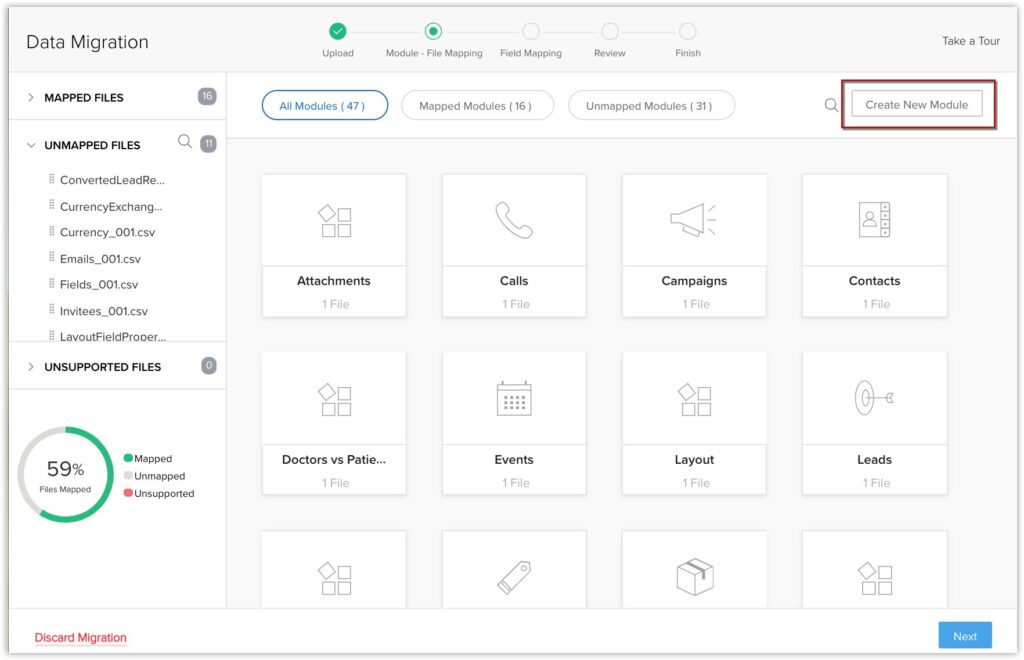
Before you touch a single CSV file, you must audit your current tech stack. A successful Zoho One Migration Plan starts with a “Keep, Kill, or Combine” list.
- Inventory your apps: Identify every tool from your current chat apps to your legacy accounting software.
- Document workflows: Map out how a lead moves from your website to a paid invoice.
- Identify gaps: Pinpoint features you are currently paying for that Zoho One’s 45+ apps can replace.
Step 2: Data Cleansing & Mapping
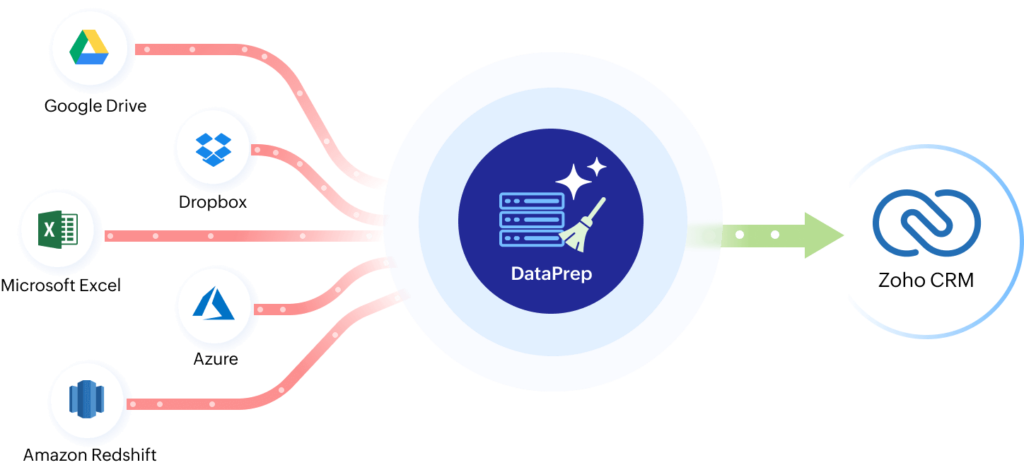
“Garbage in, garbage out” is the mantra of failed migrations. Your Zoho One Migration Plan must prioritize data hygiene to ensure your team trusts the new system.
- Deduplication: Remove those triple-entry contacts that clutter your database.
- Standardization: Ensure all phone numbers, dates, and addresses follow the same format.
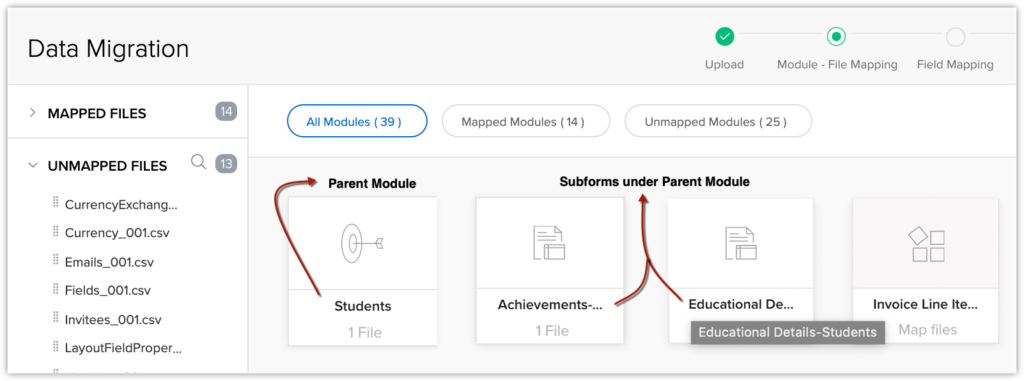
- Field Mapping: Create a master spreadsheet that matches your old CRM fields to the specific modules in your new Zoho environment.
Step 3: Setting Up Your Zoho One Environment
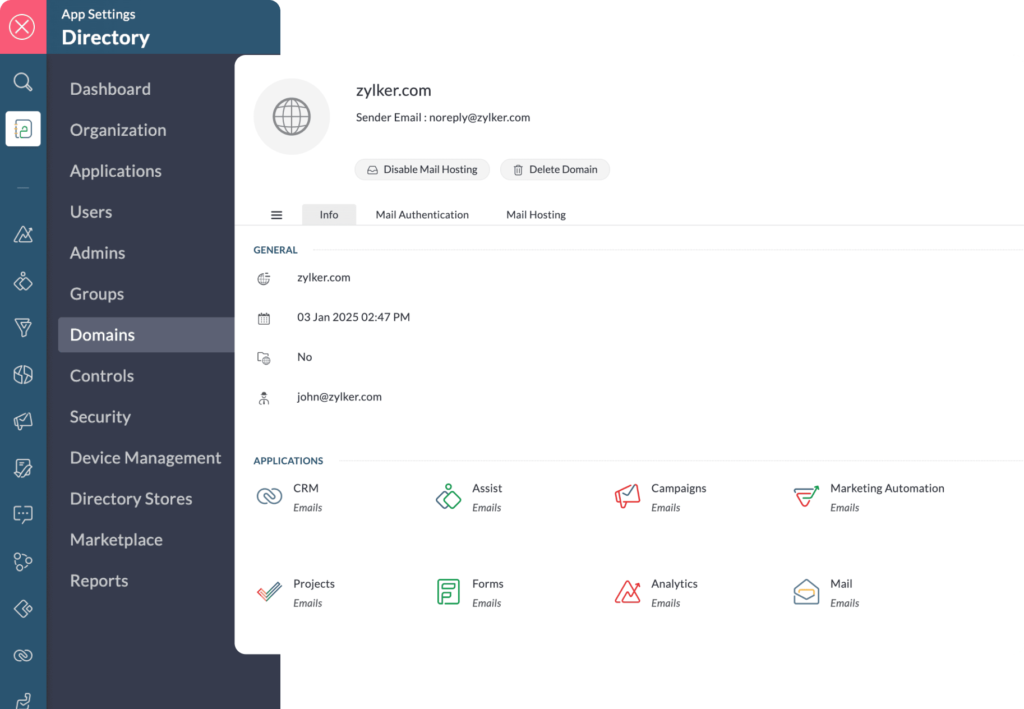
Now, configure the “shell” of your new system. As an experienced partner, we recommend starting with the core apps that drive revenue and operations:
- Zoho CRM for Sales and Pipeline management.
- Zoho Books for Finance and Accounting.
- Zoho People for HR and Employee records.
Ensure you configure your organization settings, time zones, and multi-currency options before any data arrives.
Step 4: The Pilot Migration Strategy
Never move everything at once. Pick a single department or a small batch of “test data” to validate your Zoho One Migration Plan. This allows you to catch errors in a controlled environment.
Use this pilot to check for:
- Broken links between records (e.g., Contacts not attached to Accounts).
- Incorrectly mapped custom fields.
- Automation triggers that might fire prematurely, such as accidental “Welcome” emails to old leads.
Step 5: Full Data Transfer & App Integration
With the pilot successful, execute the full Zoho One Migration Plan. This is where the heavy lifting happens, and timing is everything.
- Import sequentially: Always import Accounts first, then Contacts, then Deals or Invoices to maintain record relationships.
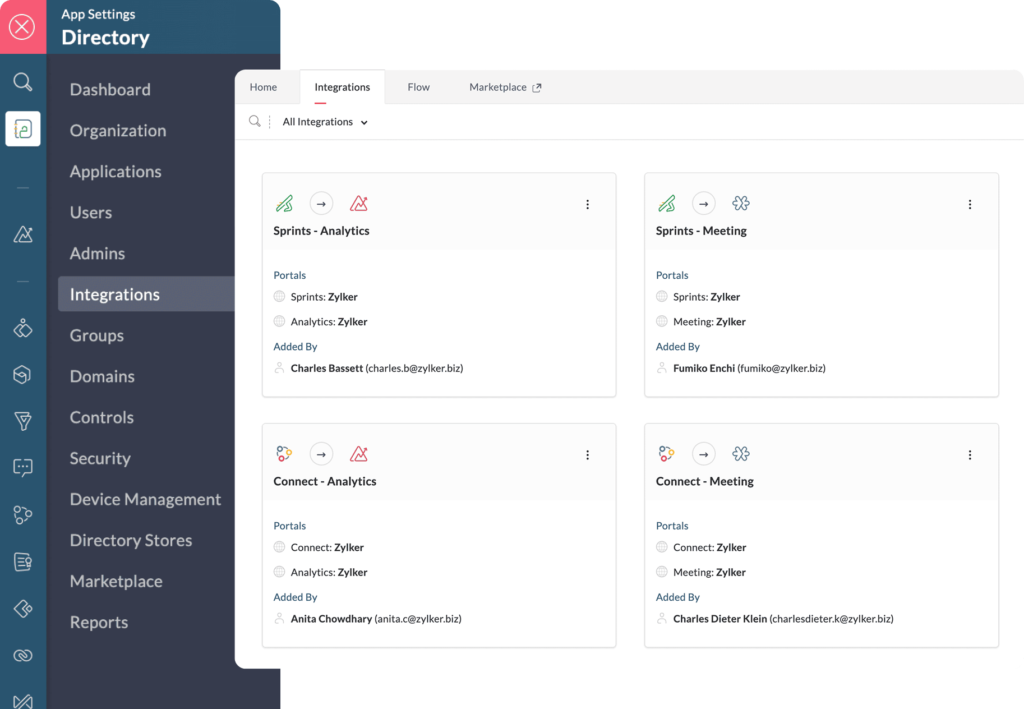
- Integrate: Set up the native integrations so that your finance apps talk directly to your CRM.
- Verify: Perform a manual spot-check and compare total record counts against your source system to ensure 100% data integrity.
Step 6: User Training & Change Management
Software doesn’t run businesses; people do. The biggest pitfall is failing to train your staff on the new Zoho One Migration Plan results.
- Role-Based Training: Tailor your sessions. The sales team doesn’t need to know how to run payroll; they need to know how to close deals.
- Internal Champions: Appoint one “Super User” in every department to handle quick questions.
- Video Documentation: Create a simple library of your specific company workflows.
Step 7: Post-Migration Optimization
Once the dust settles, it’s time to scale your results.
- Setup Dashboards: Use advanced analytics to see your business health in real-time.
- Automate workflows: Identify repetitive manual tasks and turn them into one-click automations.
- Feedback Loop: Ask your team where they are clicking too much and refine the UI.
Common Pitfalls to Avoid in Your Zoho One Migration Plan
To ensure your transition is a success, watch out for these common industry traps:
| Pitfall | Impact | Solution |
| Over-Customization | System becomes slow and confusing for users. | Use “Out-of-the-Box” features for 30 days first. |
| Ignoring Data Security | Potential data leaks or permission errors. | Set up Roles and Profiles before importing data. |
| Rushing the Timeline | Missing critical data links and losing history. | Allocate at least 4-8 weeks for a clean move. |
| Skipping Expert Advice | Expensive mistakes and business downtime. | Consult a specialist early to review your roadmap. |
Final Thoughts for a Successful Launch
A Zoho One Migration Plan isn’t just about moving data—it’s about upgrading your business “Operating System.” By following this structured roadmap, you minimize downtime, prevent data loss, and maximize your ROI from day one.
As a Zoho Partner, we’ve perfected this transition process to ensure your team hits the ground running. Don’t let a “DIY” migration hold back your business growth.
Ready to start your migration without the stress?
Contact our team today to schedule your Zoho One Strategy Session!
Ready to Get Started on Zoho?
Let’s build your business the smart way — with Zoho and Codroid Labs by your side.
📅 Book your free consultation now
1. How long does a typical Zoho One Migration Plan take to execute?
A standard Zoho One Migration Plan usually takes between 4 to 8 weeks. This timeline depends on the volume of your data, the number of third-party integrations, and how much “cleansing” your data requires. Rushing this process is a common pitfall that leads to broken data relationships.
2. Will my business experience downtime during the migration?
With a professionally structured Zoho One Migration Plan, downtime is virtually zero. We perform the heavy lifting, mapping, and testing in the background. The “switch-over” usually happens over a weekend or during low-traffic hours to ensure your team never misses a beat.
3. Can I migrate from multiple platforms into one Zoho One account?
Yes. One of the primary goals of a Zoho One Migration Plan is consolidation. We frequently move data from disparate systems—like Salesforce for CRM, QuickBooks for accounting, and Mailchimp for marketing—into the unified Zoho ecosystem to create a “single source of truth” for your business.
4. Is it possible to migrate my historical email and chat data?
Absolutely. While most businesses focus on contacts and deals, a comprehensive Zoho One Migration Plan can include your email history and ticket logs. This ensures that when your sales team opens a contact in Zoho, they see the full history of past conversations.
5. Why should I use a Zoho Partner instead of doing it myself?
While Zoho provides import tools, a Zoho One Migration Plan designed by a partner prevents expensive mistakes like duplicate records, broken workflows, and poor user adoption. Partners provide the strategic oversight to ensure the system is optimized for your specific revenue goals, not just “installed.”