


Zoho CRM — AI Developer Tools Guide 2026
Zoho CRM SKILL.md: The Complete Guide to Zoho’s Powerful New AI Developer Skill
Zoho just shipped something genuinely new for developers: a Zoho CRM SKILL.md file that plugs straight into your AI coding tool and writes working Deluge functions, Client Scripts, widgets, and COQL queries for you. This guide covers what it actually does, how to install it, and what to watch for.
7
Developer Tools Orchestrated
5
Step Validation Flow
1
Command to Install It
9
Things to Know Before You Rely on It
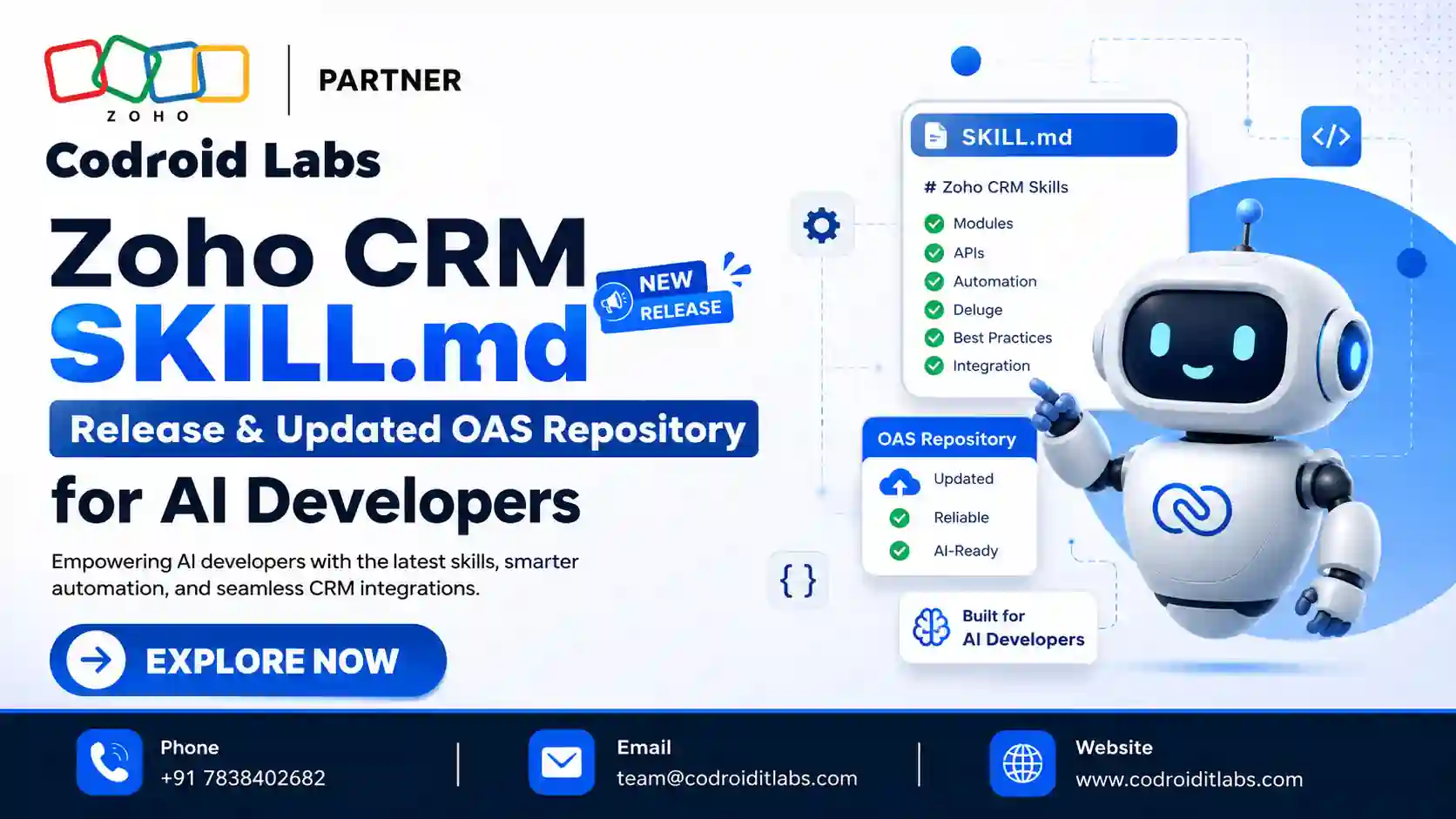
The Zoho CRM SKILL.md release, announced directly by the Zoho CRM API Team, is built around a single idea: instead of a developer manually hunting through API docs, writing Deluge from scratch, and testing scopes by trial and error, you describe what you want in plain English inside your AI coding tool, and the zoho-crm skill handles the rest — selecting the right API, resolving parameters and OAuth scopes, and generating validated code. Alongside it, Zoho rebuilt its entire Zoho CRM OAS repository from the ground up specifically so AI models can navigate it more efficiently. This guide covers exactly what shipped, how to set it up, and what any developer using it should know upfront.
What Is the New Zoho CRM SKILL.md?
SKILL.md is a file format that AI coding agents — tools like Claude Code, Codex, Cursor, and GitHub Copilot — read to gain specialized, task-specific knowledge before generating code. The Zoho CRM SKILL.md is Zoho’s own official skill file for exactly this purpose: it teaches your AI coding tool everything it needs to know about building on Zoho CRM, packaged as the publicly available zoho-crm skill.
Rather than being a single narrow tool, it acts as an orchestration layer across seven distinct CRM developer surfaces: REST APIs, Deluge Functions, Client Script, Widgets, COQL, Queries, and Connections. You describe your use case in natural language inside your AI harness, and the skill figures out which of those seven tools is the right fit, then generates the actual implementation.
The Updated Zoho CRM OAS Repository — Built for LLMs
Alongside the skill itself, the Zoho CRM OAS repository — the public OpenAPI Specification files released with the V8 API launch — has been substantially reworked. The files have moved from JSON to YAML, been updated with the latest API changes and clearer descriptions, and restructured into a directory layout specifically optimized for LLMs and AI agents to navigate.
Each OAS resource now gets its own folder containing a resource YAML file defining the schema, an index.md giving an LLM-friendly overview of that resource, and an operations folder with a subfolder per API operation — each holding a compressed operation.md plus request and response examples. The point of this restructuring is simple: it reduces how much irrelevant context an AI agent has to wade through to find the one operation it actually needs. Zoho has committed to releasing new OAS files weekly for already-released APIs.
What the zoho-crm Skill Can Actually Do
| Developer Tool | What the Skill Does |
|---|---|
| REST APIs | Selects the right v8 operation, resolves parameters and OAuth scopes, generates the request or a complete cURL command |
| Deluge Functions | Generates and validates server-side scripts for automation and custom functions |
| Client Script | Creates browser-side scripts using ZDK for record pages, buttons, validation, and dialogs |
| Widgets | Builds embedded components with HTML, CSS, JS, the CRM JS SDK, and ZRC |
| COQL | Constructs and validates queries for filtered, cross-module, and aggregated data retrieval |
| Queries & Connections | Configures saved Queries and OAuth-based integrations across Widget, Deluge, and Client Script |
When Zoho CRM’s MCP tools are connected, the zoho-crm skill can invoke the relevant API tool directly. Without MCP connected, it falls back to generating a complete, ready-to-run cURL request instead.
How to Install and Use the zoho-crm Skill
1
Open a terminal in your preferred AI harness environment (Claude Code, Cursor, VS Code with Copilot, etc.).
2
Run the install command shown below to add the skill.
3
Describe your Zoho CRM use case in plain English — the skill identifies the right tool and generates the solution.
4
Review the generated output, test it in a sandbox, and iterate with follow-up feedback if needed.
npx skills add zoho/crm-skills
Real examples Zoho gives for what you can simply type into your AI harness once the zoho-crm skill is installed: “Fetch all open deals this month,” “In the Leads module, show the Passport Number field only if the NRI field’s value is Yes,” or “If the lead’s score reduces below 50, create a follow-up task to the record owner.” In GitHub Copilot inside VS Code specifically, the skill is invoked with the /zoho-crm command.
Behind the Scenes: The 5-Step Flow
Every request routed through the zoho-crm skill passes through the same five-step process: understand the goal by identifying the action, entity, and context in your request; select the right primitive — deciding whether REST API, Deluge Function, Client Script, Widget, COQL, Query, or Connection actually fits; load the relevant references from the OAS and skill documentation as the source of truth; generate the solution — the actual code, query, or configuration; and validate the output against CRM syntax, parameters, scopes, and known implementation gotchas before presenting it to you.
9 Things to Know Before You Rely on the Zoho CRM SKILL.md
1. It only generates Deluge, not Java or Python
The skill currently supports Deluge functions only. It does not yet generate custom functions in Java, Node.js, or Python.
2. It’s an accelerator, not a replacement for review
Zoho’s own guidance is explicit: review and test every generated solution before using it in production.
3. The first output may need iteration
Occasionally a few refinement rounds are needed to reach the desired implementation — treat the first response as a strong draft, not a final answer.
4. Org-specific configurations need explicit details
For anything tied to your org’s custom setup, provide the relevant field names and configuration details so the skill can tailor the output correctly.
5. Third-party integrations need extra context
For integrations with other Zoho products or external tools, supplying the relevant product documentation improves accuracy noticeably.
6. Direct API invocation needs MCP
Without Zoho CRM MCP tools connected, the skill can only generate a cURL request rather than calling the API directly.
7. The OAS repository updates weekly
New OAS files are released weekly for already-shipped APIs — pull the latest repository regularly rather than assuming it’s static.
8. Not every v8 API is in the public repo yet
Zoho is prioritizing v8 API functionality in the public Git repository first, with the same content following in the public help docs.
9. Vague requests produce vague results
The skill works from the Action, Entity, and Context in your prompt — a vague request gives it less to resolve parameters and scopes against, so specificity pays off.
Best Practices for Working With the zoho-crm Skill
- Name your exact module, field API names, and business rule clearly in your first prompt to reduce iteration rounds.
- Always test generated Deluge functions and Client Scripts in a sandbox before deploying to production.
- Connect Zoho CRM MCP tools if you want the skill to call APIs directly instead of just generating cURL requests.
- Keep an eye on the weekly OAS repository updates if your team builds directly against the raw specification files.
- Send feedback to support@zohocrm.com — Zoho has stated it’s actively refining the skill based on real usage.
More Guides from Codroid Labs
Build Faster on Zoho CRM With AI-Assisted Development
Codroid Labs is a Certified Zoho Authorized Partner combining hands-on CRM development expertise with the latest AI developer tooling, delivering custom Deluge, Client Script, and widget solutions across India, with GSTIN invoicing for 18% ITC recovery.
Frequently Asked Questions
What is the Zoho CRM SKILL.md file?
It’s Zoho’s official skill file that gives AI coding agents specialized knowledge of Zoho CRM’s developer tools, packaged as the publicly available zoho-crm skill on GitHub.
Which AI coding tools support the zoho-crm skill?
Zoho lists Claude Code, Codex, Cursor, and GitHub Copilot in VS Code as supported AI harnesses.
How do I install the zoho-crm skill?
Run npx skills add zoho/crm-skills in your AI coding environment, then describe your Zoho CRM use case in natural language.
What changed in the Zoho CRM OAS repository?
The files moved from JSON to YAML, gained updated API coverage and clearer descriptions, and were restructured into per-resource folders with operation-level Markdown files optimized for LLMs to navigate.
Can the skill generate custom functions in languages other than Deluge?
Not currently. The skill supports Deluge functions only — Java, Node.js, and Python are not yet supported.
External references:
Official Zoho CRM API Team Announcement ·
zoho-crm Skill — GitHub Repository ·
Zoho CRM OAS — Public GitHub Repository ·
Zoho CRM MCP — Official Overview
Official Zoho CRM API Team Announcement ·
zoho-crm Skill — GitHub Repository ·
Zoho CRM OAS — Public GitHub Repository ·
Zoho CRM MCP — Official Overview
Codroid Labs (GSTIN 07AAWFC0815B1ZP) is a Certified Zoho Authorized Partner helping businesses adopt the Zoho CRM SKILL.md, AI-assisted development workflows, and full custom CRM builds across India and global markets.
Phone: +91 78384 02682 | Email: team@codroiditlabs.com | codroiditlabs.com