


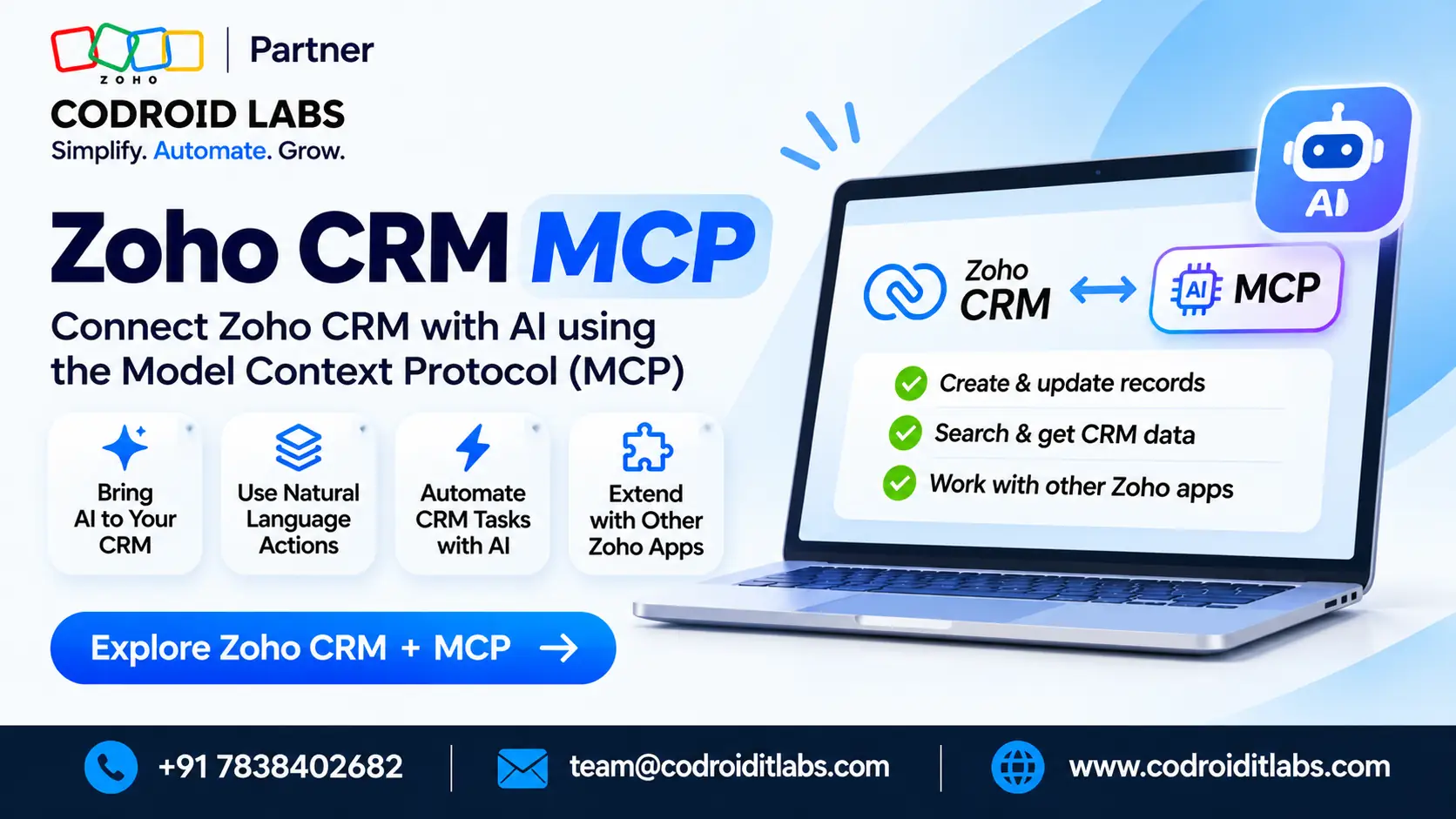
A zoho crm mcp connection lets a sales team ask an AI assistant to query deals, create leads and update records through four official pre-built servers. Documented clients include Cursor, Claude Desktop, VS Code and Windsurf. Actions follow your CRM permissions.
Official CRM MCP servers · Last updated: November 2026
Zoho CRM MCP: 10 Things Your Sales Team Can Ask an AI Assistant
Use the ten labelled prompts below after you install an official server and complete OAuth. Each ask is mapped to Data Insights, Data Operations, Module Customization, or Workflow and Process Automation.
Codroid Labs works from New Delhi. Proposals show Zoho Partner, Partner ID: PI1471004, plus Zoho AI Enabled Partner status. Licence help, implementation, customisation, migration and AMC are quoted after a free call.

In short
Zoho CRM MCP is a set of pre-built, Zoho-hosted servers that expose CRM actions as tools an MCP-compatible AI assistant can call in natural language. You do not host the servers yourself.
The four official servers are Data Insights, Data Operations, Module Customization, and Workflow and Process Automation. Zoho documents setup for Cursor, Claude Desktop, VS Code and Windsurf, and notes that any MCP-compatible tool can be used.
The first tool call starts an OAuth sign-in. After that, the assistant can only do what your CRM role already allows. API calls made through MCP use the same API credits as ordinary CRM API calls.
Contents
What a zoho crm mcp connection actually does
On Zoho’s Zoho CRM MCP overview, the servers translate a natural-language request into a CRM operation. Your AI assistant calls the registered tools. You do not have to work in the CRM interface or write API calls by hand.
That is different from Zoho MCP, which is a console for building your own server and adding tools from Zoho apps. The four pre-built CRM MCP servers are the only ones covered here. For a wider console walkthrough, see how Zoho MCP integration is set up across apps.
A zoho crm ai assistant in this sense is the MCP client you already use, now attached to CRM. It is not a new Zoho product name, and it is not the same thing as Zia, which lives inside Zoho itself.
The four official servers your prompts must match
Zoho groups CRM MCP tools into four pre-built servers. You can install more than one. Pick the server that matches the job, then ask. The table restates the official action groups from the overview and the MCP product page.
| Official server | What it can do | Typical sales use |
|---|---|---|
| Data Insights | Read-only queries with COQL, including filter, sort, group and paginate, plus module lists and field schemas | Pipeline lists, lead counts, ranked accounts |
| Data Operations | Create, read, update and delete records, including bulk work and related records, plus COQL search | New leads, stage changes, related contacts |
| Module Customization | Module metadata, custom modules and fields, field properties, and layout retrieve, update, activate or deactivate | Field lists and careful data-model changes |
| Workflow and Process Automation | Create, update, list and reorder workflow rules; create, update and list workflow task actions; retrieve workflow configuration | Follow-up tasks and rule reviews |
Data Insights is the cautious starting point because it is read-only. Write actions live on the other three servers and still follow your role. If a prompt asks for something the installed server does not expose, the assistant cannot invent that action.
Permissions and API credits, in plain language
Zoho states that the first time you invoke a tool, the server starts an OAuth flow and you sign in to your Zoho account. After that, every action is scoped to your CRM user permissions. The assistant cannot do more than your role already allows.
To switch organisation or user, disconnect the server in the AI tool, then sign in again. The new session is scoped to that organisation. That matters if you test in one org and sell in another.
Zoho also states that API calls executed through MCP consume API credits in the same way as standard API calls. Those requests are subject to the existing Zoho CRM API credit limits.
MCP does not add a separate credit pool. Official docs do not name a required CRM edition for MCP itself.
The official limits page gives these 24-hour allowances for ordinary CRM API credits, which MCP calls also use:
| CRM edition on the API limits page | Allowed credits in a 24-hour window | Maximum credits |
|---|---|---|
| Free | 5,000 | 5,000 |
| Standard / Starter | 50,000 + (user licences × 250) + add-on credits | 100,000 |
| Professional | 50,000 + (user licences × 500) + add-on credits | 3,000,000 |
| Enterprise / Zoho One | 50,000 + (user licences × 1,000) + add-on credits | 5,000,000 |
| Ultimate / CRM Plus | 50,000 + (user licences × 2,000) + add-on credits | Unlimited |
Credit use still varies by operation. Zoho’s table, for example, deducts one to three credits for a COQL query depending on the LIMIT range, and five credits for a convert-lead API call. A busy assistant can spend the allowance quickly, so start with Data Insights and watch usage in CRM.
10 zoho crm mcp prompts a sales team can ask
These ten asks are labelled examples, written to match official server actions. They are not a promise that every assistant will phrase the tool call the same way. Install the matching server, keep confirmations on for write actions, and stay inside your role.
Prompts 1 to 3 stay on Data Insights. Prompts 4 to 6 need Data Operations. Prompts 7 and 8 touch the data model. Prompts 9 and 10 use Workflow and Process Automation.
| # | What to ask | Official server | Why it fits |
|---|---|---|---|
| 1 | Show deals with a closing date in this month, grouped by stage and owner. | Data Insights | Read-only query, filter, sort and group |
| 2 | How many leads were created in the last seven days, and who owns them? | Data Insights | Record query and grouping on Leads |
| 3 | List the ten accounts with the highest annual revenue. | Data Insights | Sort and paginate a read-only list |
| 4 | Show the contacts related to the account named in my follow-up list. | Data Operations | Retrieve related records for a parent |
| 5 | Create a lead with this name, company and email, and assign it to me. | Data Operations | Create a record in a standard module |
| 6 | Update this deal’s stage to the next step after today’s sales call. | Data Operations | Update an existing record |
| 7 | List every field currently on the Contacts module. | Module Customization | Retrieve a field schema |
| 8 | Add a text field named Customer Type to the Leads module. | Module Customization | Create a custom field, if your role allows it |
| 9 | Create a task that asks an owner to call a new lead within one day. | Workflow and Process Automation | Create a workflow task action |
| 10 | List the active workflow rules on the Leads module. | Workflow and Process Automation | List workflow rules and retrieve configuration |
Treat prompts 8 and 9 as admin work, not a casual desk habit. They change fields or automation. Confirm the tool call before you accept it. Prompt 6 should name the exact deal so the assistant updates the right record.
If you are weighing CRM seats against a wider suite later, how Zoho CRM compares with Zoho One can sit beside this prompt list. These official servers themselves do not replace a licence decision.
How Zia differs from an MCP-connected sales assistant
Zia is Zoho’s in-product assistant. You ask it inside CRM, and it stays in that product experience. A short primer lives on what Ask Zia can do inside Zoho.
Zoho CRM MCP is the other direction: you stay in an external MCP client and let that client call official CRM servers.
Use Zia when the work should happen in the CRM screen. Use the official CRM servers when the sales team already works in a documented MCP client and wants those four official server actions from that client. You can use both. They are not the same tool.
Zia Agents, built in Agent Studio, are a third path: agents you design inside Zoho and place in CRM or other Zoho surfaces. For that split, see Zoho MCP compared with Zia Agents and the Zia Agent Studio walkthrough.
Do not expect an MCP session to copy every Zia chat behaviour, or the other way around. Match the job to the official surface you actually installed.
How to connect a documented client for zoho crm claude integration work
Zoho documents setup for Cursor, Claude Desktop, VS Code and Windsurf, and says the servers work with any AI tool that supports MCP.
Official setup notes for Cursor, Visual Studio Code and Windsurf sit next to the overview. Prerequisites are a Zoho CRM account with the right user permissions, plus one of those supported clients.
If your team wants a zoho crm claude integration path, use Claude Desktop as the documented client, then follow Zoho’s official connector steps for that client.
For a Codroid walkthrough of connecting Claude to Zoho MCP, use the Zoho MCP Claude integration setup notes. That sister URL is a setup guide. The ten prompts above remain the CRM-server asks.
In outline: choose the official server you need, add it in the client, complete OAuth when the first tool runs, then try a Data Insights prompt before any write. Keep human confirmation on for create, update, delete, field changes and workflow changes.
Product context for Zoho CRM still applies. MCP does not bypass sharing rules, profiles or field permissions.
How Codroid Labs can help with Zoho CRM and MCP
Codroid Labs works from New Delhi and can support teams remotely across India. On invoices and proposals you will see Zoho Partner, Partner ID: PI1471004.
The firm is a Zoho Partner. It also holds Zoho AI Enabled Partner status. Review the wider Zoho services we offer or contact the New Delhi team when you are ready.
Licence help covers official CRM seats and a tax invoice trail. We do not replace Zoho’s published list with a private rate card. Implementation covers the first rollout of CRM, including which official MCP servers you should switch on.
Customisation covers fields, layouts, workflows and related builds. Migration covers a move from your current tools into CRM. AMC covers agreed care after go-live. Each of those fees is quoted after a free call.
For a shortlist method, read how to shortlist a Zoho Partner. If the assistant later needs connectors or a custom app beside CRM, see Zoho Flow integration notes or a Creator app deployment checklist.
Reach us on +91 7838402682 or team@codroiditlabs.com, or browse the Codroid Labs blog.
Quick Answers
What can a sales team ask with zoho crm mcp?
They can ask an AI assistant to query deals and leads, create or update records, review fields, and work with workflow rules, as long as the matching official server is installed. The ten labelled prompts above map each ask to a server.
Which AI clients does Zoho document for these official servers?
Zoho documents Cursor, Claude Desktop, VS Code and Windsurf, and says the servers work with any AI tool that supports MCP. Setup starts from the official overview, then OAuth on first use.
Does the assistant get more access than my CRM login?
No. Zoho states that actions are scoped to your CRM user permissions. You can only perform operations your role already allows.
Do MCP calls use extra credits?
They use the same API credits as standard CRM API calls, subject to Zoho’s published API credit limits. There is no separate MCP credit pool in the official overview.
FAQs
Where should I start a zoho crm mcp setup?
Start with Zoho’s official overview, install one official server in a documented client, complete OAuth, then try a Data Insights prompt. Add Data Operations only when you are ready to create or update records with confirmation turned on.
Is Claude Desktop officially documented?
Yes. Zoho lists Claude Desktop among the documented MCP clients, alongside Cursor, VS Code and Windsurf. A zoho crm claude integration here means using that documented client with the official CRM servers, not a private connector.
Can I use more than one official server at once?
Yes. Zoho says you can install more than one server to cover a broader range of tasks. Keep Insights on for read work, and add Operations, Customization or Workflow only when those actions are in scope.
What if the assistant tries a write I did not mean?
Leave confirmation on, start with the read-only server, and use an account whose role matches the work. If a write is accepted in error, correct the record in CRM and review the tool history in your client.
How do API credits affect a busy sales assistant?
Each MCP call spends ordinary API credits, and some operations cost more than one credit. Check Zoho’s API limits page for your edition’s 24-hour allowance, and avoid looping through large record sets without a plan.
Is Zoho CRM MCP the same as Zia?
No. Zia works inside Zoho. The official CRM servers let an external MCP client call those tools. A zoho crm ai assistant in the MCP sense is that client, after OAuth, working inside your permissions.
Does Codroid Labs set the official server list?
No. The four servers and the documented clients are Zoho’s. We can help you choose which servers to switch on, write a safe prompt list, and plan CRM rollout. Implementation, customisation, migration and AMC are quoted after a free call.
Can I switch from a test organisation to production later?
Zoho says you should disconnect the MCP server in the AI tool, then sign in again with the organisation you want. Do that deliberately so a test prompt never hits production records.