



YouTube and Zoho Creator integration is the ultimate solution for creators and businesses looking to automate their media management without writing a single line of code. By using Zoho Flow, you can bridge the gap between your video content and your custom-built applications, ensuring that every comment, upload, and playlist update is captured in real-time.
In this guide, we will explore how you can leverage this powerful connection to eliminate manual data entry and focus on what truly matters: creating great content.
Table of Contents
- Understanding YouTube and Zoho Creator Integration
- What is YouTube?
- What is Zoho Creator?
- How Zoho Flow Connects Your Apps
- Key Triggers and Actions to Use
- 7 Benefits of Automating Your Workflow
- Getting Started with Your Integration
Understanding YouTube and Zoho Creator Integration
Managing a video platform alongside a database can be exhausting. YouTube and Zoho Creator integration allows you to send information between these two platforms automatically. Using a no-code drag-and-drop builder, you can set up comprehensive workflows that trigger whenever a specific event occurs on YouTube, such as a new video being uploaded or a new comment being posted.
What is YouTube?
YouTube is a world-leading video-sharing website. It is a hub where users can enjoy music, upload original content, and share videos with a global audience. For businesses, it serves as a critical tool for social media management and brand building.
What is Zoho Creator?
Zoho Creator is a powerful low-code app development platform that allows users to launch custom, mobile-ready applications. It is designed to help businesses automate internal processes, manage databases, and create unique workflows tailored to their specific needs.
How Zoho Flow Connects Your Apps
Zoho Flow acts as the “glue” for your YouTube and Zoho Creator integration. It allows you to connect these platforms with over 1,000 other apps.
- Webhook Triggers: You can receive data from various services in formats like JSON or plain text.
- Advanced Logic: You can build complex business workflows by adding if-then branches and time delays.
- Custom Functions: For those who need more than basic automation, you can write simple scripting functions to format data or call web APIs.
Key Triggers and Actions for Your YouTube and Zoho Creator Integration
To build a successful YouTube and Zoho Creator integration, you need to understand triggers and actions.
YouTube Triggers
A trigger kickstarts the flow of data. Common YouTube triggers include:
- New Video Related to Search Uploaded: Perfect for tracking competitors or industry trends.
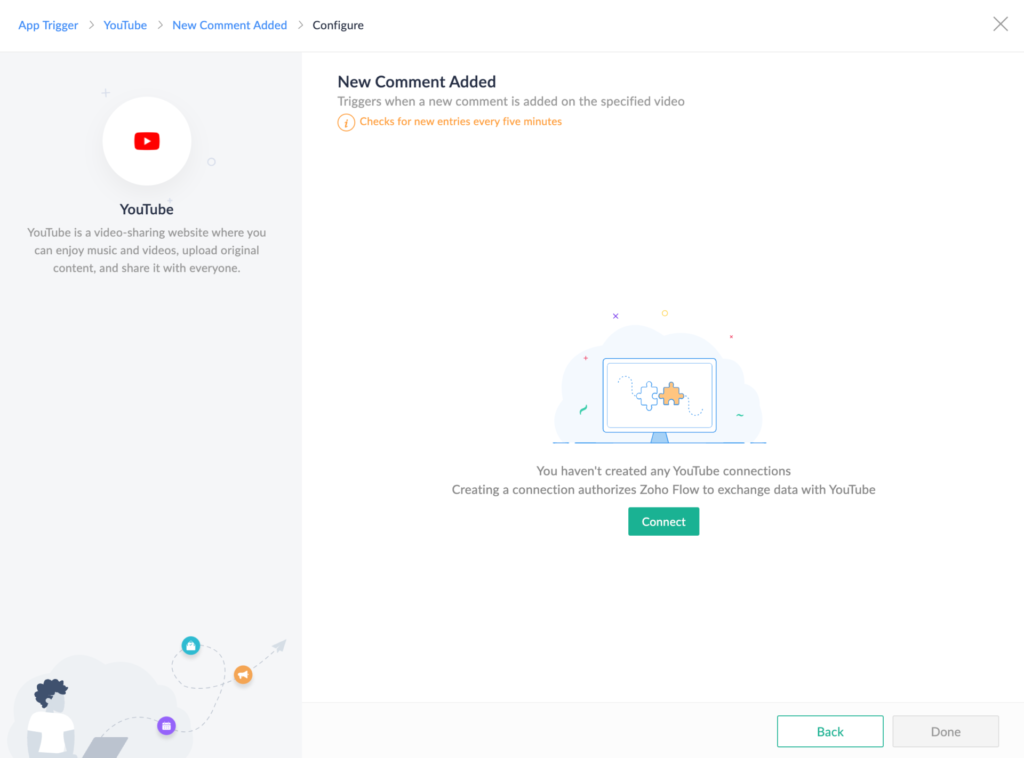
- New Comment Added: Automate your community management by sending comments directly to a database.
- New Video Uploaded to Channel/Playlist: Ensure your records are always up to date when you post new content.
Zoho Creator Actions
Once a trigger occurs, Zoho Flow performs an automated task in Zoho Creator:
- Create Record: Automatically add a new entry in your selected form whenever a video is uploaded.
- Update Record: Keep existing data fresh by updating record details as video statistics change.
- Fetch Record: Retrieve specific details from your database to use in other parts of your workflow.
7 Benefits of Automating Your Workflow
Implementing a YouTube and Zoho Creator integration provides immediate value to your business operations:
- Zero Manual Entry Errors: Users like Owain ap Rees from Artico have reported zero errors after putting Flow into place.
- Faster Processing: Automating the transfer of data results in significantly faster order and data processing.
- Seamless Data Transfer: Louis Castellano, CEO of Lakeside CNC Group, highlights how Flow allows data to transfer across multiple platforms without coding.
- Elimination of Tedious Tasks: Automation removes time-consuming manual updates, saving valuable effort for your team.
- Comprehensive Workflows: You can integrate YouTube with other Zoho tools like Zoho Books, CRM, and Desk through Zoho Creator.
- Custom App Synergy: Since Zoho Creator builds custom apps, your YouTube data can live in a database designed specifically for your business.
- Scalability: As your channel grows, your YouTube and Zoho Creator integration scales with you, handling hundreds of updates without extra manual labour.
Getting Started with Your Integration
Ready to streamline your business? You can try integrating YouTube and Zoho Creator for free. The no-code builder makes it accessible for everyone, from small creators to large-scale enterprises.
Ready to Get Started on Zoho?
Let’s build your business the smart way — with Zoho and Codroid Labs by your side.
📅 Book your free consultation now