


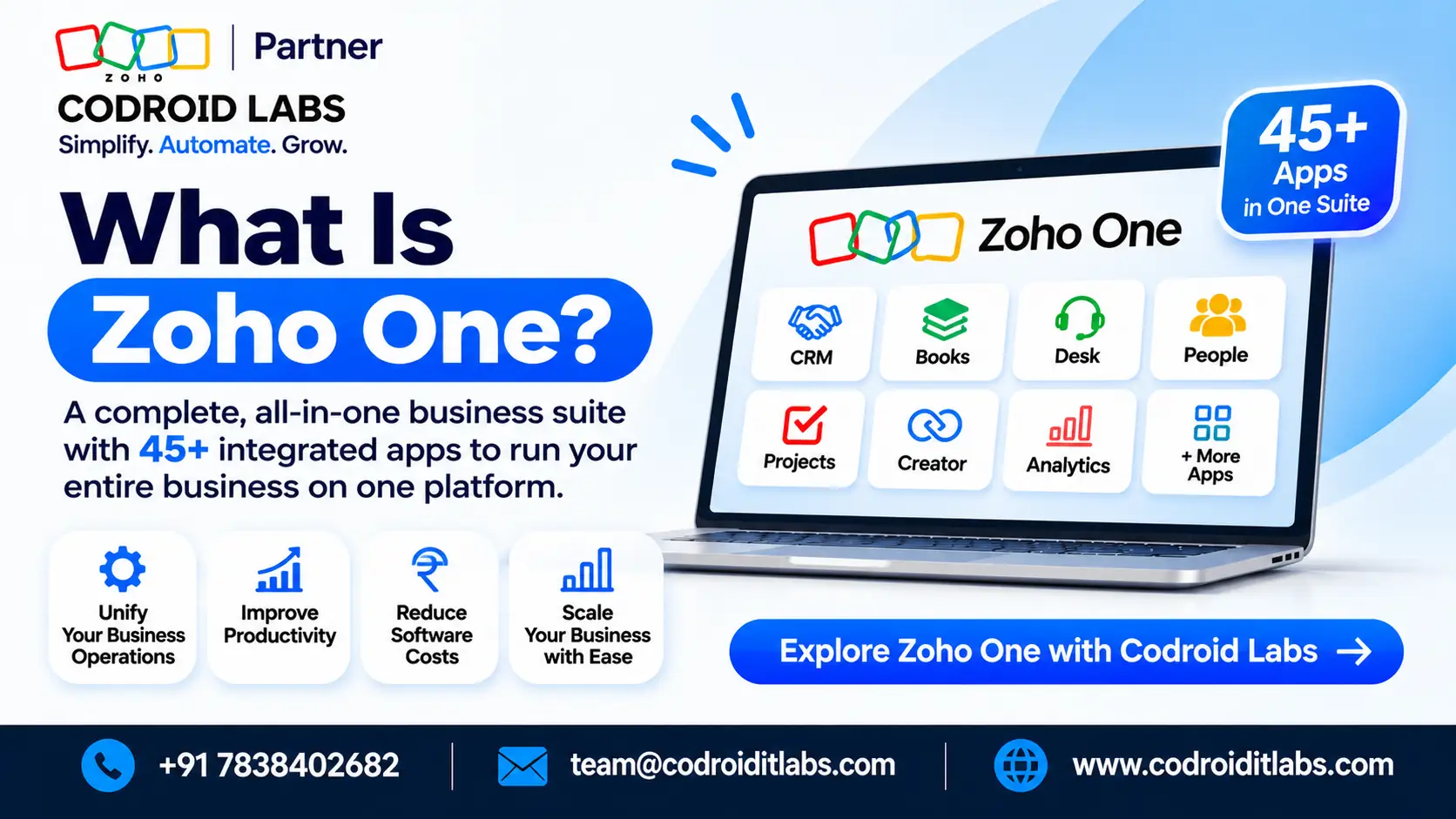
What is zoho one? It is Zoho’s official all-in-one business software suite. Zoho is the company. Zoho One is one of three official ways to buy its apps, beside a la carte licences and smaller bundles. Official pages list 45+ or 50+ apps on the full suite, and 15+ on Essentials.
Official product explainer · Last updated: November 2026
What Is Zoho One? 2 Official Plans and 3 Ways to Buy Zoho Apps
This page answers what is zoho one in official language, then sets out how Zoho the company differs from the suite, and how the zoho all in one suite sits next to single apps and bundles.
Codroid Labs is a Zoho Partner (ID PI1471004) in New Delhi. Licence fees follow Zoho’s public list. Project fees are set after a complimentary consultation.
Open the official Zoho One trial
Book a free suite mapping call

What this explainer covers
- Zoho One is the official suite. Zoho Corporation is the vendor behind it.
- You can buy Zoho apps one by one, in a named bundle, or as Zoho One.
- The homepage says 45+ apps. The pricing page says 50+ on Standard and 15+ on Essentials.
- A 30-day trial is available without a credit card. Indian rupee list rates sit on a separate guide.
What is zoho one, in official language
On the official homepage, Zoho presents Zoho One as an operating system for business: a connected set of applications under one login, one admin console, and one invoice. The official pricing page calls it a unified platform with two editions, Essentials and Standard. Both descriptions point to the same product family. They are not two different suites.
People type “zoho all in one” when they mean this suite. That phrase is informal. The product name on Zoho’s own pages is Zoho One. That all-in-one idea is still useful, because it captures the point of the licence: many business functions billed together, instead of a stack of single-app contracts.
If you only need one or two Zoho products today, you may not need the suite. The later comparison table sets the official buying paths side by side. For a cost view of the suite against picking apps one by one, read our Zoho One vs individual apps guide.
The difference between zoho and zoho one
The difference between zoho and zoho one is easy to miss, because the brand name sits inside the product name. Zoho (often written as Zoho Corporation on legal and partner pages) is the company that designs, sells, and supports the software. Zoho One is a specific commercial package from that company.
Zoho also sells many of the same applications on their own. You can hold a Zoho CRM account, a Zoho Books account, or a Zoho Mail account without ever opening a Zoho One organisation. Those are company products sold as single licences. Zoho One is the suite that groups a large set of those products, plus shared directory, administration, and billing, under one contract.
A short way to keep the names straight: Zoho is the vendor, Zoho One is the suite. Searching “what is zoho one” should lead you to the suite, not to a general company profile. Searching only “Zoho” can surface CRM, finance tools, email, or the corporate site, depending on the query.
Three official ways to buy Zoho software
Zoho presents three commercial paths. None of them replaces the company itself. They only change how many apps you licence together, and how you are billed.
A la carte apps. You choose each product and edition on its own pricing page, then pay for those seats. This path suits a team that is sure it needs only a narrow set of tools, such as CRM alone, or Books alone.
Official bundles. Zoho also sells named packages that group related apps. Three that appear often in buying conversations are CRM Plus (customer-facing tools), Finance Plus (finance and operations tools), and Workplace (mail, chat, documents, and related work apps). Each bundle has its own official page and its own commercial terms. A bundle is not the same thing as Zoho One, even though both reduce the number of separate contracts.
Zoho One. This is the official all-in-one suite. Official pricing copy describes two editions: Essentials, with 15+ unified business apps, and Standard, with 50+ unified business apps. Standard is the broader suite most people mean when they ask what is zoho one. Essentials is a smaller official edition of the same product family, not a third company.
| Buying path | What it is | Official app wording |
|---|---|---|
| A la carte Zoho apps | You pick and pay for each product | Each app keeps its own edition list |
| Official bundles | CRM Plus, Finance Plus, or Workplace | Each bundle is described on its own page |
| Zoho One Essentials | A smaller official Zoho One edition | Pricing page: 15+ unified business apps |
| Zoho One Standard | The full official Zoho One suite | Pricing page: 50+ apps; homepage: 45+ |
Teams sometimes compare the suite with a single CRM licence, or ask whether Zoho One is an ERP. Those are different questions from the company-versus-suite distinction. Our Zoho CRM vs Zoho One comparison and Zoho One vs Zoho ERP comparison keep those debates in their own pages.
Seat rules also differ by path. Inside Zoho One, Standard seats can follow All Employee Pricing or Flexible user pricing. The official conditions sit on Zoho’s pricing FAQ, and our Zoho One licensing explainer walks through those rules in plain language.
How official pages count the apps
Official Zoho pages do not all use the same headline number. This article repeats each figure with the page that states it, instead of forcing one total.
| Official page | Wording used there |
|---|---|
| Zoho One homepage | 45+ apps |
| Zoho One pricing page, Standard edition | 50+ unified business apps |
| Zoho One pricing page, Essentials edition | 15+ unified business apps |
The feature list behind the Standard headline lives on Zoho’s Zoho One plan details page. Edition limits can change, so treat that page as the current catalogue, and treat the homepage and pricing headlines as short counts, not as a single reconciled inventory.
Shared apps in the Essentials edition
Zoho’s pricing FAQ describes Essentials as a starting edition for sales, service, marketing, project work, collaboration, and finance. The same FAQ publishes more than one Essentials app list, and the lists are not identical. This section names only the apps that appear on every variant we checked. For the complete current list, open the official Zoho One pricing FAQ. Zoho also maintains a separate Essentials plan details page.
The shared names across those official variants are Zoho Directory, Bigin, Sites, Campaigns, Mail, Cliq, Projects, WorkDrive, Writer, Show, Sheet, PDF editor, Notebook, Meeting, Desk, and People. Apps that appear on some official lists but not on all of them are omitted here on purpose.
A free trial of Zoho One can show the wider Standard catalogue for the trial period. Zoho’s pricing FAQ states that, when the trial ends, you then choose whether to continue on Essentials or Standard. Do not treat the trial app drawer as proof of your paid edition.
What Zoho One does not include
The official Zoho One applications FAQ is clear: Zoho One does not include everything Zoho does. That FAQ gives a partial list. It names Zoho Workerly, Zoho Catalyst, Zoho Classes, Zoho ERP, RouteIQ, Zoho CPaaS, Zoho FSM, Zoho Shifts, and Zoho CommunitySpaces. It also excludes applications from the ManageEngine, Site24x7, Qntrl, and TrainerCentral brands.
Paid Marketplace extensions are not part of the Zoho One licence. Zoho says they can still be bought separately and used with Zoho One applications. Domain registration is also outside the suite, according to the same FAQ.
Because the official list is partial, confirm any named add-on, brand, or marketplace item during signup or on the current FAQ, rather than assuming it rides inside the suite invoice.
The 30-day trial and the two official plans
The Zoho One homepage offers a 30-day trial and states that no credit card is required to start it. You can open that trial through this official Zoho One trial signup. The trial is a product evaluation, not a paid implementation.
After the trial, the official pricing page presents two editions. Essentials is the smaller edition. Standard is the broader suite. Standard then splits into two licensing models: All Employee Pricing, which requires a seat for every person on payroll, and Flexible user pricing, which covers only the seats you choose. Yearly and monthly terms are both listed. Zoho’s pricing message is that local taxes such as VAT or GST are charged in addition to the list figures, and the tax line appears at checkout.
This explainer does not quote rupee amounts. For Indian rupee list rates on the Standard models, plus labelled yearly and monthly totals, use our Zoho One price India guide. Confirm during signup which edition your organisation is offered, because regional availability can differ from a global pricing page.
If you later want help turning a trial organisation into a live Indian workspace, with GST billing, UPI collections, or WhatsApp-related workflows, our Zoho One India setup guide covers those practical steps.
How Codroid Labs supports Indian teams
Codroid Labs works from New Delhi as a Zoho Partner (ID PI1471004). Our Zoho services overview lists the implementation work we quote after a free call. Licence prices remain Zoho’s. We do not replace official list rates with a private tariff.
A typical first conversation maps the three buying paths against the work you actually need: a single app, a bundle, or the suite. If you later connect Zoho One to other systems, our Zoho Flow integration guide explains how Flow handles those connections. Custom apps built on Creator have a separate Creator deployment checklist before go-live.
If you are still choosing a firm, how to find a Zoho Partner sets out shortlist checks you can use with any partner, including us. Related reading also lives on our Codroid Labs blogs index.
To book a free call, use the booking button on this page, write to team@codroiditlabs.com, or call +91 7838402682. You can also reach us through the Codroid Labs contact page.
Quick Answers
What is zoho one, in one sentence?
Zoho One is Zoho’s official all-in-one business software suite, sold in two official editions, with the full suite counted as 45+ apps on the homepage and 50+ on the pricing page.
How do you explain the difference between zoho and zoho one?
The first name is the vendor. The second name is the official suite that vendor sells, alongside a la carte apps and named bundles such as CRM Plus, Finance Plus, and Workplace.
Is “zoho all in one” a separate product?
No. Zoho all in one is everyday language for Zoho One, the official suite name used on Zoho’s product and pricing pages.
Can I try Zoho One before paying?
Yes. The official homepage offers a 30-day trial and states that no credit card is required. Indian rupee list rates after the trial are collected on the price India guide linked above.
FAQs
What is zoho one?
It is Zoho’s official all-in-one suite for running many parts of a business from one organisation, one admin console, and one invoice. Official pages describe it as an operating system for business and as a unified platform with Essentials and Standard editions.
How should a buyer read the difference between zoho and zoho one?
The first is the vendor. The second is one commercial package from that vendor. You can still buy individual Zoho apps, or a smaller official bundle, without taking the suite.
Does zoho all in one mean the same thing as Zoho One?
In everyday speech, yes. The official product name is Zoho One. The informal search phrase is not a second SKU on the pricing page.
How many apps are in Zoho One?
Use the figure from the official page you are reading. The homepage says 45+ apps. The pricing page says 50+ unified business apps on Standard and 15+ on Essentials. The plan details page is the longer catalogue for Standard.
What apps are in Zoho One Essentials?
Official lists vary slightly. The names common to every variant we checked are Directory, Bigin, Sites, Campaigns, Mail, Cliq, Projects, WorkDrive, Writer, Show, Sheet, PDF editor, Notebook, Meeting, Desk, and People. Rely on Zoho’s pricing FAQ for the full current list.
What is not included in Zoho One?
The applications FAQ gives a partial list that includes Workerly, Catalyst, Classes, Zoho ERP, RouteIQ, CPaaS, FSM, Shifts, and CommunitySpaces, plus apps from ManageEngine, Site24x7, Qntrl, and TrainerCentral. Paid Marketplace extensions and domain registration are also outside the suite licence.
Is there a free trial, and how is Zoho One priced?
Yes: a 30-day trial with no credit card required, according to the official homepage. Paid use then follows Essentials or Standard, with Standard offered on All Employee or Flexible models, yearly or monthly, plus tax at checkout. Indian rupee figures are on the price India guide, not on this page.
Can I buy only some Zoho apps instead of the suite?
Yes. A la carte licences and official bundles remain available. Choose the suite when you want the broader catalogue and shared administration. Choose a single app or a bundle when your scope is narrower. A free call can help you map that choice before you pay.
Ready to see the suite in a trial org?
Open the official 30-day Zoho One trial, or book a free call with Codroid Labs in New Delhi (Zoho Partner ID PI1471004). Licence fees stay on Zoho’s list. Project fees are set after that consultation. Write to team@codroiditlabs.com or call +91 7838402682.
Open the official Zoho One trial
Book a free suite mapping call