


Accounts Cutover Checklist · Checked 15 October 2026
Tally to Zoho Books Migration: Opening Balances, GST and Reconciliation Checklist
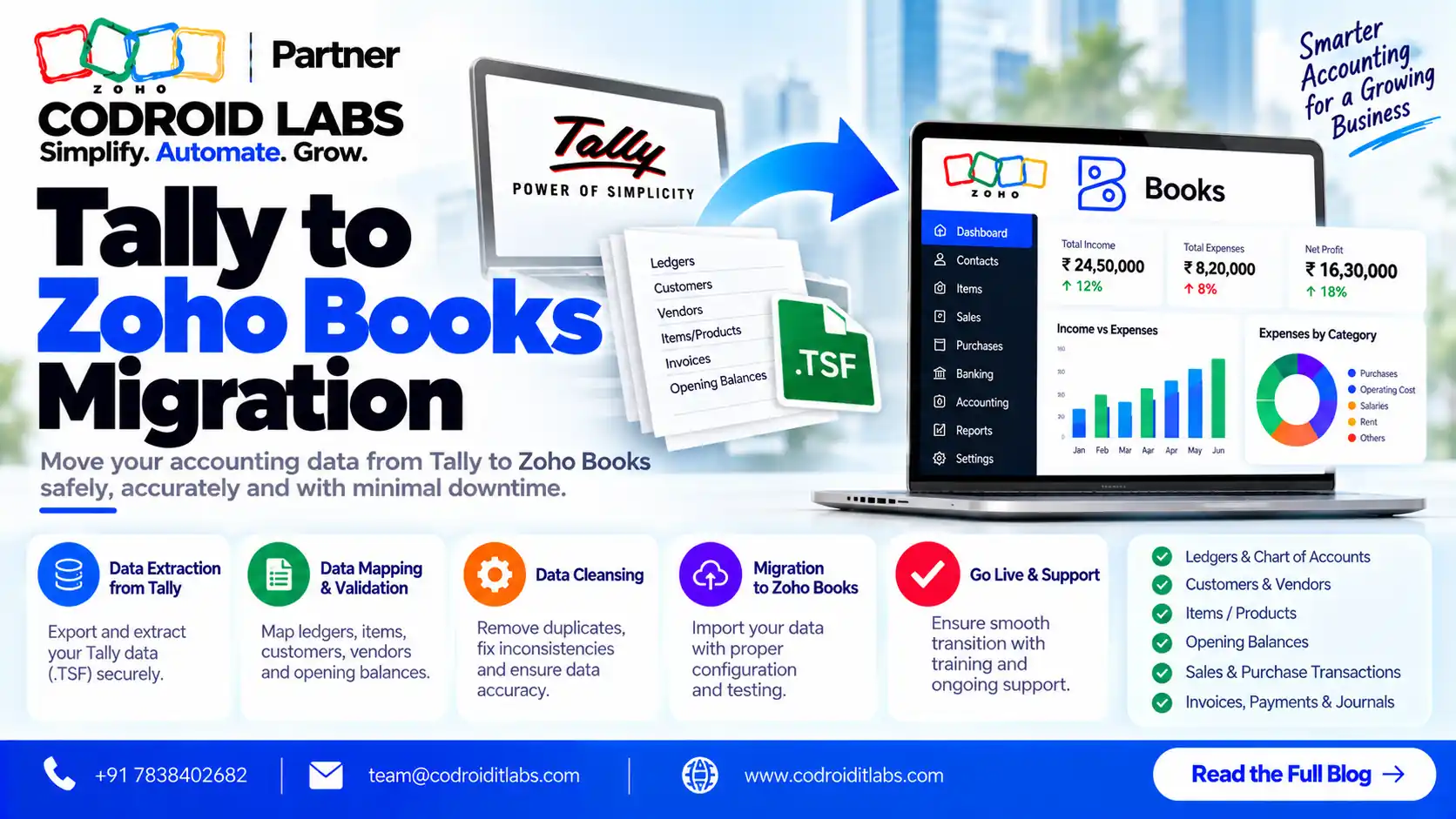
A clean tally to zoho books migration depends on three things: the right migration date, correct GST settings and opening balances that reconcile to the last trial balance. This checklist, written for owners and accountants, follows Zoho Books' own migration steps and shows what to move, what to leave behind, how to check the numbers and which mistakes to avoid.
Checked: 15 October 2026
Source: Zoho Books India help pages and pricing page
By: Codroid Labs, a Zoho Partner and Zoho AI Enabled Partner
Source: Zoho Books India help pages and pricing page
By: Codroid Labs, a Zoho Partner and Zoho AI Enabled Partner
Short answer
Export the stock summary, masters, vouchers and trial balance from your desktop accounting software. In Zoho Books, set up the organisation and GST, import the chart of accounts, customers and vendors, and items with opening stock. Set the migration date to the trial balance date, enter opening balances, import open purchase and sales transactions, sync backdated entries, and check that debits equal credits and the Opening Balance Adjustments account is zero. The cleanest date is 1 April.
How Tally to Zoho Books Migration Works
In short: Export masters, vouchers, stock summary and trial balance from your old software, set up Zoho Books with GST, import accounts, contacts and items, enter opening balances, import open transactions, then sync and reconcile.
Zoho Books publishes a step-by-step migration guide from desktop accounting for Indian businesses. For any tally to zoho books migration, it starts with four exports from your old software:
| Export from your old software | Used in Zoho Books for |
|---|---|
| Master data | Chart of accounts, taxes, customers, vendors and items |
| Stock summary report | Opening stock for each item |
| Voucher data | Invoices, bills and other transactions |
| Trial balance report | Closing balances that become opening balances |
Common terms change name on the way over:
| Old software term | Zoho Books term |
|---|---|
| Account masters | Chart of Accounts |
| Sundry debtors | Accounts Receivable |
| Sundry creditors | Accounts Payable |
| Quotation or proforma invoice | Quote |
| Receipt vouchers | Payments Received |
| Payment vouchers | Payments Made |
| Debit note | Vendor Credits |
Zoho also offers free migration support for businesses moving to Zoho Books, which is worth using alongside your accountant.
What to Move in a Tally to Zoho Books Migration
In short: Move masters, closing balances and open invoices and bills; keep closed history in your old software as a read-only archive unless you truly need it.
| Data | Move? | Why |
|---|---|---|
| Chart of accounts | Yes | Foundation for every balance |
| Customers and vendors with GST details | Yes | Needed for GST treatment and receivables or payables |
| Items with HSN or SAC and opening stock | Yes | Needed for invoices and stock value |
| Bank and credit card accounts | Yes | Opening balances cannot be entered without them |
| Closing balances (trial balance) | Yes | They become opening balances |
| Open invoices and bills | Yes | So you can collect and pay against them |
| Closed invoices and bills from past years | Usually no | Keep the old data as a read-only archive |
| Old vouchers already reflected in balances | No | Importing them again double-counts |
| Unused ledgers | No | Clean them out before export |
Moving less history keeps a tally to zoho books migration simple and avoids double-counting.
Choosing the Tally to Zoho Books Migration Date
In short: The cleanest cutover date is 1 April, using the trial balance as on 31 March; mid-year moves need a trial balance on the migration date.
Zoho's guide says that if you migrate at the start of a financial year, say 1 April, export the stock summary and trial balance as on 31 March, and the voucher data for the previous financial year. If you switch at any other time, generate a trial balance on the migration date. Zoho's opening balance FAQ adds that the opening balance in Zoho Books is the closing balance on the migration date in your old software.
- Best: 1 April, after year-end closing entries are done.
- Good: the first day of a quarter, after GST returns for the previous quarter are filed.
- Avoid: mid-month dates, which split GST periods across two systems.
- Note: the item inventory start date should match the opening balance date.
Zoho Books Opening Balances GST Checklist
In short: Turn on GST, enter your 15-digit GSTIN, add tax rates, enable HSN or SAC on items and give every contact its GST treatment before importing transactions.
Work through this before importing any transactions in your tally to zoho books migration:
- Organisation profile complete under Settings, Organization, Profile.
- GST turned on under Settings, Taxes and Compliance, GST Settings, with the 15-digit GSTIN.
- Tax rates added under Taxes, Tax Rates (Zoho's import formats include GST0 to GST28 and IGST0 to IGST28).
- HSN or SAC enabled on items; Zoho's HSN and SAC help explains 4-digit codes below ₹5 crore turnover and 6-digit codes above it.
- Every customer and vendor has Display Name, Contact Type, GST Treatment, GSTIN and Currency.
- Chart of accounts imported and bank accounts present in Banking.
- Items imported with opening stock, rate per unit and inventory account if you track stock.
- Migration date set under Settings, Organization, Opening Balances.
- Receivable and payable balances imported (or included in the contact import file).
- Bank, asset, liability, income and expense balances entered and confirmed.
10-Step Tally to Zoho Books Migration
In short: Migrate in ten steps, from exporting reports to syncing backdated transactions and reconciling the trial balance.
- Export reports: Export masters, stock summary, voucher data and the trial balance from your old software.
- Set up the organisation: Fill in the profile and GST settings, and add tax rates.
- Import chart of accounts: Use Accountant, Chart of Accounts, Import, then check bank accounts.
- Configure modules: Enable needed modules and add custom fields for anything missing.
- Import contacts: Import customers and vendors with GST treatment, GSTIN and opening balances.
- Import items: Enable inventory tracking if needed and import items with HSN or SAC and opening stock.
- Enter opening balances: Set the migration date and enter or import all account balances, then confirm.
- Import open transactions: Import projects, then purchase, then sales transactions, then manual journals.
- Sync backdated entries: Under Opening Balances, sync transactions dated on or before the migration date.
- Reconcile: Compare the Zoho Books trial balance with the old one and fix differences.
Zoho's import order for transactions in a tally to zoho books migration is projects, purchase transactions, sales transactions and then manual journals. Chart of accounts imports accept CSV, TSV or XLS files, as described in Zoho's chart of accounts help.
Reconciliation Check After Tally to Zoho Books Migration
In short: Debits must equal credits, the Opening Balance Adjustments account must be zero, and receivables, payables, bank and stock must match the old trial balance.
| Check | Pass when |
|---|---|
| Opening balance totals | Total debits equal total credits |
| Opening Balance Adjustments account | Shows zero |
| Accounts Receivable | Matches sundry debtors in the old trial balance |
| Accounts Payable | Matches sundry creditors |
| Bank balances | Match bank statements on the migration date |
| Stock value | Matches the stock summary report |
| GST ledgers | Input and output tax balances match the last return position |
| Backdated transactions | Synced, with none left pending |
Run one month in parallel if your team can, comparing receivables, payables and bank each week before you finish the tally to zoho books migration and stop entering data in the old system.
Common Tally to Zoho Books Migration Mistakes
In short: Most problems come from a wrong migration date, missing bank accounts, contacts without GST treatment, and transactions imported out of order.
- Choosing a migration date that does not match the trial balance date.
- Forgetting bank accounts, which blocks opening balance entry.
- Importing contacts without GST treatment or GSTIN, which breaks GST on invoices.
- Importing old closed vouchers, which double-counts balances.
- Importing sales before purchases or journals before transactions.
- Leaving backdated transactions unsynced, so the trial balance is wrong.
- Item names that do not match exactly; Zoho's item overwrite matching is case-sensitive.
Each of these forces rework later in a tally to zoho books migration, so check them before go-live.
Zoho Books vs Desktop Accounting India
In short: Zoho Books is cloud accounting with GST features, bank feeds, portals and Zoho app links; desktop accounting runs on local machines and often needs extra steps for remote access.
| Area | Zoho Books | Typical desktop accounting |
|---|---|---|
| Access | Browser and mobile apps | Installed on office machines |
| Users | Included per plan, extra users ₹150 a month (annual) | Depends on licence |
| GST | GST settings, HSN/SAC validation, GST import formats | Varies by version |
| Banking | Bank feeds where supported, or manual accounts | Mostly manual |
| Customer and vendor portals | Available | Rare |
| Links to CRM and other apps | Native links to Zoho CRM and Zoho Analytics | Often needs extra work |
| Backups | Cloud hosted by Zoho | Your responsibility |
Desktop accounting still suits some businesses, especially with heavy offline use. Zoho Books suits teams that want remote access, approvals and links to sales and support.
Tally to Zoho Books Migration Cost and Zoho Books Prices
In short: Zoho Books starts at ₹749 per organisation a month on annual billing (GST extra); migration effort depends on data volume, history, stock and GST complexity.
Zoho Books India prices, from the official pricing page on 15 October 2026, per organisation a month, GST extra:
| Plan | Annual billing | Monthly billing | Users included |
|---|---|---|---|
| Standard | ₹749 | ₹899 | 3 |
| Professional | ₹1,499 | ₹1,799 | 5 |
| Next plan up | ₹2,999 | ₹3,599 | 10 |
| Elite | ₹4,999 | ₹5,999 | 15 |
| Ultimate | ₹7,999 | ₹9,599 | 25 |
A free plan is also available for small businesses, and extra users cost ₹150 a month on annual billing. Zoho Books implementation cost, meaning the service effort, depends on these drivers rather than a fixed fee:
| Driver | Lower effort | Higher effort |
|---|---|---|
| History to move | Opening balances and open items only | Several years of vouchers |
| Entities and GSTINs | One | Several |
| Inventory | Services only | Many stock items and locations |
| Data quality | Clean ledgers | Duplicate ledgers and suspense balances |
| Parallel run | None | A month or more |
| Integrations | None | CRM, payments or e-commerce |
Help With Your Tally to Zoho Books Migration
Codroid Labs is a Zoho Partner and a Zoho AI Enabled Partner, recognised by Zoho after completing the AI Accelerator Series 2026. We plan each tally to zoho books migration date with your accountant, set up GST, import masters and opening balances, and reconcile before go-live. Call +91 7838402682 or email team@codroiditlabs.com.
Book a 30-min migration callStart a Zoho Books trial
Quick Answers
What is the best date for a tally to zoho books migration?
1 April, using the trial balance as on 31 March.
What should I export first?
Masters, stock summary, voucher data and the trial balance.
Do I move old closed vouchers?
Usually no; keep them in the old software as an archive.
Where do opening balances go?
Settings, Organization, Opening Balances, after setting the migration date.
How do I know balances are right?
Debits equal credits and the Opening Balance Adjustments account is zero.
How much is Zoho Books?
From ₹749 per organisation a month on annual billing, GST extra.
Tally to Zoho Books Migration FAQs
How long does a tally to zoho books migration take?
It depends on how much history you move, the number of GSTINs and stock items, and data quality. Opening balances plus open items is the fastest route.
How do I migrate from tally to zoho without losing GST data?
Set up GST and HSN or SAC first, import contacts with GST treatment and GSTIN, and keep past returns in the old software as an archive.
Can I migrate in the middle of the financial year?
Yes. Generate a trial balance on the migration date and use that date in Zoho Books.
Can I change the migration date later?
Only if you have not entered opening balances for contacts or opening stock for items; otherwise you must delete them first.
What is the Opening Balance Adjustments account?
A balancing account Zoho Books uses; it should be zero once opening balances are correct.
Does Zoho help with migration?
Zoho offers free migration support for businesses moving to Zoho Books.
Is Zoho Books better than desktop accounting?
It suits teams that want cloud access, approvals and links to other Zoho apps; desktop software can still suit offline-heavy work.
Plan your accounts cutover
Bring your last trial balance. Leave with a migration date, a GST checklist and a reconciliation plan.