


Zoho CRM — Integration Guide 2026
Podium Zoho CRM Integration: The Real, Complete Connection Guide (Plus Birdeye & SalesCaptain)
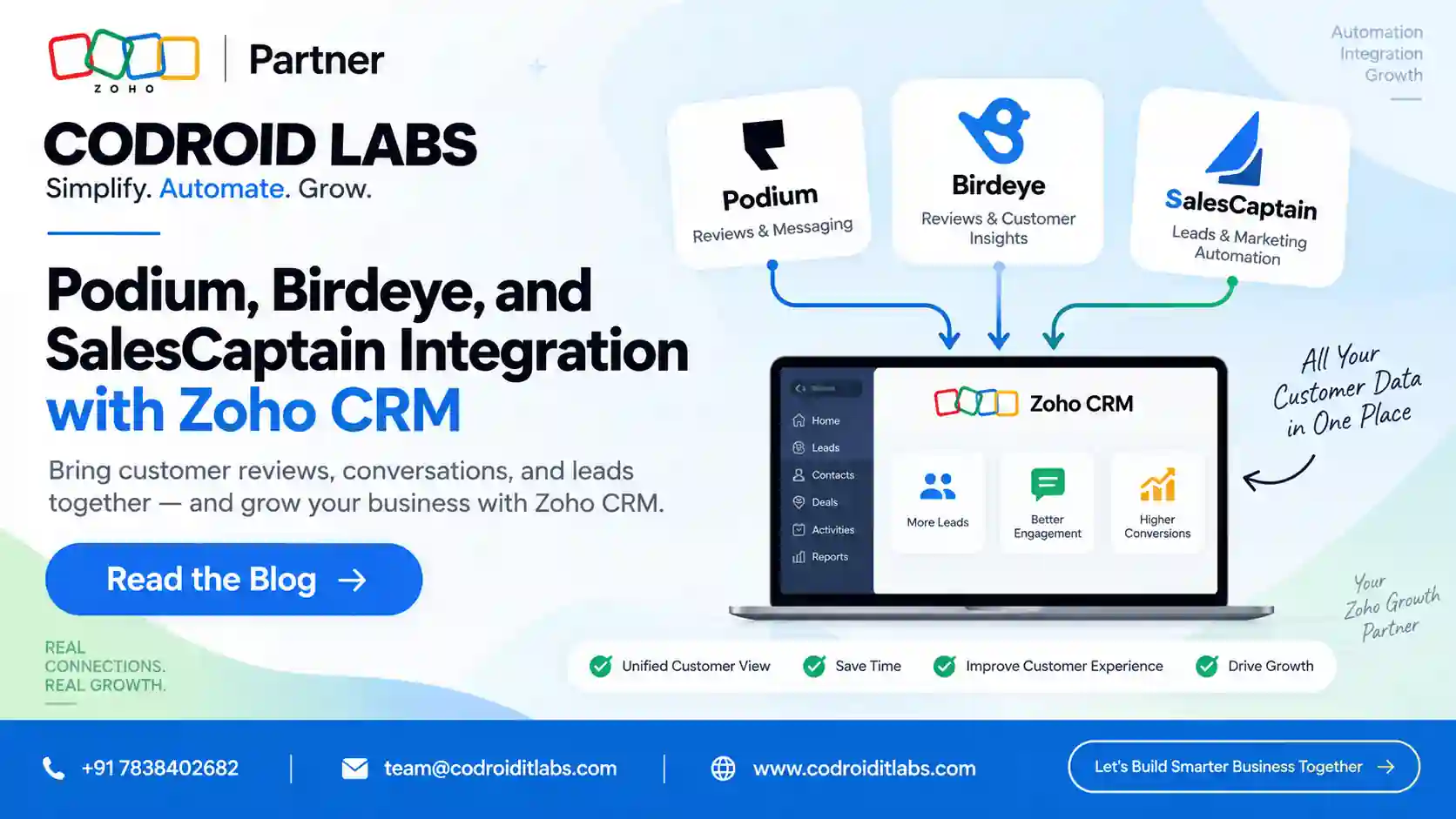
Looking for a native Podium Zoho CRM integration button and not finding one? That’s because it doesn’t exist — but Birdeye and SalesCaptain both connect to Zoho CRM directly. This guide covers the real connection path for all three, and one easy mix-up that trips people up along the way.
Get Zoho CRM Enterprise
Book a Free Integration Planning Call

0
Native Podium-Zoho Connector
2
Tools With Genuine Native Integration
1
Easy Name Mix-Up to Avoid
9
Common Errors Fixed Below
A Podium Zoho CRM integration is a genuinely common search for one simple reason: unlike Birdeye and SalesCaptain, Podium doesn’t ship a built-in, direct connection to Zoho CRM. That’s not a configuration problem on your end — it’s just how the two products are currently connected. This guide covers exactly what path each of these three tools actually uses to reach Zoho CRM, since the answer is different for all three.
Native vs Middleware: The Real Comparison
Before choosing a connection method, it’s worth knowing upfront that these three tools don’t reach Zoho CRM the same way at all:
| Tool | Native Zoho Connector? | Real Connection Path |
|---|---|---|
| Podium | No | Zapier, or a dedicated iPaaS platform |
| Birdeye | Yes | Direct OAuth authorization from Birdeye’s own Settings |
| SalesCaptain | Yes | Installed from SalesCaptain’s own Zoho integration marketplace listing |
Connecting Podium to Zoho CRM
Since a native Podium Zoho CRM integration doesn’t exist, the two genuinely documented paths both go through a third-party connector. Zapier offers a well-supported Podium-to-Zoho-CRM connection with real triggers and actions in both directions — new Podium campaigns, invoice payments, and customer reviews can trigger CRM actions, and new or updated Zoho CRM contacts can trigger Podium messages. For deeper, ongoing bidirectional sync rather than event-by-event automation, a dedicated iPaaS platform can sync four core data objects — Customer, Transaction, Transaction Line, and Customer Address — with three of the four syncing bidirectionally, so changes made in either system reflect in the other automatically.
Don’t Confuse Podium With Podio
Here’s a genuine trap in this exact search: Zoho Flow does list a native, no-code connector for Zoho CRM — but it’s for Podio, a completely different, unrelated project management and team collaboration platform, not Podium, the messaging and reviews platform this guide is about. The names are similar enough that this mix-up is easy to make, and it’s worth double-checking which product you’re actually looking at in Zoho Flow’s app directory before assuming your Podium Zoho CRM integration search has been solved.
Connecting Birdeye to Zoho CRM
Birdeye is the more straightforward of the three — it ships a genuine, direct native integration, no middleware required. To set it up: open Birdeye’s Settings, scroll to the CRM integrations section at the bottom, and click Authorize Zoho CRM. You’ll be redirected to Zoho to sign in and grant Birdeye permission to access your account data. Once authorized, Birdeye pulls first name, last name, email address, and phone number from Zoho CRM once daily, based on triggers you select, and automatically sends review requests to those contacts according to your configured preferences. Zapier is also available as a supplementary option if you need more granular event-based automation beyond the native daily sync.
Connecting SalesCaptain to Zoho CRM
SalesCaptain also offers a genuine native Zoho integration, installed directly from SalesCaptain’s own integration marketplace rather than through Zapier. As an AI-powered unified communications platform handling calls, texting, webchat, and social messaging in one inbox, the native connection is built specifically to keep CRM contact and conversation data in sync without manual re-entry. Zapier remains available separately for connecting SalesCaptain to dozens of other apps beyond Zoho CRM.
9 Common Errors With These Integrations — Fixed
1. Searching for a native Podium button that doesn’t exist
Podium has no native Zoho CRM connector. Use Zapier or an iPaaS platform instead.
2. Mistaking Zoho Flow’s Podio connector for Podium
Podio and Podium are unrelated products. Confirm which one you’re actually looking at before assuming it’s solved.
3. Initial test works, but ongoing new leads don’t transfer
A real, documented Zapier issue: a manual test succeeds once, but the live trigger doesn’t fire afterward. Check the trigger event type and re-test with an actual new record, not a resend of the test.
4. Using the polling trigger instead of the instant one
On a paid Zoho CRM plan, the New/Updated Module Entry (Instant) trigger is more reliable than the standard polling trigger.
5. Birdeye authorization redirecting to the wrong Zoho account
Make sure you’re signed into the correct Zoho CRM organization before clicking Authorize Zoho CRM in Birdeye’s Settings.
6. Expecting Birdeye to sync instantly
The native integration pulls contact data once daily by default, not in real time — use Zapier alongside it for faster event-based sync if needed.
7. Sync loops in bidirectional integrations
When both systems treat the other’s incoming update as a new change, records can loop endlessly. Confirm your integration has proper change-detection logic before relying on bidirectional sync.
8. Not planning for compliance requirements upfront
Businesses in regulated industries should confirm what data the integration transfers and stores before enabling any bidirectional sync.
9. Assuming one connection method fits every use case
A simple one-way lead capture only needs a basic Zap; ongoing bidirectional customer data sync needs a purpose-built iPaaS or native connector instead.
Best Practices for Connecting These Tools to Zoho CRM
- Always check the tool’s own marketplace or integrations page first for a native connector before reaching for Zapier.
- Use instant triggers over polling triggers wherever a paid Zoho CRM plan makes them available.
- Test with a genuinely new record, not a resend of the same test record, to confirm ongoing automation actually works.
- Understand which data objects sync bidirectionally versus one-way before relying on either system as the source of truth.
- Document every third-party connection your CRM has, including which are native and which run through middleware, for easier troubleshooting later.
More Guides from Codroid Labs
Get Your CRM Talking to the Rest of Your Stack
Codroid Labs is a Certified Zoho Authorized Partner setting up reliable third-party integrations, Zapier workflows, and custom API connections across India, with GSTIN invoicing for 18% ITC recovery.
Start Zoho CRM via Codroid Labs
Book Free Consultation – +91 78384 02682
Frequently Asked Questions
Is there a native Podium Zoho CRM integration?
No. Podium connects to Zoho CRM through Zapier or a dedicated iPaaS platform, not a built-in native connector.
Is Podio the same as Podium?
No, they’re completely different, unrelated products. Podio is a project management and collaboration platform with a native Zoho Flow connector. Podium is a messaging, payments, and reviews platform with no native Zoho connector.
How do I connect Birdeye to Zoho CRM?
In Birdeye’s Settings, click Authorize Zoho CRM under the CRM integrations section, sign into Zoho, and grant the requested permissions. Birdeye then pulls contact data daily to send automated review requests.
Does SalesCaptain have a native Zoho CRM integration?
Yes, installed directly from SalesCaptain’s own integration marketplace, separate from its broader Zapier connectivity to other apps.
External references:
Birdeye — Official Zoho CRM Integration Guide ·
Zapier — Podium + Zoho CRM Integration
Codroid Labs (GSTIN 07AAWFC0815B1ZP) is a Certified Zoho Authorized Partner helping businesses set up reliable Podium Zoho CRM integration workflows, native third-party connections, and full CRM integration strategy across India and global markets.
Phone: +91 78384 02682 | Email: team@codroiditlabs.com | codroiditlabs.com