


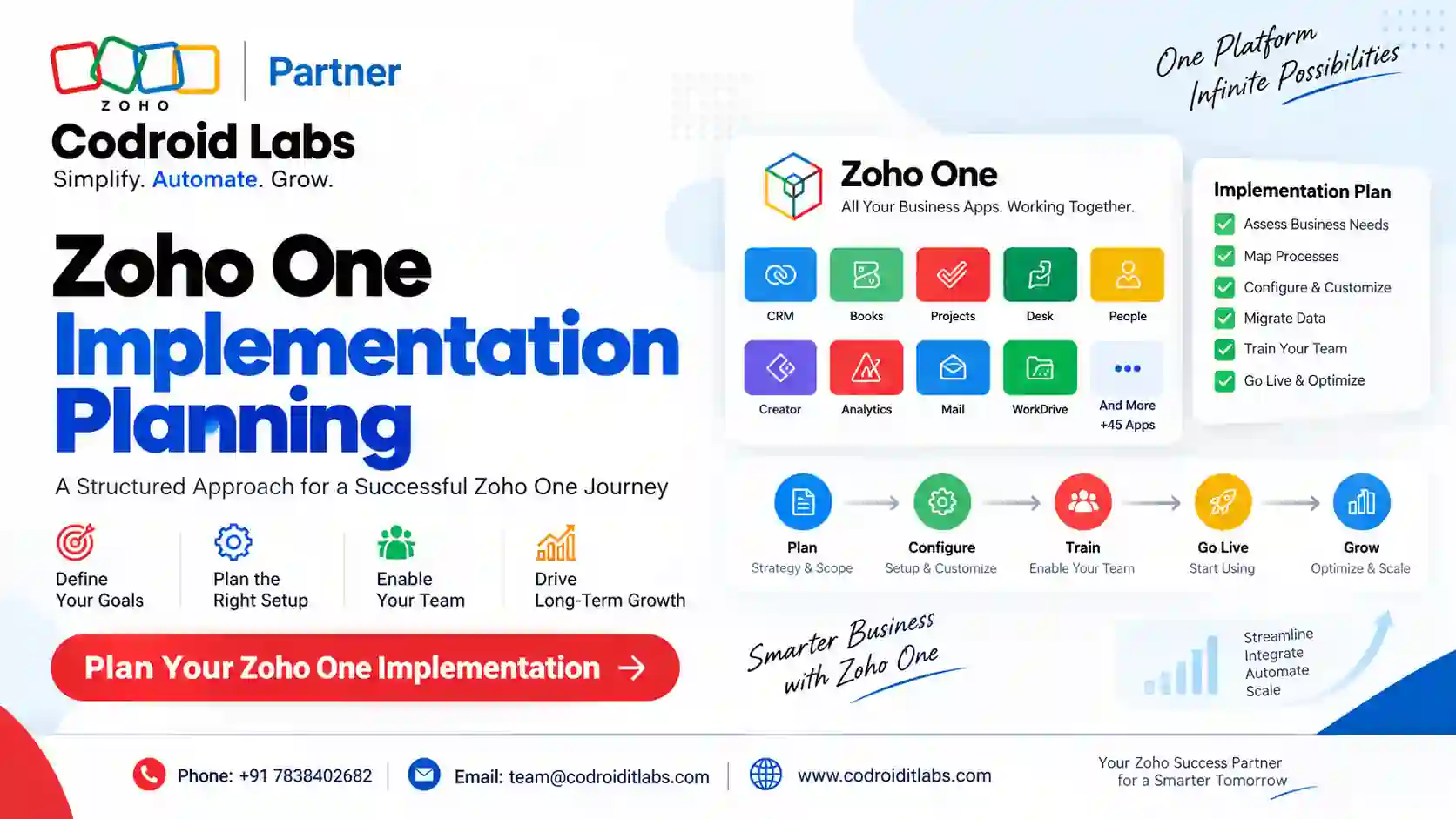
Zoho One — Implementation Guide 2026
Zoho One Implementation: The Complete Planning Guide to a Smooth Rollout
The single most common reason a Zoho One implementation stalls isn’t the software — it’s trying to activate all 45+ apps at once with no phased plan. This guide covers the sequencing, realistic timelines, and licensing decisions that separate a smooth rollout from one that never gets past month three.

6-12
Weeks for a 5-10 App Rollout
45+
Apps in the Full Bundle
90
Days That Decide Adoption
9
Common Errors Fixed Below
A Zoho One implementation is planning an integrated operating system for the business, not installing one app — CRM, Books, People, Projects, Desk, Analytics, Sign, and dozens more, all under one license. That scope is exactly why “just turn it all on” is the most consistently cited failure pattern across implementation experience: teams get overwhelmed, half-configured modules pile up with no clear owner, and six months later the business is still mostly running on the old tools. This guide lays out the sequencing, realistic timeline, and licensing decisions that keep a rollout moving.
Why Phased Rollout Beats “Activate Everything”
The consistent, independently corroborated pattern across real Zoho One implementation experience is this: start with your core workflow — almost always CRM and Books — and add modules incrementally from there, rather than switching on the full bundle in week one. Activating too many modules simultaneously with no phased plan is the single most repeated cause of stalled adoption and rollouts that quietly lose momentum before they’re ever fully live.
The department-first variant of this same idea works well for smaller teams: fully implement Zoho One for one department or function, prove it works, then extend to the rest of the business — rather than a simultaneous company-wide switch where a single configuration mistake disrupts everyone at once.
The 7-Phase Zoho One Implementation Checklist
1
Discovery and process mapping. Document current workflows before touching configuration — skipping straight to setup is one of the most damaging mistakes a rollout can make.
2
Configuration. Build actual workflow rules, approval processes, and permissions for how the business really operates — treating Zoho’s default settings as finished configuration is a recurring, avoidable mistake.
3
Data migration. Audit source data for quality issues before import, clean it, and don’t let legacy errors carry into the new system — this step is consistently underestimated.
4
Pilot phase. Test with a small group — 5 to 10 people across departments, for 2 to 4 weeks — on real workflows before wider rollout, and adjust configuration based on what the pilot surfaces.
5
User acceptance testing. Validate configuration with actual end-users, not just the project team, before treating anything as final.
6
Training and go-live. Role-specific training, sandbox practice time, and a phased go-live by department rather than a single company-wide switch.
7
Parallel run and hypercare. Keep the legacy system active through at least one full cycle (commonly the first month-end close) to validate results match before decommissioning it.
Realistic Timeline by Rollout Size
| Rollout Scope | Typical Timeline |
|---|---|
| Small to mid-sized org, 5-10 apps | 6-12 weeks, discovery to go-live |
| Enterprise, full bundle with complex integrations | 3-6 months |
| Additional modules after initial go-live | Typically added in months 4-6 |
These ranges consistently depend on three factors: the number of apps being deployed at once, the volume of data being migrated, and the complexity of custom workflows and third-party integrations layered on top.
All Employee vs Flexible User Licensing
One planning decision that shapes everything downstream in a Zoho One implementation is which licensing model fits your organization. The All Employee Plan licenses every employee in the company at ₹1,250 per employee per month, appropriate when most of the workforce will genuinely use Zoho apps day to day. The Flexible User Plan runs ₹3,500 per user per month and licenses only the specific individuals who need access, which fits better when only certain teams — sales and finance, for example — will actively use the suite while the rest of the organization doesn’t need seats at all.
Why the First 90 Days Decide Everything
Rollouts that lose momentum almost always share the same root cause: the first 90 days have no structure. Teams jump between modules, configuration decisions pile up without a clear owner, and the business is still mostly running on its old tools well past the point it should have fully transitioned. Treating the 90-day window as a forcing function — with defined phases, an owner for each decision, and a scheduled review at the end of it to plan the next wave of modules — is what keeps a Zoho One implementation moving instead of stalling out.
9 Common Errors With Zoho One Implementation — Fixed
1. Activating every app in week one
The most common cause of stalled rollouts. Start with core workflow apps and add the rest incrementally.
2. Skipping discovery and process mapping
Jumping straight to configuration without documenting current workflows first is consistently cited as one of the most damaging mistakes.
3. Migrating unvalidated data
Legacy data quality issues carried into Zoho One tend to surface months later, buried in reporting, rather than at import time.
4. Treating default settings as finished configuration
Out-of-box workflow rules and permissions rarely match how a business actually operates.
5. Skipping user acceptance testing
Configuration validated only by the project team, not real end-users, tends to surface problems after go-live instead of before.
6. No pilot phase before full rollout
A small cross-department pilot group surfaces usability and configuration issues while the stakes are still low.
7. Decommissioning the old system too early
Skipping a parallel run means configuration issues get discovered only after the fallback is already gone.
8. No structure for the first 90 days
Without defined phases and clear ownership, teams jump between modules and momentum quietly disappears.
9. Wrong licensing model for the org’s actual usage pattern
All Employee makes sense when most staff will use Zoho daily; Flexible User fits when only specific teams need seats — picking the wrong one wastes budget either way.
Best Practices for Zoho One Implementation Planning
- Name an executive sponsor and a hands-on project owner before configuration starts, not after problems appear.
- Under-promise on timeline for a first Zoho One rollout — buffer protects user confidence more than an aggressive date does.
- Document every issue and fix during the pilot phase — it becomes the reference for fine-tuning before full rollout.
- Schedule a structured review at the 90-day mark to plan the next wave of modules deliberately.
- Keep legacy systems available as a fallback until the parallel-run period has genuinely proven the new setup.
More Guides from Codroid Labs
Get a Zoho One Rollout That Actually Sticks
Codroid Labs is a Certified Zoho Authorized Partner running phased Zoho One implementations, data migration, and role-based training across India, with GSTIN invoicing for 18% ITC recovery.
Start Zoho One via Codroid Labs
Book Free Consultation – +91 78384 02682
Frequently Asked Questions
How long does a Zoho One implementation actually take?
For a small to mid-sized organization deploying 5-10 apps, a structured implementation typically takes 6-12 weeks from discovery to go-live. Enterprise rollouts covering the full 45+ app bundle with complex integrations can take 3-6 months.
Should I activate all Zoho One apps at once?
No. A phased rollout starting with core workflow apps like CRM and Books, then adding modules incrementally, is the standard recommended approach. Activating everything at once is the most commonly cited cause of stalled adoption.
What’s the difference between the All Employee and Flexible User plans?
All Employee licenses your entire workforce at ₹1,250 per employee per month, suited to companies where most staff use Zoho daily. Flexible User licenses only specific individuals at ₹3,500 per user per month, better for organizations where only certain teams need access.
Do I need to keep my old system running during the switch?
Yes, a parallel run through at least one full business cycle — commonly the first month-end close — validates the new system before you decommission the old one and lose your fallback.
External references:
Zoho One — Official Product Page
Codroid Labs (GSTIN 07AAWFC0815B1ZP) is a Certified Zoho Authorized Partner running structured Zoho One implementation projects, phased rollouts, and full Zoho One licensing consultation across India and global markets.
Phone: +91 78384 02682 | Email: team@codroiditlabs.com | codroiditlabs.com