


Zoho Bookings — Marketing Analytics Guide 2026
Zoho Bookings Google Analytics Conversion Tracking: The Complete Setup Guide
For years, the honest answer to Zoho Bookings Google Analytics conversion tracking was “you can’t, not without custom code.” That’s changed — Zoho Bookings now ships a native GA4 integration that tracks the entire booking journey automatically. This guide covers the exact setup, what gets tracked, and the errors that trip people up.
3
Steps to Connect GA4
7+
Booking Events Tracked Automatically
0
Custom Code Required
9
Common Errors Fixed Below
Zoho Bookings Google Analytics conversion tracking used to be a genuine gap — the community asked repeatedly for a way to add a tracking snippet to scheduling pages or the thank-you page, and for a long time there was no clean answer. Zoho has since closed that gap with a direct, native Google Analytics 4 integration built into Zoho Bookings itself, requiring no custom script injection at all. This guide walks through the setup, exactly what gets tracked, and the mistakes that keep people from seeing data in GA4 after connecting it.
Table of Contents
Why Tracking Zoho Bookings Conversions Was Hard
The core frustration behind Zoho Bookings Google Analytics conversion tracking wasn’t unique to one business — it’s a question that came up repeatedly on the Zoho community: how do you track user activity on individual scheduling pages, or fire a conversion event when someone reaches the thank-you page? Booking pages are hosted and rendered by Zoho, so the usual approach of pasting a Google Analytics snippet directly into page code simply wasn’t available to most users, and a custom redirect URL alone couldn’t preserve campaign attribution data like source and UTM parameters.
The Native Zoho Bookings + GA4 Integration
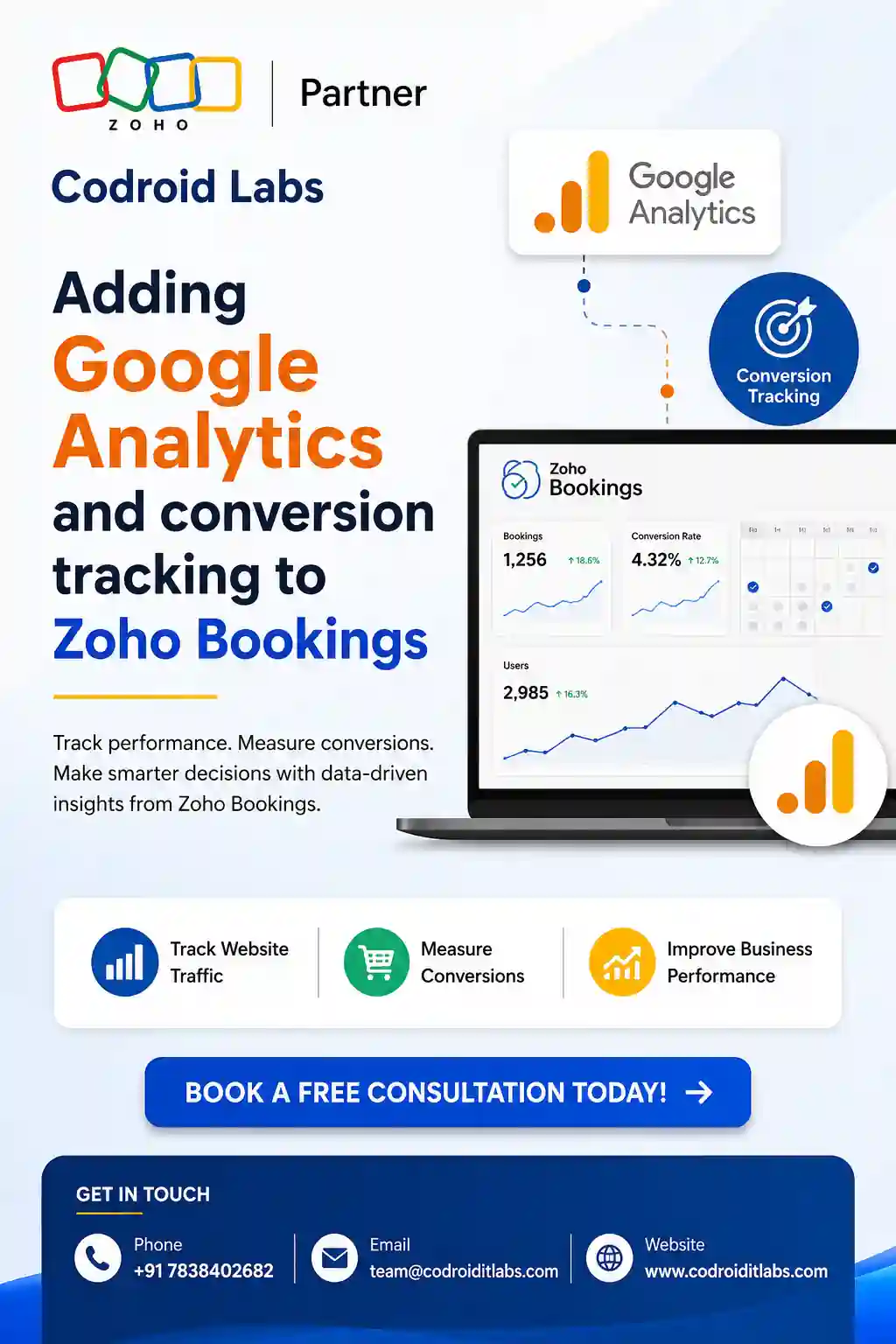
Zoho Bookings now ships a direct Zoho Bookings Google Analytics conversion tracking integration with Google Analytics 4 — no tracking code, no tag manager, no developer required. Once connected, Zoho Bookings continuously sends booking events straight to your GA4 property, and GA4 tracks visits, views, and completed bookings so you can analyze engagement and improve conversion rates directly from the GA dashboard you already use for the rest of your marketing.
This is a genuine platform capability, not a workaround — it replaces what used to require injecting analytics code into a page you don’t fully control.
Step-by-Step: Setting Up Zoho Bookings Google Analytics Conversion Tracking
1
Copy your GA4 Measurement ID from your Google Analytics account (Admin → Data Streams → your web stream).
2
In Zoho Bookings, go to Admin Center → Integrations → Analytics → Google Analytics.
3
Enter your Measurement ID and click Connect. Booking events start flowing to GA4 immediately.
This setup is restricted to a specific licensing tier and role: the integration is only available on the Premium plan, and only super admins and admins can perform the connection. If you don’t see the Google Analytics option under Integrations, check your plan and role before assuming the feature is broken.

What Zoho Bookings Google Analytics Conversion Tracking Captures Automatically
Once connected, the integration tracks the entire customer journey through your booking flow, not just a single “booking completed” event:
| Tracked Event | What It Tells You |
|---|---|
| Page visits | How many people land on your booking page |
| Event type selection | Which service or appointment type visitors choose |
| Booking initiation & payment info | Where visitors drop off before completing a booking |
| Booking confirmations | Successfully completed appointments — your real conversions |
| Rescheduling & cancellations | Post-booking behavior and appointment stability |
| Redirect URL clicks | Whether visitors follow through to your custom post-booking page |
| UTM parameters & GCLID | Which campaign, ad, or channel actually drove the booking |
Bookings made on embedded pages — where your Zoho Bookings widget sits inside another website — are also tracked, including the URL of the parent page, so embedding your booking form elsewhere doesn’t create a blind spot.
Measuring Campaign ROI with UTM Parameters
The real value behind Zoho Bookings Google Analytics conversion data is attribution — knowing which specific campaign, ad, or channel actually produced a confirmed booking, not just a raw total count. The integration captures the full standard UTM set (source, medium, campaign, content, term) plus Google Ads’ GCLID parameter, so if you’re running paid campaigns, GA4 can attribute a completed booking directly back to the ad that drove it.
In practice, this means you can compare which platforms — a Google Ads campaign, an email send, a social post — generate the highest number of confirmed bookings, and reallocate marketing spend toward what’s actually converting instead of what merely drives traffic.
9 Common Zoho Bookings Google Analytics Conversion Errors — Fixed
1Integration option not visible
The Google Analytics integration only appears on the Premium plan. Confirm your plan tier before assuming the feature is missing or broken.
2“Connect” button greyed out or missing
Only super admins and admins can set up this integration. A staff-level user won’t see the option to connect at all.
3Using a Universal Analytics tracking ID
This integration requires a GA4 Measurement ID (format G-XXXXXXX), not a legacy Universal Analytics tracking ID, which Google has fully deprecated.
4No data appearing in GA4 immediately
GA4 real-time reports show events within minutes, but standard reports can take up to 24-48 hours to populate fully. Check the Realtime report first before assuming the connection failed.
5UTM parameters missing from campaign links
If your ad or email links to the booking page without UTM parameters attached, GA4 has nothing to attribute the booking to. Tag every campaign link before launch.
6Redirect URL clicks not showing
Redirect tracking only fires if a custom redirect URL is actually configured on the booking page. Confirm the redirect setting itself is switched on separately from the GA4 connection.
7Embedded booking widget data not appearing
Embedded page tracking is supported, but double-check the embed itself is current — an outdated embed snippet from before the integration was enabled can miss newer tracking calls.
8Confusing GA4 property with GA4 stream ID
The Measurement ID lives under Admin → Data Streams → your specific web stream in GA4, not the general property settings page. Pasting the wrong ID silently connects to nothing.
9Expecting personally identifiable data in GA4
The integration is designed to collect anonymized data for privacy compliance (GDPR and similar). Don’t expect customer names or emails to show up as GA4 dimensions.
Best Practices for Zoho Bookings Google Analytics Conversion Tracking
- Tag every marketing link pointing to your booking page with UTM parameters before running a campaign, not after.
- Set up a GA4 conversion event on booking confirmations specifically, so your ad platforms can optimize toward actual bookings rather than page visits.
- Check the Realtime report in GA4 right after connecting to confirm events are flowing before waiting on standard reports.
- Review drop-off points between event type selection and booking confirmation regularly — that gap is usually where the most conversion opportunity hides.
- If you embed your booking page on multiple sites, verify each embed captures the parent page URL correctly in GA4’s data.
Related reading from Codroid Labs
Stop Flying Blind on Your Booking Funnel
Codroid Labs is a Certified Zoho Authorized Partner setting up Zoho Bookings, GA4 tracking, and full marketing attribution for businesses across India, with GSTIN invoicing for 18% ITC recovery on paid plans.
Frequently Asked Questions
Do I need a paid plan to use Zoho Bookings Google Analytics conversion tracking?
Yes. The Google Analytics integration is only available on Zoho Bookings’ paid plans, specifically the Premium tier.
Which version of Google Analytics does Zoho Bookings support?
Google Analytics 4 (GA4) and the latest versions of Google Analytics. Legacy Universal Analytics is not supported since Google has deprecated it.
What events are tracked automatically?
Page visits, event type selection, booking initiation, payment info, booking confirmation, rescheduling, cancellations, redirect URL clicks, UTM parameters, and GCLID are all tracked automatically once connected.
Can I track bookings made from an embedded booking page?
Yes. Bookings made on embedded pages are tracked, including the URL of the parent page the booking widget was embedded on.
Do I need to write any code to set this up?
No. The entire setup is a three-step process inside Zoho Bookings’ Admin Center — copy your GA4 Measurement ID, open Integrations → Analytics → Google Analytics, paste the ID, and click Connect.
Is customer data anonymized in GA4?
Yes. The integration collects anonymized data to help you comply with privacy regulations like GDPR, rather than passing personally identifiable customer details into GA4.
External references:
Zoho Bookings + Google Analytics (GA4) — Official Integration Page ·
Original community question on tracking Zoho Bookings pages
Zoho Bookings + Google Analytics (GA4) — Official Integration Page ·
Original community question on tracking Zoho Bookings pages
Codroid Labs (GSTIN 07AAWFC0815B1ZP) is a Certified Zoho Authorized Partner helping businesses set up Zoho Bookings Google Analytics conversion tracking, campaign attribution, and full scheduling automation across India and global markets. Contact: +91 78384 02682, team@codroiditlabs.com.
Keywords: zoho bookings google analytics conversion, zoho bookings ga4 integration, zoho bookings conversion tracking, zoho bookings utm parameters, zoho bookings analytics setup, zoho bookings measurement id, zoho bookings marketing roi, zoho bookings booking funnel tracking, zoho bookings embedded page tracking, zoho bookings admin center integrations.