


India · Zoho CRM · 24 November 2026
Zoho CRM Vibe: 8 Practical Steps to a Confident First Screen
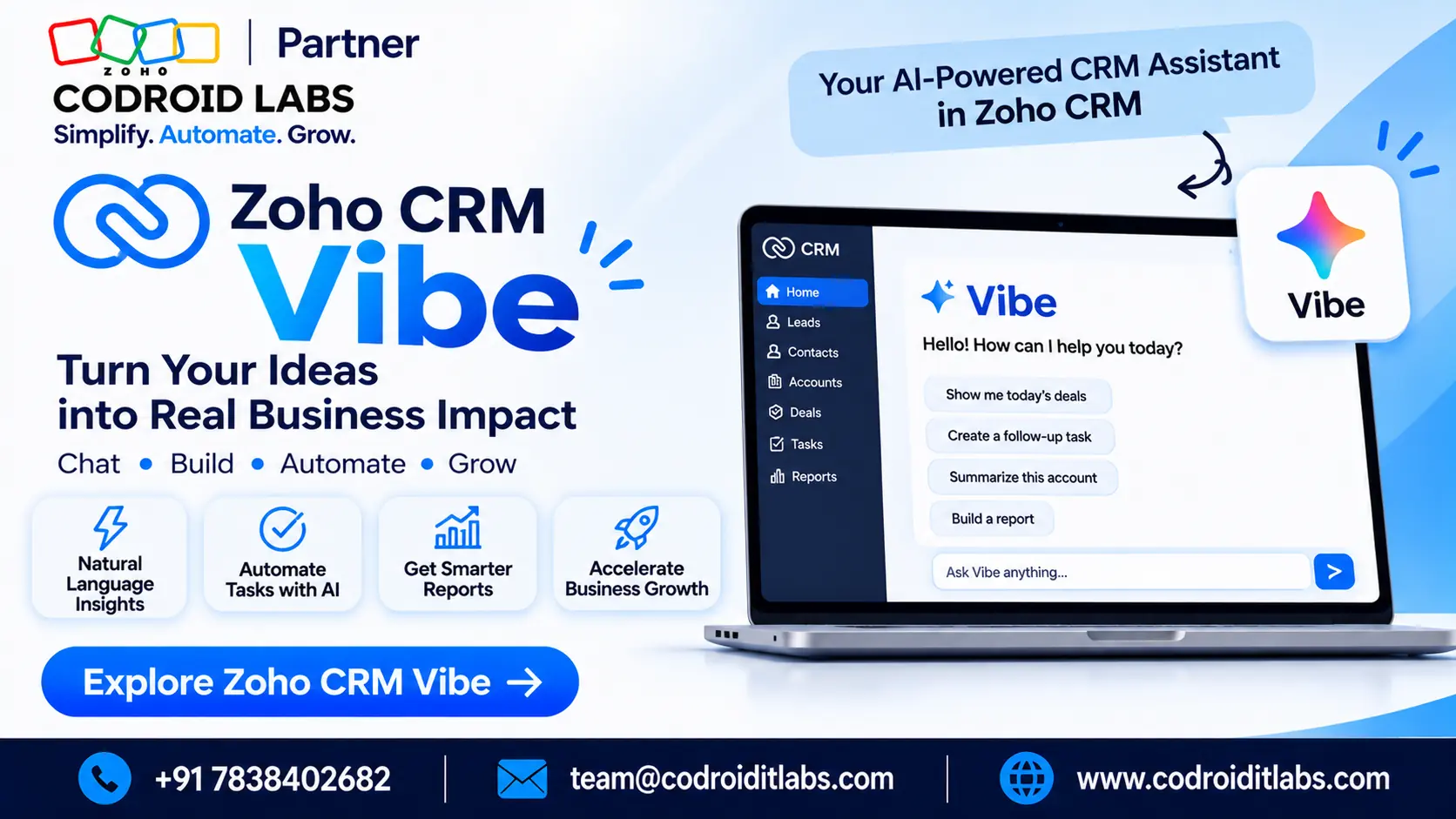
Zoho CRM Vibe is Zoho’s new prompt-to-app builder inside Zoho CRM. You describe the screen you need in plain language, and it can turn that brief into a functional app, internal tool, custom page, live dashboard or tracker.
Zoho published the official announcement on 23 November 2026 and updated it on 24 November 2026. Open the official trial, or book a free call for a human review before you publish.
Short answers first
- Zoho CRM Vibe sits inside Zoho CRM. You describe a screen in everyday language, and it can build a working app, page, dashboard or tracker, with no separate setup or deployment step on the official pages we checked.
- It is listed for Enterprise, Ultimate, Zoho One Enterprise and Zoho CRM Plus. Zoho has not published a Vibe credit cap, usage limit or Vibe-only price on the pages we read.
- Zoho says only metadata such as module names and field structures is shared with the AI during generation. Full CRM record data is not sent to the AI model. Published apps read live data under the viewer’s permissions.
- Codroid Labs is a Zoho Partner, Partner ID: PI1471004. We help businesses across India with prompts, reviews, Security Review and edition fit. Fees are quoted after a free call.
A sales lead can describe a tracker in one clear sentence and still wait days for a ticket to move. The brief is not the hard part. The queue is. That is the tension Zoho is trying to ease with Zoho CRM Vibe, and it is why our team wrote this guide this week.
What Zoho CRM Vibe is
It is a mini custom app builder, built into Zoho CRM. Official copy is direct: describe what you need in words, and Zoho CRM Vibe can turn that idea into a functional app, internal tool, custom page, live dashboard or tracker. The official product page also mentions leader boards and other purpose-built mini-apps. You do not need a coding background for the flow Zoho describes, and there is no separate setup, configuration or deployment step on the announcement we read. It renders from live CRM data. Once you publish, Zoho says a Web Tab is created in CRM navigation, and you can set the tab name and profile access from the tab settings.
Zoho also notes that Zoho CRM Vibe is more useful for people who understand both the business process and the system behind it. A vague prompt will not fix a vague process. If you already use Ask Zia or other Zoho AI tools, treat this as a different job: those features help you ask questions or run agents, while Zoho CRM Vibe is for building a small, usable screen. Our Zia Agents FAQ and Zia Agent Studio guide stay in that other lane.
Eight practical steps to a first screen
The first draft we shaped from a one-sentence brief was close enough to argue about. Here is the path we would walk, using only the features Zoho has named for Zoho CRM Vibe.
- Confirm you are on a listed edition. Official availability is Enterprise, Ultimate, Zoho One Enterprise and Zoho CRM Plus. Do not assume it will appear on a lower CRM edition.
- Describe one screen, not a whole programme. “A board of open deals by stage, owner and next follow-up date” is a brief. Name the modules, the fields that matter, and who should see the result.
- Use Suggestions, Surprise me or Prompt enhancer if the wording is thin. Pick a ready-made prompt, let Zoho CRM Vibe suggest one for your organisation, or expand a rough idea. Read the result before you build.
- Shape the brief in Discuss mode. Answer Vibe’s clarifying questions, then finalise what you want to create. Missing filters and roles are cheaper to catch at this point.
- Generate from the modules you already have. Official FAQ text says an app can use data from different CRM modules, depending on the use case and the data available. Messy fields will still look messy, just in a tidier layout.
- Fine-tune the layout, then snip what is wrong. Design mode lets you adjust borders, layout and element positioning through the property panel. The Snip tool lets you edit one section without prompting the whole page again.
- Run Security Review before anyone else sees it. Zoho says AI can check the app across six categories for errors and potential security, compliance and privacy issues. The pages we could read as plain text do not name those categories. Add a human check of permissions and wording.
- Publish as a Web Tab and set who can open it. Zoho says a Web Tab is created in CRM navigation, with tab settings for the name and profile access. Click through the live screen with two users before you announce it.
You can also prompt and build in many languages, including Hindi, as shown on the official product page. Zoho has not published a complete language list.
Data, permissions and Security Review
For Zoho CRM Vibe, the official wording is more precise than a loose “nothing leaves the CRM” line.
During generation, only metadata, such as module names and field structures, is shared with the AI. Your full CRM record data is not sent to the AI model. Once published, Zoho CRM Vibe reads live CRM data directly at runtime, based on the permissions of the user viewing it. Apps are built within the Zoho CRM environment and respect existing data access and security controls.
If a profile can see a field it should not see, a new Web Tab will not hide it by magic. Run Security Review, then check the same screen as two different users. Official help pages that might name the six review categories, or set out Vibe credits and usage limits, were not readable as plain HTML in our research pass.
Industry views from Zoho
These are Zoho’s own examples from the official announcement, not Codroid case studies, and a fair starting point when you first try Zoho CRM Vibe.
| Industry | Official example from Zoho’s announcement |
|---|---|
| Real estate | A property and prospect tracker that shows each buyer’s shortlisted listings, site visit status and next step, so sales agents see the whole picture in one place. |
| Hospitality | A dashboard for group bookings, event inquiries, room availability and corporate accounts, so teams spot fading leads. |
| Financial services | A client onboarding tracker that shows stages, pending payments and renewal dates at a glance. |
| Healthcare | An inquiry, patient check-in and appointment follow-up board that keeps every interaction on track. |
| Education | An admissions pipeline that tracks the progress of each applicant by stage, recruiter and intake. |
| Manufacturing and distribution | A dealer and order view that brings accounts, quotes, stock availability and open orders together for teams. |
Start with Zoho’s sentence and tighten it with your field names.
Editions and official INR prices
Zoho CRM Vibe does not have a separate price on the official pages we opened, and we could not quote a credit pack or usage cap. The table shows official India licence list prices, checked on 24 November 2026, IST. Confirm them on Zoho’s pages before you pay.
| Product and plan | Yearly billing, per user per month | Month-to-month, per user per month |
|---|---|---|
| Zoho CRM Enterprise | Rs. 2,400 | Rs. 3,000 |
| Zoho CRM Ultimate | Rs. 2,600 | Rs. 3,200 |
| Zoho CRM Plus, Starter | Rs. 1,200 | Rs. 1,500 |
| Zoho CRM Plus, Enterprise | Rs. 2,900 | Rs. 3,500 |
| Zoho One, All-employee | Rs. 1,250 | Rs. 2,500 |
| Zoho One, Flexible | Rs. 3,500 | Rs. 4,000 |
Sources and tax lines, checked 24 November 2026, IST:
- Zoho CRM Enterprise and Ultimate come from official price-list data used by the Zoho CRM pricing page. The tax line on that page is: “Local taxes (VAT, GST, etc.) will be charged in addition to the prices mentioned.”
- Zoho CRM Plus Starter and Enterprise figures appeared in Indian rupees on the official Zoho CRM Plus pricing page. We did not find a standalone tax sentence on that page, so confirm the tax treatment at checkout. Official Zoho CRM Vibe copy says “Zoho CRM Plus” without splitting Starter from Enterprise, so confirm which Plus plan you hold.
- Zoho One All-employee and Flexible figures come from official INR price-list data (set IDs zplan-first-yearly and zplan-second-yearly, plus the matching monthly IDs). The Zoho One pricing page still opened in a USD view; its printed tax line is: “*Zoho One prices do not include VAT.” Official availability names “Zoho One Enterprise”, which we have not seen mapped to All-employee or Flexible, so confirm inside your account.
See our Zoho One licensing guide for seats and terms. Our fees are quoted only after a free call.
How our team at Codroid Labs can help
Codroid Labs is a Zoho Partner, Partner ID: PI1471004. GST 07AAWFC0815B1ZP. We serve businesses across India. Call +91 7838402682 or write to team@codroiditlabs.com. After a free call, we will tell you what the work would cost.
Here is how we can help with Zoho CRM Vibe.
- Writing better prompts. We sit with the people who own the process and turn a messy request into a brief Zoho CRM Vibe can use: modules, filters, roles and the decision the screen should make easier.
- Reviewing the generated app. We click through the first draft, check labels and field choices, and mark what should be snipped rather than rebuilt from scratch.
- The Security Review step. We run the official review, then add a human pass on profile access, hidden fields and wording, within the published scope of errors and potential security, compliance and privacy issues.
- Edition fit. We check if your org is already on Enterprise, Ultimate, Zoho One Enterprise or Zoho CRM Plus, and what a move would mean for licences. We will not guess a Vibe add-on fee that Zoho has not published.
- The point where a prompt is no longer enough. Some screens belong in a Web Tab. Some belong in Zoho Creator or in custom development. We will say so when the brief crosses that line.
If you are still choosing a firm, start with how to find a Zoho Partner, how to hire a Zoho Partner, or contact Codroid Labs for a free call.
When Creator or custom development still fits
A prompt-built Web Tab is a good answer for a focused tracker, board or live page that reads CRM data for a defined team. It is a weak answer when you need a full multi-form application, a customer-facing portal, a careful approval path, or logic that has to be tested, versioned and handed to another developer later. That is still Zoho Creator territory, and sometimes custom work. See our Creator deployment checklist and, for agents inside Creator, AI agents in Zoho Creator.
Use Zoho CRM Vibe for the screen you can describe in a paragraph. Use Creator or custom development when the paragraph turns into a specification.
Four quick answers
What is Zoho CRM Vibe?
A prompt-to-app builder inside Zoho CRM that turns a plain-language brief into a working app, page, dashboard or tracker.
Which editions include it?
Official pages list Enterprise, Ultimate, Zoho One Enterprise and Zoho CRM Plus. Confirm in your account. We have not seen a Vibe-only price or usage cap.
Does record data go to the AI model?
Zoho says only metadata such as module names and field structures is shared during generation. Full CRM record data is not sent to the AI model. Published apps read live data under the viewer’s permissions.
Can Codroid Labs help us publish the first app?
Yes. We can help with prompts, a review of the screen, Security Review and edition fit. Fees are quoted after a free call.
FAQs
Is Zoho CRM Vibe a separate product I have to buy?
Not on the official pages we checked. It is presented as a builder inside Zoho CRM, available in named editions. We have not seen a Vibe add-on price, credit pack or usage limit.
Where do I open the official Zoho CRM Vibe page?
The official product page is the official Zoho CRM Vibe product page, also reached from zoho.to/vibe. The announcement is on the Zoho CRM blog.
Do I need to know how to code?
Zoho says you do not need a technical background or coding knowledge, and that there is no setup, configuration or deployment step. You still need a clear grasp of the process and of your CRM modules.
What is Security Review, exactly?
Before you publish, you can let AI check the app across six categories for errors and potential security, compliance and privacy issues. The official announcement states that number and that scope, but does not, in the text we could verify, name the six categories.
Can I write a Zoho CRM Vibe prompt in Hindi?
Yes, according to Zoho. Official pages say you can prompt and build in a wide variety of languages, and the product page shows several examples, including Hindi. We have not seen a complete official list, so test the output before you publish.
How do we start with Codroid Labs?
Book a free call and bring one screen you want built, plus your current Zoho edition. We will look at the prompt, Security Review and the point where Creator may be the more honest fit. Fees are quoted after that conversation. Licence prices stay on Zoho’s official pages, including Zoho CRM Plus if that is the suite you use.
Next step
Ready to try Zoho CRM Vibe, or want a human review first?
Open the official Zoho CRM trial if you need an account, or book a free call with Codroid Labs. We will help you shape the first prompt, walk through Security Review, and say if Creator is a more honest home for the brief.
Codroid Labs is a Zoho Partner, Partner ID: PI1471004. GST 07AAWFC0815B1ZP. We serve businesses across India. Phone: +91 7838402682. Email: team@codroiditlabs.com. Zoho sets licence prices. Our fees are quoted after a free call.