


Solution Guide · Dealers and Distributors · Zoho One
Zoho Dealer Management System: Portal, Orders, Schemes and Claims
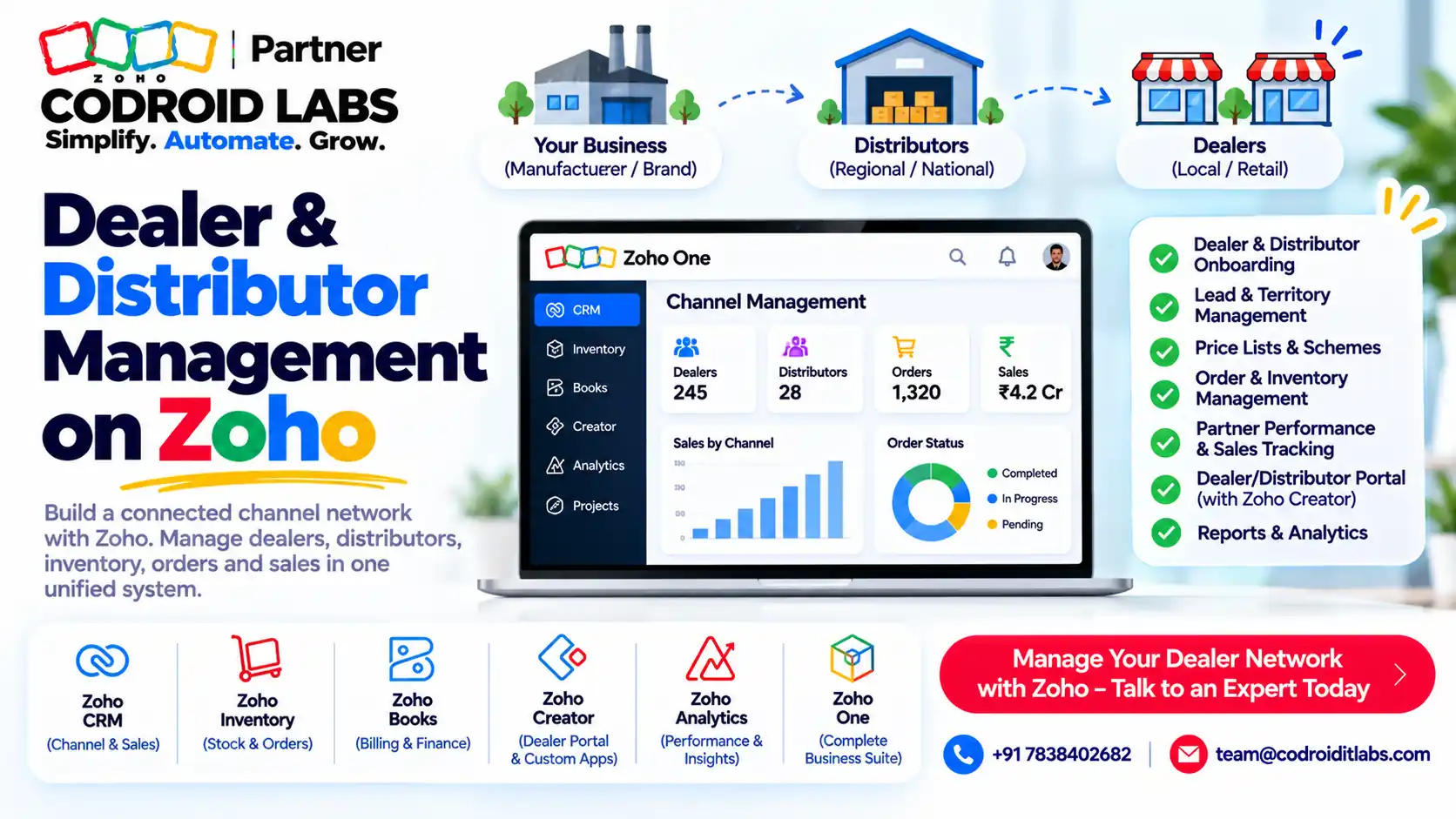
A Zoho dealer management system is a set of Zoho apps wired together so dealers and distributors can log in, see their prices, place orders, raise claims and track credit in one place.
This guide maps each part to a feature Zoho documents, shows the architecture, and gives you a dealer-portal scope template to copy for your team.
Start a Zoho One trial
Start a Zoho Creator trial
Book a walkthrough
Short answer
Zoho does not sell a product called a dealer management system. You build a Zoho dealer management system from documented parts: a dealer portal (Zoho CRM portals or a Zoho Creator portal), price lists and sales orders in Zoho Inventory, and credit limits in Zoho Books.
Claims and approvals run on Zoho Creator approval workflows, and dashboards come from Zoho Analytics. All of these apps are part of Zoho One.
What a Zoho Dealer Management System Means
In short: Zoho has no single product by this name; you assemble it from CRM or Creator portals, Inventory, Books, Creator workflows and Analytics.
Owners who run dealer networks describe the same pains in public forums: orders arrive on calls and chats, scheme rates live in spreadsheets, claims sit in email for weeks, and nobody knows a dealer's credit position before dispatch.
A Zoho dealer management system solves this by giving each dealer a login and keeping orders, prices, credit and claims in connected Zoho apps. The same design works as a Zoho distributor management system for distributors, super stockists or channel partners.
The key point: this is a solution you configure, not a box you buy. That is good news, because you only build what your channel needs.
Teams searching for a dealer management system Zoho can run usually want three wins: fewer order calls, clean scheme rates and faster claim settlement. A Zoho dealer management system targets all three.
Zoho Dealer Management System Architecture
In short: Dealers log in to a portal; orders, prices and stock sit in Inventory; credit and invoices in Books; claims and approvals in Creator; reports in Analytics.
Example only. A typical layout, top to bottom:
Dealers and distributors
Dealer login
Email or mobile number
Email or mobile number
Field sales team
Zoho CRM mobile app
Zoho CRM mobile app
↓
Portal layer
Zoho CRM portals
Accounts, sales orders, invoices
Accounts, sales orders, invoices
Zoho Creator portal
Custom order and claim forms
Custom order and claim forms
↓
Operations
Zoho Inventory
Price lists, sales orders, batches
Price lists, sales orders, batches
Zoho Books
Credit limits, invoices, receivables
Credit limits, invoices, receivables
Zoho CRM
Dealer accounts, visits, approvals
Dealer accounts, visits, approvals
↓
Workflow
Creator approvals
Claims and scheme requests
Claims and scheme requests
Zoho Desk
Dealer support tickets
Dealer support tickets
↓
Insight
Zoho Analytics
Dealer scorecards and dashboards
Dealer scorecards and dashboards
Zoho Creator can create records in Zoho Inventory through Deluge integration tasks, per Zoho's Deluge Inventory tasks documentation. That is how a dealer order form in a Creator portal becomes a sales order in Inventory.
7 Building Blocks of a Zoho Distributor Management System
In short: Seven blocks cover most dealer and distributor needs, each mapped to a Zoho feature documented on Zoho's own pages.
1. Dealer portal and login
Zoho CRM portals let admins give contacts, vendors, partners or custom-module records a login. Portal users can view, create and edit records allowed by their permissions, including inventory modules such as quotes, sales orders and invoices, per Zoho's CRM portal help.
Zoho Creator portals give external users such as customers or suppliers their own login with permission sets, per Zoho's Creator portal users page. Creator suits custom order and claim forms.
Most teams start with the portal because it is what dealers see first in a Zoho dealer management system.
2. Dealer price lists and schemes
Zoho Inventory price lists can mark rates up or down by percentage, set item rates individually, and offer volume pricing with up to 10 price ranges per item. A price list can be attached to a customer or to a transaction, per Zoho's price list guide.
In a Zoho dealer management system, schemes such as quantity slabs map well to volume pricing, and dealer-class rates map to customer price lists. Complex schemes, such as target-based payouts, are better built in Creator.
3. Credit limits
Zoho Books can set a credit limit per customer and either restrict or warn when invoices or sales orders exceed it. Zoho notes the check also applies in an integrated Zoho Inventory organisation, per its credit limit help.
4. Sales orders and dispatch
Orders become sales orders in Zoho Inventory. Note one limit: in the Inventory customer portal, customers can view sales orders but cannot add items and place orders directly, per Zoho's customer portal guide. Use a CRM or Creator portal for dealer ordering.
For the dispatch side, see our Zoho sales order dispatch automation guide.
Get this step right and the rest of the Zoho dealer management system runs on clean order data.
5. Claims workflow
Zoho Creator approval workflows route form entries through one or more approval levels, with actions on approval or rejection, per Zoho's approval workflow guide. A dealer claim form for damages, short supply or scheme payouts fits this pattern.
If claims start as support requests, Zoho Desk tickets have an Approval tab for submitting a ticket to a supervisor, per Zoho's Desk ticket FAQ.
6. Approvals in CRM
Zoho CRM approval processes can route records, such as special discount requests, to managers before they take effect. See Zoho's approval process help.
7. Dashboards
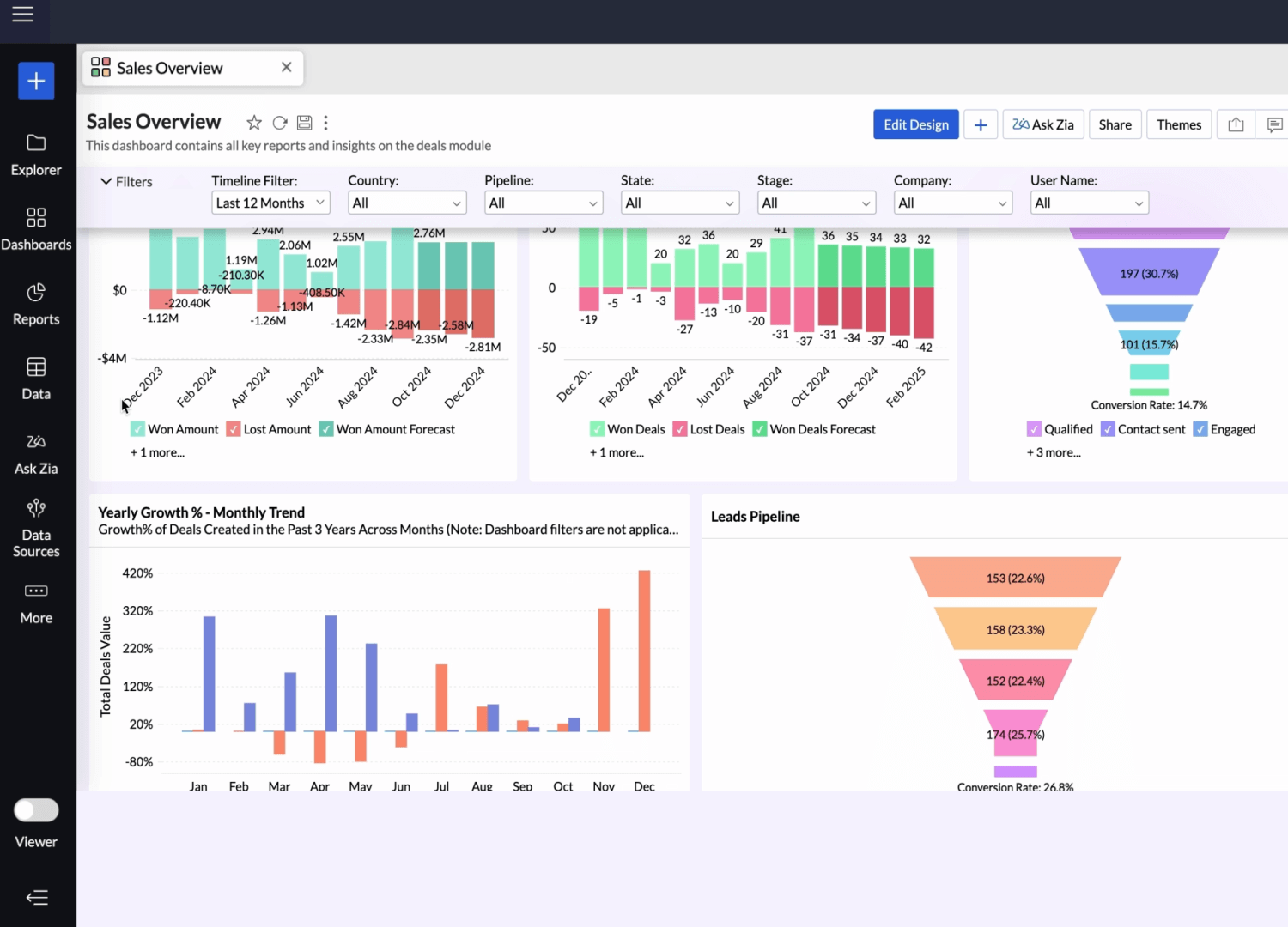
Zoho Analytics connects to Zoho Inventory for sales order and invoice analysis, and can blend Inventory and CRM data for cross-functional reports, per its Zoho Inventory analytics page. That is where dealer scorecards live.
All of these apps (CRM, Creator, Inventory, Books, Desk and Analytics) appear on the Zoho One applications page, which is why Zoho One is the usual package for a full Zoho dealer management system.
Dealer-Portal Scope Template for Your Zoho Dealer Management System
In short: Fill in this table before any build; it fixes modules, prices, credit rules and claim types.
Copy this table into a document and fill the last column with your team. It keeps the Zoho dealer management system build focused.
| Area | Decision to make | Zoho feature to use | Your answer |
|---|---|---|---|
| Dealer master | Who is a dealer, distributor or sub-dealer? | CRM Accounts or Inventory customers | ____ |
| Login | Email, mobile number or both? | CRM portal or Creator portal authentication | ____ |
| Modules visible | Orders, invoices, statements, schemes, claims? | Portal module and field permissions | ____ |
| Price lists | How many dealer classes or regions? | Inventory price lists by customer | ____ |
| Schemes | Quantity slabs, flat discounts, target payouts? | Volume pricing; Creator for target schemes | ____ |
| Credit limits | Block or warn when exceeded? | Books customer credit limit | ____ |
| Ordering | Who places orders: dealer, field rep or both? | Creator or CRM portal form to Inventory sales order | ____ |
| Stock view | Show available stock to dealers? | Inventory data via Creator or CRM | ____ |
| Claims | Claim types, documents, approval levels? | Creator approval workflow | ____ |
| Settlement | How are approved claims paid? | Books credit note or payment | ____ |
| Reports | Which dealer KPIs each week? | Zoho Analytics dashboards | ____ |
A complete table also helps you compare licence needs for the Zoho dealer management system before you buy anything. Bring this filled-in table to a walkthrough and the design conversation becomes much shorter.
Zoho Dealer Management: FMCG and Pharma Examples
In short: FMCG needs schemes and fast reorders; pharma adds batch and expiry control.
Here is how the same Zoho dealer management system looks in two common industries.
FMCG distributor (Example only)
- Distributors log in to a Creator portal and place repeat orders from their price list.
- Quantity-slab schemes run as volume pricing in Inventory price lists.
- Books credit limits warn the sales team before an over-limit order is confirmed.
- Damage and short-supply claims go through a two-level Creator approval.
- Analytics shows orders, claims and outstanding by distributor each Monday.
Pharma distributor (Example only)
- Batch tracking in Inventory records manufactured and expiry dates for each batch, per Zoho's batch tracking guide.
- When batches are selected on an invoice, Zoho Inventory sorts them from first expiring to last.
- The Batch Details report can filter batches by expiry date for near-expiry planning.
- Expiry and breakage claims follow a Creator approval with batch numbers attached.
- Stockists see invoices and statements through the portal.
Zoho notes batch tracking is available only on certain Zoho Inventory plans, so confirm your plan. For pharma-specific CRM ideas, read our Zoho CRM pharma customisation guide.
Limits to Plan for in a Dealer Management System on Zoho
In short: Know the plan and add-on limits early so the design fits your licences.
- CRM portals: Zoho's help says you can invite up to 1,000 portal users across groups without payment; more need a purchase. Portals are listed under the Enterprise edition on Zoho's pricing page.
- Creator portals: available only on paid Creator plans; the portal user limit depends on the add-on you choose.
- Inventory customer portal: customers cannot place orders directly from it.
- Batch tracking: only on certain Zoho Inventory plans.
- Integration calls: Deluge integration tasks count towards API limits, per Zoho's Deluge notes.
Check each limit against your dealer count before you finalise the Zoho dealer management system design.
These limits shape whether your dealer management system on Zoho leans on CRM portals, Creator portals or both. For portal setup, read Zoho CRM client portal setup and build a Zoho Creator portal.
How Codroid Labs Builds a Zoho Dealer Management System
Codroid Labs is a Zoho Partner and a Zoho AI Enabled Partner, recognised by Zoho after the AI Accelerator Series 2026. As a Zoho Partner, Codroid Labs sells Zoho licences and provides implementation, customisation, migration and AMC support.
Based in New Delhi, we work with businesses across India remotely: scoping the dealer portal, setting price lists and credit rules, building claim workflows and dashboards. See our Zoho Creator partner India and Zoho Inventory implementation pages.
Book a walkthrough, call +91 7838402682 or email team@codroiditlabs.com.
Quick Answers
Does Zoho have a dealer management product?
No single product; you build it from Zoho apps, usually inside Zoho One.
Which portal should dealers use?
Zoho CRM portals for record access; Zoho Creator portals for custom order and claim forms.
Can Zoho handle schemes?
Price lists and volume pricing in Inventory cover slab and class pricing; Creator handles complex schemes.
Can it track batches and expiry?
Yes, Zoho Inventory batch tracking, on certain plans.
Zoho Dealer Management System: FAQs
What is a Zoho dealer management system?
A connected setup of Zoho apps (portal, Inventory, Books, Creator, Analytics) that manages dealer orders, prices, credit and claims.
Is a Zoho distributor management system different?
The building blocks are the same. Distributor setups often add sub-dealer hierarchies, stock views and secondary sales reports.
Can dealers place orders themselves?
Yes, through a CRM or Creator portal form. The Zoho Inventory customer portal is view-only for orders.
How are credit limits enforced?
Zoho Books can block or warn when an invoice or sales order exceeds a customer's credit limit.
How do claims get approved?
Through Zoho Creator approval workflows with one or more approval levels.
Is Zoho One required?
Not strictly, but CRM, Creator, Inventory, Books, Desk and Analytics are all part of Zoho One, which simplifies licensing.
Does it suit pharma?
Zoho Inventory batch tracking records expiry dates and sorts batches by first expiry on invoices, on supported plans.
How long does a build take?
It depends on scope. Fill the scope template first, then ask for an estimate.
Get a dealer-portal walkthrough built on Zoho CRM + Creator
Bring your scope template. We will walk through portal, orders, schemes and claims for your channel.
Related guides
Zoho references (checked 1 November 2026)