


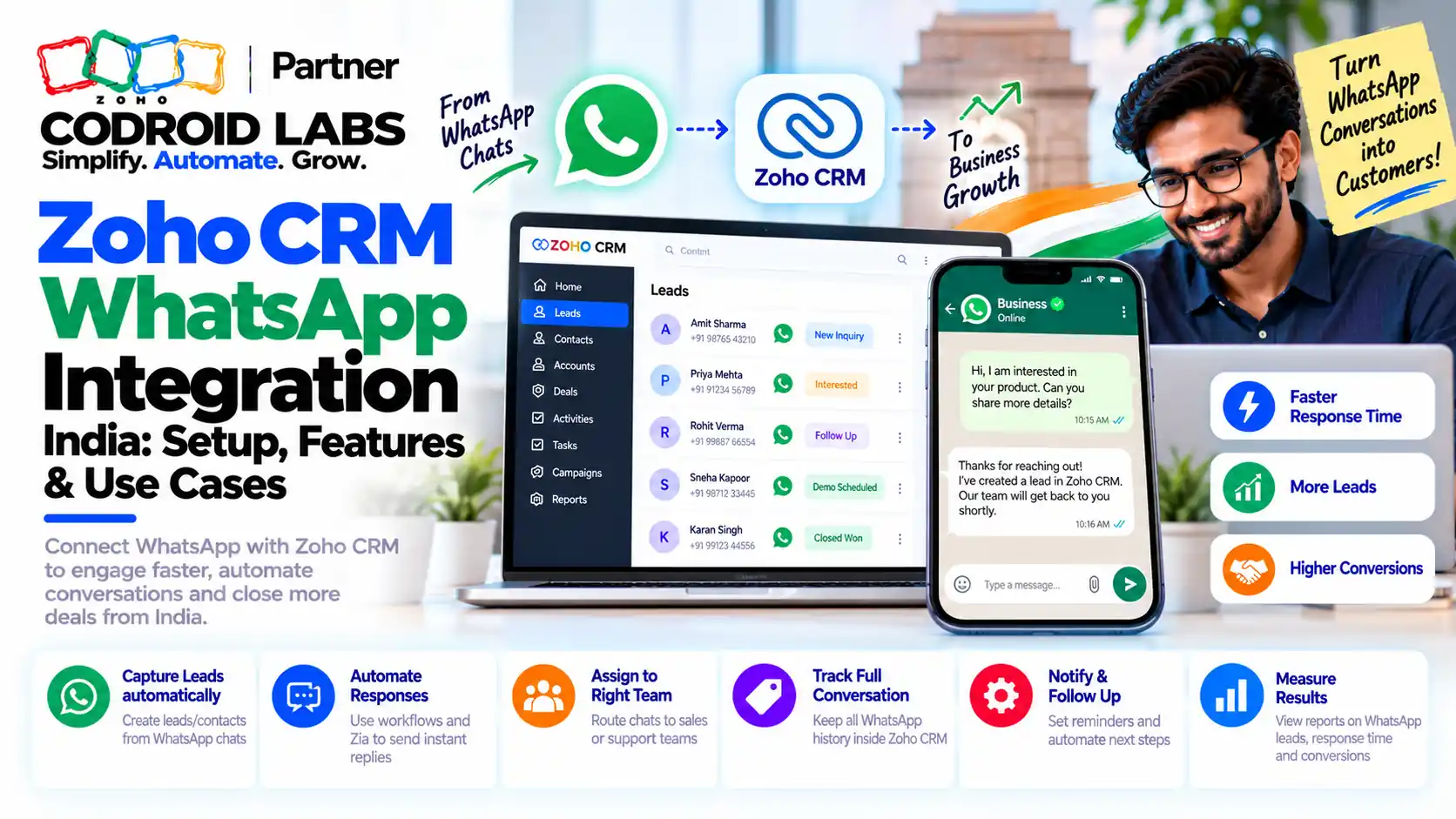
WhatsApp Setup Guide · Updated 21 October 2026
Zoho CRM WhatsApp Integration India 2026: Native Channel vs Extensions, Fees After 1 October and Consent
A Zoho CRM WhatsApp integration India setup connects a WhatsApp Business Platform number to Zoho CRM so chats, approved templates and costs sit on each lead or contact record. Here is how the native channel works, what changed in fees on 1 October 2026, and how to keep consent records.

Updated: 21 October 2026
Sources: Zoho CRM help, Zoho community announcements, WhatsApp Business Platform INR rate card
By: Codroid Labs, a Zoho Partner and Zoho AI Enabled Partner
Sources: Zoho CRM help, Zoho community announcements, WhatsApp Business Platform INR rate card
By: Codroid Labs, a Zoho Partner and Zoho AI Enabled Partner
Short answer
Use Zoho CRM's native WhatsApp channel (Setup > Channels > Business Messaging) with a WhatsApp Business Platform number, not the WhatsApp Business app. Customers start chats; you reply within 24 hours or send Meta-approved templates. Since 1 October 2026, each number gets 1,000 free service messages a month, then about ₹0.115 per service or utility message and ₹0.8631 per marketing message at Meta's India list rates. Keep consent fields on every record and stop sends when a customer opts out.
WhatsApp-first teams in India, from D2C brands to B2B distributors, ask us the same three questions: which WhatsApp do we connect, what will it cost after the October change, and how do we prove a customer agreed to hear from us? This zoho crm whatsapp integration india guide answers all three with official sources.
WhatsApp Business App vs API in a Zoho CRM WhatsApp Integration India
In short: The WhatsApp Business app is a phone app for one person; Zoho CRM connects only to the WhatsApp Business Platform (API) with an unused, registered number.
| Point | WhatsApp Business app | WhatsApp Business Platform (API) |
|---|---|---|
| Works with Zoho CRM | No | Yes, through Business Messaging |
| Users | One phone, shared logins | Whole team inside CRM |
| Business-started messages | Manual | Approved templates only |
| Cost | Free app | Per delivered message, by category |
| Number | Your existing app number | A registered number not in use on another product (migration supported) |
Zoho's WhatsApp help lists the prerequisites: a Meta Business Manager account, a verified business, a WhatsApp Business account and a registered number for the API. It works in the free trial and all paid Zoho CRM editions. A number already active on the phone app cannot be used as is, so plan the number before any zoho crm whatsapp integration india go-live.
Zoho CRM WhatsApp Integration India: Zoho Native WhatsApp vs Third-Party Extension
In short: Zoho CRM has a native WhatsApp channel under Business Messaging; third-party extensions are an alternative when you need features the native channel lacks.
| Need | Native Zoho CRM channel | Third-party extension |
|---|---|---|
| Inbound chats on records | Yes, Messages module and related list | Depends on the extension |
| Templates in workflows, Blueprint, Journeys, Wizards | Yes | Depends on the extension |
| Billing | Zoho credits with auto recharge | Separate provider contract |
| Unknown senders | Mapped to a module, assigned to users, roles, groups or an assignment rule | Varies |
| Up to 5 modules for messaging | Yes, including custom modules | Varies |
| Support and data path | Zoho end to end | Extra vendor in the data path |
For a zoho crm whatsapp integration india project, the native channel suits most teams. Consider a third-party extension only for a specific gap, such as a feature Zoho has not released, and check its data handling and contract first. We do not recommend any particular provider. The zoho native whatsapp vs third-party extension choice should come after you list your must-have features.
Zoho CRM WhatsApp Integration India Fees After 1 October 2026
In short: From 1 October 2026, service replies are charged after 1,000 free a month per number, and utility templates inside the 24-hour window are charged too.
Zoho's Zoho Desk announcement, the Zoho Marketing Automation notice and the September 2026 community digest summarise Meta's change, which applies to all WhatsApp Business Platform users:
| Message type | Before 1 Oct 2026 | From 1 Oct 2026 |
|---|---|---|
| Service (free-form reply inside 24 hours) | Free | First 1,000 a month per number free, then charged; no volume discounts |
| Utility template inside the 24-hour window | Free | Charged per message |
| Utility template outside the window | Charged | Charged |
| Marketing template | Charged | Charged |
| Messages inside a free entry point window | Free | Free |
Messages customers send to you are not charged, and only delivered messages are billed. When credits run out, chargeable messages are not sent, so set auto recharge in Zoho CRM. Every zoho crm whatsapp integration india rollout planned before October needs its budget rechecked.
Zoho CRM WhatsApp Business API Cost India
In short: Meta's INR list rates for India from 1 October 2026: marketing ₹0.8631, utility, authentication and service ₹0.115 per delivered message.
Meta's published INR rate card, effective 1 October 2026, lists these rates per delivered message to Indian numbers:
| Category | INR per message (India) |
|---|---|
| Marketing | ₹0.8631 |
| Utility | ₹0.115 |
| Authentication | ₹0.115 |
| Service (after 1,000 free per number a month) | ₹0.115 |
These list rates, checked on 21 October 2026, are the base of any zoho crm whatsapp integration india budget. Zoho deducts charges from your Zoho CRM credits; check the rate shown in Setup > Channels > Business Messaging before budgeting, and add GST 18% where applicable. Some text in Zoho's CRM help still describes older per-conversation pricing, so rely on the current notices.
Example only. One number, one month, at Meta's India list rates: 1,500 service replies (1,000 free + 500 × ₹0.115 = ₹57.50), 1,000 utility templates (₹115) and 2,000 marketing templates (₹1,726.20). Total about ₹1,898.70 before GST. Your volumes and Zoho's deduction may differ.
The zoho crm whatsapp business api cost india is therefore driven mostly by marketing templates. Licence costs are separate: see our Zoho CRM Enterprise vs Professional India guide when picking an edition.
WhatsApp Template Zoho CRM India: How Approval Works
In short: Business-started messages must use Meta-approved Utility or Marketing templates created in Zoho CRM.
- Go to Setup > Automation > Actions > WhatsApp Notification > WhatsApp Templates.
- Name the template, choose the module and language.
- Pick the category: Utility (order, payment, delivery updates) or Marketing (offers, reminders, welcome messages).
- Write the message with merge fields from that module, then save to submit it to Meta for review.
- Once approved, use it in workflow rules, Blueprint, Journey Builder, Wizards or from a record.
In any zoho crm whatsapp integration india setup, approved templates cannot be edited, so draft carefully. Templates send only to leads and contacts. Choose the category honestly: a marketing message filed as utility may be re-categorised and billed at the marketing rate. Each whatsapp template zoho crm india team builds should have a consent check before it fires.
Zoho CRM WhatsApp DPDP: Consent in a Zoho CRM WhatsApp Integration India
In short: Record opt-in, purpose, date and source in CRM fields, check consent before every template send, and honour opt-outs immediately.
India's Digital Personal Data Protection Act, 2023 expects businesses to process personal data with clear, informed consent for a stated purpose, and to let people withdraw consent as easily as they gave it. This is a practical setup, not legal advice; confirm your obligations with your own counsel.
| CRM field | Type | Purpose |
|---|---|---|
| WhatsApp Opt-In | Checkbox | Customer agreed to WhatsApp messages |
| Opt-In Date | Date-time | When consent was given |
| Opt-In Source | Picklist | Website form, chat, store, event |
| Consent Purpose | Multi-select | Order updates, offers, support |
| WhatsApp Opt-Out Date | Date-time | When the customer withdrew |
- Add the opt-in checkbox and purpose text to every web form that captures a phone number.
- Put “WhatsApp Opt-In is true” in the criteria of every workflow that sends a marketing template.
- When a customer replies STOP or asks to be removed, a rep or rule clears the opt-in and stamps the opt-out date.
- Use Zoho CRM's data privacy settings for data subject requests such as access and deletion.
A zoho crm whatsapp dpdp setup like this, built into your zoho crm whatsapp integration india rollout, gives you a record of who agreed, when and to what. That is also good practice under WhatsApp's own opt-in rules.
Zoho CRM WhatsApp Integration India in 7 Steps
In short: Verify the business, connect an unused number, map unknown senders, submit templates, add consent fields, then automate.
- Verify your business: Complete business verification in Meta Business Manager.
- Choose the number: Use a registered number not active on another product, or migrate an existing one.
- Connect in Zoho CRM: Setup > Channels > Business Messaging > WhatsApp > Integrate.
- Map unknown senders: Pick the module, field mapping and assignment.
- Add consent fields: Create the opt-in fields and update web forms.
- Submit templates: Create Utility and Marketing templates and wait for approval.
- Automate and monitor: Add templates to workflows with consent criteria, enable auto recharge and review usage monthly.
For a lead-response playbook built on this setup, see our IndiaMART Zoho CRM WhatsApp SLA guide. If you are weighing an Indian alternative channel, read our Arattai and WhatsApp in Zoho guide.
Help With Your Zoho CRM WhatsApp Setup
Codroid Labs is a Zoho Partner and a Zoho AI Enabled Partner, recognised by Zoho after completing the AI Accelerator Series 2026. We handle the zoho crm whatsapp integration india setup end to end: number planning, templates, consent fields, workflows and cost reviews. Call +91 7838402682 or email team@codroiditlabs.com.
Book a WhatsApp setup callStart a Zoho CRM trial
Quick Answers
Can I use my WhatsApp Business app number?
Not while it is active on the app; migrate or use a new number.
Free service messages?
1,000 a month per number since 1 Oct 2026.
India marketing rate?
₹0.8631 per message (Meta list rate).
Which editions?
Trial and all paid Zoho CRM editions.
Zoho CRM WhatsApp Integration India FAQs
Is there a native zoho crm whatsapp integration india teams can use?
Yes. Admins connect it under Setup > Channels > Business Messaging. It is supported in the free trial and all paid editions.
Can sales reps start a WhatsApp chat from Zoho CRM?
Only with a Meta-approved template. Free-form replies are possible within 24 hours after the customer messages you.
What changed in WhatsApp pricing on 1 October 2026?
Service messages became chargeable after 1,000 free per number each month, and utility templates inside the 24-hour window became chargeable.
What does WhatsApp cost per message in India?
Meta's INR list rates from 1 October 2026 are ₹0.8631 for marketing and ₹0.115 for utility, authentication and service messages.
Should I use the native channel or a third-party extension?
Start with the native channel. Use an extension only for a specific missing feature, after checking its contract and data handling.
How do I record WhatsApp consent in Zoho CRM?
Add opt-in, date, source, purpose and opt-out fields, capture them on forms, and use them as criteria in every sending workflow.
Can I connect more than one WhatsApp number?
Yes. Zoho CRM lets you add more WhatsApp accounts and numbers under Business Messaging.
Set up WhatsApp in Zoho CRM the right way
Bring your number and use cases. Leave with a template, consent and cost plan.
Related guides
Zoho references (checked 21 October 2026)