


Options Map · Prices checked 18 October 2026
Zoho for Service Business: Which Apps Fit Your Stage, How They Connect and What to Automate First
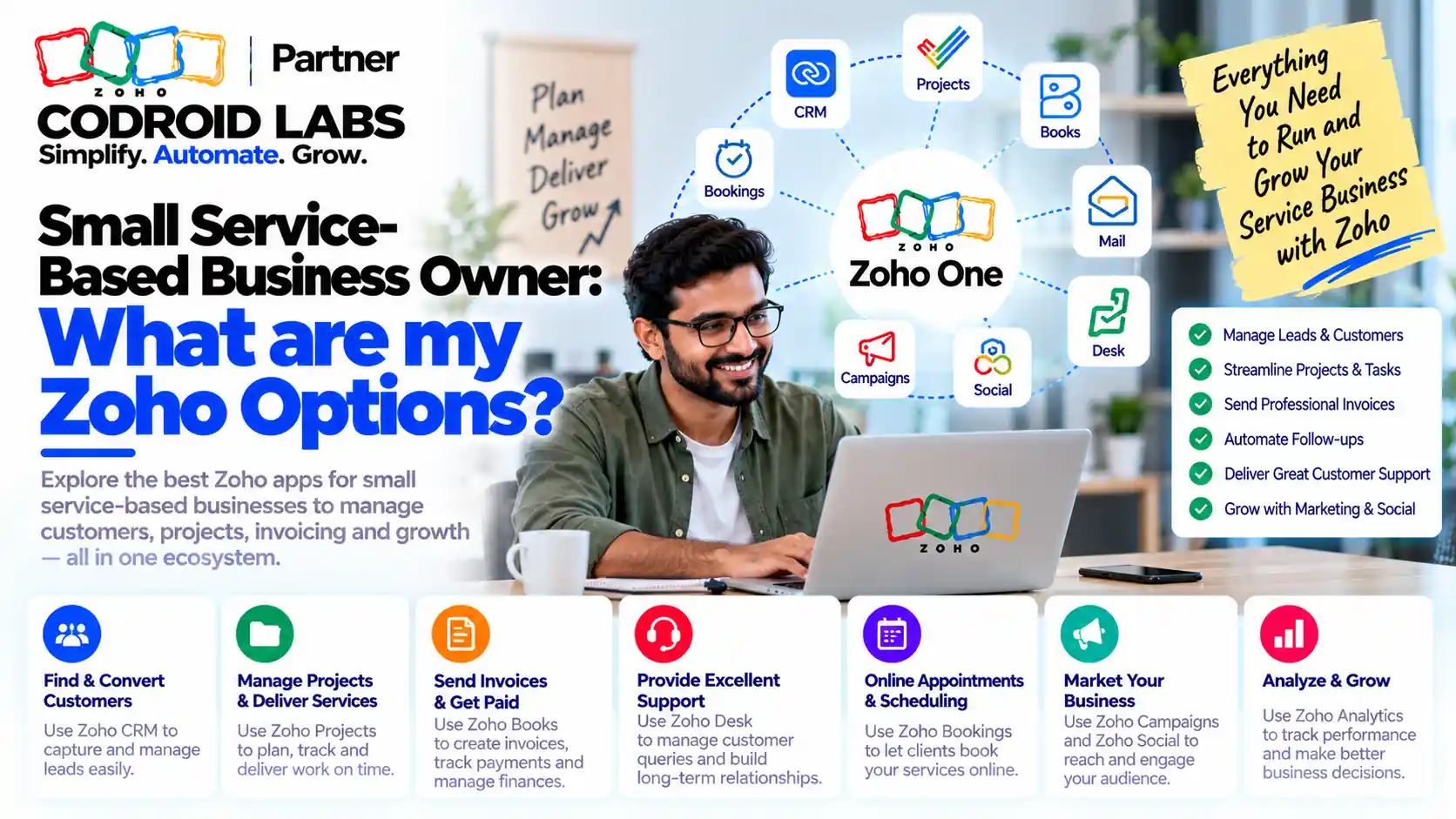
Zoho for service business comes down to one question: which few apps cover how you win, book, deliver and bill work today? This options map is for owners of small agencies, consultancies, clinic front desks, repair and field crews and coaching practices. It compares the apps and bundles, shows verified INR prices, maps a lead management flow and lists starter automations.

Checked: 18 October 2026
Source: Zoho pricing pages and help articles
By: Codroid Labs, a Zoho Partner and Zoho AI Enabled Partner
Source: Zoho pricing pages and help articles
By: Codroid Labs, a Zoho Partner and Zoho AI Enabled Partner
Short answer
If you are solo, start free with Bigin or Zoho CRM, Bookings and Invoice. With 2 to 10 people, pair a CRM with Bookings and Books, and add Desk if clients raise requests. Once you need five or more apps, compare Zoho One (from ₹1,250 per employee a month on annual billing, GST 18% extra). If you dispatch technicians to sites, look at Zoho FSM, which is sold separately and is not part of Zoho One.
What Zoho for Service Business Needs to Cover
In short: Every service business runs the same loop: capture the enquiry, book the time, deliver the work, bill it and support the client.
Owners of small service firms often ask the same thing after a few evenings of research: there are dozens of Zoho apps, so which ones do I actually need? Some expect one app to run everything. Others try a field service tool, then wonder whether a bundle could do the same job. The honest answer is that no single app does it all, but a small set covers the full loop:
| Step | What happens | Typical Zoho app |
|---|---|---|
| Capture | Enquiry arrives from a form, call, chat or referral | Zoho CRM or Bigin, Forms, SalesIQ |
| Book | Client picks a time for a call, visit or session | Zoho Bookings |
| Deliver | Work is scheduled, tracked and completed | Projects, Desk or FSM |
| Bill | Quote, invoice, payment and GST records | Zoho Invoice or Books |
| Support | Questions, complaints and repeat requests | Zoho Desk |
Before choosing zoho for service business apps, write your own loop in five lines. The apps you need are the ones that remove the most manual work from those lines. Everything else can wait.
Zoho for Service Business Options by Stage
In short: Solo owners can start with free apps; small teams usually need CRM plus Bookings and Books; once five or more apps matter, Zoho One is often simpler.
| Stage | Team | Suggested starting set | Why |
|---|---|---|---|
| Starting out | Solo owner | Bigin Free or Zoho CRM Free, Bookings Free, Zoho Invoice | No licence cost while you prove the process |
| Small team | 2 to 10 people | Bigin or Zoho CRM Standard, Bookings, Books Standard | Shared pipeline, online booking and GST invoices |
| Growing team | 10 to 20 people | Zoho CRM, Bookings, Books, Desk, or Zoho One | More roles, client support and reporting |
| Field crews | Technicians on site | Zoho FSM with CRM and Books | Work orders, dispatch and on-site service reports |
Bigin is Zoho's simpler pipeline CRM for small teams; Zoho CRM gives more modules, rules and reports. If you are unsure, our guide to managing your first 100 clients in Bigin shows the lighter route, and our lean Zoho CRM rollout for small teams shows the fuller one.
Zoho for Service Business by Business Type
In short: Agencies lean on CRM and Projects, consultants on Bookings and Books, clinic front desks on Bookings and Desk, repair crews on FSM, and coaches on Bookings and Invoice.
| Business type | Core apps | Useful add-ons | Watch out for |
|---|---|---|---|
| Marketing or design agency | Zoho CRM, Projects, Books | Desk for client requests, Sign for contracts | Keep retainers and one-off projects as separate deal types |
| Consultant or advisor | Bookings, Bigin or CRM, Invoice | Books once you need full accounts | Do not build a big CRM for a small client list |
| Clinic front desk (non-clinical) | Bookings, CRM, Books | Desk for patient queries about bookings and bills | Use these for appointments, reminders and billing only, not clinical records |
| Repair or field service | FSM, Books | CRM for leads and contracts | FSM is priced by appointments and sold outside Zoho One |
| Coaching or training | Bookings, CRM or Bigin, Invoice | Forms for intake, Campaigns for newsletters | Package sessions clearly before automating renewals |
Clinics should read our Zoho for clinics guide for front-desk setup. For recurring service work such as cleaning or maintenance, the same zoho for service business loop applies: a CRM record per client, recurring bookings and a recurring invoice.
Zoho for Service Business Prices in INR
In short: Most apps have a free plan; paid plans start from about ₹360 to ₹800 per user a month on annual billing, and Zoho One starts at ₹1,250 per employee a month.
From Zoho's official pricing pages, checked 18 October 2026. Prices are per user a month unless noted, shown as annual billing / monthly billing. GST at 18% is extra.
| App | Free plan | Entry paid plan | Next plan up |
|---|---|---|---|
| Zoho CRM | Yes, up to 3 users | Standard ₹800 / ₹1,300 | Professional ₹1,400 / ₹2,100 |
| Bigin | Yes, 1 user | Express ₹400 / ₹550 | Premier ₹720 / ₹900 |
| Zoho Bookings | Yes, 1 user | Basic ₹360 / ₹480 | Higher plan ₹540 / ₹720 |
| Zoho Books | Yes | Standard ₹749 / ₹899 per organisation | Professional ₹1,499 / ₹1,799 per organisation |
| Zoho Invoice | Free invoicing app | Not applicable | Not applicable |
| Zoho Desk | Yes | Express ₹420 / ₹540 | Standard ₹800 / ₹1,300 |
| Zoho FSM | Yes, 30 appointments a month | Standard from ₹1,000 / ₹1,200 a month for 60 appointments | Higher plans and appointment slabs |
| Zoho CRM Plus | No | Starter ₹1,200 / ₹1,500 | CRM Plus ₹2,900 / ₹3,500 |
| Zoho One | No | All-employee ₹1,250 / ₹2,500 per employee | Flexible user ₹3,500 / ₹4,000 per user |
Sources: Zoho CRM pricing, Bigin pricing, Bookings pricing, Books pricing, Desk pricing, FSM pricing, CRM Plus pricing and Zoho One pricing. Zoho for service business prices change, so confirm on the day you buy. Our Zoho One pricing India guide explains the two Zoho One plans in detail.
Single Apps, CRM Plus or Zoho One: Zoho for Service Business Bundles
In short: Pick single apps when you need two or three; pick Zoho One when you need five or more or want one admin console and one bill.
| Option | Best when | Trade-off |
|---|---|---|
| Single apps | You need two or three apps, such as CRM, Bookings and Books | Separate bills and admin; costs add up as you add apps |
| Zoho CRM Plus | Sales, marketing and support are the main work | Finance and HR apps are not part of it |
| Zoho One | You need five or more apps, or one admin console | All-employee pricing means licensing every employee; the flexible plan costs more per user |
Zoho One's application list includes CRM, Bigin, Bookings, Books, Invoice, Desk, Projects, Forms, Flow and many more. Zoho FSM is not included: Zoho's help article on FSM and Zoho One confirms it is a stand-alone product with appointment-based pricing. A quick test: add up the single apps you need for each user. If that passes the Zoho One price, the bundle usually wins on cost as well as admin.
Lead Management Flow for Zoho for Service Business
In short: A clean lead management flow is: form or booking, CRM lead, qualify, book a call, proposal, won, invoice, then support.
| Step | Where it happens | Who acts | Next step trigger |
|---|---|---|---|
| 1. Enquiry | Web form, booking page or chat | Client | Lead record created in CRM |
| 2. Qualify | CRM lead record | Owner or sales person | Lead status set to Qualified |
| 3. Discovery call | Bookings, synced to the lead | Client books a slot | Appointment completed |
| 4. Proposal | CRM deal; quote in Books or CRM | Owner | Deal stage set to Proposal sent |
| 5. Won | CRM deal stage Won | Owner | Customer created for billing |
| 6. Deliver and bill | Projects, Desk or FSM; invoice in Books or Invoice | Delivery team | Work completed |
| 7. Support and repeat | Desk ticket or CRM activity | Support person | Feedback or renewal task |
Good lead management in zoho for service business means every enquiry has an owner, a status and a next action within one working day. Keep lead statuses to four or five values and agree what each one means before you build any rules.
App Integration in Zoho for Service Business
In short: Zoho apps share contacts through built-in integrations; use Zoho Flow only for gaps the native links do not cover.
Most service owners worry that the apps will not talk to each other. Inside Zoho, the common links are built in and switched on from each app's settings:
| Link | What syncs | Set up from |
|---|---|---|
| CRM and Bookings | Appointments appear on the lead or contact record | Bookings or CRM integration settings |
| CRM and Books or Invoice | Customers, quotes and invoice status | Books or CRM integration settings |
| CRM and Desk | Tickets show on the contact record | Desk or CRM integration settings |
| CRM and Forms | Form entries create leads | Forms integration settings |
| Any Zoho app and other tools | Custom triggers and actions | Zoho Flow |
In any zoho for service business setup, use the built-in app integration first, because it is maintained by Zoho. Reach for Zoho Flow only when two apps have no direct link or you need a custom step.
Small Business Automation Starter Set in Zoho for Service Business
In short: Start with five rules: instant reply, booking reminder, follow-up task, invoice on completion and a feedback request.
| Automation | Trigger | Action | App |
|---|---|---|---|
| Instant reply | New lead from web form | Send a thank-you email with a booking link | CRM or Bigin |
| Booking reminder | Appointment scheduled | Email or SMS reminder before the slot | Bookings |
| Follow-up task | Lead created or call completed | Task for the owner due next working day | CRM or Bigin |
| Invoice on completion | Job or deal marked complete | Create a draft invoice for review | Books or FSM |
| Feedback request | Ticket closed or job completed | Send a short feedback email | Desk or CRM |
This small business automation set removes the most common manual chases without creating a maze of rules. Run it for a month, check that the data is clean, then add the next rule.
Zoho One Setup for a Service Business in 7 Steps
In short: Set up in seven steps: map your loop, pick the stage, create the org, add users, connect the apps, build the lead flow, then add automations.
- Map your loop: Write how you capture, book, deliver, bill and support clients in five lines.
- Pick your stage: Choose single apps or Zoho One based on how many apps and users you need.
- Create the organisation: Set the company profile, time zone, currency and GST details once.
- Add users: Invite staff and give each one only the apps they use.
- Connect the apps: Switch on the CRM links to Bookings, Books and Desk.
- Build the lead flow: Create one web form, lead statuses, deal stages and a booking page.
- Add starter automations: Build the five starter rules, test them with sample records, then go live.
The same steps work if you buy single apps: skip the bundle and connect each app as you add it. A careful zoho one setup keeps the first release small, so the team learns one loop well before you add more apps. If you want outside help with a bundle rollout, our page on choosing a Zoho One implementation partner lists what to ask.
Help Choosing Zoho for Service Business
Codroid Labs is a Zoho Partner and a Zoho AI Enabled Partner, recognised by Zoho after completing the AI Accelerator Series 2026. We help small service firms map their loop, choose between single apps and Zoho One, connect the apps and set up the starter automations. Call +91 7838402682 or email team@codroiditlabs.com.
Book a free consultationStart a Zoho One trial
Quick Answers
What is the cheapest zoho for service business start?
Free plans of Bigin or CRM, Bookings and Invoice.
Is Zoho FSM part of Zoho One?
No, it is sold separately.
Does Zoho One include Bookings?
Yes, along with CRM, Books, Desk and more.
When does Zoho One make sense?
When you need five or more apps or one admin console.
Bigin or Zoho CRM?
Bigin for simple pipelines; CRM for more modules and rules.
Is GST included in the prices?
No, GST at 18% is extra.
Zoho for Service Business FAQs
What is the best zoho for service business setup for a solo owner?
Start with free plans: Bigin or Zoho CRM for leads, Bookings for appointments and Zoho Invoice for GST invoices. Upgrade when you add staff or need accounting.
Should a small service business buy Zoho One?
Buy it when you need five or more Zoho apps or want one admin console and one bill. For two or three apps, single subscriptions are usually cheaper.
Do I need Zoho FSM for a repair or cleaning business?
Use FSM if you dispatch technicians, raise work orders and need on-site service reports. For small, predictable recurring jobs, CRM with Bookings and Books may be enough.
Can Zoho handle a clinic front desk?
Yes, for non-clinical work such as appointments, reminders, patient queries about bookings and billing. Keep clinical records in a system designed for them.
How do Zoho apps share data?
Through built-in integrations between CRM, Bookings, Books, Desk and Forms, set up in each app's settings. Zoho Flow covers gaps.
What is a good lead management flow for a service business?
Enquiry, qualify, discovery call, proposal, won, deliver and bill, then support and repeat, with an owner and next action at every step.
How much does zoho for service business cost?
Many apps have free plans. Paid plans start at about ₹360 to ₹800 per user a month on annual billing, and Zoho One starts at ₹1,250 per employee a month, GST 18% extra.
Map your Zoho options in one call
Bring your service loop. Leave with a shortlist of apps, a lead flow and five starter automations.
Related guides