


Industry Playbook · Updated 13 October 2026
Zoho for Real Estate and Property Businesses: The 2026 Setup Playbook
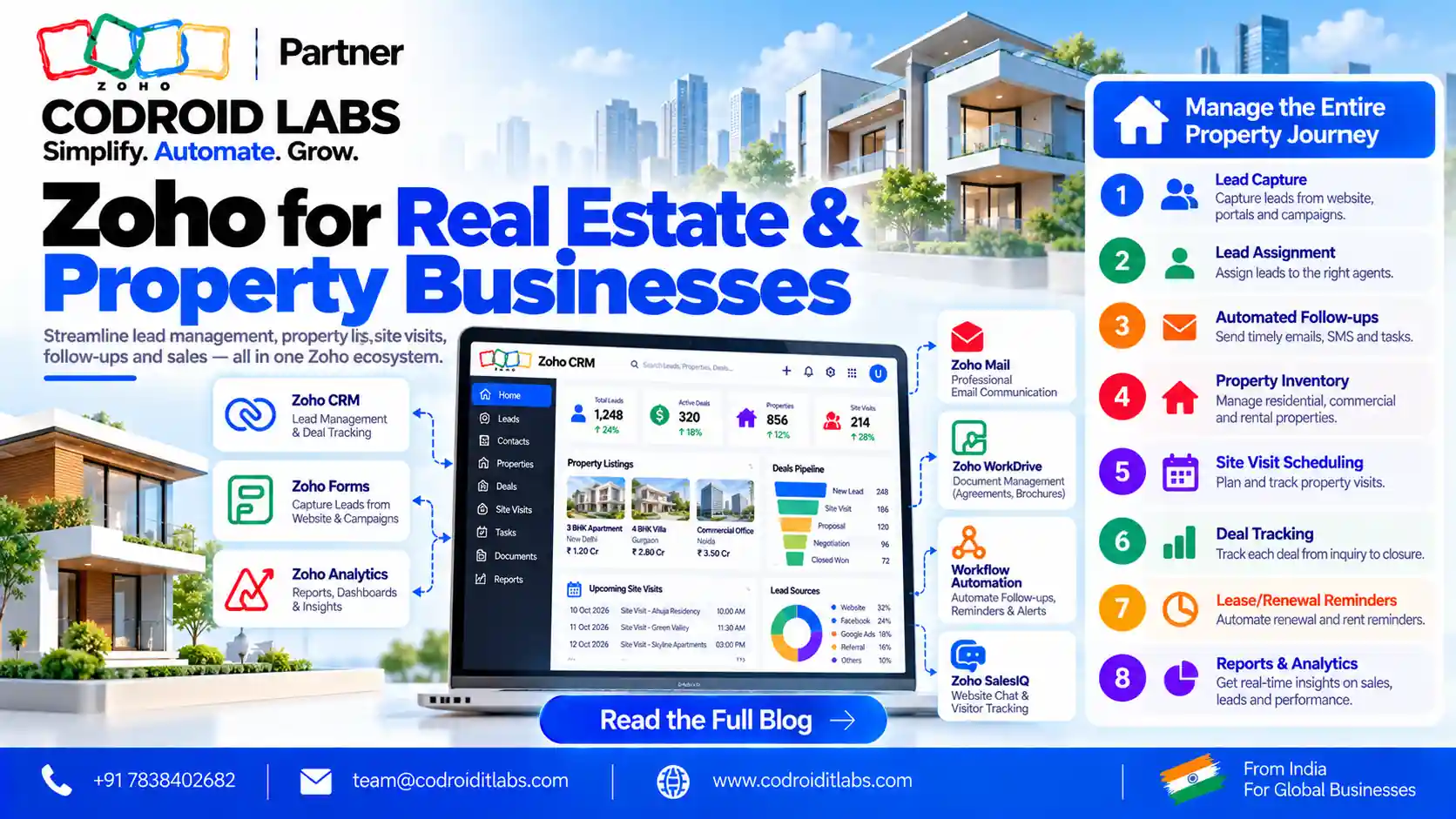
Zoho for real estate works best when every enquiry, site visit, booking and payment lives in one connected flow. This playbook shows developers, brokers, agents and property managers in India how to capture leads from portals, WhatsApp and calls, set up Zoho CRM for projects and units, and connect Creator, Books, Sign and Desk, with verified prices and a 30-60-90 day plan.

Updated: 13 October 2026
Checked against: Zoho pricing, the CRM edition comparison, WhatsApp help and Marketplace
Written by: the Codroid Labs team, a Zoho Partner and Zoho AI Enabled Partner
Checked against: Zoho pricing, the CRM edition comparison, WhatsApp help and Marketplace
Written by: the Codroid Labs team, a Zoho Partner and Zoho AI Enabled Partner
Short answer
Start with Zoho CRM: custom modules for Projects and Units, lead assignment by project or location, site-visit tasks and cadences for follow-up, and Blueprint for booking stages. Add Zoho's native WhatsApp Business channel, a portal connector, Creator for live unit availability, Books for booking receipts and GST, Sign for agreements and Desk for post-sale or tenant tickets. CRM Standard starts at ₹800 a user a month (yearly); Zoho One covers all these apps from ₹1,250 per employee.
Zoho for Real Estate Starts With Lead Capture
Property enquiries arrive from many places at once. The first job of zoho for real estate is to bring every one of them into a single Leads list, tagged by source and project, with an owner assigned in minutes.
| Lead source | How it reaches Zoho CRM | What to check |
|---|---|---|
| Property portals (99acres, MagicBricks, Housing.com) | Zoho Marketplace lists a paid third-party extension that pulls enquiries from all three into Leads. Alternatively, a webhook or API connector built to each portal's lead delivery format. | The portal account must support lead delivery; check extension pricing and update history. |
| Website | Zoho CRM webforms (available from the Free edition) or Zoho Forms, with a hidden field for project and source. | Map every field before going live. |
| Zoho CRM's native WhatsApp Business integration under Setup > Channels > Business Messaging. | Needs a verified Meta business, a WhatsApp Business account and an unused number; Zoho notes sending messages requires credits. | |
| Calls and IVR | Zoho CRM PhoneBridge integrations, which Zoho lists for hosted and on-premise PBX, or your telephony provider's API. | Confirm your provider connects before you sign a telephony contract. |
| Walk-ins and site office | Zoho Forms on a tablet, or the Zoho CRM mobile app, at the sales office. | Make mobile number mandatory to catch duplicates. |
| Channel partners and brokers | A partner web form or Creator portal that tags the referring partner. | Agree how duplicate leads are credited before launch. |
Zoho CRM for Real Estate Agents, Brokers and Builders: Setup
Zoho's CRM feature comparison even uses "Properties" as its example of a custom module. Here is a setup that fits most Indian property sales teams:
- Custom modules: Projects (location, RERA registration number field, launch date), Units (tower, floor, type, carpet area, price, status) and Bookings. Zoho lists 10 custom modules on Standard, 25 on Professional and 200 on Enterprise.
- Lead assignment by project or location: assignment rules (Standard and above) route each enquiry to the team handling that project or micro-market.
- Site-visit scheduling: a workflow creates a site-visit task and confirmation message when a lead reaches "Visit scheduled"; Zoho Bookings can let buyers pick a slot themselves.
- Booking stages with Blueprint: Blueprint (Professional and above) enforces Enquiry, Site visit, Negotiation, Token, Agreement and Registration, with required fields such as unit and payment reference at each step.
- Cadences for follow-up: cadences (Standard and above) run a series of email, call, task or WhatsApp follow-ups and stop when the buyer replies.
This is the core of zoho crm for real estate agents and builders alike; brokers can skip the Units module and use a lighter Listings module instead.
10 Building Blocks of Zoho for Real Estate
Not every business needs all ten parts of zoho for real estate. Pick the ones that match your role, then add more as you grow.
| # | Zoho app or channel | Real estate use |
|---|---|---|
| 1 | Zoho CRM | Leads, projects, units, site visits, bookings pipeline |
| 2 | WhatsApp Business channel in CRM | Two-way chats with buyers logged on the record |
| 3 | Zoho Creator | Live unit inventory, availability grid, channel partner portal |
| 4 | Zoho Books | Booking amounts, receipts, payment schedules and GST |
| 5 | Zoho Sign | Booking forms and agreements signed online |
| 6 | Zoho Desk | Post-sale queries, handover snags and tenant tickets |
| 7 | Zoho Bookings | Self-service site-visit slots |
| 8 | Zoho Forms | Walk-in registration and event sign-ups |
| 9 | Zoho Campaigns | Launch announcements and nurture emails to segmented lists |
| 10 | Zoho Analytics | Source-wise cost per lead, visit-to-booking rates and unit sales |
All ten appear in Zoho's Zoho One plan details, which matters for the bundle decision below. For property management zoho setups, Creator and Desk usually do the most work: Creator holds leases and rent schedules, Desk handles maintenance tickets.
Zoho Real Estate Workflow: Enquiry to Possession
Use this as the diagram for your zoho for real estate rollout. Each step names the app that owns it.
| Step | What happens | Zoho app |
|---|---|---|
| 1. Enquiry | Lead created from portal, website, WhatsApp, call or walk-in; tagged by source and project | CRM (+ connector) |
| 2. Assignment | Rule assigns owner by project or location; alert and call task created | CRM assignment rules, workflow |
| 3. Follow-up | Cadence sends WhatsApp and email touches until the buyer replies | CRM cadences |
| 4. Site visit | Buyer picks a slot; reminder sent; visit outcome logged | Bookings, CRM |
| 5. Unit hold | Sales checks live availability and holds a unit for a set time | Creator |
| 6. Token and booking | Booking amount recorded, receipt issued with GST details | Books |
| 7. Agreement | Booking form and agreement sent for e-signature | Sign |
| 8. Payment schedule | Milestone invoices and reminders | Books |
| 9. Handover and service | Snag list, possession queries, tenant tickets | Desk |
| 10. Review | Source, conversion and inventory dashboards | Analytics |
Zoho for Real Estate Use Cases by Role
The same zoho for real estate stack looks different for each type of business:
| Role | Main need | Zoho setup |
|---|---|---|
| Developer / builder | Project and unit inventory, booking stages, payment milestones | CRM + Creator + Books + Sign; Zoho One often fits |
| Broker / agency | Many listings, fast lead response, commission tracking | CRM with Listings module, WhatsApp, cadences |
| Individual agent | Simple pipeline and follow-up on the phone | CRM Free or Standard with the mobile app |
| Property manager | Leases, rent schedules, maintenance tickets | Creator for leases, Books for rent invoices, Desk for tickets |
| Channel partner manager | Partner registration and lead credit | Creator portal or partner web form into CRM |
For a team-by-team view of lead routing, our Zoho CRM automation guide explains assignment rules, cadences and Blueprint in more depth.
30-60-90 Day Zoho for Real Estate Rollout
| Phase | Goals | Done when |
|---|---|---|
| Days 1 to 30 | CRM modules, fields and stages; website forms; WhatsApp channel; assignment rules; data import of open leads | Every new enquiry lands in CRM with an owner |
| Days 31 to 60 | Portal connector; cadences; site-visit flow; Blueprint for booking stages; Creator unit inventory | Sales sees live availability and follows one booking path |
| Days 61 to 90 | Books receipts and GST; Sign agreements; Desk for post-sale; Analytics dashboards; role-based training | Booking to payment runs without spreadsheets |
Keep the old tools read-only from day 30 so the team does not keep two lists. A phased zoho for real estate rollout is easier on sales teams that cannot pause during a launch.
Zoho for Real Estate Prices: Zoho One vs CRM Only
Prices come from Zoho's pages for CRM, Zoho One, Creator and Books India on 13 October 2026, and Desk on 9 October 2026. Monthly figures on yearly billing; GST is added on top.
| Plan (yearly billing) | Price in India | Zoho USD price |
|---|---|---|
| Zoho CRM Free | ₹0, up to 3 users | US$0 |
| CRM Standard (per user) | ₹800 | US$14 |
| CRM Professional (per user) | ₹1,400 | US$23 |
| CRM Enterprise (per user) | ₹2,400 | US$40 |
| One, all-employee plan | ₹1,250 each employee | US$37 |
| One, flexible-user plan | ₹3,500 each user | US$90 |
| Zoho Creator Standard / Professional | ₹480 / ₹1,200 | US$8 / US$20 |
| Zoho Books Standard / Professional | ₹749 / ₹1,499 per organisation | Not compared here |
| Zoho Desk Standard | ₹800 per agent | Not compared here |
Zoho One or CRM only?
- CRM only suits brokers and agents who mainly need lead capture, WhatsApp and follow-up. Professional is the usual choice when you want Blueprint for booking stages.
- Zoho One suits developers who need CRM, Creator, Books, Sign, Desk and Analytics together. On the all-employee plan you licence every employee on payroll, so compare it with separate apps for your headcount.
Our guide on whether Zoho is cost effective shows how to run that comparison step by step.
Red Flags in a Zoho for Real Estate Project
- A promise of "official" portal integrations without naming the Marketplace listing or the connector method.
- WhatsApp set up on a personal number instead of Zoho's Business Messaging channel.
- Unit inventory kept in a spreadsheet next to CRM, so availability is never live.
- Booking stages without required fields, so deals skip the token or agreement step.
- No plan for duplicate leads arriving from several portals for the same buyer.
- Licences and WhatsApp accounts registered in the consultant's name rather than yours.
On any zoho for real estate build, watch API limits too: Zoho CRM uses daily API credits by edition and user count, which matters when several portals push leads at once.
Zoho for Real Estate With Codroid Labs
From our New Delhi base, Codroid Labs (a Zoho Partner, and recognised by Zoho as an AI Enabled Partner after completing the AI Accelerator Series 2026) supports property businesses in India and abroad through remote delivery. For each property team we map your lead sources and booking stages first, then set up CRM, WhatsApp, Creator inventory and Books in the 30-60-90 order above. Call +91 7838402682 or email team@codroiditlabs.com to start.
Book a Property CRM CallStart a Zoho One Trial
Quick Answers
Is zoho for real estate suitable for small brokers?
Yes. CRM Free covers 3 users, and Standard adds assignment rules and cadences.
Does Zoho CRM connect to WhatsApp?
Yes, through its native WhatsApp Business channel; message sending needs credits.
Can Zoho pull leads from 99acres?
A paid third-party Zoho Marketplace extension covers 99acres, MagicBricks and Housing.com; APIs and webhooks are the alternative.
Which edition does zoho for real estate need for Blueprint?
Professional and above.
Zoho for Real Estate FAQs
What is the best real estate crm india teams can start with on Zoho?
Zoho CRM with custom Projects and Units modules. Start on Standard for assignment rules and cadences, or Professional if you need Blueprint for booking stages.
How does zoho crm for real estate agents handle site visits?
A workflow creates a site-visit task and reminder; Zoho Bookings can let buyers choose a slot, and the outcome is logged on the lead.
Can I manage unit availability in Zoho?
Yes. A Zoho Creator app can hold towers, floors and units with live status, linked to CRM deals.
Is property management zoho possible for rentals?
Yes. Creator can track leases and rent schedules, Books can raise rent invoices, and Desk can handle tenant maintenance tickets.
Does zoho for real estate handle GST on booking amounts?
Zoho Books India supports GST invoicing and receipts; confirm treatment of each payment with your chartered accountant.
Are portal integrations official Zoho products?
No. The 99acres, MagicBricks and Housing.com extension on Zoho Marketplace is built by a third-party vendor. Webhooks and APIs are another option.
How long does a zoho for real estate rollout take?
Plan for about 90 days in three phases, with lead capture live in the first month.
Related guides
Map your property sales flow on Zoho
Book a free consultation and get a 30-60-90 day plan for your projects.