


Zoho CRM Update · Explainer · Checked 23 October 2026
Zoho CRM Portal Mobile App: What Changed, Who Gains and How to Set It Up
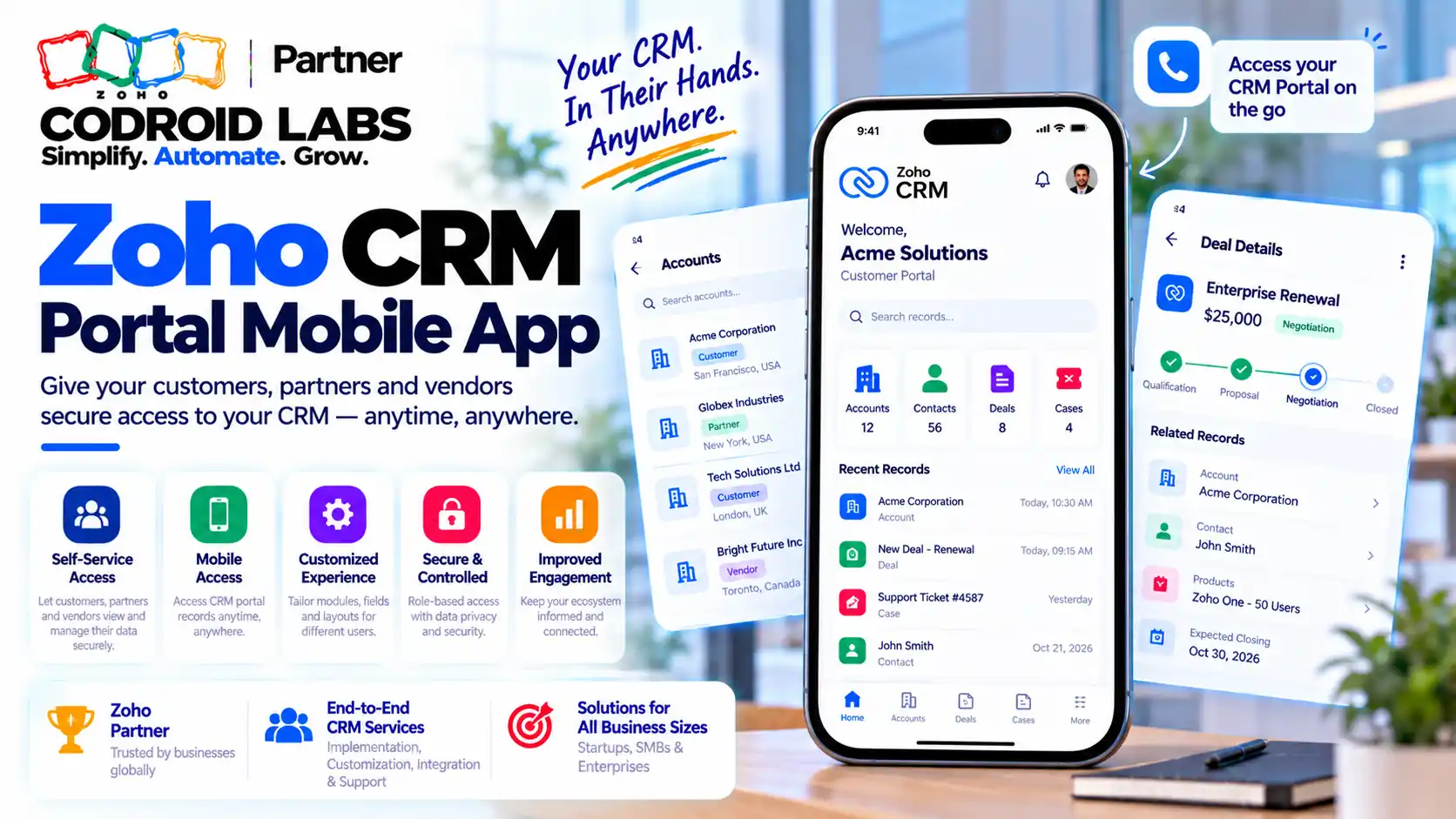
The zoho crm portal mobile app update means your customers, vendors and partners can now open the records you share with them on their phones. This explainer covers what is new, which Indian businesses gain the most, what admins must set up, how portal users sign in, and a short safety checklist before you invite anyone.

Checked: 23 October 2026
Sources: Zoho announcement, Zoho CRM help and feature pages, linked inline
By: Codroid Labs, a Zoho Partner and Zoho AI Enabled Partner
Sources: Zoho announcement, Zoho CRM help and feature pages, linked inline
By: Codroid Labs, a Zoho Partner and Zoho AI Enabled Partner
Short answer
Zoho has announced that portal users can sign in to the Zoho CRM app on Android and iPhone and use the records you have shared with them. Nothing changes for admins: you still build the portal and send invites from the CRM web app. If your portal is already live, the main job is to make sure what you share looks sensible on a small screen and is locked down properly.
What Changed in the Zoho CRM Portal Mobile App Update
In short: Portal users, the outside people you share CRM records with, can now sign in on the Zoho CRM phone app instead of only on a computer.
First, a plain definition. A portal in Zoho CRM is a private window into your CRM for people outside your company. You pick which records and fields they see, and what they may change. Zoho's portal setup guide says portal users can view, create and edit records and add notes, within the permissions you give them.
Until this update, portal users worked through a web browser. Zoho's community announcement says portal access was a desktop activity, and that portal users can now open their portal inside the Zoho CRM phone app. The help pages for Android and iOS describe the same flow.
| Area | Before | Now |
|---|---|---|
| Where portal users work | Web browser | Web browser or the Zoho CRM phone app (source) |
| Who sends invites | Admins, from the CRM web app | Still admins, from the CRM web app only (source) |
| What portal users see | Records and fields you allow | Same rules; no new data is shared by the update |
| What the user needs to sign in | Portal link, email, password | Portal domain from the invite email, email, password (source) |
The key point for owners: the zoho crm portal mobile app change does not widen what anyone can see. It changes where they can see it.
Who Gains Most From the Zoho CRM Portal Mobile App
In short: Anyone whose outside contacts are rarely at a desk: distributors, schools, clinics and field consultants gain the most.
Zoho's own help examples include vendors updating stock and pricing, parents updating student details, franchise owners viewing outlet results, and patients managing appointments. Here is how that maps to common Indian small businesses. Example only: these are illustrations, not client stories.
| Business | Who gets portal access | What they do on the phone (Example only) |
|---|---|---|
| Distributor or FMCG supplier | Dealers and vendors | A vendor confirms stock in their godown and updates the delivery date on the order |
| School or coaching centre | Parents | A parent fills in admission details and uploads a document between errands |
| Clinic or diagnostic centre | Patients | A patient checks that a report has been added and books a follow-up |
| Consulting firm | Clients | A client approves a project update while travelling |
| Franchise brand | Franchise owners | An outlet owner checks monthly figures from the shop floor |
For each of these, the zoho crm portal mobile app removes the need for a laptop. The common thread: people who are rarely at a desk. For them, a phone sign-in is often the difference between updating a record today and forgetting it for a week.
Before You Start: Editions, Invites and Permissions
In short: Check your edition, the 1,000 free portal invites and the Manage Portal permission before you start.
| Check | What Zoho says | Source |
|---|---|---|
| Editions | The feature list shows portals on Professional, Enterprise and Ultimate. An older comparison page lists portals only on Enterprise and Ultimate. Confirm in your own account. | Feature list, comparison page |
| Free invites | 1,000 free invites shared across portal user types | Feature list |
| User groups | Up to five portal user groups; one default “Client Portal” group that cannot be deleted | Setup guide |
| Extra users | More portal user licences can be bought; Zoho lists prices in its help table | Setup guide |
| Who can set it up | Users with the Manage Portal Profile permission | Setup guide |
| Trial | Enterprise and Ultimate trials can configure a portal, with up to 10 users in the Contacts group | Setup guide |
Because the two Zoho pages disagree on editions, we report both and suggest you open Setup in your own org to confirm. That is the plain answer before you plan a zoho crm portal mobile app rollout.
Admin Setup for the Zoho CRM Portal Mobile App in 6 Steps
In short: Admins still build the portal and send invites from the CRM web app; the phone app is only for portal users to sign in and work.
There is no separate zoho crm portal mobile app setting. If your portal works in a browser, it works in the app. If you are starting fresh, follow Zoho's setup guide:
- Create the portal: go to Setup, Channels, Portals, and click Get Started Now. Your company name becomes the default portal name and web address.
- Create a user group: name it (for example “Dealers”), choose the primary module that holds these people, such as Contacts or Vendors, and add related modules.
- Pick the invite method: email, or phone for companies registered in India with SMS set up. Zoho notes phone invites need DLT-approved SMS templates.
- Set module permissions: choose view, create, edit, delete or edit (shared), and link related records through lookup fields or conditions.
- Set field permissions: tick only the fields they need, and mark anything they should not change as Read Only.
- Preview, then invite: use Preview to see the portal as a user would, then send invites from the web app.
Zoho says that once a portal is configured it cannot be deleted, so plan the name and groups before step 1 (source). If you want a full walk-through of the web side, see our client portal setup guide.
How Portal Users Sign In on the Zoho CRM Mobile App
In short: The portal user accepts the email invite, sets a password, then signs in on the app with the portal domain, email and password.
Share these steps with your portal users; this is the full portal sign in zoho crm flow on a phone. They come from Zoho's Android and iOS help pages.
| Step | What the portal user does |
|---|---|
| 1. Accept | Open the invitation email and tap accept invitation |
| 2. Password | Set a password on the page that opens and confirm |
| 3. Open app | Tap the portal link in the email, or open the Zoho CRM app and tap Sign in to a portal |
| 4. Domain | Enter the portal domain shown in the invitation email, then tap Next |
| 5. Sign in | Enter email and password and tap Sign in |
Most zoho crm portal mobile app support calls will be about step 4. Put the portal domain in your own welcome message as well, so users are not hunting through old emails. Zoho asks users to update to the latest app version to get the feature.
Security and Data-Sharing Checklist
In short: Share the fewest modules and fields possible, mark fields read only, and turn on multi-factor sign-in.
A phone is easier to lose than a laptop, so the zoho crm portal mobile app raises the stakes a little. Tighten the basics before you push the zoho crm portal mobile app to customers.
- Share the minimum. Only the modules and fields each group needs. Field permissions are set per module, per Zoho's setup guide.
- Use Read Only for prices, credit limits and anything that should never be edited from outside.
- Check subforms separately. Zoho notes that subform permissions are not inherited from the parent module (source).
- Watch product prices. Portal users see a product price only if they can view the Unit Price field (source).
- Turn on multi-factor sign-in for the whole portal. Zoho lets admins enforce it, and users sign in with an authenticator app code (source).
- Plan for lost phones. Admins with Manage Portals or Manage Portal Users permission can reset a user's multi-factor setup (source).
- Consider single sign-on for larger partner networks; Zoho documents SAML single sign-on for CRM portals.
- Review conditions. Records shared by condition, not by lookup, can expose more than you meant. Preview each group.
- Switch off unused groups. A user group can be turned off without deleting it (source).
Limits to Know
In short: Invites come only from the web app, phone invites are India only, and portal groups are capped.
| Limit | Detail | Source |
|---|---|---|
| Invites | Sent only from the Zoho CRM web app, not the phone app | Android help |
| Phone invites | Only for companies registered in India, with Indian numbers starting +91 | Setup guide |
| Invite method | Cannot be changed after users are added to a group | Setup guide |
| Groups | Up to five portal user groups | Setup guide |
| Deleting | A configured portal cannot be deleted | Setup guide |
| Trial | 10 users, Contacts group only, no new groups | Setup guide |
Zoho has not published a list of portal features missing from the app, so test each group in the zoho crm portal mobile app before a wide rollout. We have dropped any claim we could not find on an official Zoho page.
Need Help Rolling It Out?
Codroid Labs is a Zoho Partner and a Zoho AI Enabled Partner, recognised by Zoho after the AI Accelerator Series 2026. We can review your portal groups, permissions and field sharing before you invite outside users to the zoho crm portal mobile app. Call +91 7838402682 or email team@codroiditlabs.com.
Quick Answers
Do admins need the app?
No. Invites are sent from the web app (Zoho).
What do users need?
Portal domain, email and password (Zoho).
Free portal invites?
1,000, shared across user types (Zoho).
Can I enforce MFA?
Yes, portal-wide (Zoho).
Zoho CRM Portal Mobile App FAQs
What is the zoho crm portal mobile app update?
Portal users, the outside people you share records with, can now sign in to the Zoho CRM app on their phones, per Zoho's announcement.
Can zoho crm portal users sign in without the invitation email?
They need the portal domain, which is in the invitation email, plus their email and password, per Zoho's help page.
Can I invite portal users from the Zoho CRM mobile app?
No. Invitations are still sent only from the Zoho CRM web app (source).
Does the update share more data than before?
No. Portal users see only the modules, records and fields you allow in the portal settings (source).
Which Zoho CRM editions include portals?
Zoho's feature list shows Professional, Enterprise and Ultimate, while its comparison page shows Enterprise and Ultimate. Check your own Setup.
Can I invite zoho crm portal users by phone number in India?
Yes, for companies registered in India with SMS notifications set up and DLT-approved templates (source).
Is the zoho crm portal mobile app safe for patient or student data?
It follows your portal permissions. Share only needed fields and enforce multi-factor sign-in (source).
Check your portal before customers open it on their phones
We will review groups, permissions and field sharing with you.
Related guides
Zoho references (checked 23 October 2026)